
OAuth and AI Agents: Which Scopes to Grant, Tool by Tool
Published on November 6, 2026 by Adrien Crovetto
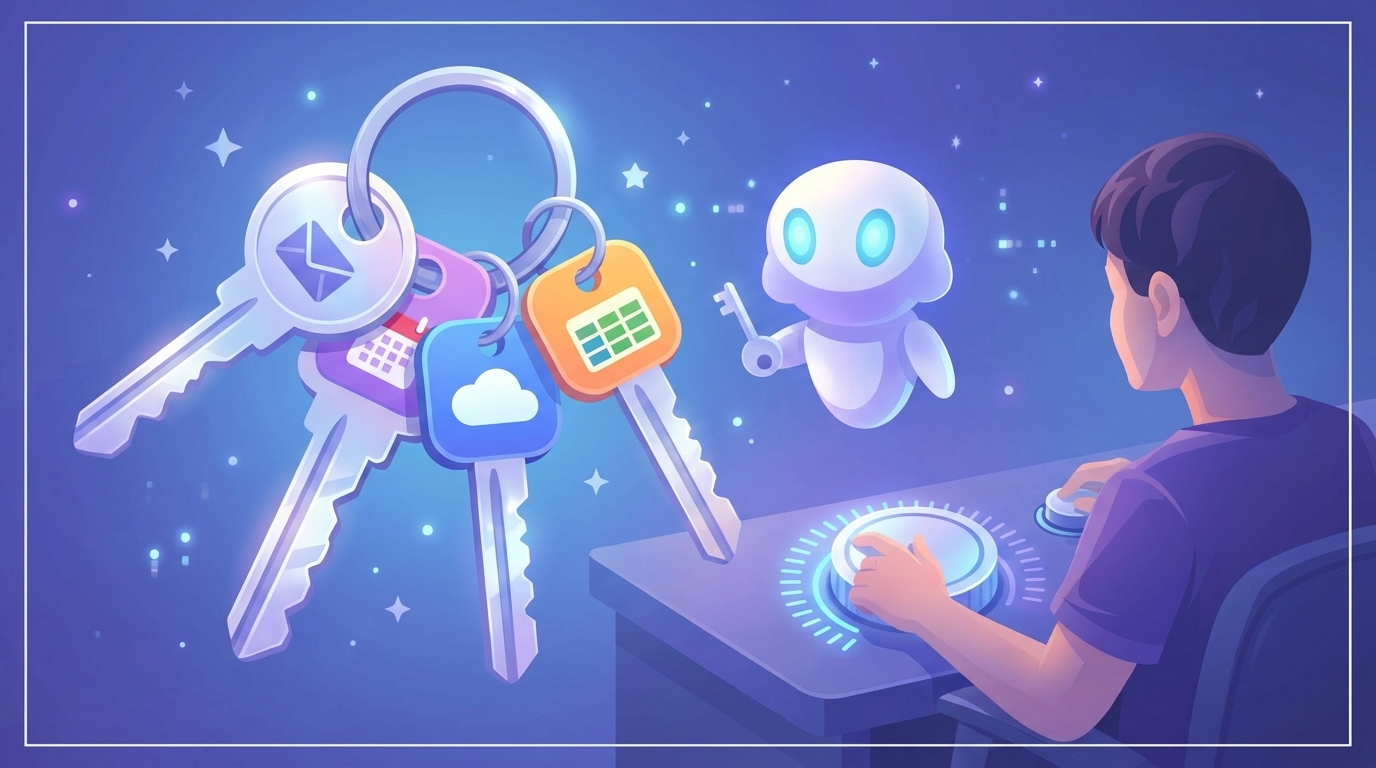
An AI agent asks you to connect your Gmail. A Google window opens, with a list of permissions and an "Allow" button. You click, like everyone does.
What you may have just granted: reading, writing, sending and permanently deleting all your emails. For an agent that only needs to summarize your inbox on Mondays, that's far too much.
The problem isn't OAuth, which is a good mechanism. The problem is the scope you accept without reading it. This article tells you which ones to choose, tool by tool.
In one sentence: an OAuth scope is a precise permission you grant to an application, and granting the minimum scope limits what an agent can do, even if it makes a mistake or gets manipulated.
Part of our series on AI agents
Access is an agent's first risk. For the full picture of the risks, read AI Agents: What They Are, How They Work, and the Risks.
At a glance
| # | Section | What it changes |
|---|---|---|
| 1 | OAuth and scopes in 2 minutes | You understand what you're really authorizing |
| 2 | The read, write, send test | A simple rule for choosing a scope |
| 3 | Gmail | You avoid the scope that gives everything away |
| 4 | Calendar, Drive and Sheets | You limit access to what the task needs |
| 5 | Recipes by task | You copy the minimum for 7 common tasks |
| 6 | Check and revoke | You stay in control over time |
OAuth and scopes in 2 minutes
Why it matters
Giving your password to an agent means giving it every key, forever. You should never do that.
OAuth works differently, like a valet key: it opens the door and starts the car, but the trunk stays locked. You've probably used it by clicking a Sign in with Google button.
Here's what happens when you connect a tool:
- The agent redirects you to Google (or Notion, Slack...)
- You see the list of requested permissions: these are the scopes
- If you accept, Google gives the agent a token limited to those scopes. The agent never sees your password
- You can remove access at any time, without changing your password
The classic scopes: read, write, send
Before accepting a scope, ask three questions.
- Read: does the agent need to read? Everything, one folder, or only the headers?
- Write: does it need to create or modify something? Are drafts enough?
- Send, share, delete: does it really need to? If so, you approve every action.
| Verb | If the agent gets it wrong | Example |
|---|---|---|
| Read | Data is read for nothing | Summarize your emails |
| Write | Data is modified | Fix a spreadsheet |
| Send, share, delete | It can't be undone | Send an email, delete a file |
The rule: start with read-only. You add write access later, if the results are worth it.
Gmail: the most sensitive
Your inbox holds contracts, invoices, password reset emails. It's the first place to reduce permissions.
| Scope | What Google says | Verdict |
|---|---|---|
gmail.metadata | View your email labels and headers, but not the email body | ✅ Enough to sort by sender |
gmail.readonly | View your email messages and settings | ✅ Summaries, search |
gmail.labels | See and edit your email labels | ⚠️ For organizing |
gmail.compose | Manage drafts and send emails | ⚠️ Can send |
gmail.send | Send email on your behalf | ⚠️ Only with approval |
gmail.modify | Read, compose, and send emails | ⚠️ Can send |
https://mail.google.com/ | Read, compose, send, and permanently delete all your email | ❌ Almost never justified |
Two rows deserve a second read: according to Google's descriptions, gmail.compose and gmail.modify can also send. So there is no "drafts only" scope in this list.
The consequence: the "I approve before sending" rule can't rely on the scope. It has to live in the agent, which must ask for your approval before sending anything.
For a weekly inbox summary, a single scope is enough: https://www.googleapis.com/auth/gmail.readonly
Warning
An agent that reads your emails AND can freely send emails is the riskiest combination. If you must give it gmail.compose or gmail.modify, keep human approval on sending.
Calendar
| Scope | What Google says | Verdict |
|---|---|---|
calendar.freebusy | View your availability | ✅ Suggest time slots without seeing your meetings |
calendar.events.readonly | View events on all your calendars | ✅ Prepare your week |
calendar.events.owned | See, create, change, and delete events on calendars you own | ⚠️ Create meetings |
calendar | See, edit, share, and permanently delete all your calendars | ❌ Too broad |
Drive and Sheets
| Scope | What Google says | Verdict |
|---|---|---|
drive.file | See, edit, create, and delete only the specific files you use with the app | ✅ The best choice for dropping off a report |
drive.readonly | See and download all your files | ⚠️ Read-only, but the whole Drive |
drive | See, edit, create, and delete all your files | ❌ Too broad |
spreadsheets.readonly | See all your spreadsheets | ✅ Read a tracking spreadsheet |
spreadsheets | See, edit, create, and delete all your spreadsheets | ⚠️ Only if the agent needs to write |
drive.file is the scope to remember: the agent only sees the files you show it, not your whole Drive.
7 common tasks, as examples
| Task | Minimum scopes | Avoid |
|---|---|---|
| Summarize Monday's emails | gmail.readonly (or gmail.metadata if sender and subject are enough) | gmail.modify, https://mail.google.com/ |
| Prepare reply drafts | gmail.readonly and gmail.compose, with approval before any send | gmail.modify |
| Suggest meeting slots | calendar.freebusy | calendar |
| Prepare your week | calendar.events.readonly | calendar |
| Create a meeting | calendar.events.owned | calendar |
| Read a tracking spreadsheet | spreadsheets.readonly | spreadsheets |
| Drop a report into a folder | drive.file | drive |
List checked on November 3, 2026 against Google's official documentation. Scopes change: check before relying on them.
When the tool has no fine-grained scope
Not every tool offers permissions this precise. Some CRMs and smaller tools work on an "all or nothing" basis. In that case, limit access another way:
- A dedicated account for the agent, with a viewer role when possible
- A limited space: a folder or project shared only with the agent
- A dry run: first connect an account that holds no sensitive data
In Google Workspace, the administrator can also control which third-party apps are allowed to connect. For a small business or a startup, it's a good habit before opening access to the whole team.
Check and revoke
Access granted six months ago for a test is still open today, unless you remove it. Once a month, take 10 minutes:
Removing an app's access doesn't require changing your password. That's the whole point of OAuth.
With Haloon Agent
In Haloon, access is limited tool by tool, and the agent never sees your OAuth keys. You choose which tools you connect and which ones the agent can use. Sensitive actions wait for your approval. Discover Haloon Agent.
Mistakes to avoid
Clicking "Allow" without reading
The list of permissions is there to be read. If you don't understand a line, don't grant it.
Using your main account for a trial
Test first with a test account or folder. You'll widen access later.
Forgetting old connections
Every forgotten integration is an open door. The monthly cleanup is enough.
Thinking the scope replaces human approval
A scope limits what the agent can do. It doesn't decide what it should do. Keep your approval on anything irreversible.
Frequently asked questions
What is an OAuth scope?
A scope is a precise permission you grant to an application, for example "read your emails" or "see your availability". It limits what the application can do with your account.
Does the agent see my password?
No. With OAuth, you sign in with the provider (Google, for example). The agent receives a token limited to the scopes you accepted. With a good harness, like Haloon's, the agent doesn't even see your OAuth tokens, which reduces security risks even further.
How do I remove an agent's access?
In your account's security settings, under connected apps, you can remove access for an entire application or for one specific agent. You don't need to change your password.
Is read-only access enough for a useful agent?
Yes, for many tasks: summaries, monitoring, reports, preparing drafts. Only add write and send access if the task requires it.
Summary
| # | Key point | Why |
|---|---|---|
| 1 | OAuth gives limited, revocable access | The agent never sees your password |
| 2 | The scope decides what the agent can do | Choose the narrowest one |
| 3 | Read, write, send | Start with read-only |
| 4 | gmail.compose and gmail.modify can send | Approval before sending must live in the agent |
| 5 | drive.file rather than drive | The agent only sees the files you show it |
| 6 | A dedicated account or folder if the tool is "all or nothing" | You limit the possible damage |
| 7 | A 10-minute monthly check | Old access doesn't stay open |
The right habit fits in one sentence: give the agent the valet key, not the key to the safe. The full context is in the guide to AI agents, and to learn how to write the procedures the agent will follow, read How to Write Good Skills for Your AI Agents.
Ready to delegate your first task? Create your first agent on Haloon: you describe what you want, Haloon takes care of the tools, the access and the guardrails.