
How to Write Good Prompts
Published on March 17, 2026
You've tried ChatGPT, Claude or Gemini, but the answers keep disappointing you — too vague, off-topic, or just not useful? Most of the time, the problem isn't the AI. It's the prompt. A prompt is simply the message you send to the AI. And just like with a human collaborator, the quality of your instruction determines the quality of the result.
This guide brings together 10 best practices accessible to everyone, illustrated with real-world examples from everyday situations. Whether you're a student, entrepreneur, employee or just curious, these techniques will transform the way you use AI.
At a glance — the 10 best practices
| # | Practice | What it changes |
|---|---|---|
| 1 | Allow the AI to say "I don't know" | Prevents made-up facts and misinformation |
| 2 | Define a role and goal | Activates "expert mode" for your domain |
| 3 | Ask the AI to ask you questions | Provides the context that's often missing |
| 4 | Specify the response format | Get lists, tables or summaries as needed |
| 5 | Give examples | Reproduces a precise tone or style |
| 6 | Break tasks into steps | Improves quality on complex tasks |
| 7 | Have the AI verify the answer | Easy and fast double-check |
| 8 | Define a style | No more flat, soulless output |
| 9 | Keep conversations separate | One topic per conversation, stay focused |
| 10 | Choose the right model | The right tool for each task |
1. Allow the AI to Say "I Don't Know"
Why this is essential
AIs have a well-known flaw: they hate saying "I don't know". By default, a model like ChatGPT will prefer to give you an invented answer rather than admit it doesn't have the information. This phenomenon is called a hallucination — the AI fabricates facts, quotes, figures or sources that seem credible but are entirely false.
Imagine you ask the AI to cite scientific studies on a topic. Without guardrails, it can invent article titles, author names and even entire journals — all with complete confidence in its tone. The result: you spread false information in good faith.
The fix is simple: explicitly ask the AI to acknowledge its limits. Add a line to your prompt like "If you're not certain about something, tell me clearly rather than guessing." This small addition radically changes the reliability of answers, especially on factual, technical or recent topics.
Watch out for hallucinations
AIs sometimes invent facts with total confidence. For any important factual content (figures, studies, quotes), always verify sources independently.
Example prompt:
Explain the causes of the 2008 financial crisis in simple terms. If you're not certain about a point, say so clearly rather than guessing.
2. Define a Role and Goal — the Persona Pattern

Why give the AI a role?
By default, a generalist AI responds like a versatile assistant — helpful, but rarely exceptional in any specific domain. By assigning a specific role at the start of your prompt, you shape its entire way of thinking, phrasing and prioritizing information.
This principle is called the Persona Pattern. It works because the AI was trained on enormous amounts of text written by experts across every field. By asking it to embody a particular profile, you activate that specialized subset of knowledge.
The key is to be very specific when defining the role. Don't just say "you're a marketing expert" — specify the position, the specialization and the context. The more detailed the role, the more tailored the response to your actual need.
Recommended formula:
You are a [position] specialized in [domain]. You will help me [goal].
Concrete examples:
| Situation | ❌ Basic prompt | ✅ Prompt with persona |
|---|---|---|
| Improve your CV | "Improve my CV" | "You are an HR recruiter with 15 years of experience in tech. Help me rewrite my CV for a project manager position." |
| Secure a website | "Help me with my website security" | "You are a senior developer specialized in cybersecurity. Identify the 5 most common vulnerabilities for an e-commerce website." |
| Negotiate a raise | "How do I ask for a raise" | "You are a professional development coach. Guide me through preparing my salary negotiation, taking into account my 3 years of seniority." |
Deep dive
Want to master this technique? Read our complete guide: The Persona Pattern — How to Get Expert-Level Answers from Any AI.
3. Ask the AI to Ask You Questions
Give it the right context before starting
One of the most common mistakes is writing a prompt without enough context, then being disappointed by the generic response the AI produces. The problem: the AI only works with what you give it. If information is missing, it fills in the blanks with assumptions.
The solution is counter-intuitive: let the AI interrogate you before answering. Explicitly ask it to ask you questions if it needs more information to help you effectively. This approach has two major benefits. First, it forces the AI to identify what it's actually missing. Second, the questions it asks help you clarify your own request — sometimes you realize you hadn't properly defined what you wanted.
Example prompt:
I want to create a content strategy for my social media. Before making suggestions, ask me the questions you need to properly understand my business, my audience and my goals.
The AI might then ask: What is your industry? Who is your main audience? Do you already have an online presence? What is your goal — brand awareness, sales, recruitment?
These questions seem obvious, but without them the AI would give you a generic plan that doesn't match your reality.
Pro tip
This technique is especially useful for complex projects or creative requests where personal context is crucial (writing a speech, creating a logo, planning an event...).
4. Specify the Response Format
The AI can format anything — you just have to ask
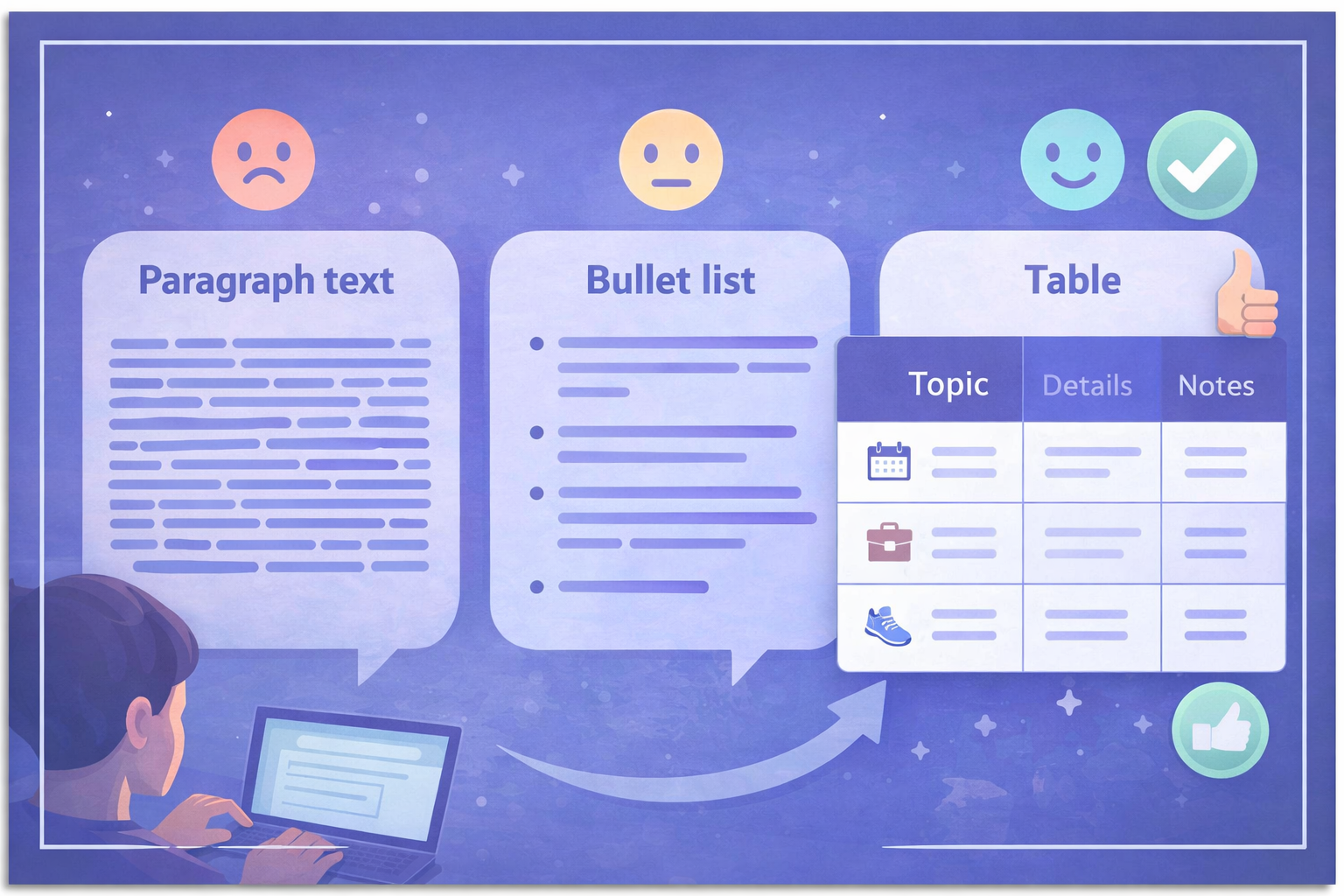
The same information can be presented in dozens of different ways: free text, bullet points, a table, a summary, a structured outline, numbered steps... If you don't specify what you want, the AI picks a default format that may not fit your use case at all.
For example, if you ask "compare these three smartphones", you might get three paragraphs of text (hard to compare mentally) or a clear table with criteria and ratings — the same information, but with radically different usefulness. Tables are especially powerful for synthesizing and comparing.
Be precise about the dimensions of the format: the number of items, the desired length, the level of detail. "Give me 5 ideas" is far more effective than "give me some ideas". "Summarize in 3 sentences" produces a very different result from "summarize".
Example phrasings:
Present your answer as a table with 3 columns: pros, cons, use cases.Give me exactly 7 ideas in a numbered list.Summarize in 5 lines maximum, no technical jargon.Structure your answer with clear headings and subheadings.Start with a short 2-sentence answer, then expand for those who want more detail.
Note on images
Some models like Gemini can generate images directly in their response. If you don't explicitly ask for an image, they'll often reply with text. Always ask explicitly: "generate an image of..."
5. Give Examples — the Few-Shot Pattern
Showing beats explaining
Describing what you want in words is sometimes not enough — especially for stylistic or creative tasks where "the right result" is hard to articulate. The Few-Shot technique consists of giving one or more examples of what you expect directly in your prompt. The AI analyzes those examples and reproduces the same logic.
This approach is remarkably effective for repetitive content (template emails, social media posts, product descriptions), generating data in a specific format, or reproducing a particular tone.
Example — Writing product descriptions in a specific style:
Here's a product description in our style:
"The Essential Hoodie — Soft, durable, timeless. Made from 80% organic cotton and 20% recycled polyester, this pullover takes you from the gym to the couch. Available in 6 colors. Sizes XS to XXL."
Following this model, now write a description for our new product: a 500ml stainless steel insulated water bottle that keeps drinks cold for 24 hours and hot for 12 hours, with a leak-proof lid.
The AI immediately understands the concise tone, naturally integrated technical specs and the desired structure.
When to use this technique
- Writing emails in your personal style
- Creating social media posts consistent with your brand voice
- Formatting data in a precise structure
- Reproducing a specific editorial tone
6. Guide the Reasoning — the Chain-of-Thought Pattern
Break complex tasks into steps
Faced with a complex task, an AI — like a human — can make mistakes if it tries to solve everything at once. The Chain-of-Thought technique consists of breaking your request into successive, explicit steps. You define the process, the AI executes it.
This approach has two key advantages. First, it significantly improves the quality of results on tasks that require reasoning or sequential logic. Second, it lets you validate each step and intervene if something goes off track — rather than discovering at the end that the whole direction was wrong.
Your expertise is in the driver's seat. You're no longer passive — you're actively directing the AI's work.
Comparison:
| ❌ Vague prompt | ✅ Structured step-by-step prompt |
|---|---|
| "Help me plan a party on Saturday" | "I want to plan a party on Saturday. Do it in 3 steps: 1) Suggest 3 themes for 10 adults. 2) For the chosen theme, suggest a menu and shopping list. 3) Suggest a fun activity for drinks." |
| "Make me a presentation on climate change" | "I need a presentation on climate change. Step 1: write the outline for 5 slides with titles. Step 2: for each slide, give 3 key bullet points. Step 3: suggest a punchy conclusion in 2 sentences." |
| "Help me improve my Spanish" | "I want to improve my Spanish. Step 1: assess my level from this text I wrote. Step 2: list my 5 main mistakes with explanations. Step 3: suggest 3 exercises targeting my weak points." |
Bonus — Automatic reasoning
If you don't know what steps to define, simply ask the AI to reason "step by step". On recent models with built-in reasoning (the icon), this instruction triggers a deep reflection mode that significantly improves results.
Example: "Solve this problem step by step, explaining your reasoning."
7. Have the AI Verify the Answer
Two methods to validate a response
Even with a good prompt, an AI response can be incomplete, biased or contain subtle errors. There are two complementary strategies to ensure the reliability of a response.
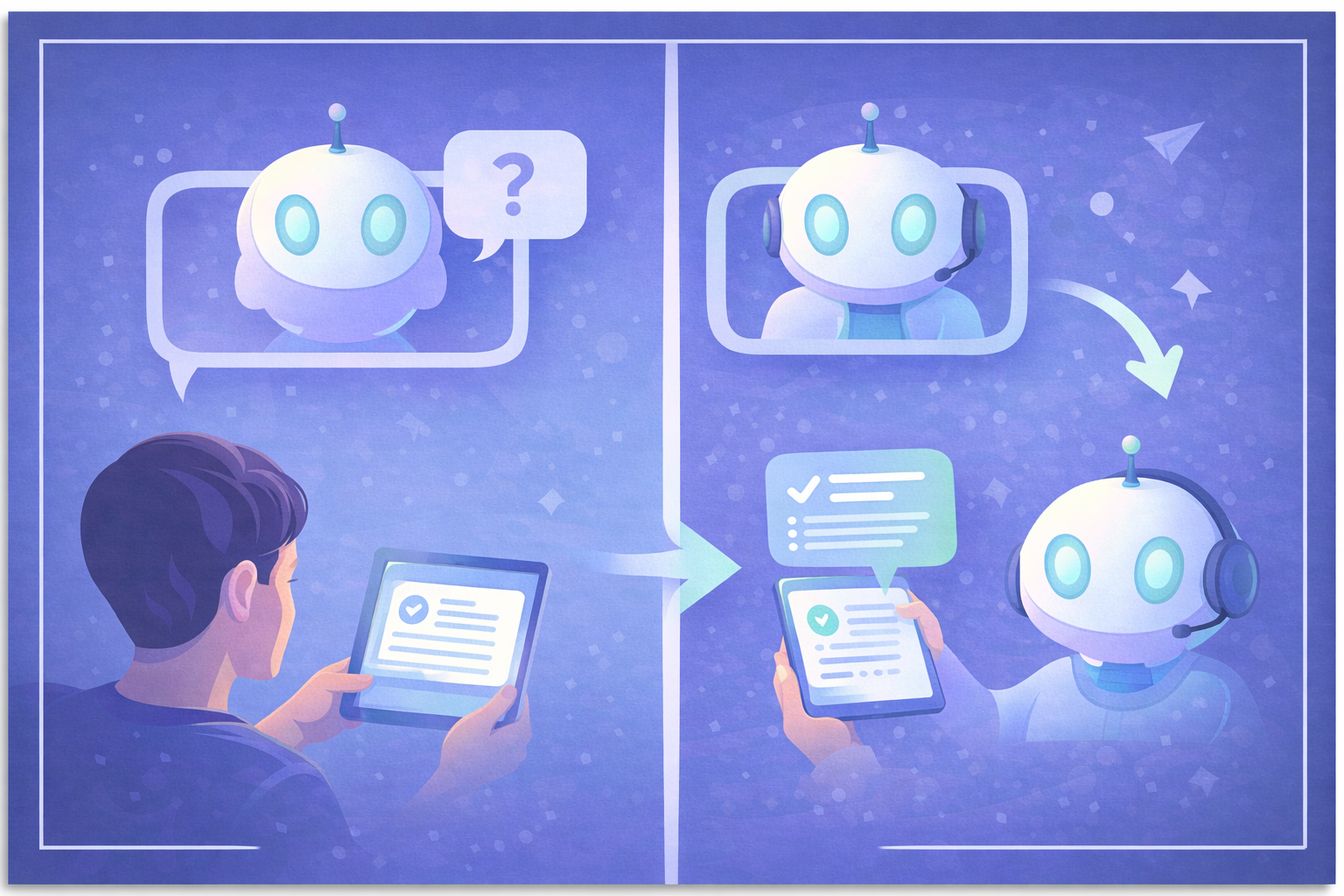
Method 1 — Cross-check sources: submit the same prompt to another AI and compare the answers. If two models agree on a point, the probability it's correct is much higher. If their answers diverge, that's a signal you need to dig deeper.
Method 2 — Have the AI review its own response. This often-underestimated technique involves copying the response into a new prompt and asking the AI to critique it. Current models are much better at evaluating and correcting existing text than producing it perfectly on the first try.
Example in two passes:
1st pass: Summarize the key points of this contract in 10 bullet points.
(The AI produces a summary)
2nd pass: Here is a summary of this contract: [paste the summary]. Are there any important points I missed or misinterpreted?
Using Reprompt on Haloon
On Haloon, the Reprompt button lets you submit your message to another model in one click. It's ideal for cross-checking answers without manually copy-pasting between tools.
You can also use this principle to improve your own prompts. Ask the AI: "Here's the prompt I want to send. How would you improve it to get a better result?" — a highly effective meta-use.
8. Define a Style
Style is what turns bland into memorable
By default, AIs write in a neutral, polite and generic style — which is often the most boring thing possible. For images, visual style is obvious: no one confuses a watercolor with a photorealistic 3D render. But for text, the importance of style is often underestimated.
An email to organize a team outing, an email to follow up on an unpaid invoice, and an email to ask your manager for a raise all require radically different styles. Specifying the style in your prompt avoids the flat, generic prose AIs produce by default.
For text:
| Context | Recommended style |
|---|---|
| Sensitive professional email | "Professional tone, direct but warm, no condescending phrasing" |
| LinkedIn post | "Authentic and personal tone, strong opening line, no jargon" |
| Casual team email | "Warm and informal, light, with a touch of humor if appropriate" |
| Educational content | "Accessible tone, as if explaining to a 15-year-old, with simple analogies" |
For images:
Specifying a visual style is absolutely essential for image generation. Without guidance, you'll get a generic, personality-free result.
"In the style of a vintage 1950s poster""Watercolor illustration, pastel palette, editorial style""Photorealistic, natural light, cinematic grain""Comic book style, bold outlines, vivid colors"
Use well-known references
Ask the AI to write "in the style of Ernest Hemingway", "with the wit of Mark Twain" or "with the clarity of Neil deGrasse Tyson". For images, reference artists or art movements. These cultural anchors give the AI a much more precise target than abstract descriptions.
9. Keep Conversations Separate
Context is a double-edged sword
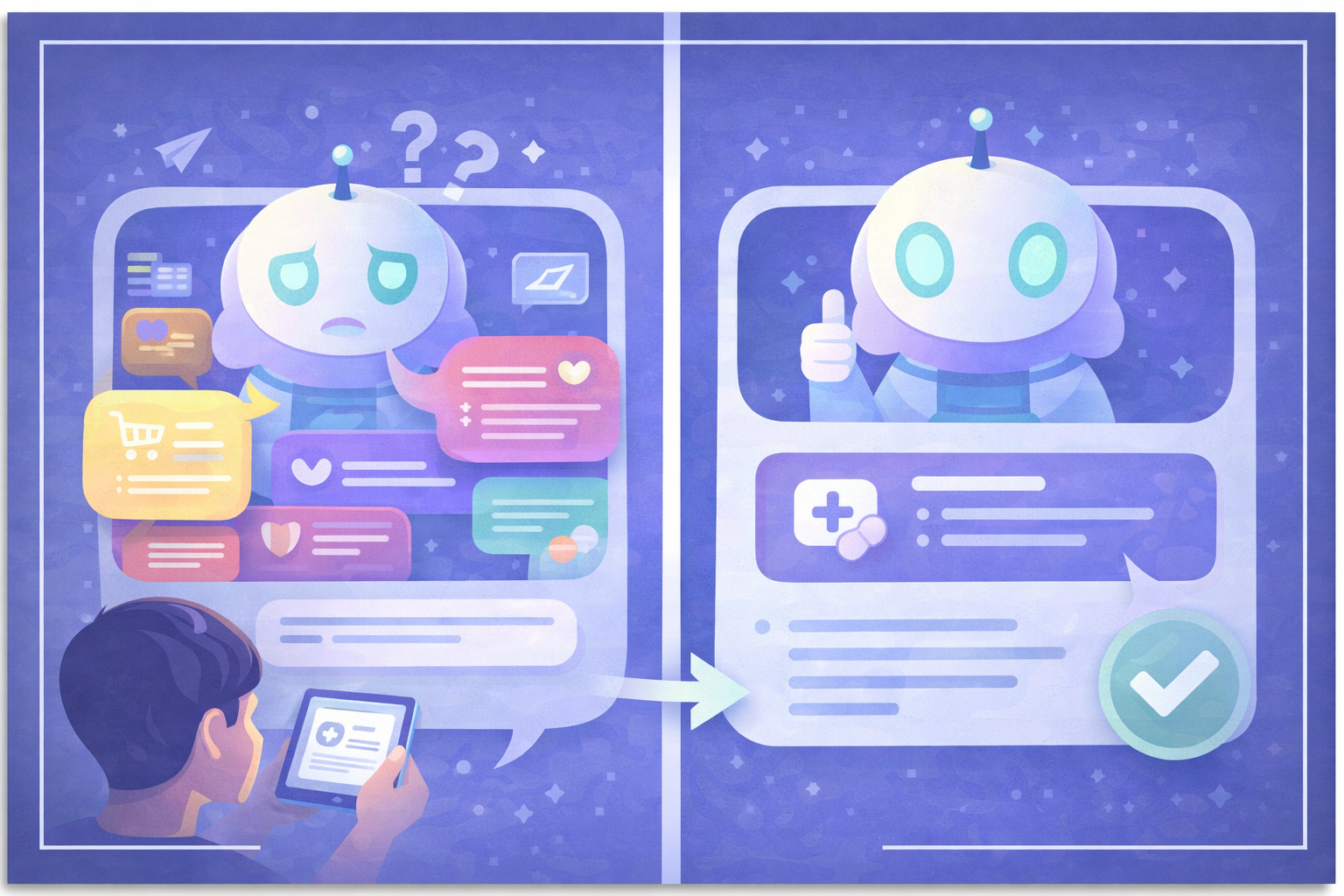
When you chat with an AI, it remembers everything said in the conversation. This can be an advantage: you can progressively build on a topic, and the AI remembers your preferences and established context. But it can also become a problem.
If you worked on project X in a conversation, then switch subjects and talk about project Y, the AI can mix up contexts and produce confused responses. The longer and more varied a conversation, the more the AI can be "polluted" by irrelevant information.
The practical rule is simple: one conversation = one topic. If you change your goal or want to explore a completely different approach, start a new conversation. You'll keep a clean context and well-focused responses.
When to start a new conversation:
- You're switching projects or topics
- You want to start fresh after several unsuccessful attempts
- The conversation has become very long and responses seem inconsistent
- You're testing a different approach to the same problem
10. Choose the Right Model
There is no universally best model
The AI ecosystem evolves fast: GPT-5.4, Claude 4.6, Gemini 3.1, Mistral, Llama... Every model has its strengths and weaknesses, and these change with each new release. A model that excels at writing may be mediocre at math. A fast model may be less accurate than a slower one on complex reasoning.
There's also an economic dimension: the most powerful models are generally the most expensive. For simple tasks (rephrasing a sentence, generating a list of ideas), a lighter model will be more than enough and much cheaper. For complex analysis or code generation, a more powerful model is worth the investment.
The only real solution: test for yourself. Take a real prompt you use regularly, submit it to several models and compare. Your criteria (speed, accuracy, style, price) may not be the same as another user's.
Personal experience
Every user develops their own preferences over time. For example, some find that Claude excels at creative writing and code, while ChatGPT shines on general analytical thinking. But these impressions are subjective and evolve with every model update.
Using Reprompt on Haloon
On Haloon, the Reprompt button lets you test the same message across multiple models in one click, without switching tools. It's the most efficient way to compare models on your own use cases.
Mistakes to Avoid
1. Being vague or ambiguous
The prompt "help me with my project" gives the AI no anchor point. The more precise your request — context, goal, constraints, format — the more useful the response. If you're not getting what you want, re-read your prompt: was all the necessary information actually in there?
2. Packing multiple tasks into one prompt
"Write me a blog post about remote work and translate it into French and also create 5 LinkedIn posts from it." — This kind of overloaded prompt often produces mediocre results on all tasks. Each task deserves its own prompt, with the AI's full attention focused on it.
3. Not iterating
Your first prompt will rarely be perfect — and that's normal. Think of prompting as a conversation, not a one-shot command. After each response, refine: "that's good but too formal, rewrite with a more casual tone" or "expand on the third point in detail". This ability to iterate is what separates advanced users from beginners.
Summary
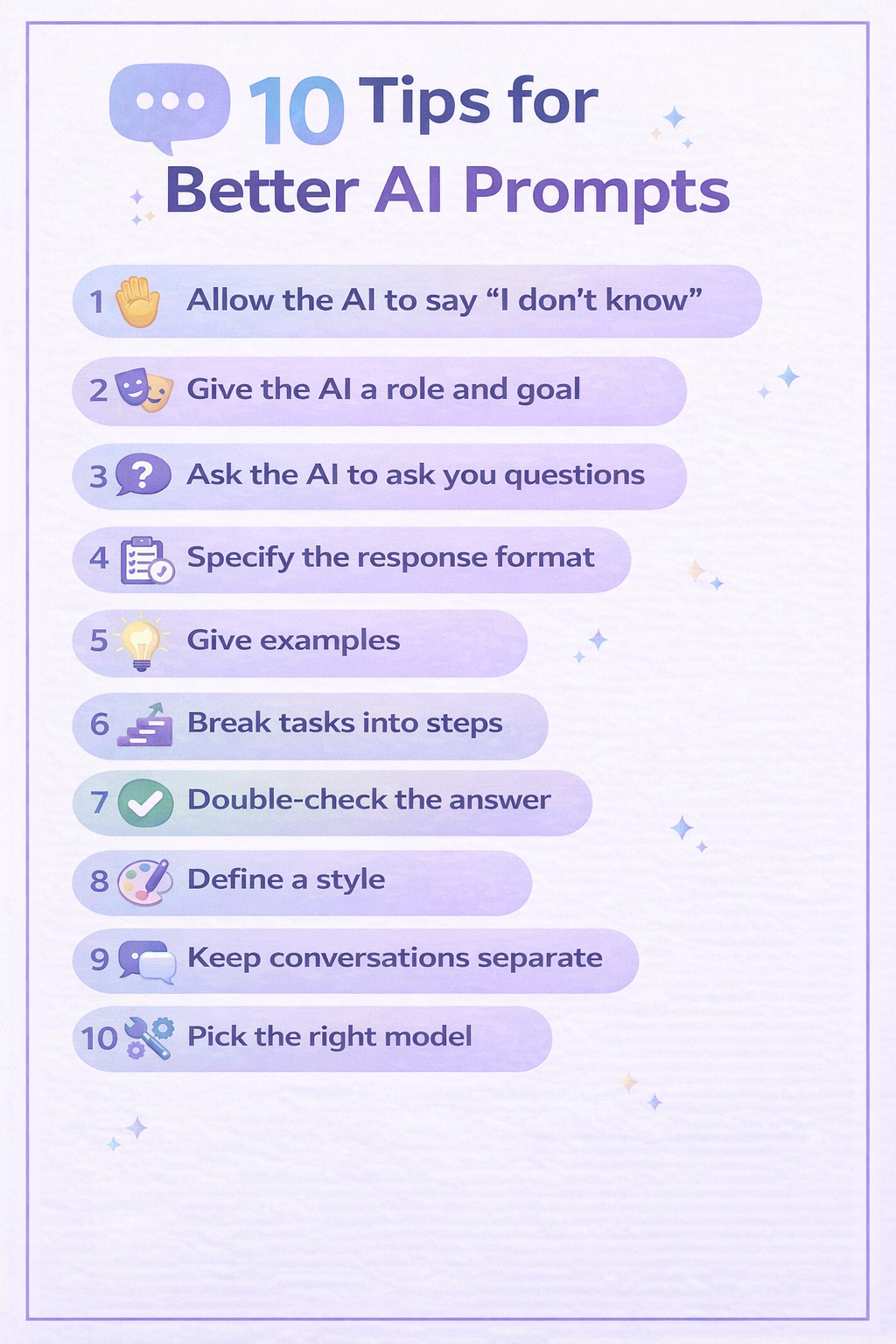
| # | Best practice | Pattern | Impact |
|---|---|---|---|
| 1 | Allow the AI to say it doesn't know | — | Reliability |
| 2 | Define a role and goal | Persona Pattern | Precision |
| 3 | Ask the AI to ask you questions | — | Context |
| 4 | Specify the response format | — | Readability |
| 5 | Give examples | Few-Shot Pattern | Consistency |
| 6 | Break into steps | Chain-of-Thought | Quality |
| 7 | Have the answer verified | — | Reliability |
| 8 | Define a style | — | Personality |
| 9 | Keep conversations separate | — | Focus |
| 10 | Choose the right model | — | Performance |