# Haloon
> Multi-model AI platform. 2 products: conversational chat and autonomous agents. Supports 10+ LLM providers (OpenAI, Anthropic, Google, Mistral, DeepSeek and more). Features: chat, image generation, vision, thinking models, web search, skills, mcp.
- App: https://haloon.ai/app
- API: https://haloon.ai/doc/api
- AI Agents: https://haloon.ai/agent
- Free Speech to Text: https://haloon.ai/tools/stt
- Contact: contact@haloon.ai
## Free Tools
- [Free Speech to Text — Private & Offline](https://haloon.ai/tools/stt): Record voice notes, transcribe them locally in the browser, edit the transcript, and download text, original audio, or MP3. No signup and no server upload: maximum privacy. Supports French, English, Spanish, German, and Italian.
# Haloon — Full Content
> Complete text of all English articles. Each section starts with metadata followed by the full Markdown content.
---
## Global Search – Find Any Conversation in Seconds
- URL: https://haloon.ai/doc/blog/global-search
- Raw: https://haloon.ai/doc/raw/blog/global-search.md
- Date: 2026-07-16
- Description: A single history for all your AI interactions. Search by model, full text, project, or time period, and take bulk actions on your conversations.
# Global Search
*Published on July 16, 2026*
## The problem: finding a conversation in a sea of discussions
When you use AI daily, the number of conversations grows fast. Within a few weeks, you have hundreds of discussions with different models, on various topics, at different dates.
The result: you know you already asked a question or got a useful answer, but you can't find it anymore. You end up asking the same question again, or worse, giving up and looking for the information elsewhere.
And the more models you use (GPT, Claude, Gemini, Mistral...), the more scattered your conversations become. A simple chronological history is no longer enough.
## The solution: a search engine across your entire history
Haloon's global search gives you instant access to all your conversations, regardless of the model used, the associated project, or the date.
### How to access it
Two options:
- **Keyboard shortcut**: press **Ctrl+K** (or **Cmd+K** on Mac) from any screen
- **Menu**: click the **Search** button in the sidebar
The search window opens immediately, ready for your query.
### Search criteria
You can filter your conversations along four axes, which can be combined:
| Criterion | What it does | Example |
|---|---|---|
| **Full-text search** | Searches within message content (your prompts and responses) | `"chocolate cake recipe"` |
| **Model** | Filters by the AI model used | All conversations with Claude Sonnet |
| **Project** | Filters by associated project | Only discussions from the "Blog" project |
| **Time period** | Filters by date | Last week's conversations |
These filters combine. For example, you can search for all conversations with Claude in the "Marketing" project that contain the word "landing page", from June.
### Bulk actions
Search isn't just for finding conversations. You can also act on the results:
- **Delete**: select multiple conversations and delete them in one click. Great for cleaning up your history.
- **Move to a project**: select conversations and move them to an existing project. Useful for retroactively organizing discussions you hadn't sorted initially.
## Concrete use cases
### Find a piece of code
You asked a model to write a function three weeks ago, but you don't remember which model or which conversation. Type a keyword from the code (the function name, the language, a comment) and the search takes you directly to the right discussion.
### Compare responses from different models on a topic
You asked the same question to GPT, Claude, and Gemini at different times. Search by text to find all occurrences and compare the responses side by side.
### Clean up your history
After a few months of use, you've accumulated hundreds of test or draft conversations. Filter by time period, select in bulk, and delete.
### Reorganize your projects
You recently started using projects and want to sort your old conversations. Search by topic, select the relevant conversations, and move them to the right project in a single action.
### Find a prompt that worked well
You got a perfect result two weeks ago, but you don't remember the exact prompt you used. Search by keywords in the content to find the exact message and reuse it.
---
## Projects – Organize Your AI Conversations with Persistent Context
- URL: https://haloon.ai/doc/blog/projects
- Raw: https://haloon.ai/doc/raw/blog/projects.md
- Date: 2026-07-16
- Description: Create projects to group your discussions by theme, add a system prompt and reference documents that automatically apply to every conversation.
# Projects
*Published on July 16, 2026*
## The problem: repeating context in every conversation
When you use AI for a recurring topic, you end up repeating the same instructions in every new conversation:
- *"You are a copywriter specializing in B2B marketing, you write in a professional but approachable tone..."*
- *"Here is my lease agreement, I'm going to ask you questions about it..."*
- *"I'm working on a React app with TypeScript, here's the architecture..."*
With each new discussion, you have to re-paste the same context, re-upload the same document, re-explain the same framework. It's tedious, easy to forget, and you lose consistency between conversations: sometimes you specify the tone, other times you forget, and the results vary.
This problem gets worse when you work on multiple topics in parallel. Your blog conversations mix with those about the contract, which mix with those about the code. Your history becomes an undifferentiated stream where everything sits at the same level.
## The solution: a dedicated space with persistent context
A project on Haloon groups your conversations around a theme and automatically applies a shared context to all of them.
### What a project is
A project consists of three elements:
1. **A visual identity**: a name, a color, and an icon. You instantly recognize each project in the sidebar without having to read the titles.
2. **A system prompt**: instructions that automatically apply to all conversations in the project. The AI model receives them before each of your messages, without you having to repeat them.
3. **Reference documents**: PDFs, images, or other files you attach to the project. They are sent as context to every conversation, as if you re-uploaded them each time.
### How to create a project
1. In the sidebar, click **New project**
2. Give it a name, choose a color and an icon
3. Write your system prompt (the permanent instructions for the AI)
4. Add your reference documents if needed (PDFs, images, etc.)
Every new conversation created in this project will automatically inherit the system prompt and documents.
### How it works
When you open a conversation in a project:
- The project's **system prompt** is sent to the model before each request. You don't need to mention or remind it.
- **Attached documents** are sent as context. The model can read, analyze, and refer to them in its responses.
- You can still add conversation-specific context on top of the project context.
The result: every conversation in the project starts with the right framework, with no effort on your part.
## Concrete use cases
### Create consistent visuals for your blog
**The problem**: you generate images for your blog posts, but each time you have to re-describe the desired style. The result lacks visual consistency from one article to the next.
**With a project**: create a "Blog - Visuals" project with a system prompt describing your visual guidelines:
> *You generate illustrations for a tech blog. Style: minimalist flat design, dark blue / white / coral accent palette, no text in the image, 16:9 format, solid or subtle gradient background.*
Every image generated in this project will automatically follow these guidelines. You get visual consistency with no effort.
### Analyze a document without re-uploading it
**The problem**: you have a 30-page contract and want to ask questions about it over several days. With each new conversation, you have to re-upload the PDF and re-explain the context.
**With a project**: create a "Lease Agreement" project, upload the PDF as a reference document, and add a system prompt:
> *You are a legal assistant. You analyze the lease agreement attached to this project. Answer precisely, citing the relevant clauses. Flag any unusual or potentially unfavorable terms.*
Open as many conversations as you need in this project: the contract and instructions are always there.
### Code with your application's context
**The problem**: you use AI for coding and constantly have to re-explain your tech stack, coding conventions, and architecture.
**With a project**: create a project for your application with a system prompt describing your environment:
> *React 19 + TypeScript + Tailwind application. Architecture: pages / components / hooks / stores (Zustand). Conventions: snake_case for variables, CamelCase for components, no semicolons, double quotes.*
The AI knows your context from the very first line of every conversation.
### Prepare a course or training
**The problem**: you're preparing a course and need the AI to know the syllabus, the students' level, and the expected format for each exercise.
**With a project**: upload the course syllabus as a reference document and add a system prompt:
> *You help me prepare an introductory Python course for first-year students. Beginner level, no prerequisites. Format: short explanation + commented code example + exercise with solution.*
Every conversation in the project produces content consistent with the syllabus and target level.
### Manage your social media content
**The problem**: you create content for LinkedIn or Twitter and each time you have to re-specify your tone, target audience, and the type of posts you publish.
**With a project**: create a "LinkedIn" project with a system prompt framing your editorial line:
> *You help me write LinkedIn posts. My audience: developers and CTOs at startups. Tone: direct, concrete, no corporate jargon. Format: hook in the first line, 3-5 short paragraphs, a call for discussion at the end. No excessive emojis.*
Every post generated in this project follows your editorial line without you having to remind it.
---
## Context Engineering — A Practical Guide to Better AI Results
- URL: https://haloon.ai/doc/blog/context-engineering
- Raw: https://haloon.ai/doc/raw/blog/context-engineering.md
- Date: 2026-07-09
- Description: Learn context engineering and 7 practical techniques for giving AI the right information, at the right time, in the right order.
# Context Engineering: A Practical Guide to Better AI Results
*Published on July 9, 2026 — Updated on July 21, 2026*
You can write a precise prompt and still get a mediocre answer. The problem is not always your request. It often lies in the information surrounding it: an old instruction, an overly long document, a conflicting example, or a conversation history that has become confusing.
**Context engineering** is the practice of selecting, structuring, and maintaining all the information supplied to an AI model so it can complete a task correctly. This includes your prompt, but also system instructions, conversation history, files, examples, available tools, and the results returned by those tools.
Put simply: the prompt defines what you ask. The context determines what the AI can understand and use to answer you.
::: info At a glance — 7 rules for building better context
1. **Define the working framework**: goal, constraints, and expected format.
2. **Put important instructions first**: clearly separate them from the data to analyze.
3. **Provide only useful information**: maximum capacity is not a target you need to reach.
4. **Add representative examples**: show the expected result instead of merely describing it.
5. **Clean up the history**: start a new conversation when the task changes.
6. **Keep projects separate**: give each use case its own business context, sources, and rules.
7. **Check the context before blaming the model**: look for missing, outdated, or conflicting information.
:::
## Table of contents
1. [What is context engineering?](#what-is-context-engineering)
2. [Context engineering vs. prompt engineering: what is the difference?](#context-engineering-vs-prompt-engineering-what-is-the-difference)
3. [What the model actually sees](#what-the-model-actually-sees)
4. [Why more context can make the answer worse](#why-more-context-can-make-the-answer-worse)
5. [The 7 levers of context engineering](#the-7-levers-of-context-engineering)
6. [Practical example: analyzing a contract](#practical-example-analyzing-a-contract)
7. [Checklist before sending your request](#checklist-before-sending-your-request)
8. [Frequently asked questions](#frequently-asked-questions)
## What is context engineering?
Context engineering is the practice of giving an AI the smallest set of relevant information needed to produce the expected result. The goal is not to fill the context window. It is to place the right instructions, data, examples, and resources in it, at the right time and in a clear structure.
[Anthropic describes context engineering](https://www.anthropic.com/engineering/effective-context-engineering-for-ai-agents) as the natural progression from prompt engineering. As use cases become longer and more complex, writing a good instruction is no longer enough. You also need to manage the complete state passed to the model throughout the interaction.
For a simple conversation, this discipline may involve selecting the right excerpts from a document. For an AI agent, it also covers memory, tools, action results, and the rules that determine which information is available at each step.
## Context engineering vs. prompt engineering: what is the difference?
**Prompt engineering** improves how a request is phrased. **Context engineering** organizes all the information available when the model generates its answer.
| Element | Prompt engineering | Context engineering |
|--------|--------------------|---------------------|
| Main question | How should the request be phrased? | What information should the model receive? |
| Scope | User prompt and instructions | Prompt, history, files, examples, memory, and tools |
| Timing | Mainly before the answer | Before and throughout the task |
| Common risk | A vague or ambiguous request | Incomplete, cluttered, or conflicting context |
| Example | “Summarize this contract in 10 points” | Provide the relevant clauses, the reader's role, and the risk criteria |
The two practices complement each other. Good context cannot rescue an incomprehensible request, and an excellent prompt cannot compensate for missing or contradictory data.
## What the model actually sees
Before asking a model to generate an answer, an AI application assembles several elements inside a **context window**. Depending on the tool, that window may contain:
1. instructions defined by the application or project;
2. your previous messages and the model's replies;
3. files, document excerpts, or search results;
4. examples of expected answers;
5. descriptions of the tools the AI can use;
6. your current request.
The model generates its answer from this collection. It does not always distinguish a rule that still applies from an instruction abandoned three messages earlier. It also cannot know that a document is outdated unless something says so.
The context window therefore defines a maximum capacity, not a guarantee that every part will be understood equally well. A model that accepts a very long document will not necessarily use every passage with the same reliability.
## Why more context can make the answer worse
Adding information can help an AI, but every irrelevant element also gives it another opportunity to prioritize the wrong thing.
Chroma's research on **context rot** shows that performance can vary as context length increases, even on relatively simple tasks. The study does not conclude that all long context is bad. It shows that a large token capacity does not guarantee consistent use of all the information. Read [Chroma's complete context rot study](https://www.trychroma.com/research/context-rot).
The phenomenon known as **lost in the middle** illustrates another risk. A study published in *Transactions of the Association for Computational Linguistics* found that several models used information more effectively when it appeared near the beginning or end of a long context rather than in the middle. The authors conclude that providing more documents creates a tradeoff between available information and processing difficulty. Read the [“Lost in the Middle” study](https://arxiv.org/abs/2307.03172).
These results change as models improve. Google Research, for example, reports that Gemini 2.5 Flash retrieves simple facts accurately even near the limit of its context window. This progress does not eliminate problems involving relevance, contradictions, or reasoning across multiple sources. Read the [Google Research evaluation](https://research.google/pubs/retrieval-quality-at-context-limit/).
The right rule is not “always keep it short.” It is: **maximize useful signal and reduce noise**.
## The 7 levers of context engineering
### 1. Define a stable working framework
Persistent instructions define the rules that remain true throughout the task: role, goal, audience, constraints, and response format.
A useful instruction does more than assign a character to the AI. Above all, it describes the work to perform and the criteria for a good result.
**Instruction that is too vague:**
```text
You are a legal expert. Summarize contracts.
```
**Actionable instruction:**
```text
Analyze commercial contracts from the customer's point of view.
For each document:
1. summarize the purpose of the contract in no more than 100 words;
2. identify the customer's obligations;
3. flag liability, penalty, and termination clauses;
4. separate facts from the document from your recommendations;
5. write “information not provided” when an item is missing.
The reader is a non-lawyer executive. Use clear English.
```
The second version turns a general posture into a verifiable procedure.
### 2. Put instructions before data
Present the task and expected format first, then clearly separate the documents to process. OpenAI also recommends structuring instructions clearly and using delimiters to distinguish them from source content. See [OpenAI's prompt engineering guide](https://help.openai.com/en/articles/6654000-best-practices-for-prompt-engineering-with-the-openai-api).
```text
Goal: extract the three main contractual risks.
Format: a table with the columns Clause, Risk, and Recommended action.
Contract to analyze:
"""
[contract excerpt]
"""
```
For a long collection of documents, restate the question after the source material if the interface allows it. This reduces the risk of the request getting lost among the data.
### 3. Reduce volume and increase density
Do not confuse completeness with relevance. To analyze the termination terms in an 80-page report, start with the sections covering duration, notice periods, penalties, and obligations that survive termination.
If you do not know which passages matter, use a two-step process:
1. ask the AI to identify the relevant sections;
2. start a new analysis with those sections and your precise criteria.
This keeps the retrieval phase separate from the decision phase.
### 4. Show an example of the expected result
An example helps the model reproduce a structure, level of detail, or tone. This method, known as **few-shot prompting**, works best when the example closely resembles the final task.
```text
Example of the expected output:
Clause: Early termination
Risk: High
Reason: The supplier may terminate without cause with 7 days' notice.
Action: Request 30 days' notice and limit termination to uncured breaches.
Now analyze the following excerpt using the same format:
[excerpt]
```
Avoid mediocre or conflicting examples. The model can reproduce their flaws just as faithfully as their strengths.
### 5. Clean up the conversation history
A long thread accumulates drafts, corrections, and assumptions that are no longer true. When your goal changes, open a new conversation and include only the validated state.
| Situation | Recommended approach |
|-----------|----------------------|
| You are improving the same article | Keep the thread: earlier versions may help |
| You switch from an article to financial analysis | Open a new conversation |
| You process several independent documents | Use one thread per document |
| The model repeats an earlier mistake | Restart with a corrected summary |
| The thread contains incompatible instructions | Create a clean, prioritized context |
Before restarting, you can ask for a summary of the decisions made. Review it, correct it, and use that version as your new starting point.
### 6. Keep projects and sources separate
Every business domain has its own vocabulary, reference documents, and rules. A customer support project should not share the same instructions as a legal or editorial project.
For each project, define:
- its goal and permitted tasks;
- its reference sources;
- the tone and format of its deliverables;
- prohibited or sensitive information;
- situations that require human approval.
This separation improves consistency and reduces the risk that a rule intended for one use case will influence another task.
### 7. Audit the context before changing models
When an answer is poor, immediately switching models does not reveal the cause. Check the context first:
- Is the necessary information present?
- Is the source reliable and up to date?
- Do two instructions conflict?
- Is the expected result defined?
- Is an earlier exchange steering the answer in the wrong direction?
- Does the document contain many passages unrelated to the question?
Once the context is clean, compare several models using exactly the same request. You can then determine whether the difference comes from the model rather than the information provided.
## Practical example: analyzing a contract
Here are two ways to request the same analysis.
### Without context engineering
```text
[45-page PDF]
Analyze this contract.
```
The request specifies neither the point of view, the risks to look for, nor the desired level of detail. The model has to guess what matters.
### With context engineering
```text
Role: you assist the procurement manager at the customer company.
Goal: prepare an initial review before a lawyer approves the contract.
Criteria: identify risks related to liability, penalties, renewal,
and termination. Do not invent clauses that are not present.
Format:
1. a five-point summary;
2. a risk table with Low, Medium, or High severity;
3. questions to send to the lawyer.
Source:
"""
[clauses 4, 7, 9, and 12 of the contract]
"""
```
The difference is not a magic formula. The second context specifies the reader, goal, criteria, format, and relevant sources. It reduces the number of decisions the model has to improvise.
For a legal document, AI remains a preparation tool. A qualified professional should review any important contractual decision.
## Checklist before sending your request
Use this checklist to review your context in under a minute:
- [ ] The goal fits in one sentence.
- [ ] The reader or final user is identified.
- [ ] The success criteria are explicit.
- [ ] The output format is defined.
- [ ] Useful sources are included and dated.
- [ ] Irrelevant documents have been removed.
- [ ] Instructions and data are clearly separated.
- [ ] No earlier message conflicts with the current request.
- [ ] An example is provided when style or structure matters.
- [ ] Limitations and human review requirements are stated.
## Frequently asked questions
### What is the difference between context engineering and prompt engineering?
Prompt engineering improves how an instruction is phrased. Context engineering organizes everything the model receives: instructions, history, files, examples, memory, and tools. The prompt is therefore one component of the context, not a synonym for it.
### Does a large context window produce better answers?
Not automatically. A large window lets you provide more text, but quality depends on that text's relevance, structure, and consistency. Longer context can help when it contains useful evidence. It can also make the answer worse when it adds noise or contradictions.
### When should you start a new AI conversation?
Start a new conversation when you change the topic, document, or goal, or when the history contains too many corrections. Keep the same thread when you are continuing exactly the same task and the earlier exchanges remain useful.
### How can you avoid context rot?
Remove irrelevant information, put important instructions first, clearly separate sources, and summarize validated decisions. For long tasks, regularly create a clean context from a reviewed summary instead of accumulating every exchange.
### Is context engineering useful without technical skills?
Yes. Selecting the right excerpts, starting a new thread at the right time, providing an example, and organizing projects are already context engineering practices. Developers apply the same principles at a larger scale with knowledge bases, tools, and AI agents.
## Key takeaways
Context engineering is not about giving an AI as much information as possible. It is about giving it **the most useful information in a structure it can use**.
Start with three simple actions: define the expected result, remove anything irrelevant to the task, and open a new conversation when the goal changes. These steps will often deliver a greater improvement than adding another layer of instructions to an already confusing thread.
To explore the topic further:
- [How to Write Good Prompts](https://haloon.ai/doc/blog/how-to-write-good-prompt): the 10 foundational techniques;
- [AI Hallucinations: Why AI Makes Things Up and How to Prevent It](https://haloon.ai/doc/blog/ai-hallucinations): how to verify sources and answers;
- [ChatGPT vs. Claude vs. Gemini: Which AI Model Should You Choose in 2026?](https://haloon.ai/doc/blog/chatgpt-vs-claude-vs-gemini): compare models for your task.
With [Haloon](https://haloon.ai), you can organize conversations by project, keep instructions tailored to each use case, and use Reprompt to compare several models with the same context. This keeps your sources, history, and experiments in one private workspace.
---
## "Haloon Agent: Your AI Workforce"
- URL: https://haloon.ai/doc/blog/what-is-haloon-agent
- Raw: https://haloon.ai/doc/raw/blog/what-is-haloon-agent.md
- Date: 2026-06-22
- Description: Discover Haloon Agent, the feature that lets you delegate repetitive tasks to autonomous AI agents connected to your everyday tools.
# Haloon Agent: Your AI Workforce
*Published June 22, 2026*
Spending too much time on tasks that could run on their own? Haloon Agent is here for that. Describe what you want to automate, Haloon builds the agent — and it works for you, in your tools, on your schedule.
::: warning Early Access
This feature is currently in early access.
Based on demand, we're opening spots as we go.
Contact us [here](mailto:contact@haloon.ai?subject=Early%20Access%20Agent) to be added to the waitlist.
:::
## What is a Haloon Agent?
A Haloon Agent is an autonomous AI assistant configured for a specific task: sort your emails, update your CRM, post a daily standup on Slack, track your competitors each week... It runs continuously, even when you're not there.
Unlike a simple chatbot, the agent acts: it reads, writes, searches, classifies, sends — and keeps you informed.
## How does it work?
Setup takes three steps:
1. **Describe it** — explain the task in natural language, no code or diagrams to draw.
2. **Haloon builds it** — an agent is assembled with the right tools, access, and safeguards.
3. **It keeps working** — it runs on your schedule, in your tools, and improves by learning your way of working.
## What can it do?
Haloon Agent covers every part of your business:
- **Sales** — qualify incoming leads, enrich your CRM, write personalized follow-ups.
- **Support** — sort and tag incoming tickets, write responses from your documentation, escalate if needed.
- **Operations** — sync your tools, generate recurring reports, post daily standups on Slack.
- **Marketing** — track your competitors each week, repurpose content across all channels.
- **Finance** — reconcile invoices and receipts, flag anomalies, send weekly treasury reports.
- **Knowledge Base** — query your documents and data, produce reports on demand.
## It works in your tools
You interact with your agent like a colleague: **Slack, Discord, Telegram, WhatsApp, or email**. Delegate a task, get the result. No need to open a new interface.
The agent also connects to your usual sources: Gmail, Notion, your CRM, the web — and can analyze your documents on the fly.
## You stay in control
Autonomy doesn't mean uncontrollable. Every Haloon Agent is built with strict safeguards:
- **Isolated sandbox** — a failure or prompt injection can't reach the rest of your system.
- **Limited access** — you grant rights tool by tool, source by source, and revoke them anytime.
- **Human validation** — sensitive actions stop and wait for your approval before executing.
- **Full audit** — see every step an agent took, what it read, and what it changed.
## No code, no complex configuration
No need to build workflows or write a single line of code. Describe your needs, the Haloon team guides you through initial setup. Then the agent runs on its own.
## Get started
Want to automate a task? [Describe your first agent](https://haloon.ai/agent) and the Haloon team will contact you to build it together.
## Read more
- [Getting Started with Haloon](https://haloon.ai/doc/blog/getting-started-with-haloon)
- [API Documentation](https://haloon.ai/doc/api)
---
## Models used in Haloon
- URL: https://haloon.ai/doc/blog/model-presets
- Raw: https://haloon.ai/doc/raw/blog/model-presets.md
- Date: 2026-05-04
- Description: Discover which model is used by each Haloon preset, including reasoning effort and web access.
# Models used
This table summarizes the model and preconfigured setup available through Haloon chat presets.
| Preset name | Underlying model | Reasoning effort | Web access | Premium |
| --- | --- | --- | --- | --- |
| Chat GPT Instant | `openai/gpt-5-mini-2025-08-07` | minimal | NO | NO |
| Claude 5 | `anthropic/claude-sonnet-5` | low | YES | YES |
| Claude Fable | `anthropic/claude-fable-5` | medium | YES | YES |
| Claude Fast | `anthropic/claude-haiku-4.5` | low | NO | NO |
| Claude Thinking | `anthropic/claude-opus-5` | high | YES | YES |
| DeepSeek | `deepseek/deepseek-v4-pro` | none | YES | NO |
| DeepSeek Thinking | `deepseek/deepseek-r1-0528` | high | NO | YES |
| Flux 2 | `black-forest-labs/flux.2-flex` | none | NO | YES |
| Gemini | `google/gemini-3.7-flash` | medium | NO | YES |
| Gemini Flash | `google/gemini-2.5-flash-lite` | none | NO | NO |
| Gemini Pro | `google/gemini-3.1-pro-preview` | high | NO | YES |
| GLM Standard | `z-ai/glm-5.2` | medium | YES | NO |
| GLM Thinking | `z-ai/glm-5.3` | medium | YES | YES |
| GLM Vision | `z-ai/glm-5v-turbo` | medium | YES | NO |
| GPT Audio Mini | `openai/gpt-audio-mini` | none | NO | YES |
| GPT Codex | `openai/gpt-5.3-codex` | medium | YES | YES |
| GPT Image 2 | `openai/gpt-5.4-image-2` | none | NO | YES |
| GPT Luna | `openai/gpt-5.6-luna` | medium | YES | YES |
| GPT Sol | `openai/gpt-5.6-sol` | high | YES | YES |
| GPT Terra | `openai/gpt-5.6-terra` | medium | YES | YES |
| GPT Thinking | `openai/gpt-5.6-sol` | high | YES | YES |
| Grok Fast | `x-ai/grok-4.20` | none | YES | YES |
| Grok Imagine | `x-ai/grok-imagine-image-quality` | none | NO | YES |
| Grok Thinking | `x-ai/grok-4.6` | high | YES | YES |
| Grok Video | `x-ai/grok-imagine-video-1.5` | none | NO | YES |
| Kimi Thinking | `moonshotai/kimi-k3` | medium | YES | NO |
| Llama - Fast | `meta-llama/llama-4-scout` | none | NO | NO |
| Llama - Thinking | `meta-llama/llama-4-maverick` | high | NO | NO |
| Llama OpenSource | `meta-llama/llama-3.3-70b-instruct` | none | NO | NO |
| Lyria 3 | `google/lyria-3-clip-preview` | none | NO | YES |
| Lyria 3 Pro | `google/lyria-3-pro-preview` | none | NO | YES |
| Magistral | `mistralai/mistral-large` | high | NO | NO |
| Minimax 2 | `minimax/hailuo-2.3` | none | NO | YES |
| Mistral Instant | `mistralai/mistral-medium-3.1` | none | YES | NO |
| Mixtral OpenSource | `mistralai/mixtral-8x22b-instruct` | none | NO | YES |
| Nano Banana 2 | `google/gemini-3.1-flash-image-preview` | none | NO | YES |
| Perplexity | `perplexity/sonar-pro` | none | YES | YES |
| Recraft | `recraft/recraft-v4` | none | NO | YES |
| Recraft Vector | `recraft/recraft-v4.1-vector` | none | NO | YES |
| Riverflow | `sourceful/riverflow-v2-fast` | none | NO | YES |
| Riverflow Pro | `sourceful/riverflow-v2-pro` | none | NO | YES |
| Seedance 2 | `bytedance/seedance-2.0` | none | NO | YES |
| Seedance Fast | `bytedance/seedance-2.0-fast` | none | NO | YES |
| SEEDREAM | `bytedance-seed/seedream-4.5` | none | NO | YES |
| VEO 3.1 | `google/veo-3.1-lite` | none | NO | YES |
---
## "AI Hallucinations: Why AI Makes Things Up and How to Stop It"
- URL: https://haloon.ai/doc/blog/ai-hallucinations
- Raw: https://haloon.ai/doc/raw/blog/ai-hallucinations.md
- Date: 2026-04-25
- Description: Why ChatGPT, Claude and Gemini sometimes generate false answers. Understand the causes of AI hallucinations and 7 practical techniques to prevent them in 2026.
# AI Hallucinations: Why AI Makes Things Up and How to Stop It
*Published on April 25, 2026*
You ask ChatGPT to cite a study, and it invents a reference that doesn't exist. You ask for a legal summary, and it produces a fictitious statute. You ask for a biography, and it blends two different people together.
This phenomenon has a name: **AI hallucinations**. And contrary to what you might think, it's not a bug. It's a direct consequence of how language models work.
The good news: in 2026, there are practical techniques to drastically reduce these errors. This guide explains why AI hallucinates, the real scale of the problem, and most importantly how to protect yourself.
::: info This article is part of our prompt engineering series
It complements our [complete guide: How to Write Good Prompts](https://haloon.ai/doc/blog/how-to-write-good-prompt), diving deeper into a problem every AI user encounters sooner or later.
:::
## What Is an AI Hallucination?
An AI hallucination is when a language model generates **false information presented with confidence**, as if it were established fact. The AI doesn't say "I'm not sure" — it asserts with the same confidence whether it's right or wrong.
**Real examples:**
- **Invented citation**: "According to the 2023 Harvard study published in Nature..." — except the study doesn't exist
- **False fact**: "The Eiffel Tower is 412 meters tall" — no, it's 330 meters
- **Mixed-up facts**: confusing two people with the same name, or attributing one researcher's work to another
- **Fictitious law**: citing a legal article that doesn't exist (American lawyers have been sanctioned for this)
What makes hallucinations dangerous is their appearance of credibility. The text is grammatically perfect, the format is professional, the tone is confident. Without verification, it's very difficult to tell a correct answer from a hallucination.
## The Scale of the Problem in 2026
Hallucinations are not a marginal issue. The 2026 benchmarks reveal surprising numbers:
| Statistic | Source |
|---|---|
| Up to **24%** hallucination rate for some models | [Vectara Hallucination Leaderboard](https://huggingface.co/spaces/vectara/leaderboard) |
| **60%** of AI-generated summaries contain hallucinations | [UC San Diego study (Alessa & McAuley)](https://www.livescience.com/technology/artificial-intelligence/reading-ai-summaries-makes-people-more-likely-to-buy-something-despite-alarming-60-percent-hallucination-rate) |
| **17% to 34%** incorrect outputs in legal AI tools | [Stanford RegLab & HAI (Magesh et al.)](https://hai.stanford.edu/news/ai-trial-legal-models-hallucinate-1-out-6-or-more-benchmarking-queries) |
| **47% → 9.6%**: GPT-5 hallucination without/with web search | [Suprmind, based on GPT-5 System Card](https://suprmind.ai/hub/ai-hallucination-rates-and-benchmarks/) |
**The reasoning paradox:** this is the counterintuitive discovery of 2025-2026. "Reasoning" models — those that "think" longer before answering — hallucinate **more** than fast models on simple factual tasks. On the [Vectara dataset](https://vectara.com/blog/introducing-the-next-generation-of-vectaras-hallucination-leaderboard), reasoning models easily exceed 10% hallucination, while non-reasoning models like Gemini Flash stay at 3.3%.
Why? The more a model "thinks," the more it tends to fill gaps with plausible inventions rather than admitting it doesn't know.
## Why AI Hallucinates
To understand how to avoid hallucinations, you first need to understand why they happen.
### 1. AI Doesn't Seek Truth — It Predicts Words
An LLM like GPT or Claude doesn't "know" anything. It predicts the most likely next word in a sequence. When you ask a question, it doesn't search for the answer in a database — it generates the statistically most plausible text continuation. If the correct answer and a wrong answer are both plausible, the model can choose the wrong one without knowing it.
### 2. Training Data Isn't Always Reliable
LLMs are trained on billions of web pages: Wikipedia articles, Reddit threads, personal blogs, YouTube videos. Reliable sources and dubious ones carry equal weight. The model has no native way to distinguish a verified fact from a rumor.
### 3. Sycophancy: AI Tells You What You Want to Hear
Models are trained to be "helpful" and "pleasant." The result: rather than saying "I don't know," they prefer to invent an answer that satisfies the user. This is called **sycophancy** — a tendency to validate rather than correct.
### 4. Evaluations Reward Confidence, Not Caution
As OpenAI showed in a recent publication, standard evaluation methods encourage models to guess rather than express uncertainty. A model that answers "I don't know" scores lower than one that invents a plausible answer.
## 7 Techniques to Reduce Hallucinations
You can't eliminate hallucinations 100%. But you can drastically reduce them with these techniques:
### 1. Be Precise in Your Prompts
The vaguer your question, the more room AI has to make things up. Be specific about what you expect.
> **Bad:** "Tell me about climate change"
>
> **Good:** "Give me the 3 main conclusions from the IPCC AR6 2023 report, with exact figures"
### 2. Ask for Sources
Systematically add: **"Cite your sources. If you're not sure, say so."** This simple instruction significantly reduces hallucinations because it forces the model to anchor its response in verifiable facts.
### 3. Enable Web Search
This is the most effective technique. With web search enabled, [GPT-5 drops from 47% to 9.6% hallucination](https://suprmind.ai/hub/ai-hallucination-rates-and-benchmarks/).
On Haloon, you can filter models that have access to web search.
### 4. Use Chain of Thought
Ask the model to reason step by step before answering. This reduces shortcuts and forces internal logical verification.
> "Reason step by step before answering. Verify the consistency of your response."
### 5. Give an Abstention Instruction
Explicitly authorize the AI to say "I don't know":
> "If you're not certain about the information, clearly indicate that you're unsure rather than guessing."
Multiple studies confirm that abstention instructions significantly reduce hallucinations. A [study published in Nature](https://www.nature.com/articles/s41586-026-10549-w) (Kalai, Nachum, Vempala) shows that evaluations penalizing confident errors rather than uncertainty dramatically reduce fabricated answers.
### 6. Lower the Temperature
Temperature controls the model's degree of creativity. For factual tasks, use a low temperature (0.1-0.4). The higher the temperature, the more the model takes liberties with facts. On platforms that allow it, adjust this parameter for tasks requiring accuracy.
### 7. Compare Across Multiple Models
If GPT invents a fact, there's a good chance Claude or Gemini won't invent it the same way. **Cross-referencing answers from multiple models is one of the most reliable methods** for detecting hallucinations.
::: tip The Multi-Model Approach with Haloon
On [Haloon](https://haloon.ai), the **Reprompt** button lets you ask the same question to another model in one click. If GPT tells you something surprising, verify with Claude or Gemini. If all three models converge, the information is probably reliable. If they diverge, dig deeper.
This is exactly what researchers recommend: **no single model dominates across all types of questions**. GPT performs best on grounded factual tasks, Claude on knowledge calibration (knowing what it doesn't know), Gemini on broad knowledge spectrum. The multi-model approach captures each model's strengths.
:::
## Summary Table
| Technique | Effectiveness | Difficulty | Available On |
|---|---|---|---|
| Enable web search | Very high | Easy | ChatGPT, Haloon |
| Ask for sources | High | Easy | All models |
| Abstention instruction | High | Easy | All models |
| Precise prompts | Medium-High | Easy | All models |
| Chain of Thought | Medium | Medium | All models |
| Multi-model comparison | Very high | Easy with Haloon | Haloon |
| Low temperature | Medium | Medium (API) | API, Haloon |
## Summary
AI hallucinations won't disappear. They're a fundamental property of language models, not a bug to fix. But by combining precise prompts, web search, and especially a multi-model approach, you can significantly reduce errors.
The golden rule: **never blindly trust a single AI response**. Verify, compare, ask for sources.
::: tip Go further
- [How to Write Good Prompts](https://haloon.ai/doc/blog/how-to-write-good-prompt) — 10 techniques to get the most out of any model
- [The Persona Pattern](https://haloon.ai/doc/blog/persona-pattern) — how to get expert-level answers
- [ChatGPT vs Claude vs Gemini](https://haloon.ai/doc/blog/chatgpt-vs-claude-vs-gemini) — which model to choose for which task
:::
---
## How to Pay Less for ChatGPT in 2026
- URL: https://haloon.ai/doc/blog/pay-less-for-chatgpt
- Raw: https://haloon.ai/doc/raw/blog/pay-less-for-chatgpt.md
- Date: 2026-04-25
- Description: Every way to reduce your ChatGPT costs in 2026 — Go plan, multi-model platforms, direct API and free options. Complete price comparison and honest verdict on each option.
# How to Pay Less for ChatGPT in 2026
*Published on April 25, 2026*
$20 a month. That's what ChatGPT Plus costs. Over a year, that's $240. For a tool many people only use a few times a week.
The question isn't whether ChatGPT is useful — it is. The question is: **are you paying the right price for your actual usage?**
In 2026, there are several ways to cut the bill, or even access the same GPT models for a fraction of the price. This guide reviews every option — from the simplest to the most technical — with an honest verdict on each.
## What Does ChatGPT Actually Cost in 2026?
OpenAI expanded its pricing in 2026 with the new Go plan. Here are all available plans:
| Plan | Price | Target | What You Get |
|---|---|---|---|
| **Free** | Free | Curious, occasional use | Limited messages, GPT-5.3 Instant, frequent queuing |
| **Go** | $8/month | Light regular use | GPT-5.3 Instant, no advanced reasoning or Codex |
| **Plus** | $20/month | Professionals | Unlimited GPT-5.5, reasoning mode, priority, plugins |
| **Pro** | $100/month | Researchers, engineers | GPT-5.5 Pro, Max compute, priority access to all models |
| **Business** | $25/user/month | Teams | Admin, centralized billing |
| **Enterprise** | Custom | Large companies | SLAs, advanced security, audit |
The most popular plan remains **Plus at $20/month**. But is it the best fit for your usage? Not necessarily. Here are the alternatives.
## ChatGPT Go: The New $8 Option
Launched in early 2026, the **Go** plan is OpenAI's big pricing addition. For $8/month, you get expanded GPT-5.3 Instant access without the frustrating limitations of the free plan.
**What you gain over Free:**
- More messages (no more 10/5h limit)
- Faster response times
- Less queuing
- No more limit on Memories, Vision or file uploads
**What you lose compared to Plus:**
- No advanced reasoning mode (GPT-5.5 Thinking)
- Lower message limits than Plus
- Slower response times
- Limit on image generation
**Who is it for?** If you use ChatGPT for simple tasks — drafting emails, translations, quick questions — Go is an excellent compromise. You save $12/month compared to Plus, that's $144/year.
::: warning Who it's NOT for
If you use reasoning mode for complex analysis, advanced code or mathematics, Go won't be enough. Thinking mode is reserved for Plus and above.
:::
## Shared Subscriptions: Watch Out for Risks
Services like **GamsGo** offer access to ChatGPT Plus through shared accounts, for as little as $3-6 per month.
**How it works:** multiple users share a single ChatGPT Plus account, or the service uses the OpenAI API behind the scenes to replicate the ChatGPT experience.
**The risks:**
- **Data security**: your conversations go through a third party. If you discuss sensitive data (work, strategy, confidential documents), that's a real problem.
- **Terms of Service violation**: account sharing violates OpenAI's ToS. Your access can be cut without notice.
- **Reliability**: these services can disappear overnight.
- **No personal history**: on a shared account, there's no guarantee you'll find your past conversations.
**Our take:** the price is attractive, but the trade-offs on security and reliability make this option risky, especially for professional use.
## Using the OpenAI API Directly
For technical users, the OpenAI API lets you pay only for what you consume.
| Model | Input Price | Output Price |
|---|---|---|
| GPT-5.4 Mini | ~$0.75/M tokens | ~$4.50/M tokens |
| GPT-5.4 | ~$2.50/M tokens | ~$15/M tokens |
| GPT-5.5 | ~$5.00/M tokens | ~$30/M tokens |
**The math:** an average message consumes about 1,000 tokens (input + output). At GPT-5.4 Mini pricing, 4,500 messages cost about $20 — the price of a Plus subscription. Below that threshold, the API is cheaper.
**The downsides:**
- You need to know how to use an API (or a third-party client)
- No native interface as comfortable as ChatGPT
- No built-in conversation memory
- No access to exclusive plugins and features (web search, Canvas, etc.)
**Who is it for?** Developers and technical users who want full control over their consumption.
## Multi-Model Platforms: More for Less
This is the option most people overlook, yet it's often **the best value**.
Platforms like [Haloon](https://haloon.ai) give you access to **all major models** — GPT-5.5, Claude 4.7, Gemini 3.1, Mistral and many more — in a single interface, for a single subscription.
| | ChatGPT Plus | Haloon |
|---|---|---|
| Price | $20/month | €15/month |
| Models included | GPT only | GPT + Claude + Gemini + Mistral + more |
| Image generation | GPT-Image | GPT-Image + Flux + Nano Banana + more |
| Interface | ChatGPT | Unified interface, all models |
| Compare models | Not possible | Reprompt in one click |
**The math is simple:** for €15/month (less than a single ChatGPT Plus), you get access to all models. No need to choose between ChatGPT and Claude — you get both.
And as we showed in our [ChatGPT vs Claude vs Gemini comparison](https://haloon.ai/doc/blog/chatgpt-vs-claude-vs-gemini), each model has its strengths: Claude for code and long-form writing, GPT for versatility, Gemini for multimodal. Having access to all means always using the best tool for each task.
::: tip The Haloon trick
The **Reprompt** button lets you send the same message to another model in one click. Not happy with GPT's answer? Try Claude. In two seconds, without switching tabs or copy-pasting.
:::
## Free Alternatives and Their Limits
If you don't want to pay anything, several options exist — but each comes with significant trade-offs.
| Free Alternative | What You Get | Main Limitation |
|---|---|---|
| **ChatGPT Free** | GPT-5.3 Instant | ~10 messages/5h, queuing |
| **Claude Free** | Claude 4.6 Sonnet | Limited message quota, No Opus |
| **Gemini Free** | Gemini 2.5 Flash | Less powerful than Pro model |
| **Mistral Le Chat** | Mistral Large | Limited usage |
| **Microsoft Copilot** | GPT-4o (via Bing) | Integrated into Bing, length limits |
**When free is enough:**
- Quick, occasional questions
- Simple translations
- Short summaries
- Discovering AI
**When free isn't enough:**
- Sustained daily work
- Long projects requiring memory
- Complex code or advanced reasoning
- Quality image generation
## What Doesn't Work Anymore
The internet is full of tricks to "get ChatGPT for free." Most are outdated or misleading.
**The Turkey VPN trick:** for a while, a VPN was enough to pay Turkish prices for ChatGPT (much cheaper). That's over. OpenAI now requires a payment card issued in the country. A VPN alone no longer works.
**Student discount:** it exists, but only for verified students in the United States and Canada (via SheerID). Students in Europe don't have access.
**Dubious "lifetime" deals:** some sites offer "lifetime ChatGPT Plus access" for a one-time payment. Be careful: these offers often rely on the API (not a real Plus account) and can disappear when the provider shuts down.
## Our Verdict: How to Choose?
Here's our recommendation based on your profile:
| Profile | Best Option | Price |
|---|---|---|
| Occasional use, curious | ChatGPT Free + Claude Free | Free |
| Regular use, simple tasks | ChatGPT Go | $8/month |
| Professional, needs multiple models | **Haloon** | **€15/month** |
| Power user, needs advanced reasoning | ChatGPT Plus | $20/month |
| Developer, full control | Direct API | Variable |
For the majority of professional users, the **multi-model platform** is the best value. You pay less than a single ChatGPT Plus subscription, and you get access to every model on the market.
::: tip Try it yourself
[Haloon](https://haloon.ai) offers a free trial. Test GPT-5.5, Claude 4.7, Gemini 3.1 and Mistral in a single interface — and decide if it's worth paying $20 for ChatGPT alone.
:::
## Summary
| Option | Price/month | Models | Who It's For |
|---|---|---|---|
| ChatGPT Free | Free | GPT-5.3 | Curious |
| ChatGPT Go | $8 | GPT-5.3 | Light use |
| ChatGPT Plus | $20 | Full GPT | GPT power users |
| Shared subscription | $3-6 | GPT (via third party) | Risky |
| Direct API | Variable | All GPT | Developers |
| **Haloon** | **€15** | **All models** | **Best value** |
::: tip Go further
- [ChatGPT vs Claude vs Gemini](https://haloon.ai/doc/blog/chatgpt-vs-claude-vs-gemini) — complete AI model comparison for 2026
- [How to Write Good Prompts](https://haloon.ai/doc/blog/how-to-write-good-prompt) — get the most out of any model
- [The Persona Pattern](https://haloon.ai/doc/blog/persona-pattern) — get expert-level answers
:::
---
## ChatGPT vs Claude vs Gemini — Which AI Model Should You Choose in July 2026?
- URL: https://haloon.ai/doc/blog/chatgpt-vs-claude-vs-gemini
- Raw: https://haloon.ai/doc/raw/blog/chatgpt-vs-claude-vs-gemini.md
- Date: 2026-04-22
- Description: An up-to-date comparison of GPT-5.6 Sol, Claude Sonnet 5, Claude Fable 5, Gemini 3.6 Flash, and Gemini 3.1 Pro to help you choose the right AI model in 2026.
# ChatGPT vs Claude vs Gemini: Which AI Model Should You Choose in 2026?
*Published on April 22, 2026 — Updated on July 22, 2026*
ChatGPT or Claude? Claude or Gemini? If you are asking this question, you are approaching it from the wrong angle.
There is no “best AI model” for every use case. What matters is finding the **best model for your task**. A model that excels at writing may be less suitable for coding. A powerful reasoning model may also be too slow or expensive for a simple question.
This guide compares GPT, Claude, and Gemini models across practical everyday use cases: writing, coding, reasoning, image generation, research, and document analysis. The information and recommendations below were verified on July 22, 2026.
::: info What has changed since this article was first published
- **OpenAI** launched the GPT-5.6 family: Sol for the most demanding tasks, Terra for a balance of performance and cost, and Luna for speed and high-volume workloads.
- **Anthropic** replaced the Claude 4 generation with Claude Sonnet 5 for everyday use and Claude Fable 5 for the most demanding tasks.
- **Google** now offers Gemini 3.6 Flash as its fast, stable model alongside Gemini 3.1 Pro, which remains in preview for complex problems.
- This comparison now distinguishes **fast models** from **reasoning models**, since they address different needs and levels of complexity.
- The recommendations have been checked against Arena, WebDev Arena, MMLU-Pro, and technical evaluations published by model providers.
:::
::: info This article is part of our prompt engineering series
It expands on technique #10 from our [complete guide: How to Write Good Prompts](https://haloon.ai/doc/blog/how-to-write-good-prompt#_10-find-the-right-model-for-your-task) — choosing the right model.
:::
## Models at a Glance
Here is an overview of the models available in July 2026.
| Model | Positioning | Maximum API context | Main strength |
|---|---|---|---|
| **GPT-5.6 Terra** | Cost-performance balance | 1.05 million tokens | Everyday use and professional tasks |
| **GPT-5.6 Luna** | Fast and economical | 1.05 million tokens | Everyday conversations and short-form writing |
| **GPT-5.6 Sol** | Advanced reasoning | 1.05 million tokens | Coding, complex analysis, and tool use |
| **Claude Sonnet 5** | Speed-performance balance | 1 million tokens | Long-form writing, coding, and agents |
| **Claude Fable 5** | Maximum capability | 1 million tokens | Long-running tasks and difficult reasoning |
| **Gemini 3.6 Flash** | Fast and multimodal | 1,048,576 tokens | Text, images, audio, video, and PDFs |
| **Gemini 3.1 Pro** | Multimodal reasoning | 1,048,576 tokens | Complex problems and large multimodal inputs |
The context window measures how much information a model can receive at once. On its own, it does not measure the quality of the model's reasoning or responses.
**GPT-5.6 Luna** prioritizes speed for routine requests. **GPT-5.6 Terra** offers a stronger cost-performance balance for professional work. **GPT-5.6 Sol** dedicates more compute to complex tasks, coding, and tool-based workflows.
**Claude Sonnet 5** provides the best balance within the Claude family for most professional tasks. **Claude Fable 5** targets longer and more difficult assignments. It can deliver better results in these cases, but its response time and resource usage are higher.
**Gemini 3.6 Flash** is a fast model that natively processes text, images, audio, video, and PDFs. **Gemini 3.1 Pro**, still in preview, prioritizes complex reasoning across large multimodal inputs.
## Writing and Content Creation
All these models can write an email, summarize a document, or prepare an article. The differences become clearer with long-form content, editorial constraints, and tasks that require several steps.
**Claude Sonnet 5** is an excellent starting point for reports, articles, briefs, and rewrites. It generally maintains a consistent tone and handles long structures well. Fable 5 becomes relevant when the writing task also requires complex analysis or many verification steps.
**GPT-5.6 Luna** is often sufficient for emails, rewrites, and short-form content. **GPT-5.6 Sol** is better suited to writing tasks that also require cross-referencing files, building a complex outline, or checking many constraints.
**Gemini 3.6 Flash** stands out when sources combine text, video, images, audio, and PDFs. **Gemini 3.1 Pro** becomes useful when this content also requires deeper reasoning.
### Benchmark
*[Arena — Text](https://arena.ai/leaderboard/text) — measures overall human preference through blind comparisons. Rankings recorded on July 21, 2026.*
| Rank | Provider | Model |
|---|---|---|
| 1st | Anthropic | Claude Fable 5 |
| 8th | Google | Gemini 3.1 Pro |
| 11th | OpenAI | GPT-5.6 Sol |
| 12th | Google | Gemini 3.6 Flash |
| 38th | Anthropic | Claude Sonnet 5 |
### Summary
Fable 5 therefore leads on perceived quality, although this ranking measures neither speed nor cost.
| Need | Best starting point |
|---|---|
| Long-form article or report | Claude Sonnet 5 |
| Email or short-form content | GPT-5.6 Luna or Claude Sonnet 5 |
| Document with many constraints | GPT-5.6 Sol or Claude Sonnet 5 |
| Writing based on multimodal content | Gemini 3.6 Flash |
| Complex analysis before writing | Claude Fable 5 or Gemini 3.1 Pro |
## Code and Development
Coding has become agentic work: the model no longer simply completes a function. It explores a repository, runs commands, modifies multiple files, and verifies the result.
**GPT-5.6 Sol** is designed for complex coding tasks, tool use, and long-running workflows. OpenAI also highlights its progress in frontend design and interface inspection, making it useful for building and then correcting a complete application.
**Claude Sonnet 5** offers a strong balance for everyday development. Anthropic positions it for coding, tool use, and autonomous execution at a lower cost than its heaviest models. **Claude Fable 5** is more suitable for migrations, investigations, and long-running tasks where the additional resource cost provides real value.
**Gemini 3.6 Flash** prioritizes speed for agentic loops and code generation. **Gemini 3.1 Pro** is more relevant when reasoning across a large repository or combining code with diagrams, screenshots, or technical documents.
### Benchmark
*[WebDev Arena](https://arena.ai/leaderboard/code) — measures performance in web development and agentic coding workflows. Rankings recorded on July 21, 2026.*
| Rank | Provider | Model |
|---|---|---|
| 2nd | Anthropic | Claude Fable 5 |
| 3rd | OpenAI | GPT-5.6 Sol |
| 9th | Anthropic | Claude Sonnet 5 |
| 12th | Google | Gemini 3.6 Flash |
This result confirms the value of Fable 5 and Sol for the most demanding development tasks.
Benchmarks published by model providers are not always directly comparable: prompts, tools, and compute budgets vary between tests.
*[SWE-Bench Pro](https://openai.com/index/gpt-5-6/) — measures the ability to solve software engineering tasks in real repositories. Ranking of models from this article evaluated by OpenAI.*
| Rank | Provider | Model |
|---|---|---|
| 1st | Anthropic | Claude Fable 5 |
| 2nd | OpenAI | GPT-5.6 Sol |
| 3rd | OpenAI | GPT-5.6 Terra |
| 4th | OpenAI | GPT-5.6 Luna |
| 5th | Google | Gemini 3.1 Pro |
*[Terminal-Bench 2.1](https://openai.com/index/gpt-5-6/) — measures an agent's ability to complete tasks in a terminal. Ranking of models from this article evaluated by OpenAI.*
| Rank | Provider | Model |
|---|---|---|
| 1st | OpenAI | GPT-5.6 Sol |
| 2nd | OpenAI | GPT-5.6 Terra |
| 3rd | OpenAI | GPT-5.6 Luna |
| 4th | Anthropic | Claude Fable 5 |
| 5th | Google | Gemini 3.1 Pro |
### Summary
Fable 5 outperforms Sol on SWE-Bench Pro, while Sol ranks ahead of Fable 5 on Terminal-Bench 2.1.
On a real project, the most useful test is to give each model the same ticket, files, and acceptance criteria, then compare results that have actually been compiled and tested.
| Need | Best starting point |
|---|---|
| Everyday development | Claude Sonnet 5 or GPT-5.6 Sol |
| Complex investigation or migration | Claude Fable 5 or GPT-5.6 Sol |
| Frontend and agentic web development | Claude Fable 5 or GPT-5.6 Sol |
| Fast coding loops | Gemini 3.6 Flash |
| Code accompanied by images or documents | Gemini 3.1 Pro |
## Reasoning and Analysis
Complex reasoning tasks — strategy, mathematics, research, or the analysis of many files — are where “Thinking” and “Reasoning” modes come into play.
**GPT-5.6 Sol** is particularly well suited to problems that require several tools and a structured deliverable. **Claude Fable 5** targets long-running work that demands significant autonomy and verification. **Gemini 3.1 Pro** combines reasoning with large-scale multimodal processing.
### Benchmark
*[MMLU-Pro](https://huggingface.co/datasets/TIGER-Lab/mmlu_pro_leaderboard_submission/blob/main/results.csv) — measures knowledge and reasoning across more than 12,000 questions.*
| Rank | Provider | Model |
|---|---|---|
| 1st | Google | Gemini 3.1 Pro |
Gemini 3.1 Pro scores 91.16% in the TIGER-Lab evaluation. GPT-5.6 and Claude 5 do not yet appear in this ranking, so the benchmark cannot currently provide a proper comparison of all seven models in this article.
Check back in a few months for an update.
### Summary
In practice, the choice depends less on an overall ranking than on the nature of the data: GPT-5.6 Sol for combining reasoning and tools, Claude Fable 5 for long and structured analysis, and Gemini 3.1 Pro for combining text, images, audio, and video.
::: tip Use reasoning mode at the right time
A high reasoning level often improves results on difficult problems, but it also increases response time and resource usage. For a rewrite or a simple question, the fast model is usually sufficient.
:::
Regardless of the model, verify its sources. A recent model can still cite a page that does not support its conclusion or present an inference as a fact.
## Vision and Multimodal
Image and document analysis has become commonplace, but supported modalities and analysis quality still vary between models.
**Gemini 3.6 Flash** remains the natural choice for combining text, images, audio, video, and PDFs in a single analysis. **Gemini 3.1 Pro** adds deeper reasoning for complex projects.
**Claude Sonnet 5** is particularly effective at reading and structuring long documents, comparing multiple versions, and extracting information from tables. Claude models accept text and images as input but produce text as output.
**GPT-5.6 Sol** combines image analysis, reasoning, tool use, and code execution. It is a good choice when the analysis must lead to a document, spreadsheet, or prototype.
| Need | Best starting point |
|---|---|
| Analyze images, audio, and video | Gemini 3.6 Flash |
| Reason across multimodal content | Gemini 3.1 Pro |
| Read and summarize long documents | Claude Sonnet 5 |
| Turn analysis into a deliverable | GPT-5.6 Sol |
| Compare multiple text documents | Claude Sonnet 5 |
## Image Generation
Image generation relies on specialized models rather than the text models compared above.
**GPT Image 2** creates and edits images while following instructions well. **Nano Banana** already has a strong reputation.
Claude models can analyze images but cannot generate them natively, which puts them outside this category. This is clearly their weak point.
### Benchmark
*[Text-to-Image Arena](https://arena.ai/leaderboard/text-to-image) — measures human preference through comparisons of generated images. Rankings recorded on July 10, 2026.*
| Rank | Provider | Model |
|---|---|---|
| 1st | OpenAI | GPT Image 2 |
| 5th | Google | Nano Banana 2 |
| 8th | Google | Nano Banana Pro |
### Summary
**Nano Banana 2** is therefore the best starting point according to this ranking when quality-to-price ratio is taken into account.
Beyond these integrated tools, specialized models such as Flux, Seedream, and Recraft offer additional styles and controls.
::: tip Access multiple image models
On [Haloon](https://haloon.ai), you can use GPT Image, Flux, Nano Banana, and other models in the same interface. To improve your results, read our [complete image generation guide](https://haloon.ai/doc/blog/how-to-generate-beautiful-images).
:::
## The Real Cost: Price Comparison
This is where the calculation becomes interesting. If you use several models — and you should — subscriptions add up quickly.
| Setup | Monthly cost |
|---|---|
| ChatGPT Plus only | $20/month |
| Claude Pro only | $20/month |
| Gemini Advanced only | $19.99/month |
| ChatGPT + Claude | $40/month |
| ChatGPT + Claude + Gemini | **~$60/month** |
| **Haloon (all models)** | **€15/month** |
With a single Haloon subscription, you get access to GPT-5.5, Claude 4.7, Gemini 3.1, Mistral, and many more — for **less than a single ChatGPT Plus subscription**.
Beyond price, it is also a matter of productivity: one conversation history, one interface, and no need to switch between tabs.
## Our Verdict: Which Model for Which Task?
| Task | First choice | Alternative |
|---|---|---|
| Versatile everyday use | GPT-5.6 Terra | Claude Sonnet 5 |
| Long-form, structured writing | Claude Sonnet 5 | GPT-5.6 Sol |
| Coding and agentic development | Claude Fable 5 or GPT-5.6 Sol | Claude Sonnet 5 |
| Highly complex investigation | Claude Fable 5 or GPT-5.6 Sol | Claude Sonnet 5 |
| Image, audio, and video analysis | Gemini 3.6 Flash | GPT-5.6 Sol |
| Complex multimodal reasoning | Gemini 3.1 Pro | GPT-5.6 Sol |
| Image generation | Nano Banana 2 | GPT Image 2 |
| Long-document analysis | Claude Sonnet 5 | Gemini 3.1 Pro |
The reality is that **no single model dominates every category**.
Each new release reshuffles the rankings, and the strengths of each provider — OpenAI, Anthropic, Google, Mistral, and others — change every two to three months. Some benchmarks are also highly subjective, and results can vary depending on the prompts, your personal preferences, and other factors.
**The most effective setup in 2026 is to have access to every model and choose the right tool for each task.**
When an answer truly matters, compare it with one from another model family. Disagreements are often more useful than a general ranking.
::: tip The Haloon trick: compare models in one click
On [Haloon](https://haloon.ai), the **Reprompt** button lets you send the same message to another model in one click. This allows you to compare GPT, Claude, and Gemini without switching tools or copying and pasting your request.
:::
## Summary
| Model | #1 strength | Relative limitation | Ideal for |
|---|---|---|---|
| **GPT-5.6 Luna** | Speed and economy | Not suited to difficult problems | Routine questions and short-form writing |
| **GPT-5.6 Terra** | Cost-performance balance | Below the top performers | Everyday use and professional tasks |
| **GPT-5.6 Sol** | Reasoning and tools | Slower and more resource-intensive | Coding, complex analysis, and deliverables |
| **Claude Sonnet 5** | Balance and consistency | Below the top performers | Long-form writing and everyday development |
| **Claude Fable 5** | Autonomy on long-running tasks | Slower and more resource-intensive | Investigations and complex assignments |
| **Gemini 3.6 Flash** | Speed and multimodal capabilities | Not suited to difficult problems | Fast analysis of media and documents |
| **Gemini 3.1 Pro** | Multimodal reasoning | Still in preview | Complex projects combining several formats |
**Your task matters more than this month's ranking.** Start with your files, tools, budget, and expected deliverable.
::: tip Go further
- [How to Write Good Prompts](https://haloon.ai/doc/blog/how-to-write-good-prompt) — 10 techniques to get the most from any model
- [The Persona Pattern](https://haloon.ai/doc/blog/persona-pattern) — how to get expert-level answers
- [How to Generate Beautiful Images with AI](https://haloon.ai/doc/blog/how-to-generate-beautiful-images) — 7 techniques for effective image prompts
:::
---
## The Persona Pattern — How to Get Expert-Level Answers from Any AI
- URL: https://haloon.ai/doc/blog/persona-pattern
- Raw: https://haloon.ai/doc/raw/blog/persona-pattern.md
- Date: 2026-04-16
- Description: Master the Persona Pattern to transform AI responses from ChatGPT, Claude or Gemini. Complete guide with real examples, common mistakes and a ready-to-use template.
# The Persona Pattern — How to Get Expert-Level Answers from Any AI
*Published on April 16, 2026*
You ask ChatGPT a question and the answer is... fine. But flat. Generic. It reads like a reheated Wikipedia page. You feel like you're talking to a polite intern who knows a bit about everything, but nothing in depth.
The problem isn't the AI. It's that you're talking to it like a search engine instead of talking to it like a collaborator.
There's a simple technique that radically transforms the quality of responses: the **Persona Pattern**. Instead of asking a question into the void, you start by telling the AI *who it is*, *what it knows*, and *what you expect from it*. In a single sentence, you go from a generalist assistant to a dedicated expert.
In this article, you'll learn exactly how to write an effective persona, the mistakes to avoid, and how this technique works differently depending on the model you use — ChatGPT, Claude, Gemini or Mistral.
::: info This article is part of our prompt engineering series
It's a deep dive into technique #2 from our [complete guide: How to Write Good Prompts](https://haloon.ai/doc/blog/how-to-write-good-prompt). If you're just starting out, begin with the full guide.
:::
## What Is the Persona Pattern?
The Persona Pattern means assigning a specific role to the AI before asking your question. Instead of requesting information "into the void", you start by defining the expert profile the AI should embody.
**The basic formula:**
> You are a **[position]** specialized in **[domain]**. You will help me **[goal]**.
Real example:
> You are a **senior recruiter** specialized in **tech hiring**. You will help me **rewrite my resume for a project manager position**.
### Why Does It Work?
AI has been trained on billions of texts written by humans — including medical papers, legal manuals, technical discussions between developers, and financial analyses. All that knowledge is there, but by default, the AI responds in "generalist assistant" mode.
When you assign a role, you activate a specific subset of that knowledge. It's like asking a versatile musician to play jazz rather than just "music": quality and relevance go up immediately.
Without a persona, the AI gives you the most *probable* answer. With a persona, it gives you the most *relevant* answer for your context.
## The Difference in Practice: Before and After
The best way to understand the impact of the Persona Pattern is to compare. Here's the same question asked with and without a persona, in everyday situations:
| Situation | Prompt without persona | Prompt with persona |
|---|---|---|
| Improve your resume | "Improve my resume" | "You are a senior recruiter with 15 years of experience in tech. Help me rewrite my resume for a project manager position at a SaaS startup." |
| Secure a website | "How do I secure my website?" | "You are a senior developer specialized in cybersecurity for e-commerce. Identify the 5 most common vulnerabilities for a Shopify online store." |
| Negotiate a raise | "How do I ask for a raise?" | "You are a professional development coach. Guide me through preparing my salary negotiation, considering my 3 years of seniority and my recent success on project X." |
| Analyze a lease | "Explain this contract to me" | "You are a lawyer specialized in real estate law. Analyze this rental lease and flag any unusual or potentially disadvantageous clauses for the tenant." |
| Create content | "Give me LinkedIn post ideas" | "You are a social media manager specialized in B2B SaaS. Suggest 5 LinkedIn posts to promote a multi-model AI tool to tech decision-makers." |
In every case, the prompt with a persona produces a more precise, more actionable, and better-adapted response. The difference isn't subtle — it's radical.
## The 3 Elements of an Effective Persona
A good persona rests on three pillars. If one is missing, the result is noticeably weaker.
### 1. The Position — Who Is the Expert?
Be specific. "An expert" means nothing. "A senior recruiter with 15 years of experience in tech" activates a precise mental profile.
| Too vague | Well-calibrated |
|---|---|
| A marketing expert | A B2B SaaS marketing director with 10 years of growth experience |
| A doctor | A general practitioner specialized in sports medicine |
| A developer | A senior fullstack developer expert in React and Node.js |
| A lawyer | An employment lawyer representing employees |
### 2. The Domain — In What Context?
The domain of specialization narrows the response field and makes it relevant. "Cybersecurity" is broad. "Cybersecurity for Shopify e-commerce" is precise. The more targeted the domain, the more actionable the response.
### 3. The Goal — What Do You Want to Achieve?
Without a goal, the AI doesn't know which direction to go. "Help me rewrite my resume" is a goal. "Help me rewrite my resume for a project manager position at a B2B SaaS startup" is a better goal.
::: tip The Brief Test
Re-read your persona as if it were a brief sent to a human freelancer. If there's not enough information for them to start working, your persona isn't specific enough.
:::
## Mistakes That Ruin the Persona Pattern
### Mistake 1: The Vague Persona
> ❌ "You are an expert. Help me."
The AI can't activate specialized knowledge if you don't give it anything specific. It's like telling a musician "play music" — they'll play something, but not necessarily what you want.
### Mistake 2: The Contradictory Persona
> ❌ "You are a lawyer specialized in employment law. Give me medical advice about my back pain."
If the role and the question don't match, the AI is pulled between the two and produces a mediocre result. Each persona must be consistent with the task at hand.
### Mistake 3: Forgetting the Goal
> ❌ "You are a senior data scientist."
And then what? Without a goal, the AI doesn't know what you expect. It might introduce itself, or ask what you want — but you've wasted an exchange for nothing.
### Mistake 4: Switching Personas Mid-Conversation
If you start with a "tech recruiter" persona and then ask for legal advice mid-conversation, the AI will try to juggle both contexts. Result: a confused response.
**The golden rule: one persona = one conversation.** If you change topics, [start a new conversation](https://haloon.ai/doc/blog/how-to-write-good-prompt#_9-keep-conversations-separate).
## Advanced Techniques
### Combining the Persona with Other Techniques
The Persona Pattern is powerful on its own, but it becomes formidable when combined with other prompting techniques:
**Persona + Response Format:**
> You are a sports nutritionist. Give me a weekly meal plan **as a table** with columns: day, breakfast, lunch, dinner, snack.
**Persona + Examples (Few-Shot):**
> You are a B2B copywriter. Here's an example of the tone I expect: "Stop wasting 3 hours a day in your emails. Our tool sorts them for you." Write 5 hooks in this same style for a project management tool.
**Persona + Chain of Thought:**
> You are a strategy consultant. Analyze this situation **step by step**: first the strengths, then the weaknesses, then the opportunities, then the threats.
::: info Learn more about these techniques
Find the details of the [Few-Shot Pattern](https://haloon.ai/doc/blog/how-to-write-good-prompt#_5-give-examples-—-the-few-shot-pattern) and the [Chain of Thought](https://haloon.ai/doc/blog/how-to-write-good-prompt#_6-guide-the-reasoning-—-the-chain-of-thought-pattern) in our complete guide.
:::
### Multi-Persona: Making Experts Debate
Advanced technique: ask the AI to embody **multiple experts in succession** and confront their viewpoints.
> Analyze this business plan from three perspectives:
> 1. A VC investor looking for scalability
> 2. An accountant assessing financial viability
> 3. A potential customer evaluating the value proposition
>
> For each perspective, give the 3 positives and the 3 risks identified.
This technique is particularly powerful for complex decisions where a single viewpoint isn't enough.
## Persona by Model: Each AI Reacts Differently
This is a point that most guides ignore: **not all models react the same way to the same persona**.
| Model | Behavior with persona |
|---|---|
| **ChatGPT (GPT-5)** | Follows personas very faithfully, with a tendency to be verbose. Works great for creative and editorial roles. |
| **Claude** | Excellent for personas that require nuance and analysis. Respects the boundaries of the role well and admits when it's outside its domain. |
| **Gemini** | Strong on technical and factual personas. Tends to bring in sources and data. |
| **Mistral** | Responsive and concise. Good for personas that require direct, structured answers. |
::: tip The Haloon trick: test the same persona across multiple models
On [Haloon](https://haloon.ai), the **Reprompt** button lets you send the same message with the same persona to another model in one click. It's the fastest way to find the model that best interprets your persona for a given task.
:::
## Ready-to-Use Template
Here's a template you can copy and adapt to any situation:
```
You are a [SPECIFIC POSITION] with [X YEARS OF EXPERIENCE] specialized
in [SPECIFIC DOMAIN].
Your expertise includes: [2-3 KEY SKILLS].
You will help me [SPECIFIC GOAL].
Constraints:
- [CONSTRAINT 1: tone, format, length...]
- [CONSTRAINT 2: target audience, level of detail...]
If you're not certain about something, say so clearly rather than guessing.
```
**Filled-in example:**
```
You are a senior SEO consultant with 12 years of experience specialized
in search optimization for B2B SaaS.
Your expertise includes: technical SEO, content strategy,
and conversion rate optimization.
You will help me create a content plan for the next 3 months
for a multi-model AI tool.
Constraints:
- The plan should target transactional-intent keywords
- Articles must be achievable by a one-person team
- Prioritize by potential traffic impact
If you're not certain about something, say so clearly
rather than guessing.
```
## Summary
| Concept | Key takeaway |
|---|---|
| **The Persona Pattern** | Assign a specific role to the AI before asking your question |
| **The formula** | Position + Domain + Goal |
| **The main mistake** | Being too vague: "you are an expert" isn't enough |
| **The advanced technique** | Combine the persona with format, examples, or chain of thought |
| **Multi-model** | Each AI reacts differently — test the same persona across models |
::: tip Go further
Find all 9 other prompting techniques in our [complete guide: How to Write Good Prompts](https://haloon.ai/doc/blog/how-to-write-good-prompt).
:::
---
## How to Generate Beautiful Images with AI — The Complete Guide
- URL: https://haloon.ai/doc/blog/how-to-generate-beautiful-images
- Raw: https://haloon.ai/doc/raw/blog/how-to-generate-beautiful-images.md
- Date: 2026-04-09
- Description: Learn to write effective image prompts for GPT-Image, Nano Banana and Flux. Structure, artistic style, composition, quality — all the techniques to generate professional images with AI.
# How to Generate Beautiful Images with AI
*Published on April 9, 2026*
You've tried an AI image generator — GPT-Image, Nano Banana, Flux or Stable Diffusion — and the results disappointed you? Blurry images, weird compositions, generic style… Most of the time, the problem isn't the tool: it's the prompt. A prompt is the text description you give the AI to create your image. And contrary to what many people think, it's not just a simple sentence — it's a **structured visual instruction**.
The good news: writing a great image prompt is a learnable skill. You don't need to be an artist or an engineer. With a few concrete techniques, you'll go from unpredictable results to images that truly match your vision.
In this guide, you'll learn how to structure a prompt, choose the right artistic style, control composition, manage rendering quality, and iterate effectively. Each section includes comparative examples you can copy and adapt immediately.
::: info At a glance — the 7 pillars of a great image prompt
| # | Pillar | What it changes |
|---|---|---|
| 1 | [**Prompt structure**](#prompt-structure) | The essential foundation for any controlled result |
| 2 | [**Artistic style**](#artistic-style) | Defines the visual identity of your image |
| 3 | [**Quality and rendering**](#quality-and-rendering) | Takes you from draft to professional image |
| 4 | [**Composition**](#composition) | Frame, angle, depth — like a real photographer |
| 5 | [**Text in images**](#the-text-problem) | Avoid common mistakes |
| 6 | [**Iteration**](#iteration-for-pro-results) | How to refine until you get the perfect result |
| 7 | [**Advanced tips**](#tips-to-move-fast) | Shortcuts to save time |
:::
## Prompt Structure
### Why structure changes everything
An image generation model doesn't "think" — it translates words into pixels based on billions of learned associations. If your prompt is vague, it fills in the gaps randomly. Random can be interesting for free artistic exploration. But if you have a precise vision in mind, every piece of information you leave out is a chance of ending up with something unexpected.
The golden rule: **everything that isn't written is invented by the model.**
An effective, complete prompt rests on six components. They chain together naturally, like describing a scene to a film director:
| Component | Definition | Example |
|---|---|---|
| **Main subject** | The core concept of the image | `a futuristic city`, `portrait of a woman` |
| **Details / Action** | Pose, expression, clothing, movement | `wearing a red coat, looking away`, `running through rain` |
| **Context / Environment** | Location, era, weather, atmosphere | `in a Japanese garden at dusk`, `cyberpunk street at night` |
| **Artistic style** | Photo, illustration, 3D, painting… | `flat design illustration`, `oil painting`, `anime style` |
| **Quality / Rendering** | Level of detail, lighting, resolution | `ultra realistic, 8k, cinematic lighting` |
| **Composition** | Angle, framing, depth of field | `close-up portrait, rule of thirds, shallow depth of field` |
**Example of a prompt built with this structure:**
> ❌ `a woman in a city`
>
> ✅ `Portrait of a young woman with short dark hair, wearing a vintage leather jacket, standing on a rainy Tokyo street at night, surrounded by neon reflections. Cinematic photography style, 35mm film grain, dramatic lighting, shallow depth of field, ultra realistic, 8k.`
❌ a woman in a city✅ Portrait of a young woman with short dark hair, wearing a vintage leather jacket, standing on a rainy Tokyo street at night, surrounded by neon reflections. Cinematic photography style, 35mm film grain, dramatic lighting, shallow depth of field, ultra realistic, 8k
The difference in results between these two prompts is spectacular — even though the basic information is the same.
::: tip Order of elements
Always start with the main subject. Elements at the beginning of a prompt carry more weight in most models. Put what matters most first.
:::
## Artistic Style
### Style is the visual identity of your image
Two images with the same subject but different styles have nothing in common. An AI can generate "a cat" as a watercolor illustration, a hyperrealistic photo, a 3D Pixar render, or a manga drawing — and each result will be radically different. Specifying the style is therefore just as important as describing the subject.
There are four main ways to define an artistic style:
**1. By referencing an artist or artistic movement**
This method is often the most effective because models have been trained on enormous corpuses of artwork.
| Style requested | Effect |
|---|---|
| `in the style of Picasso` | Cubism, geometric decomposition of shapes |
| `in the style of Studio Ghibli` | Soft Japanese animation, lush nature |
| `in the style of Banksy` | Street art, stencil, social commentary |
| `art nouveau style` | Vegetal ornaments, curved lines, pastel palette |
| `bauhaus style` | Pure geometry, primary colors, minimalism |
PicassoStudio GhibliBanksyArt nouveauBauhaus
**2. By genre or medium**
`oil painting`, `watercolor`, `pencil sketch`, `digital art`, `flat design illustration`, `3D render`, `pixel art`, `photography`
**3. By combination**
`3D render in the style of Pixar`, `illustration in the style of Studio Ghibli`, `photo in the style of Wes Anderson`
**4. By photo or cinematic equipment**
For images with a photographic style, you can reference real equipment:
- `shot on Kodak Portra 400` — warm colors, film grain
- `shot on iPhone 15` — modern natural rendering
- `80s vintage photo` — nostalgia, faded colors
- `Polaroid style` — instant photography, white borders
::: tip The style shortcut: give a reference image
The most powerful method is often to give an existing image as a style reference. On Haloon, you can upload an image and ask: *"Generate [subject] in the same graphic style as this image."* The AI extracts the visual characteristics and reproduces them. No need to be an expert in artistic vocabulary.
:::
Here, we generated the first image with `Generate a front facing young woman shot on Kodak Portra 400` and then used a prompt + the base image to generate the variations. For example, for the iPhone version, `update this picture as it has been shot by an iPhone 15`.
Kodak Portra 400iPhone 15
PolaroidVintage
## Quality and Rendering
### Going from average to professional results
The quality of a generated image depends on several parameters you can explicitly control in your prompt. Here are the most important levers:
**Image type:**
Clearly define what you want: `photograph`, `product mockup`, `logo`, `icon`, `sticker`, `illustration for a book`, `hero image for a website`. This precision avoids model ambiguity.
**Technical quality:**
These terms "boost" the general quality rendered by most models:
- `ultra realistic` — high-quality photorealistic rendering
- `8k resolution` or `high resolution` — maximum level of detail
- `sharp focus` — perfect sharpness
- `highly detailed` — rich textures and details
**Lighting:**
Lighting may be the most transformative parameter. The same scene with two different lightings can go from ordinary to cinematic.
| Lighting | Effect |
|---|---|
| `golden hour lighting` | Warm golden light, sunset atmosphere |
| `cinematic lighting` | Dramatic contrast, film-like atmosphere |
| `soft studio lighting` | Professional portrait, soft and flattering |
| `dramatic side lighting` | Strong shadows, visual tension |
| `neon lighting` | Cyberpunk atmosphere, saturated colors |
| `natural daylight` | Neutral, natural and realistic light |
**Format and ratio:**
Always specify the ratio based on your use case:
- `16:9` — landscape, wallpaper, banner
- `1:1` — square, social media post
- `9:16` — vertical, stories, mobile
- `4:3` — traditional, presentation
## Composition
### Frame like a photographer or filmmaker
Composition is how elements are organized within the frame. It determines what the viewer sees first, the overall atmosphere, and the sense of depth. AI models respond very well to technical photography and cinema terms.
**Camera angles:**
| Term | Effect |
|---|---|
| `close-up` / `extreme close-up` | Focus on details, expression, texture |
| `medium shot` | Balance between subject and environment |
| `wide shot` | Context setting, panorama |
| `top-down` / `bird's eye view` | Aerial view, planning perspective |
| `low angle` | Dominance, power, heroism |
| `eye level` | Natural, accessible |
**Lenses and optics:**
| Lens | Visual effect |
|---|---|
| `50mm lens` | Most natural, closest to the human eye |
| `85mm portrait lens` | Soft, bokeh, ideal for portraits |
| `macro lens` | Extreme detail, miniature world |
| `fisheye lens` | Dramatic distortion, ultra wide angle |
| `telephoto 200mm` | Depth compression, distant subjects |
**Framing and depth of field:**
- `rule of thirds` — this [rule](https://en.wikipedia.org/wiki/Rule_of_thirds) allows for a dynamic, balanced composition
- `centered composition` — symmetry, frontal impact
- `shallow depth of field` — blurred background, sharp subject
- `deep depth of field` — everything sharp from foreground to background
- `bokeh background` — background lights transformed into soft glowing circles
::: tip Combine multiple terms
`85mm portrait lens, shallow depth of field, bokeh background, rule of thirds` — this combination alone turns any portrait into a professional photograph.
:::
## The Text Problem
### The exception that proves the rule
Adding text to an AI-generated image is still one of the most difficult tasks today. Even the best models — GPT-Image, Nano Banana, Flux — can produce distorted letters, misspelled words, or inconsistent fonts.
**Tips to maximize your chances:**
When you need text in an image, be as precise as possible:
> `The word "HALOON" in bold white sans-serif font, centered at the top of the image, clean and sharp`
Specify:
- The exact text (in quotes)
- The font if important (`sans-serif`, `serif`, `handwritten`)
- The relative size (`large`, `small`, `headline`)
- The color (`white`, `#FF5500`, `black`)
- The position (`centered at the top`, `bottom left corner`)
::: warning Current model limitations
Even with all these specifications, text may still be imperfect. This is a known limitation of current image generation models.
:::
**The professional solution: generate without text, add it afterwards**
The most reliable method remains generating your image without text, then adding it in an external tool :
- **Canva** — the most accessible
- **Figma** — ideal for designers
- **Photoshop / GIMP** — full control
This approach guarantees perfect text and lets you adjust it easily without regenerating the entire image.
## Iteration for Pro Results
### Nobody gets it right the first time
The idea that you'll type a prompt and get exactly what you want on the first try is a myth. Professionals who use generative AI daily — designers, illustrators, content creators — all follow the same process:
1. **Base prompt**: set the main subject and style, without overloading
2. **Evaluate**: identify what works and what needs to change
3. **Targeted adjustment**: change one element at a time
4. **Iterate**: repeat until you reach the desired result
::: info The targeted adjustment rule
Only change one element at a time when iterating. If you modify the style, composition AND lighting simultaneously, you won't know what produced the improvement — and you risk losing what was working.
:::
**How to refine an existing image:**
When you edit a prompt to refine an image, the magic formula is:
> **State what you're keeping AND what you're changing.**
| Situation | ❌ Vague adjustment | ✅ Precise adjustment |
|---|---|---|
| Change character | `make it a girl` | `Keep the same scene and style, replace the male character with a young woman in her 20s, same clothing and pose` |
| Change weather | `change the sky` | `Keep the composition and style, change the sky from clear blue to dramatic stormy clouds with lightning` |
| Adjust atmosphere | `make it more dramatic` | `Keep the subject and composition, change the lighting to cinematic dramatic side lighting with stronger shadows` |
## Tips to Move Fast
### Shortcuts used by advanced users
**Tip 1 — Ask an LLM to write your prompt**
This is the most powerful technique for beginners. Simply describe your image idea in plain language to ChatGPT or Claude, and ask it to write an optimized prompt for your image generator:
> *"Here's my image idea: [simple description]. Write me an optimized prompt for Nano Banana, including artistic style, quality, composition and lighting."*
**Tip 2 — Reverse engineer an existing image**
Got an image you love and want to reproduce its style? Upload it to a multimodal LLM (Claude, GPT-4o) and ask:
> *"Describe the graphic style of this image in technical terms usable as a prompt for an image generator."*
You'll get a precise description of the style — color palette, artistic references, lighting treatment — that you can reuse directly.
**Tip 3 — Optimize your prompt effortlessly**
If you have a prompt that gives an acceptable result but not yet excellent:
> *"Rewrite this prompt to make it more cinematic and detailed, while keeping the same subject: [your current prompt]"*
**Tip 4 — The universal template**
Keep this template handy and fill in the blanks:
```
[SUBJECT], [SUBJECT DETAILS], [CONTEXT/LOCATION], [TIME/WEATHER],
[ARTISTIC STYLE], [LIGHTING], [LENS/ANGLE], [QUALITY],
[RATIO if needed]
```
Filled example:
> `Portrait of an elderly craftsman, focused expression, hands working with wood, small artisan workshop, warm afternoon light through a window, cinematic photography style, golden hour lighting, 85mm portrait lens, shallow depth of field, ultra realistic, 8k`
::: tip Use Haloon to access all models
On [Haloon](https://haloon.ai/signin), you get access to all the best image generation models from a single interface — GPT-Image, Flux, and more. You can compare results on the same prompt in a few clicks, and find the model that best matches your visual style.
:::
## Going Further
### Advanced parameters that make a difference
**Negative prompts**
On some models (Stable Diffusion, some Flux versions), you can specify what you do **not** want in the image:
> Negative prompt: `blurry, low quality, distorted, watermark, text, cropped, extra limbs, bad anatomy`
::: warning Check compatibility
Negative prompts are not supported by all models. GPT-Image, for example, doesn't support them natively. Always check the documentation of the model you're using.
:::
**Optimal prompt length**
| Length | Words | Recommended use |
|---|---|---|
| Short | 10-30 words | Quick exploration of a concept or style |
| Medium | 30-80 words | **Ideal for most projects** |
| Long | 80+ words | Complex scenes with precise constraints |
Beyond 100 words, you risk internal contradictions or the model "forgetting" elements. Density matters more than length.
**Model-specific parameters**
Some models accept technical parameters outside of the text prompt:
- **Flux**: support for hexadecimal color codes (`#FF5500`) for precise color control
- **Midjourney**: `--ar` (ratio), `--stylize`, `--chaos` parameters
- **Stable Diffusion**: guidance scale, steps, seed for reproducibility
## Summary
Generating beautiful images with AI is not a matter of luck — it's a skill that can be learned and practiced.
| Pillar | The golden rule |
|---|---|
| **Structure** | Everything not written is invented by the model |
| **Style** | Reference artists, movements, or materials |
| **Quality** | Lighting transforms an ordinary image into a pro one |
| **Composition** | Use photo/cinema vocabulary |
| **Text** | Add it afterwards in Canva or Figma |
| **Iteration** | One element at a time, state what stays and what changes |
| **Tips** | Ask an LLM to write or optimize your prompts |
The best way to improve: practice. Take a simple subject, apply one technique at a time, and observe how each addition transforms the result.
::: tip Try it now
Test these techniques on [Haloon.ai](https://haloon.ai/signin) — access to GPT-Image, Flux and other image generation models from a single interface, without juggling multiple subscriptions.
:::
---
## How to Write Good Prompts — The Complete Guide
- URL: https://haloon.ai/doc/blog/how-to-write-good-prompt
- Raw: https://haloon.ai/doc/raw/blog/how-to-write-good-prompt.md
- Date: 2026-03-17
- Description: Master the art of prompt engineering with 10 actionable best practices — personas, examples, chain of thought, verification and more. A guide for everyone.
# How to Write Good Prompts
*Published on March 17, 2026*
You've tried ChatGPT, Claude or Gemini, but the answers keep disappointing you — too vague, off-topic, or just not useful? Most of the time, the problem isn't the AI. It's the prompt. A prompt is simply the message you send to the AI. And just like with a human collaborator, the quality of your instruction determines the quality of the result.
This guide brings together 10 best practices accessible to everyone, illustrated with real-world examples from everyday situations. Whether you're a student, entrepreneur, employee or just curious, these techniques will transform the way you use AI.
::: info At a glance — the 10 best practices
| # | Practice | What it changes |
|---|---|---|
| 1 | [**Allow the AI to say "I don't know"**](#_1-allow-the-ai-to-say-i-don-t-know) | Prevents made-up facts and misinformation |
| 2 | [**Define a role and goal**](#_2-define-a-role-and-goal-—-the-persona-pattern) | Activates "expert mode" for your domain |
| 3 | [**Ask the AI to ask you questions**](#_3-ask-the-ai-to-ask-you-questions) | Provides the context that's often missing |
| 4 | [**Specify the response format**](#_4-specify-the-response-format) | Get lists, tables or summaries as needed |
| 5 | [**Give examples**](#_5-give-examples-—-the-few-shot-pattern) | Reproduces a precise tone or style |
| 6 | [**Break tasks into steps**](#_6-guide-the-reasoning-—-the-chain-of-thought-pattern) | Improves quality on complex tasks |
| 7 | [**Have the AI verify the answer**](#_7-have-the-ai-verify-the-answer) | Easy and fast double-check |
| 8 | [**Define a style**](#_8-define-a-style) | No more flat, soulless output |
| 9 | [**Keep conversations separate**](#_9-keep-conversations-separate) | One topic per conversation, stay focused |
| 10 | [**Choose the right model**](#_10-choose-the-right-model) | The right tool for each task |
:::
## 1. Allow the AI to Say "I Don't Know"
### Why this is essential
AIs have a well-known flaw: they hate saying "I don't know". By default, a model like ChatGPT will prefer to give you an invented answer rather than admit it doesn't have the information. This phenomenon is called a **hallucination** — the AI fabricates facts, quotes, figures or sources that seem credible but are entirely false.
Imagine you ask the AI to cite scientific studies on a topic. Without guardrails, it can invent article titles, author names and even entire journals — all with complete confidence in its tone. The result: you spread false information in good faith.
The fix is simple: **explicitly ask the AI to acknowledge its limits**. Add a line to your prompt like "If you're not certain about something, tell me clearly rather than guessing." This small addition radically changes the reliability of answers, especially on factual, technical or recent topics.
::: warning Watch out for hallucinations
AIs sometimes invent facts with total confidence. For any important factual content (figures, studies, quotes), always verify sources independently.
:::
**Example prompt:**
> Explain the causes of the 2008 financial crisis in simple terms. If you're not certain about a point, say so clearly rather than guessing.
## 2. Define a Role and Goal — the Persona Pattern
### Why give the AI a role?
By default, a generalist AI responds like a versatile assistant — helpful, but rarely exceptional in any specific domain. By assigning a specific role at the start of your prompt, you shape its entire way of thinking, phrasing and prioritizing information.
This principle is called the **Persona Pattern**. It works because the AI was trained on enormous amounts of text written by experts across every field. By asking it to embody a particular profile, you activate that specialized subset of knowledge.
The key is to be **very specific** when defining the role. Don't just say "you're a marketing expert" — specify the position, the specialization and the context. The more detailed the role, the more tailored the response to your actual need.
**Recommended formula:**
> You are a **[position]** specialized in **[domain]**. You will help me **[goal]**.
**Concrete examples:**
| Situation | ❌ Basic prompt | ✅ Prompt with persona |
|---|---|---|
| Improve your CV | "Improve my CV" | "You are an HR recruiter with 15 years of experience in tech. Help me rewrite my CV for a project manager position." |
| Secure a website | "Help me with my website security" | "You are a senior developer specialized in cybersecurity. Identify the 5 most common vulnerabilities for an e-commerce website." |
| Negotiate a raise | "How do I ask for a raise" | "You are a professional development coach. Guide me through preparing my salary negotiation, taking into account my 3 years of seniority." |
::: tip Deep dive
Want to master this technique? Read our complete guide: [The Persona Pattern — How to Get Expert-Level Answers from Any AI](https://haloon.ai/doc/blog/persona-pattern).
:::
## 3. Ask the AI to Ask You Questions
### Give it the right context before starting
One of the most common mistakes is writing a prompt without enough context, then being disappointed by the generic response the AI produces. The problem: the AI only works with what you give it. If information is missing, it fills in the blanks with assumptions.
The solution is counter-intuitive: **let the AI interrogate you before answering**. Explicitly ask it to ask you questions if it needs more information to help you effectively. This approach has two major benefits. First, it forces the AI to identify what it's actually missing. Second, the questions it asks help you clarify your own request — sometimes you realize you hadn't properly defined what you wanted.
**Example prompt:**
> I want to create a content strategy for my social media. Before making suggestions, ask me the questions you need to properly understand my business, my audience and my goals.
The AI might then ask: What is your industry? Who is your main audience? Do you already have an online presence? What is your goal — brand awareness, sales, recruitment?
These questions seem obvious, but without them the AI would give you a generic plan that doesn't match your reality.
::: tip Pro tip
This technique is especially useful for complex projects or creative requests where personal context is crucial (writing a speech, creating a logo, planning an event...).
:::
## 4. Specify the Response Format
### The AI can format anything — you just have to ask
The same information can be presented in dozens of different ways: free text, bullet points, a table, a summary, a structured outline, numbered steps... If you don't specify what you want, the AI picks a default format that may not fit your use case at all.
For example, if you ask "compare these three smartphones", you might get three paragraphs of text (hard to compare mentally) or a clear table with criteria and ratings — the same information, but with radically different usefulness. **Tables are especially powerful** for synthesizing and comparing.
Be precise about the dimensions of the format: the number of items, the desired length, the level of detail. "Give me 5 ideas" is far more effective than "give me some ideas". "Summarize in 3 sentences" produces a very different result from "summarize".
**Example phrasings:**
- `Present your answer as a table with 3 columns: pros, cons, use cases.`
- `Give me exactly 7 ideas in a numbered list.`
- `Summarize in 5 lines maximum, no technical jargon.`
- `Structure your answer with clear headings and subheadings.`
- `Start with a short 2-sentence answer, then expand for those who want more detail.`
::: info Note on images
Some models like Gemini can generate images directly in their response. If you don't explicitly ask for an image, they'll often reply with text. Always ask explicitly: "generate an image of..."
:::
## 5. Give Examples — the Few-Shot Pattern
### Showing beats explaining
Describing what you want in words is sometimes not enough — especially for stylistic or creative tasks where "the right result" is hard to articulate. The **Few-Shot** technique consists of giving one or more examples of what you expect directly in your prompt. The AI analyzes those examples and reproduces the same logic.
This approach is remarkably effective for repetitive content (template emails, social media posts, product descriptions), generating data in a specific format, or reproducing a particular tone.
**Example — Writing product descriptions in a specific style:**
> Here's a product description in our style:
>
> *"The Essential Hoodie — Soft, durable, timeless. Made from 80% organic cotton and 20% recycled polyester, this pullover takes you from the gym to the couch. Available in 6 colors. Sizes XS to XXL."*
>
> Following this model, now write a description for our new product: a 500ml stainless steel insulated water bottle that keeps drinks cold for 24 hours and hot for 12 hours, with a leak-proof lid.
The AI immediately understands the concise tone, naturally integrated technical specs and the desired structure.
::: tip When to use this technique
- Writing emails in your personal style
- Creating social media posts consistent with your brand voice
- Formatting data in a precise structure
- Reproducing a specific editorial tone
:::
## 6. Guide the Reasoning — the Chain-of-Thought Pattern
### Break complex tasks into steps
Faced with a complex task, an AI — like a human — can make mistakes if it tries to solve everything at once. The **Chain-of-Thought** technique consists of breaking your request into successive, explicit steps. You define the process, the AI executes it.
This approach has two key advantages. First, it significantly improves the quality of results on tasks that require reasoning or sequential logic. Second, it lets you validate each step and intervene if something goes off track — rather than discovering at the end that the whole direction was wrong.
Your expertise is in the driver's seat. You're no longer passive — you're actively directing the AI's work.
**Comparison:**
| ❌ Vague prompt | ✅ Structured step-by-step prompt |
|---|---|
| "Help me plan a party on Saturday" | "I want to plan a party on Saturday. Do it in 3 steps: 1) Suggest 3 themes for 10 adults. 2) For the chosen theme, suggest a menu and shopping list. 3) Suggest a fun activity for drinks." |
| "Make me a presentation on climate change" | "I need a presentation on climate change. Step 1: write the outline for 5 slides with titles. Step 2: for each slide, give 3 key bullet points. Step 3: suggest a punchy conclusion in 2 sentences." |
| "Help me improve my Spanish" | "I want to improve my Spanish. Step 1: assess my level from this text I wrote. Step 2: list my 5 main mistakes with explanations. Step 3: suggest 3 exercises targeting my weak points." |
::: tip Bonus — Automatic reasoning
If you don't know what steps to define, simply ask the AI to reason "step by step". On recent models with built-in reasoning (the icon), this instruction triggers a deep reflection mode that significantly improves results.
*Example: "Solve this problem step by step, explaining your reasoning."*
:::
## 7. Have the AI Verify the Answer
### Two methods to validate a response
Even with a good prompt, an AI response can be incomplete, biased or contain subtle errors. There are two complementary strategies to ensure the reliability of a response.
**Method 1 — Cross-check sources: submit the same prompt to another AI** and compare the answers. If two models agree on a point, the probability it's correct is much higher. If their answers diverge, that's a signal you need to dig deeper.
**Method 2 — Have the AI review its own response.** This often-underestimated technique involves copying the response into a new prompt and asking the AI to critique it. Current models are much better at evaluating and correcting existing text than producing it perfectly on the first try.
**Example in two passes:**
> **1st pass:** Summarize the key points of this contract in 10 bullet points.
>
> *(The AI produces a summary)*
>
> **2nd pass:** Here is a summary of this contract: [paste the summary]. Are there any important points I missed or misinterpreted?
::: tip Using Reprompt on Haloon
On [Haloon](https://haloon.ai), the **Reprompt** button lets you submit your message to another model in one click. It's ideal for cross-checking answers without manually copy-pasting between tools.
:::
You can also use this principle to improve your own prompts. Ask the AI: *"Here's the prompt I want to send. How would you improve it to get a better result?"* — a highly effective meta-use.
## 8. Define a Style
### Style is what turns bland into memorable
By default, AIs write in a neutral, polite and generic style — which is often the most boring thing possible. For images, visual style is obvious: no one confuses a watercolor with a photorealistic 3D render. But for text, the importance of style is often underestimated.
An email to organize a team outing, an email to follow up on an unpaid invoice, and an email to ask your manager for a raise all require radically different styles. Specifying the style in your prompt avoids the flat, generic prose AIs produce by default.
**For text:**
| Context | Recommended style |
|---|---|
| Sensitive professional email | "Professional tone, direct but warm, no condescending phrasing" |
| LinkedIn post | "Authentic and personal tone, strong opening line, no jargon" |
| Casual team email | "Warm and informal, light, with a touch of humor if appropriate" |
| Educational content | "Accessible tone, as if explaining to a 15-year-old, with simple analogies" |
**For images:**
Specifying a visual style is absolutely essential for image generation. Without guidance, you'll get a generic, personality-free result.
- `"In the style of a vintage 1950s poster"`
- `"Watercolor illustration, pastel palette, editorial style"`
- `"Photorealistic, natural light, cinematic grain"`
- `"Comic book style, bold outlines, vivid colors"`
::: tip Use well-known references
Ask the AI to write "in the style of Ernest Hemingway", "with the wit of Mark Twain" or "with the clarity of Neil deGrasse Tyson". For images, reference artists or art movements. These cultural anchors give the AI a much more precise target than abstract descriptions.
:::
## 9. Keep Conversations Separate
### Context is a double-edged sword
When you chat with an AI, it remembers everything said in the conversation. This can be an advantage: you can progressively build on a topic, and the AI remembers your preferences and established context. But it can also become a problem.
If you worked on project X in a conversation, then switch subjects and talk about project Y, the AI can mix up contexts and produce confused responses. The longer and more varied a conversation, the more the AI can be "polluted" by irrelevant information.
The practical rule is simple: **one conversation = one topic**. If you change your goal or want to explore a completely different approach, start a new conversation. You'll keep a clean context and well-focused responses.
**When to start a new conversation:**
- You're switching projects or topics
- You want to start fresh after several unsuccessful attempts
- The conversation has become very long and responses seem inconsistent
- You're testing a different approach to the same problem
## 10. Choose the Right Model
### There is no universally best model
The AI ecosystem evolves fast: GPT-5.4, Claude 4.6, Gemini 3.1, Mistral, Llama... Every model has its strengths and weaknesses, and these change with each new release. A model that excels at writing may be mediocre at math. A fast model may be less accurate than a slower one on complex reasoning.
There's also an economic dimension: the most powerful models are generally the most expensive. For simple tasks (rephrasing a sentence, generating a list of ideas), a lighter model will be more than enough and much cheaper. For complex analysis or code generation, a more powerful model is worth the investment.
**The only real solution: test for yourself.** Take a real prompt you use regularly, submit it to several models and compare. Your criteria (speed, accuracy, style, price) may not be the same as another user's.
::: tip Personal experience
Every user develops their own preferences over time. For example, some find that Claude excels at creative writing and code, while ChatGPT shines on general analytical thinking. But these impressions are subjective and evolve with every model update.
:::
::: tip Using Reprompt on Haloon
On [Haloon](https://haloon.ai), the **Reprompt** button lets you test the same message across multiple models in one click, without switching tools. It's the most efficient way to compare models on your own use cases.
:::
## Mistakes to Avoid
### 1. Being vague or ambiguous
The prompt "help me with my project" gives the AI no anchor point. The more precise your request — context, goal, constraints, format — the more useful the response. If you're not getting what you want, re-read your prompt: was all the necessary information actually in there?
### 2. Packing multiple tasks into one prompt
`"Write me a blog post about remote work and translate it into French and also create 5 LinkedIn posts from it."` — This kind of overloaded prompt often produces mediocre results on all tasks. Each task deserves its own prompt, with the AI's full attention focused on it.
### 3. Not iterating
Your first prompt will rarely be perfect — and that's normal. Think of prompting as a conversation, not a one-shot command. After each response, refine: "that's good but too formal, rewrite with a more casual tone" or "expand on the third point in detail". This ability to iterate is what separates advanced users from beginners.
## Summary
| # | Best practice | Pattern | Impact |
|---|---|---|---|
| 1 | Allow the AI to say it doesn't know | — | Reliability |
| 2 | Define a role and goal | Persona Pattern | Precision |
| 3 | Ask the AI to ask you questions | — | Context |
| 4 | Specify the response format | — | Readability |
| 5 | Give examples | Few-Shot Pattern | Consistency |
| 6 | Break into steps | Chain-of-Thought | Quality |
| 7 | Have the answer verified | — | Reliability |
| 8 | Define a style | — | Personality |
| 9 | Keep conversations separate | — | Focus |
| 10 | Choose the right model | — | Performance |
---
## First Steps with Haloon
- URL: https://haloon.ai/doc/blog/first-steps-with-haloon
- Raw: https://haloon.ai/doc/raw/blog/first-steps-with-haloon.md
- Date: 2026-03-09
- Description: A step-by-step guide to mastering Haloon — start your first chat, compare AI models, generate images and use web search effectively.
# First Steps with Haloon
*Published on March 9, 2026*
Your account is created — great. Now let's make the most of it. This guide walks you through the four essential features you'll use every day on Haloon.
## 1. Starting Your First Conversation
Open Haloon and click **New conversation** in the sidebar. You'll land on the chat interface.
Type your first message in the text field at the bottom and press **Enter** (or click the send button). The model will start responding right away.
A few things worth knowing from the start:
- **Your conversation is saved automatically.** You'll find it in the sidebar under your history, and you can search it at any time.
- **You can give your conversation a title.** Click on the auto-generated name at the top to rename it — useful when you have dozens of conversations open.
- **You can continue any past conversation.** Just click it in the sidebar to pick up where you left off.
### Choosing your model
For each conversation, you can pick the AI model you want to use. Click the model selector at the top of the chat to open the list.
Each model has its own strengths — some are faster, some are more precise, some excel at coding or reasoning. Don't hesitate to experiment.
## 2. Comparing Models
One of Haloon's most powerful features is the **reprompt**: the ability to submit the same prompt to a different model and compare responses.
Below each of your messages, you can click the **Reprompt with** button and choose a new model to handle your message. The full conversation history is preserved and passed to the new model.
### When to use it
- **Choosing the right model for a task** — run your actual prompt and judge the output quality directly
- **Evaluating factual accuracy** — cross-check answers between models to spot discrepancies
- **Comparing writing styles** — see which model produces the tone or format you prefer
- **Testing prompts** — iterate on your wording and observe how each model responds differently
## 3. Generating Images
Haloon gives you access to multiple image generation models from a single interface.
### Starting an image generation
Open a new conversation and choose an image generation model.
Describe the image you want to generate — be as specific as possible for better results.
### Tips for better results
- **Be descriptive** — include style, colors, mood, composition and subject
- **Specify the format** — mention if you need a square, landscape or portrait image
- **Iterate** — if the result isn't quite right, refine your description and generate again
### Accessing your gallery
Every image you generate is saved automatically. To access all your past generations:
1. Click **Images** in the left sidebar
2. Browse your images by date or search them
3. Click any image to view it full size, download it or use it as a starting point for a new generation
## 4. Using Web Search
AI models are trained on data up to a certain date — they don't know what happened yesterday. Web search fixes that.
Open a new conversation and choose a model with internet access. These are models with the icon. The model will then automatically decide whether it needs to perform a web search.
### What it changes
| Without web search | With web search |
|---|---|
| Knowledge limited to training data | Access to current information |
| May hallucinate recent facts | Answers grounded in real sources |
| No source citations | Sources cited in the response |
### Why it matters
Web search is particularly valuable for:
- **Current events** — news, market prices, sports results, product releases
- **Research** — getting up-to-date statistics, studies or documentation
- **Fact-checking** — verifying claims against live sources
- **Technical questions** — latest library versions, recent changelogs, current best practices
::: tip
Want to force a web search? Just ask explicitly in your prompt.
:::
## 5. Generating Audio
Haloon offers two types of audio generation depending on your need.
### Text-to-speech with GPT-Audio
To convert text to speech, select a **GPT-Audio** model from the list. Paste or type the text you want read aloud and start the generation. The audio file can be downloaded directly from the conversation.
### Music generation with Lyria 3
**Lyria 3** is a model specialized in music creation. It generates original tracks from a text description of the style, mood and instruments you want.
Example prompt for Lyria 3:
> Upbeat electronic track with a driving synth bass, punchy kick drum and bright arpeggiated leads. Energy level high, suitable for a product demo or tech presentation. 90 BPM.
## 6. Generating a Video
Haloon gives you access to video generation models that can create short clips from a text description.
### Starting a video generation
Open a new conversation and choose a video model from the list. Describe the scene you want animated — the more precise you are about movement, mood and duration, the better the result.
### Imposing a style with a reference image
You can attach an image to your message to impose a specific visual style or composition. The model will use it as a reference to keep the generated video visually consistent.
Example prompt:
> A serene Japanese garden at dawn, cherry blossom petals slowly falling, a wooden bridge reflected in still water. Camera gently pans right. Cinematic, shallow depth of field, soft morning light. 5 seconds.
---
## Getting Started with Haloon
- URL: https://haloon.ai/doc/blog/getting-started-with-haloon
- Raw: https://haloon.ai/doc/raw/blog/getting-started-with-haloon.md
- Date: 2026-03-09
- Description: Learn how to get up and running with Haloon, the multi-model AI chat platform supporting OpenAI, Anthropic, Google and more.
# Getting Started with Haloon
*Published on March 9, 2026*
Welcome to Haloon — a multi-model AI chat platform that gives you access to the best language models from OpenAI, Anthropic, Google, Mistral, DeepSeek and more, all in one place.
## What is Haloon?
Haloon lets you chat with state-of-the-art AI models, generate images, analyze documents and use web search — without switching between different tools or managing multiple subscriptions.
## Key Features
- **Multi-model support** — Switch between GPT-5, Claude, Gemini and others in a single conversation
- **Image generation** — Create images with GPT-Image, NanoBanana and more
- **Vision** — Analyze your images or chat with your documents
- **Thinking models** — Access models specialized in complex tasks
- **Web search** — Validate AI responses with real-time web results
- **Audio generation** — Text-to-speech with GPT-Audio and music generation with Lyria 3
- **Video generation** — Create video sequences from a text description, with optional style reference image
## Haloon Makes Your Life Easier
- **All your history in one place** — Find any conversation in seconds with a single search, no matter how far back it was
- **All your files centralized** — Images, PDFs and documents stored on the same platform, always at hand
- **One subscription to simplify your life** — Access all models and features without juggling multiple accounts and billing pages
## Getting Started
1. Create your free account at [haloon.ai](https://haloon.ai)
2. Start a new conversation and pick your preferred model
3. Explore the settings to customize your experience
## Using the API
If you want to integrate Haloon into your own applications, check out the [API documentation](https://haloon.ai/doc/api).
## What's Next?
- [First Steps with Haloon](https://haloon.ai/doc/blog/first-steps-with-haloon)
- [Install Haloon on Your Phone](https://haloon.ai/doc/blog/install-haloon-on-your-phone)
---
## Install Haloon on Your Phone
- URL: https://haloon.ai/doc/blog/install-haloon-on-your-phone
- Raw: https://haloon.ai/doc/raw/blog/install-haloon-on-your-phone.md
- Date: 2026-03-09
- Description: Learn how to add Haloon to your home screen on iOS and Android for a native app-like experience — no app store required.
# Install Haloon on Your Phone
*Published on March 9, 2026*
Haloon works directly in your browser — which means you can add it to your home screen and use it just like a native app, with no App Store or Google Play involved. It launches full screen, stays signed in, and is always up to date.
Here's how to do it on iPhone and Android.
---
## On iPhone (Safari)
::: warning Use Safari
This only works with **Safari** on iOS. If you're using Chrome or another browser on your iPhone, open Haloon in Safari first.
:::
**Step 1 — Open Haloon in Safari**
Go to [haloon.ai](https://haloon.ai/app) in Safari and sign in to your account.
**Step 2 — Tap the Share button**
At the bottom of the screen, tap the button with 3 dots at the bottom right.(
)
Then tap the `Share` button — the square with an arrow pointing upward (
)
**Step 3 — Tap "Add to Home Screen"**
Scroll down in the share sheet and tap `Add to Home Screen`
**Step 4 — Confirm**
A preview appears showing the app name and icon. You can rename it if you want. Tap `Add` in the top right corner.
**Step 5 — Done**
Haloon now appears on your home screen like any other app. Tap it to open it in full screen.
---
## On Android (Chrome)
::: warning Use Chrome
This works best with **Google Chrome** on Android. The steps may vary slightly on Samsung Internet or Firefox, but the option is usually available under the browser menu.
:::
**Step 1 — Open Haloon in Chrome**
Go to [haloon.ai](https://haloon.ai) in Chrome and sign in to your account.
**Step 2 — Open the browser menu**
Tap the `three-dot menu` (⋮) in the top right corner of Chrome.
**Step 3 — Tap "Add to Home screen"**
In the menu, tap `Add to Home screen`
**Step 4 — Confirm**
A dialog appears with the app name. You can rename it, then tap `Add`
**Step 5 — Done**
Haloon appears on your home screen. On some devices, Android may ask you where to place the shortcut — just confirm.
---
## What's the difference with the website?
Once added to your home screen, Haloon:
- **Opens full screen** — no browser address bar or navigation buttons cluttering the interface
- **Behaves like a native app** — you'll find it with your other apps, and it shows up in your app switcher
- **Stays signed in** — no need to log in every time
- **Always up to date** — unlike a downloaded app, there's nothing to update manually
---
## Haloon vs Chatbox — Managed Platform vs Open Source AI Client in 2026
- URL: https://haloon.ai/doc/comparative/haloon-vs-chatbox
- Raw: https://haloon.ai/doc/raw/comparative/haloon-vs-chatbox.md
- Date: 2026-04-29
- Description: Haloon vs Chatbox compared. Cloud platform vs open source BYOK desktop client. Pricing, setup, features, and who each is best for.
# Haloon vs Chatbox: Managed Platform vs Open Source AI Client in 2026
*Published on April 29, 2026*
**TL;DR:** Chatbox is a free, open source desktop app where you connect your own API keys. Haloon is a managed cloud platform where everything is included for €15/month. Chatbox wins on cost (free software) and data control (local storage). Haloon wins on simplicity, image generation, and not needing to manage API keys or billing across multiple providers.
---
## At a Glance
| | Haloon | Chatbox |
|---|---|---|
| **Price** | €15/month | Free (open source) + API costs |
| **Source** | Closed, managed | Open source (GitHub) |
| **API keys required** | No | Yes (BYOK) |
| **Platforms** | Browser (all platforms) | Desktop: Windows, macOS, Linux + mobile |
| **Local data storage** | Cloud | Local by default |
| **Image generation** | Yes, included | Via API, limited |
| **Model support** | All major managed models | All via your API keys + Ollama |
| **Local/offline models** | No | Yes (via Ollama) |
| **Self-hostable** | No | Yes |
---
## What Makes Chatbox Different
Chatbox (open source, available on GitHub) is a desktop and mobile AI client that runs locally. Its key differentiators:
**It's free.** The software itself costs nothing. You only pay for your API usage.
**Local model support.** Chatbox integrates with Ollama, so you can run open source models (Llama, Mistral, etc.) entirely offline with no API costs. You will need a powerful machine to run these models. You pay for the hardware once and have no recurring costs — a choice to make based on your needs and budget.
**Data stays local.** Conversations are stored on your device by default — not uploaded to a third-party cloud. For users with strict data privacy requirements, this matters. However, if you use remote models with your API keys, data is still sent to OpenAI, Google, or other provider servers. The privacy gain only applies if you use local models.
**Cross-platform desktop.** Native apps for Windows, macOS, and Linux — plus mobile apps.
**Open source.** You can audit the code, fork it, contribute to it, or self-host it for team use. The trade-off is that installation, synchronization, and data backup require technical skills.
## The BYOK Reality
Like other BYOK clients, Chatbox's "free" label applies to the software only. To use GPT-5.5 or Claude Opus, you still need API accounts and credits from OpenAI and Anthropic.
Realistic monthly API costs for a professional user: $20-50+, depending on usage and model choice. Heavy Claude Opus usage can be expensive per token.
The advantage is for users who can achieve their goals with lighter, cheaper models (GPT-5.4 Mini, Mistral Small, or local Ollama models). In those cases, Chatbox + cheap APIs can cost under €10/month.
You also end up managing multiple user accounts (one per model provider), multiple API keys, multiple invoices, etc. This isn't a problem if it's your hobby, but for professional use it can become complex and time-consuming.
## Where Haloon Has the Advantage
**Zero setup.** Sign up and chat. No API keys, no provider accounts, no billing dashboards. No technical skills needed.
**Image generation.** Haloon includes GPT-Image, Flux, and Nano Banana. Chatbox can connect to image APIs but requires configuration and incurs additional API costs.
**Managed model updates.** When GPT-5.5 or Claude 4.8 launch, Haloon adds them. With Chatbox, you update configurations manually.
**Predictable cost.** €15/month regardless of usage volume — no bill-shock risk.
## Where Chatbox Has the Advantage
**Local/offline models.** Via Ollama, Chatbox can run Llama, Mistral, and other open models completely offline — zero API cost, zero data exposure.
**Free for light users.** If you use cheap models infrequently, Chatbox is less expensive than any subscription.
**Open source transparency.** You can read every line of code and verify exactly what the app does with your data. However, this requires software development skills.
## Who Should Use Chatbox?
- You want to use local/offline models via Ollama
- Data privacy is paramount — you want local conversation storage
- You're an open source advocate and prefer auditable software
- Your usage is light and cheap APIs keep costs below €15/month
## Who Should Use Haloon?
- You want no setup — just chat
- Image generation is part of your workflow
- You want all major managed models (GPT-5.5, Claude Opus, Gemini Pro) with guaranteed access
- Predictable monthly billing matters
- You work across multiple devices and want cloud sync
---
The choice comes down to the managed vs self-managed trade-off. Chatbox gives you maximum control and privacy at the cost of setup and ongoing API management. Haloon gives you a polished experience and included features at the cost of a monthly subscription and cloud data storage.
::: tip Related comparisons
- [How to Pay Less for ChatGPT](https://haloon.ai/doc/blog/pay-less-for-chatgpt) — every way to reduce your AI costs
- [Best ChatGPT Alternatives in 2026](https://haloon.ai/doc/alternatives/chatgpt-alternatives) — full overview of all options
:::
---
## Haloon vs ChatGPT — Which One Should You Choose in 2026?
- URL: https://haloon.ai/doc/comparative/haloon-vs-chatgpt
- Raw: https://haloon.ai/doc/raw/comparative/haloon-vs-chatgpt.md
- Date: 2026-04-29
- Description: Haloon vs ChatGPT compared side by side. Pricing, models, features, image generation, and who each is best for. An honest comparison to help you decide.
# Haloon vs ChatGPT: Which One Should You Choose in 2026?
*Published on April 29, 2026*
**TL;DR:** ChatGPT gives you the best of the OpenAI ecosystem — GPT-5.5, plugins, Code Interpreter, and custom GPTs. Haloon gives you ChatGPT *plus* Claude, Gemini, Mistral, and every other major model, for less than a ChatGPT Plus subscription. If you only need GPT, use ChatGPT. If you want the best tool for each task, use Haloon.
---
## At a Glance
| | Haloon | ChatGPT |
|---|---|---|
| **Price** | €15/month | $20/month |
| **Models** | GPT-5.5, Claude 4.7, Gemini 3.1, Mistral + more | GPT models only |
| **Image generation** | GPT-Image, Flux, Nano Banana | GPT-Image only |
| **Web search** | Yes | Yes |
| **Custom GPTs / Plugins** | No | Yes |
| **Code Interpreter** | No | Yes |
| **Switch models mid-chat** | Yes (Reprompt) | No |
| **Single conversation history** | Yes, across all models | Yes, GPT only |
| **Free tier** | Yes | Yes |
---
## Pricing
ChatGPT Plus is $20/month. Haloon's Discovery plan is €15/month — roughly 25% cheaper, and it includes every model on the market.
If you're considering paying for both ChatGPT and Claude separately (a common setup for power users), that's $40/month. Haloon costs less than half of that and covers both.
| Plan | Price | What You Get |
|---|---|---|
| ChatGPT Free | Free | GPT-5.3 Instant, limited messages |
| ChatGPT Go | $8/month | GPT-5.3 Instant, no advanced reasoning |
| **ChatGPT Plus** | **$20/month** | **GPT-5.5, reasoning mode, plugins** |
| ChatGPT Pro | $100/month | GPT-5.5 Pro, max compute |
| Haloon Free | Free | Limited access to all models |
| **Haloon Discovery** | **€15/month** | **All models, image gen, web search** |
| Haloon Expert | €30/month | Higher limits, priority access |
**Verdict:** Haloon wins on price, significantly so if you'd otherwise pay for multiple subscriptions.
## Models
This is the central difference between the two products.
**ChatGPT** gives you access to OpenAI models only: GPT-5.5, GPT-5.5 with reasoning mode, GPT-5.4 Mini for quick tasks. These are excellent models — among the best available. But they're one company's models with one set of strengths and weaknesses.
**Haloon** gives you access to every major model:
- **GPT-5.5** (OpenAI) — versatility, plugins, image generation
- **Claude 4.7 Opus** (Anthropic) — code, long-form writing, complex analysis
- **Gemini 3.1 Pro** (Google) — multimodal, massive context, research
- **Mistral Large** (Mistral AI) — speed, conciseness
- **DeepSeek** and more
The practical implication: as we showed in our [model comparison guide](https://haloon.ai/doc/blog/chatgpt-vs-claude-vs-gemini), no single model is best at everything. Claude beats GPT at code. Gemini beats GPT at multimodal. Mistral is faster for simple tasks. With Haloon, you always have the right tool available.
The **Reprompt** button lets you send the same message to another model in one click — no copy-pasting, no switching tabs. It's the fastest way to find which model gives the best answer for your specific question.
**Verdict:** Haloon wins clearly on model breadth. ChatGPT wins if you specifically need the OpenAI ecosystem (custom GPTs, plugins).
## Image Generation
Both platforms offer image generation, but with different approaches.
**ChatGPT** integrates GPT-Image directly into the chat flow. The results are excellent — currently best-in-class for text-to-image in a conversational interface. You can iterate on images in conversation, reference previous images, and use GPT-Image's native capabilities.
**Haloon** offers several image generation models: GPT-Image, Flux, Riverflow or Nano Banana. You get the same GPT-Image quality as ChatGPT, plus alternative styles. Flux and Nano Banana produce distinctive aesthetics that GPT-Image doesn't — useful when you want a different look.
**Verdict:** Draw. ChatGPT has a more polished image iteration experience within the conversation. Haloon offers more model variety for image generation.
## Project Management
Haloon's Projects feature lets you organize conversations with persistent context, custom instructions, and file attachments per project.
There is strong isolation between projects: each project has its own context — no possible contamination at the prompt or data level.
ChatGPT offers the same functionality but with a slightly different interface. There is also a tendency to share memory across conversations, which remains configurable but not necessarily intuitive.
**Verdict:** Draw with minor differences
## ChatGPT-Specific Features
There are two areas where ChatGPT has a clear advantage:
**Custom GPTs:** ChatGPT's marketplace lets you access thousands of pre-built specialized assistants created by the community and businesses — for coding, writing, legal research, customer support, and more. Haloon has no equivalent.
**Code Interpreter / Data Analysis:** ChatGPT's built-in data analysis tool lets you upload CSV files, run Python code, generate charts, and analyze datasets directly in the chat. It's a powerful tool for data work. Haloon doesn't offer this.
If any of these features are core to your workflow, ChatGPT Plus is the better choice.
**Verdict:** ChatGPT wins if you rely on custom GPTs, Code Interpreter, or structured projects.
## Interface and Experience
Both have clean, modern chat interfaces. The differences are in the details.
**ChatGPT** has a polished, well-established interface that many users know intuitively. Canvas for collaborative editing, voice mode, and the memory system are distinctive features.
**Haloon**'s key interface advantage is the model switcher and Reprompt button. When you're in a conversation and want to try a different model, it's a single click. The unified history means all your conversations — regardless of which model you used — appear in the same timeline.
**Verdict:** Subjective. ChatGPT has a more mature ecosystem. Haloon has a better multi-model experience.
## Who Should Use ChatGPT?
- You primarily use GPT models and don't need others
- You depend on custom GPTs or the plugin ecosystem
- You use Code Interpreter for data analysis regularly
- You want the most polished native OpenAI experience
## Who Should Use Haloon?
- You want access to the best model for each task (code → Claude, multimodal → Gemini, etc.)
- You currently pay for both ChatGPT and Claude (or are considering it)
- You want image generation with multiple styles
- You want European data hosting with GDPR compliance
## The Honest Verdict
**ChatGPT is the right choice** if you're deeply embedded in the OpenAI ecosystem — you use custom GPTs, Code Interpreter, and want the best native GPT experience.
**Haloon is the right choice** if you want to use the best AI model for each task and don't want to pay for multiple subscriptions. For €15/month, you get ChatGPT's models plus every major competitor.
For most professional users who don't rely on ChatGPT-exclusive features, Haloon delivers more value at a lower price.
::: tip Try it yourself
[Haloon](https://haloon.ai) offers a free trial. Start with the same GPT-5.5 you already know, and discover when Claude or Gemini gives you a better answer.
:::
::: tip Related comparisons
- [Best ChatGPT Alternatives in 2026](https://haloon.ai/doc/alternatives/chatgpt-alternatives) — full overview of all options
- [ChatGPT vs Claude vs Gemini](https://haloon.ai/doc/blog/chatgpt-vs-claude-vs-gemini) — which model to use for each task
- [How to Pay Less for ChatGPT](https://haloon.ai/doc/blog/pay-less-for-chatgpt) — every way to reduce your AI costs
:::
---
## Haloon vs Claude — Which AI Should You Choose in 2026?
- URL: https://haloon.ai/doc/comparative/haloon-vs-claude
- Raw: https://haloon.ai/doc/raw/comparative/haloon-vs-claude.md
- Date: 2026-04-29
- Description: Haloon vs Claude compared. Access all models vs the best single model. Pricing, usage limits, image generation, and who each is best for.
# Haloon vs Claude: Which AI Should You Choose in 2026?
*Published on April 29, 2026*
**TL;DR:** Claude 4.7 Opus is arguably the best individual model available today — it leads on code, writing, and reasoning benchmarks. Haloon gives you Claude *plus* GPT-5.5, Gemini, Mistral, and image generation, for less than a Claude Pro subscription. If Claude covers 100% of your needs, subscribe directly. If you ever wish you had GPT's plugins or Gemini's multimodal, Haloon is the better deal.
---
## At a Glance
| | Haloon | Claude |
|---|---|---|
| **Price** | €15/month | $20/month (Pro) |
| **Claude 4.7 Opus** | Yes, included | Yes (primary model) |
| **GPT-5.5** | Yes | No |
| **Gemini 3.1** | Yes | No |
| **Image generation** | GPT-Image, Flux, Nano Banana | No |
| **Web search** | Yes | Yes (paid plans) |
| **Projects / persistent context** | Basic | Yes (native, full-featured) |
| **Artifacts** | No | Yes |
| **Usage limits on Opus** | Generous | Strict (hits fast for heavy users) |
---
## Pricing
Claude Pro is $20/month for access to Claude models. Haloon Discovery is €15/month for Claude plus every other major model.
The price difference alone is a reason to consider Haloon. But the bigger factor is **what you get for the price**:
- Claude Pro: Claude Sonnet and Opus, with strict usage limits on Opus
- Haloon: Claude Opus + GPT-5.5 + Gemini + Mistral + image generation, with more generous limits
If you're a very heavy Claude user and regularly hit Pro's Opus limits, moving to Claude Max ($100/month) or using Haloon (€15/month) are both options. Haloon gives you more variety; Max gives you more raw Claude usage.
## Claude's Unique Advantages
Claude has features that Haloon doesn't replicate:
**Artifacts:** Interactive HTML, code, and diagrams rendered inline in the conversation. A genuinely unique feature for building quick prototypes or visual outputs.
**Usage depth on native platform:** When you use Claude via Haloon, you're using the API. Some nuances of the native Claude.ai experience — memory personalization, conversation UI — may differ slightly.
## When Haloon Makes More Sense
**You hit Opus limits regularly.** Claude Pro's Opus limits are strict. If you regularly find yourself downgraded to Sonnet by mid-afternoon, Haloon's access to other models lets you better manage your token consumption. You can more easily use lighter models for trivial tasks and switch to Opus for tasks requiring significant planning.
**You need image generation.** Claude doesn't generate images. If your workflow includes visuals, you either need a second subscription or Haloon covers it.
**You want GPT for specific tasks.** As our [model comparison](https://haloon.ai/doc/blog/chatgpt-vs-claude-vs-gemini) shows, GPT is better than Claude for certain things: versatility, plugins, Code Interpreter. Having both in one place without paying for both is Haloon's core value. Professionals also recommend having one model validate another's responses to limit hallucinations.
## Who Should Use Claude Directly?
- Artifacts are a key part of your workflow
- You want the most refined, native Claude experience
- You're a heavy Claude user who would rather pay for Max ($100) than switch platforms
## Who Should Use Haloon?
- You want Claude alongside GPT-5.5 and Gemini for a lower total cost
- Image generation is part of your workflow
- You hit Claude Pro's Opus limits frequently
- You want to switch models mid-task without switching tabs
::: tip Related comparisons
- [Best Claude Alternatives](https://haloon.ai/doc/alternatives/claude-alternatives) — full overview of Claude alternatives
- [ChatGPT vs Claude vs Gemini](https://haloon.ai/doc/blog/chatgpt-vs-claude-vs-gemini) — which model wins for each use case
:::
---
## Haloon vs Gemini — Which AI Platform Is Right for You in 2026?
- URL: https://haloon.ai/doc/comparative/haloon-vs-gemini
- Raw: https://haloon.ai/doc/raw/comparative/haloon-vs-gemini.md
- Date: 2026-04-29
- Description: Haloon vs Google Gemini compared. Multi-model platform vs Google's AI. Pricing, multimodal features, writing quality, and who each is best for.
# Haloon vs Gemini: Which AI Platform Is Right for You in 2026?
*Published on April 29, 2026*
**TL;DR:** Gemini 3.1 Pro is the best model available for multimodal tasks, very long document analysis, and Google Workspace users. Haloon includes Gemini alongside Claude, GPT-5.5, and every other major model — for less than a Gemini Advanced subscription. If multimodal is your primary use case, Gemini's native interface has the edge. If you need Gemini for some tasks and Claude or GPT for others, Haloon gives you all of them for one price.
---
## At a Glance
| | Haloon | Gemini Advanced |
|---|---|---|
| **Price** | €15/month | $19.99/month |
| **Gemini 3.1 Pro** | Yes, included | Yes (primary model) |
| **Claude 4.7 Opus** | Yes | No |
| **GPT-5.5** | Yes | No |
| **Context window** | Gemini's 1M available | 1M tokens |
| **Image analysis** | Yes (via Gemini) | Yes, native |
| **Video analysis** | Yes (via Gemini) | Yes, native |
| **Google Workspace integration** | No | Deep integration |
| **Image generation** | GPT-Image, Flux, Nano Banana | Limited |
| **NotebookLM** | No | Yes |
---
## Pricing
Gemini Advanced is $19.99/month. Haloon Discovery is €15/month — roughly 25% cheaper — and includes Gemini plus every other major AI model.
If you're comparing cost per model accessed, Haloon is significantly better value. The question is whether Gemini's native integrations (Google Workspace, NotebookLM) are worth the premium for your workflow.
## Where Gemini Has a Clear Advantage
**Google Workspace integration:** Gemini embedded in Google Docs, Sheets, Gmail, and Drive is a genuine productivity multiplier for Google Workspace users. The inline assistance — writing in Docs, analyzing sheets, summarizing emails — isn't available through Haloon's interface.
**NotebookLM:** Google's source-grounded research tool has no equivalent in Haloon. For academic research or deep document analysis with full source attribution, NotebookLM is uniquely powerful.
**Native multimodal depth:** While Haloon gives you access to Gemini's multimodal capabilities via the API, the native Gemini interface has a more polished experience for image and video analysis — especially for iterating on visual analysis within a conversation.
**1M context window at full depth:** Gemini's massive context is best utilized in the native interface, which is optimized for long-document ingestion.
## Where Haloon Has the Advantage
**Writing and code quality.** For tasks where you need the best output — blog posts, professional emails, complex code — Claude 4.7 Opus and GPT-5.5 are meaningfully better than Gemini. With Haloon, you use Gemini when it excels (multimodal, long documents) and switch to Claude for the rest.
**Image generation.** Gemini's image generation is limited compared to GPT-Image. At the time of writing, GPT-Image 2 is the best image generation model available. But it is almost 2x more expensive per token than Google's Nano Banana. Haloon gives you access to both models: depending on your cost and quality constraints, you can choose the most suitable one.
**Total cost.** At €15/month vs $19.99/month, Haloon is cheaper and gives you more models.
**No Google dependency.** For users who prefer not to consolidate all their AI data with Google, Haloon with European hosting is a cleaner privacy choice.
## Who Should Use Gemini Advanced?
- You live in Google Workspace and want Gemini embedded in Docs, Sheets, and Gmail
- NotebookLM is a core part of your research workflow
- Video analysis is your primary AI use case
- You specifically need the 1M token context with the native interface
- You're comfortable with Google handling your AI data
## Who Should Use Haloon?
- You want Gemini's capabilities alongside Claude and GPT
- You're not in the Google Workspace ecosystem
- Writing and code quality matter as much as multimodal
- You want image generation beyond Gemini's limited capabilities
- GDPR / European data hosting is a priority
::: tip Related comparisons
- [Best Gemini Alternatives](https://haloon.ai/doc/alternatives/gemini-alternatives) — full overview of Gemini alternatives
- [ChatGPT vs Claude vs Gemini](https://haloon.ai/doc/blog/chatgpt-vs-claude-vs-gemini) — detailed model benchmark comparison
:::
---
## Haloon vs Jasper — General AI Platform vs AI Writing Tool for Marketing (2026)
- URL: https://haloon.ai/doc/comparative/haloon-vs-jasper
- Raw: https://haloon.ai/doc/raw/comparative/haloon-vs-jasper.md
- Date: 2026-04-29
- Description: Haloon vs Jasper compared. Multi-model AI platform vs dedicated AI writing tool for marketers. Pricing, use cases, and who each is best for.
# Haloon vs Jasper: General AI Platform vs AI Writing Tool for Marketing (2026)
*Published on April 29, 2026*
**TL;DR:** Jasper is a specialized AI writing tool built for marketing teams — it focuses on brand voice consistency, templates, campaigns, and team collaboration on content. Haloon is a general-purpose multi-model AI platform. If your primary use case is marketing content creation at scale for a team, Jasper's specialized features justify its premium pricing. If you need AI for a wider range of tasks beyond just marketing copy, Haloon offers far more flexibility for a fraction of the price.
---
## At a Glance
| | Haloon | Jasper |
|---|---|---|
| **Primary use case** | General AI (chat, code, images, writing) | Marketing content creation |
| **Price** | €15/month | $49/month (Creator), $69/month (Pro) |
| **Brand voice / tone settings** | Basic | Advanced (trained on your brand) |
| **Marketing templates** | No | 50+ (ads, emails, blogs, social) |
| **Team collaboration** | Limited | Yes (campaigns, folders, approval flows) |
| **Multiple AI models** | Yes (GPT, Claude, Gemini, etc.) | Yes (underlying models) |
| **Image generation** | GPT-Image, Flux, Nano Banana | Jasper Art (AI image generation) |
| **SEO integration** | No | Yes (Surfer SEO integration) |
| **Code assistance** | Yes | No |
| **General chat / Q&A** | Yes | Limited |
---
## What Jasper Does That Haloon Doesn't
Jasper is not a ChatGPT competitor. It's a **content operations platform** built for marketing teams. Its differentiators:
**Brand Voice:** Jasper learns your company's tone, vocabulary, and style from uploaded documents and past content. Every output — from ads to emails — is filtered through that brand voice. For companies with strict brand guidelines, this is invaluable.
**Marketing Templates:** 50+ purpose-built templates for specific content types: Google Ads, Facebook Ads, LinkedIn posts, email subject lines, product descriptions, cold outreach, blog outlines. These aren't just prompts — they're structured workflows that guide the creation process.
**Campaign Management:** Jasper organizes content by campaign. Team members can see all assets for a campaign, leave comments, and manage approval workflows. This is content operations infrastructure, not chat.
**SEO Integration:** Jasper integrates with Surfer SEO to provide real-time optimization guidance while writing blog posts.
**Team Collaboration:** Multiple users, shared brand voice, collaborative editing, and content libraries that accumulate over time.
## What Haloon Does That Jasper Doesn't
**Code.** Jasper can't help you debug Python or review a pull request. Haloon, with Claude 4.7 Opus access, is one of the best coding assistants available.
**Research and analysis.** General Q&A, document analysis, complex reasoning — Haloon's multi-model access excels here. Jasper is focused on output creation, not input research.
**Price.** Haloon at €15/month vs Jasper starting at $49/month. For individual professionals or small teams, the price gap is significant.
**Model choice.** Haloon lets you choose which model to use for each task. Jasper abstracts the model layer.
## The Real Decision
Ask yourself: **what percentage of my AI usage is marketing content creation?**
- **90%+ is marketing content:** Jasper's brand voice, templates, and team features will save you more time than their price costs. Worth it.
- **Mixed usage (marketing + research + code + other):** Haloon gives you better AI capabilities for everything beyond marketing writing, at 3x lower price.
- **Individual contributor vs. team:** Jasper's team features are built for teams. A solo marketer using $49/month Jasper when they could use Haloon + a well-crafted prompt is overpaying.
## Who Should Use Jasper?
- Marketing teams with 3+ people creating content regularly
- Companies with strict brand guidelines that need consistency across all content
- Teams running multi-channel campaigns who need content operations infrastructure
- Organizations using Surfer SEO who want integrated optimization
## Who Should Use Haloon?
- Individual professionals who write marketing content among many other AI tasks
- Users who need AI for code, research, and analysis in addition to writing
- Small teams or solopreneurs for whom $49/month is hard to justify for one use case
- Anyone who wants model choice rather than an abstracted model layer
::: tip Related reading
- [How to Write Good Prompts](https://haloon.ai/doc/blog/how-to-write-good-prompt) — getting marketing-quality outputs from general AI
- [Best ChatGPT Alternatives](https://haloon.ai/doc/alternatives/chatgpt-alternatives) — full landscape of AI tools
:::
---
## Haloon vs Poe — Which Multi-Model AI Platform Is Better in 2026?
- URL: https://haloon.ai/doc/comparative/haloon-vs-poe
- Raw: https://haloon.ai/doc/raw/comparative/haloon-vs-poe.md
- Date: 2026-04-29
- Description: Haloon vs Poe compared. Pricing, models, usage limits, image generation, and who each platform is best for. An honest comparison of two multi-model AI platforms.
# Haloon vs Poe: Which Multi-Model AI Platform Is Better in 2026?
*Published on April 29, 2026*
**TL;DR:** Both Haloon and Poe give you access to multiple AI models in one place. Poe uses a pay-as-you-go model (starts at ~$5/month for 6 messages with Claude Sonnet 4.6 or equivalent) that becomes expensive quickly for professional use. Haloon costs €15/month and gives you genuinely generous access to GPT-5.5, Claude 4.7, and every major model. For professional daily use, Haloon offers significantly better value.
---
## At a Glance
| | Haloon | Poe |
|---|---|---|
| **Price** | €15/month | Pay-as-you-go |
| **GPT-5.5 access** | Yes, included | Yes, but rationed |
| **Claude 4.7 Opus access** | Yes, included | Yes, but rationed |
| **Gemini access** | Yes | Yes |
| **Mistral access** | Yes | Yes |
| **Image generation** | GPT-Image, Flux, Nano Banana | Limited |
| **Community bots** | No | Yes (thousands) |
| **Usage limits on premium models** | Generous | Strict |
| **European data hosting** | Yes | No (US-based) |
| **Free tier** | Yes | Yes |
---
## Pricing and Value
Both are priced in a similar range, but what you get for that price is very different.
**Poe Premium** costs $19.99/month (roughly €18-19). It gives you access to a wide range of models — GPT-5.5, Claude 4.7, Gemini, Llama, and many others.
**The catch:** Poe uses a **credit system** for premium models. Each message to GPT-5.5 or Claude Opus costs credits. Once your monthly credits are spent, you're either locked out or downgraded to cheaper models until the next billing cycle.
In practice, heavy users of Claude Opus or GPT-5.5 on Poe report hitting their credit limits within the first week or two of the month. The last two weeks become a waiting game. Or you have to buy more credits and increase your bill.
A telling example is the entry price: around **$5/month for 6 messages with Claude Sonnet 4.6 or equivalent**.
**Haloon Discovery** costs €15/month. There are usage limits, but they're designed for genuine daily professional use — not the light-use rationing Poe applies to premium models.
**Verdict:** At nearly the same price, Haloon gives you more actual usage of the models that matter.
## Model Access
Both platforms give access to the same underlying models (GPT-5.5, Claude 4.7, Gemini, Mistral, Llama, and more). Neither owns its own AI model. The models themselves aren't the differentiator here.
At their core, both platforms hit the same APIs. You get the same answers to the same prompts.
What differs is **curation**:
- **Poe** gives you access to a myriad of models. There is no selection — it's up to you to know which model to use.
- **Haloon** filters and regularly updates its models to offer you the state of the art. You always use the best available models.
For example, poe.com offers DALL-E-3 describing it as "OpenAI's most powerful image generation model" when at the time of writing, DALL-E-3 is clearly outdated compared to GPT-Image 5.2.
**Verdict:** Draw on model access. Advantage to Haloon for curation.
## Poe's Unique Strength: Community Bots
This is where Poe has a genuine, significant advantage.
Poe has a **large community of bot creators** who have built thousands of specialized AI assistants: focused writing tools, legal research assistants, coding helpers for specific languages, role-playing scenarios, educational tutors, and more.
If you're looking for a pre-built specialized assistant for a specific niche use case, Poe's bot ecosystem is unmatched. Haloon doesn't have this.
Poe also lets you **build your own bots** with custom system prompts and share them publicly — useful for teams or creators who want to package a specific workflow.
Haloon also lets you create your own workspaces with a custom system prompt. But you cannot share them publicly: Haloon is designed for internal use within your organization. It does not have the social network aspect of Poe.
**Verdict:** Poe wins clearly if community bots are important to you.
## Privacy and Data Hosting
**Poe** is a product of Quora, a US company. Your conversations are processed on US infrastructure. For European users or companies with GDPR requirements, this is a consideration.
**Haloon** is GDPR-compliant with European data hosting. For professionals handling sensitive information, this matters.
**Verdict:** Haloon wins for privacy-conscious users and European companies.
## Interface and Workflow
Both have modern chat interfaces. The experience differences:
**Poe** has a social layer — you can follow bot creators, share bots, discover what others are building. The interface reflects this: it's browseable and community-oriented. It can feel busy if you just want to chat with a model. This social aspect can be distracting for a professional who needs focus.
**Haloon** is focused on professional workflow. The interface is clean and modern. It takes the best practices set by major market players (like Claude or ChatGPT) and applies them to its interface. The model switcher is prominent, and the **Reprompt** button (send the same message to another model in one click) is a productivity feature.
**Verdict:** Poe for exploration and community. Haloon for focused professional work.
## Who Should Use Poe?
- You want to explore and discover community-created specialized bots
- Your AI usage is casual or occasional (so credit limits rarely bite you)
- You want to build and share your own bots publicly
- You enjoy the social/discovery aspect of AI tools
## Who Should Use Haloon?
- You use AI heavily for work and can't afford to hit credit walls mid-month
- Image generation is part of your workflow
- You need European data hosting / GDPR compliance
- You want to quickly compare models on the same prompt (Reprompt)
- You want predictable pricing
## The Honest Verdict
Poe's credit system is its main weakness for professional users. At nearly the same price as Haloon, it rations your access to the models you're actually paying for. If you're a casual user who messages GPT or Claude a few times a week, Poe's credits won't be a problem. If you use AI for work every day, you'll hit the wall.
Haloon is built for the use case where AI is a professional tool, not an occasional toy. Its clean, modern interface promotes focus and productivity.
The one reason to choose Poe over Haloon is if you specifically value the community bot ecosystem and the ability to discover specialized pre-built assistants. That's a real and unique feature.
::: tip Try it yourself
[Haloon](https://haloon.ai) offers a free trial — test whether the model access and Reprompt feature fit your workflow.
:::
::: tip Related comparisons
- [Best ChatGPT Alternatives in 2026](https://haloon.ai/doc/alternatives/chatgpt-alternatives) — full overview of all options
- [Haloon vs ChatGPT](https://haloon.ai/doc/comparative/haloon-vs-chatgpt) — direct comparison with the market leader
- [Haloon vs Jasper](https://haloon.ai/doc/comparative/haloon-vs-jasper) — comparison with a specialized content generation alternative
:::
---
## 7 Best Google Gemini Alternatives in 2026
- URL: https://haloon.ai/doc/alternatives/gemini-alternatives
- Raw: https://haloon.ai/doc/raw/alternatives/gemini-alternatives.md
- Date: 2026-04-29
- Description: Looking for Gemini alternatives? Compare ChatGPT, Claude, Mistral, Perplexity and multi-model platforms. Find the best option when Google's AI isn't the right fit.
# 7 Best Google Gemini Alternatives in 2026
*Published on April 29, 2026*
Google Gemini is an impressive model. Its 1-million-token context window, native multimodal capabilities, and deep integration with Google Workspace make it genuinely powerful for specific use cases.
But Gemini isn't the right tool for everything. Users frequently report that its writing feels less natural than Claude's, its code generation doesn't match Claude's benchmark performance, and its Google ecosystem integration becomes a limitation rather than an asset for those outside that ecosystem.
This guide covers the 7 best Gemini alternatives in 2026 — with honest assessments of what each does better and who they're best for.
## Why People Look for Gemini Alternatives
### Writing Quality
Gemini prioritizes factual accuracy over prose quality. Compared to Claude or GPT, its writing tends to feel more mechanical — useful for technical content, less so for blog posts, emails, or any text where tone matters. Users who switched from ChatGPT or Claude often find Gemini's outputs need more editing.
### Code Generation
Despite significant improvements, Gemini still trails Claude 4.7 Opus and GPT-5.5 on code benchmarks. Claude leads SWE-bench at 87.6%. If coding is a primary use case, Gemini isn't the top choice.
### Google Ecosystem Lock-in
Gemini's tightest integrations are with Google products — Docs, Sheets, Gmail, Drive. For users heavily invested in Google Workspace, this is an advantage. For everyone else, it's irrelevant at best and a friction at worst.
### Privacy Concerns
Google has a different relationship with user data than Anthropic or European providers like Mistral. For users who care about data privacy or GDPR compliance, Google's AI products require more scrutiny.
### Interface
Some users find Gemini's interface inconsistent — features move around, behavior varies between Gemini.google.com, the mobile app, and Workspace integrations. The experience isn't as polished as ChatGPT or Claude.
## 1. Haloon — All Models Including Gemini, in One Place
**Best for:** Users who want Gemini's strengths without being locked into it.
The most practical Gemini alternative isn't to replace Gemini with something else — it's to have Gemini alongside every other major model, so you can use the best tool for each task.
[Haloon](https://haloon.ai) gives you access to Gemini 3.1, Claude 4.7 Opus, GPT-5.5, Mistral Large, and more in a single interface.
**What you get:**
- Gemini 3.1 for multimodal tasks and long documents (when it's the best choice)
- Claude 4.7 for code and long-form writing (when Gemini falls short)
- GPT-5.5 for versatility and image generation
- **Reprompt** button: send the same message to another model in one click
- Image generation with GPT-Image, Flux, and Nano Banana
- Web search integrated across all models
**Pricing:** Free trial, then €15/month — less than Gemini Advanced ($19.99/month)
**The key insight:** Gemini's main weakness is inconsistency across use cases. The solution isn't to find a single replacement — it's to have Gemini for what it does well (multimodal, long context, Google Workspace) and Claude or GPT when you need better writing or code. Haloon makes that switch seamless.
**Who it's for:** Professionals who use AI across varied tasks and want the right model for each one.
## 2. Claude (Anthropic) — Better Writing and Code
**Best for:** Users switching from Gemini specifically because of writing quality or code performance.
Claude 4.7 Opus directly addresses Gemini's two biggest weaknesses: writing quality and code generation.
**What you get:**
- Natural, nuanced long-form writing — noticeably better than Gemini
- Leading SWE-bench score (87.6%) for code generation and debugging
- Up to 200k token context (vs Gemini's 1M, but sufficient for most tasks)
- Artifacts feature for interactive content
- Projects with persistent context
**Pricing:** Free (limited), $20/month (Pro)
**Where it wins over Gemini:** Claude's writing is consistently more natural and requires less editing. For code, it's the benchmark leader. The context window is smaller than Gemini's 1M, but 200k covers virtually all professional use cases.
**Where Gemini wins:** Native video analysis, 1M token context for extreme document lengths, Google Workspace integration.
**Who it's for:** Writers, developers, and analysts who found Gemini's writing too mechanical or its code suggestions too unreliable.
::: tip Deep dive
See our [complete model comparison](https://haloon.ai/doc/blog/chatgpt-vs-claude-vs-gemini) for benchmark-by-benchmark details.
:::
## 3. ChatGPT (OpenAI) — The All-Rounder
**Best for:** Users who want a single capable tool that handles everything adequately.
GPT-5.5 is the most versatile model available, and ChatGPT remains the most polished AI chat interface overall.
**What you get:**
- GPT-5.5 with advanced reasoning mode
- Best-in-class image generation (GPT-Image)
- Code Interpreter for data analysis and Python execution
- Custom GPTs marketplace
- Canvas for collaborative editing
- Web search integration
**Pricing:** Free (GPT-5.3), $8/month (Go), $20/month (Plus)
**Where it wins over Gemini:** More consistent output quality across tasks. Better code generation. The custom GPTs ecosystem adds specialized capabilities Gemini lacks. GPT-Image is better than Gemini's image generation.
**Where Gemini wins:** Deeper Google Workspace integration, longer context (1M vs 256k), native video understanding.
**Who it's for:** Users who want a single, reliable AI tool without thinking about which model to use for what.
## 4. Mistral Le Chat — Fast, Concise, European
**Best for:** European users who want GDPR compliance and fast, direct answers.
Mistral AI is Europe's leading AI company, and Le Chat is a strong alternative to Gemini — especially for users who care about European data hosting.
**What you get:**
- Mistral Large for complex tasks
- Fastest response times among major models
- Canvas for collaborative editing
- Web search
- French data hosting (GDPR-native)
**Pricing:** Free (basic), €14.99/month (Pro)
**Where it wins over Gemini:** Speed, conciseness, European data sovereignty. Mistral's responses are direct and don't over-explain. The French hosting is a real advantage for companies with data residency requirements.
**Where Gemini wins:** Multimodal capabilities, longer context window, Google ecosystem integration.
**Who it's for:** European users and companies who need GDPR compliance, professionals who value speed over depth.
## 5. Perplexity — Better for Research and Cited Sources
**Best for:** Users who primarily use Gemini as a search replacement.
Perplexity is an AI-powered search engine that answers questions with inline citations. If your main Gemini use case is finding and verifying information, Perplexity does it better.
**What you get:**
- Real-time web search with every query
- Inline citations and source links you can verify
- Multiple AI models under the hood
- Focus modes (Academic, Writing, Code, Math)
- Spaces for organized research projects
**Pricing:** Free (basic), $20/month (Pro)
**Where it wins over Gemini:** Every answer comes with verifiable sources. The Academic mode is excellent for research. When you need to cite something, Perplexity is faster and more reliable than Gemini's search integration.
**Where Gemini wins:** General-purpose chat, image analysis, long document processing, creative tasks.
**Who it's for:** Researchers, students, journalists — users who primarily need factual answers with citations, not general-purpose AI assistance.
## 6. Poe — Model Variety and Community Bots
**Best for:** Users who want to explore many models and specialized community-created bots.
Poe (by Quora) gives access to Gemini, GPT, Claude, Llama, and dozens of community-created bots in one interface.
**What you get:**
- Access to Gemini plus GPT, Claude, Llama, and many others
- Thousands of community-created specialized bots
- Bot creation tools
- No setup required
**Pricing:** Free (limited), pay-as-you-go (start at ~6$/mois for 6 Claude Sonnet 4.6 message or equivalent)
**Where it wins over Gemini:** Access to many models beyond Gemini, community bots for specialized use cases.
**Where Gemini wins:** Native Workspace integration, better multimodal depth on its own platform, no usage credit rationing.
**Who it's for:** Casual AI users who want variety and community-created tools.
## 7. Open Source / Local Models — Complete Data Control
**Best for:** Users with strict data privacy requirements who can't use cloud AI.
Models like Llama 3.1 and Mistral open models can be run locally, keeping all data on your own infrastructure.
**What you get:**
- Zero data exposure — nothing processed on external servers
- No usage limits
- Full customization
- Tools like Ollama or Jan.ai for local setup
**Pricing:** Free (hardware costs only)
**Where it wins over Gemini:** Complete data privacy. No dependency on Google's infrastructure. No Google account required.
**Where Gemini wins:** Quality, multimodal capabilities, ease of use, integration.
**Who it's for:** Organizations with strict data policies, privacy-first users, technical users who want full control.
## Comparison Table
| Alternative | Price | Best At | Weaker Than Gemini On |
|---|---|---|---|
| **Haloon** | €15/month | All models in one place | Not applicable — includes Gemini |
| **Claude** | $20/month | Code, writing quality | Multimodal, context length |
| **ChatGPT** | $20/month | Versatility, plugins | Google Workspace, context length |
| **Mistral** | Free–€14.99/month | Speed, EU privacy | Multimodal, reasoning depth |
| **Perplexity** | $20/month | Cited web research | Creative tasks, code, long docs |
| **Poe** | $19.99/month | Model variety, bots | Sustained premium model access |
| **Local/Open Source** | Free | Privacy | Quality, multimodal, ease of use |
## Which Alternative Should You Choose?
| Your reason for leaving Gemini | Best alternative |
|---|---|
| **"Writing quality isn't good enough"** | Claude |
| **"Code generation is unreliable"** | Claude or ChatGPT |
| **"I want all models, not just Gemini"** | [Haloon](https://haloon.ai) |
| **"I need GDPR / European hosting"** | Mistral or Haloon |
| **"I need verified sources for research"** | Perplexity |
| **"Google ecosystem ties concern me"** | Claude, ChatGPT, or Haloon |
| **"I need total data privacy"** | Local/Open Source |
Gemini remains excellent for multimodal tasks, very long document analysis, and users integrated into Google Workspace. If none of those describe your primary use cases, the alternatives above will likely serve you better.
::: tip Go further
- [ChatGPT vs Claude vs Gemini](https://haloon.ai/doc/blog/chatgpt-vs-claude-vs-gemini) — head-to-head model comparison with benchmarks
- [Best ChatGPT Alternatives](https://haloon.ai/doc/alternatives/chatgpt-alternatives) — full landscape of AI chat options
- [How to Write Good Prompts](https://haloon.ai/doc/blog/how-to-write-good-prompt) — get better results from any model
:::
---
## 6 Best Poe Alternatives in 2026 — More Access, Better Value
- URL: https://haloon.ai/doc/alternatives/poe-alternatives
- Raw: https://haloon.ai/doc/raw/alternatives/poe-alternatives.md
- Date: 2026-04-29
- Description: Looking for Poe alternatives? Compare Haloon, ChatGPT, Claude, Typingmind and others. Find multi-model AI platforms with better usage limits and value than Poe.
# 6 Best Poe Alternatives in 2026
*Published on April 29, 2026*
Poe (by Quora) was one of the first platforms to bring multiple AI models together in a single interface. For casual exploration, it remains useful. But for professional daily use, its limitations are becoming harder to ignore.
This guide covers the 6 best Poe alternatives in 2026 — including why users are looking to switch and what each alternative does better.
## Why People Look for Poe Alternatives
### The Credit System Caps Your Usage
This is Poe's most common frustration. Every message to a premium model (GPT-5.5, Claude 4.7 Opus) costs credits from your monthly allowance. Plans start at ~$5/month, but at that price you can only send 6 messages to Claude Sonnet 4.6 (not even Opus). At $19.99/month, heavy users report exhausting their GPT-5.5 and Claude Opus credits within the first week.
For casual users who send a few dozen messages per week, this isn't a problem. For professionals who use AI daily as a work tool, hitting the credit wall mid-month kills productivity. Or they get a large bill at the end of the month.
### Premium Model Access Is Restricted
Even at the Premium tier, Poe's access to premium models is more restricted than using those models on their native platforms. You're getting rationed access to Claude Opus for $19.99/month, while a direct Claude Pro subscription ($20/month) gives you more of the same model.
Model version updates may also be delayed on Poe.
### US-Based Infrastructure and Privacy
Poe is a Quora product with US-based infrastructure. For European users or companies with GDPR requirements, the data handling raises questions that Poe doesn't address clearly.
### Community Bots Are Noise for Some Users
Poe's community bot ecosystem — thousands of specialized AI assistants — is a genuine asset for users who value it. But for users who just want to chat with Claude or GPT, the bot-heavy interface adds friction rather than value.
Some users prefer a simpler, more direct interface than Poe's, which looks more like a social network than a professional tool.
## 1. Haloon — Unlimited Multi-Model Access for Less
**Best for:** Professional users who hit Poe's credit limits and want full access to all models.
[Haloon](https://haloon.ai) is the most direct Poe alternative for users whose main frustration is the credit system.
**What you get:**
- GPT-5.5, Claude 4.7 Opus, Gemini 3.1, Mistral Large, DeepSeek, and more
- Fixed subscriptions that avoid end-of-month surprises
- Image generation: GPT-Image, Flux, Nano Banana
- Web search integrated
- **Reprompt** button to compare model responses on the same prompt
- European data hosting, GDPR-compliant
- Single conversation history across all models
**Pricing:** Free trial, then €15/month (Discovery) — less than Poe Premium ($19.99/month)
**The key difference from Poe:** Haloon has a professional, clean interface that lets you focus on what matters. It is more intuitive than Poe and contains no community bots or "social network" elements that can be distracting. On Haloon, the AI works for you and delivers results in a clear, precise way.
The Reprompt feature replaces what Poe users do manually — switching to another model to compare answers. One click, same message, different model.
**Limitations:** No community bots or bot creation tools. If those are central to your Poe usage, you'll miss them.
**Who it's for:** Users who use AI for work daily and can't afford unnecessary distractions.
## 2. ChatGPT — The Best Single-Model Experience
**Best for:** Users who primarily use Poe for GPT access and want the full native experience.
If your main reason for using Poe is access to GPT-5.5, the direct ChatGPT subscription gives you more of that model than Poe does.
**What you get:**
- Unlimited GPT-5.5 access (Plus plan)
- GPT-Image for image generation
- Code Interpreter for data analysis
- Custom GPTs marketplace
- Projects with persistent context
- Canvas for collaborative editing
**Pricing:** Free (limited), $8/month (Go), $20/month (Plus)
**Where it beats Poe:** Deeper GPT experience — Code Interpreter, custom GPTs, better memory, more context features. No credit rationing on Plus.
**Where Poe wins:** Access to Claude, Gemini, and other models alongside GPT. Community bots beyond the OpenAI ecosystem.
**Who it's for:** Users whose primary model is GPT and who want the full OpenAI feature set.
## 3. Claude (Anthropic) — Best for Code and Long Writing
**Best for:** Users who primarily use Poe for Claude access and want the full Anthropic experience.
If Claude is your model of choice on Poe, a direct Claude Pro subscription gives you substantially more usage than Poe's credit-rationed access.
**What you get:**
- Full Claude 4.7 Opus access (more than Poe provides)
- Projects with persistent context and file attachments
- Artifacts feature for interactive outputs
- Up to 200k token context
- Better memory and personalization than Poe's Claude access
**Pricing:** Free (limited), $20/month (Pro)
**Where it beats Poe:** More Claude Opus usage per dollar. Native features (Projects, Artifacts) that Poe's API connection doesn't expose. Better conversation organization.
**Where Poe wins:** Access to GPT, Gemini, and other models in the same interface. Community bots.
**Who it's for:** Users who mainly use Claude on Poe and want the full Anthropic experience.
## 4. Typingmind — BYOK for Technical Users
**Best for:** Technical users who want maximum control and are willing to manage API keys.
Typingmind takes the opposite approach from Poe: instead of a managed platform with credit limits, you bring your own API keys and pay providers directly.
**What you get:**
- Connect your own OpenAI, Anthropic, Google, Mistral API keys
- No platform-level credit system — your only limit is your API budget
- Advanced prompt template system
- Custom personas and system prompts
- One-time license fee (~$79)
**Pricing:** ~$79 one-time + API costs (variable, typically $30–60/month for active professional use)
**Where it beats Poe:** No credit rationing. Full control over which model version and parameters to use. Advanced prompt management.
**Where Poe wins:** No setup required. Community bots. Simpler for non-technical users.
**Who it's for:** Developers and technical users who want precise API control and don't mind managing multiple provider accounts.
## 5. Mistral Le Chat — Fast, Free, European
**Best for:** Users who primarily need fast, concise answers and want European data hosting.
Le Chat is Mistral AI's chat interface, free at the basic tier with strong performance on everyday tasks.
**What you get:**
- Mistral Large for complex tasks
- Fastest response times among major models
- Web search
- Canvas for collaborative editing
- French data hosting, GDPR-compliant
- Competitive free tier
**Pricing:** Free (basic), €14.99/month (Pro)
**Where it beats Poe:** Faster responses. European data hosting. Genuinely competitive free tier — no credit limits on Mistral's own models. Cleaner, less cluttered interface.
**Where Poe wins:** Access to GPT, Claude, and Gemini alongside Mistral. Community bots.
**Who it's for:** European users, professionals who value speed and directness, users who don't need GPT or Claude specifically.
## 6. Perplexity — AI-Powered Search with Sources
**Best for:** Users who primarily use Poe to search and verify information.
Perplexity is not a general-purpose chat tool — it's an AI search engine. If your main use of Poe is asking factual questions, Perplexity does that specific job better.
**What you get:**
- Real-time web search with every query
- Inline citations and source links in every answer
- Multiple AI models under the hood
- Focus modes: Academic, Writing, Code, Math
- Spaces for organized research
**Pricing:** Free (basic), $20/month (Pro)
**Where it beats Poe:** Every answer cites its sources. The research experience is purpose-built. Better for academic and journalistic research than Poe's general chat interface.
**Where Poe wins:** General-purpose chat, code, creative writing, community bots, model variety.
**Who it's for:** Users whose primary use case is research and fact-finding, not general AI assistance.
## Comparison Table
| Alternative | Price | Models | Usage Limits | Image Gen | Best For |
|---|---|---|---|---|---|
| **Haloon** | €15/month | All major models | Generous, no credit system | Yes (3 models) | Professional daily use |
| **ChatGPT** | $20/month | GPT only | Generous on Plus | Yes (GPT-Image) | GPT power users |
| **Claude** | $20/month | Claude only | More than Poe's Claude | No | Claude power users |
| **Typingmind** | ~$6.50/month + API | All via BYOK | API budget only | Limited | Technical control |
| **Mistral** | Free–€14.99/month | Mistral only | Generous on own models | No | Speed, EU privacy |
| **Perplexity** | $20/month | Multiple (search) | Reasonable | No | Research with sources |
## Which Alternative Fits You?
| Your frustration with Poe | Best alternative |
|---|---|
| **"I hit credit limits every month"** | [Haloon](https://haloon.ai) |
| **"I mainly use GPT and want more of it"** | ChatGPT Plus |
| **"I mainly use Claude and want more of it"** | Claude Pro |
| **"I want full API control"** | Typingmind |
| **"I want a clean, efficient interface"** | Haloon |
| **"I need GDPR-compliant EU hosting"** | Haloon or Mistral |
| **"I primarily do research with sources"** | Perplexity |
The honest summary: Poe's credit system is its biggest problem for regular users. If you've been managing your credits carefully or waiting for monthly resets, any of the alternatives above will give you more consistent access for a similar price.
::: tip Go further
- [Best ChatGPT Alternatives](https://haloon.ai/doc/alternatives/chatgpt-alternatives) — full landscape of AI chat options
- [Haloon vs Chatbox](https://haloon.ai/doc/comparative/haloon-vs-chatbox) — BYOK and managed platform comparison
- [Haloon vs Poe](https://haloon.ai/doc/comparative/haloon-vs-poe) — detailed direct comparison
:::
---
## 7 Best ChatGPT Alternatives in 2026 - Cheaper, More Powerful, or More Private
- URL: https://haloon.ai/doc/alternatives/chatgpt-alternatives
- Raw: https://haloon.ai/doc/raw/alternatives/chatgpt-alternatives.md
- Date: 2026-04-27
- Description: Complete guide to the best ChatGPT alternatives in 2026. Compare Claude, Gemini, Mistral, and multi-model platforms on price, features, and performance.
# 7 Best ChatGPT Alternatives in 2026
*Published on April 27, 2026*
ChatGPT democratized AI. But in 2026, it is far from the only option — and for many users, it is not even the best one anymore.
Whether you are annoyed by the €23/month price tag, hitting usage limits, looking for better coding capabilities, or simply curious about what else is out there, there are now **serious alternatives** that match or exceed ChatGPT in specific areas.
This guide reviews the 7 best ChatGPT alternatives in 2026, with an honest assessment of each: what they do better, their limitations, and who they are for.
## Why Look for a ChatGPT Alternative?
Before diving in, here are the main reasons people start looking elsewhere:
- **The price.** €23/month for ChatGPT Plus, or €276/year. And if you also want Claude or Gemini, you are looking at nearly €60/month.
- **Vendor lock-in to a single model.** ChatGPT only gives you access to OpenAI models. Claude is better for code. Gemini is better for multimodal tasks. You are stuck with the strengths and weaknesses of a single provider.
- **Usage limits.** Even on Plus, heavy users hit the ceiling on GPT-5.5 and reasoning mode.
- **Privacy concerns.** Some users and companies want European hosting, GDPR compliance, or simply do not want their data used to train the next GPT model.
- **Specific needs.** Maybe you need better research integration, open-source models, or a tool optimized for your workflow.
No reason is universal — but if one of these resonates with you, there is probably a better option out there.
## 1. Haloon - All AI Models, One Subscription
**Best for:** users who want access to all major models without juggling multiple subscriptions.
[Haloon](https://haloon.ai) takes a different approach from the big AI providers: instead of locking you into a single model, it gives you access to **all** of them through a single interface.
**What you get:**
- GPT-5.5, Claude 4.7 Opus, Gemini 3.1, Mistral Large, DeepSeek, and more
- Image generation with GPT-Image, Flux, and Nano Banana
- A single conversation history across all models
- The **Reprompt** button to send the same message to another model in one click
- Built-in web search
**Pricing:** free trial, then €15/month (Discovery) or €30/month (Expert)
**Where it shines:** the math is simple. If you are currently paying €23/month for ChatGPT and considering adding Claude ($20/month more), Haloon gives you both — plus all the other models — for €15/month. Cheaper than a single ChatGPT Plus subscription.
The Reprompt feature is genuinely useful in practice: not happy with GPT's answer? Try Claude in two seconds, without copy-pasting or switching tabs. Over time, you naturally learn which model works best for each type of task.
**Limitations:** Haloon does not have the native plugin ecosystem of ChatGPT (Code Interpreter, custom GPTs). If you rely heavily on those, you will miss them.
**Who it is for:** professionals who use AI daily and want the best model for every task without paying €60+/month.
## 2. Claude (Anthropic) - Best for Code and Long-Form Writing
**Best for:** developers, writers, and anyone working on long documents.
Claude 4.7 Opus is ChatGPT's most direct competitor, and in several areas it does better. It currently leads the **SWE-bench benchmark at 87.6%** for code and dominates the LMSYS Chatbot Arena.
**What you get:**
- Excellent code generation, review, and debugging
- Natural and nuanced long-form writing
- Context window up to 200,000 tokens (500K–1M on enterprise/API)
- Artifacts feature for interactive content
- Projects with persistent context
**Pricing:** free (limited), $20/month (Pro), $100/month (Max)
**Where it shines:** if your main use case is **code or writing**, Claude is arguably the best model available today. It produces more natural prose than GPT and handles complex refactoring tasks with fewer errors. The large context window makes it excellent for analyzing long documents.
**Limitations:** no native image generation. The free tier is very limited. Usage caps on Pro can be frustrating for heavy users.
**Who it is for:** developers who want the best coding assistant, writers who need high-quality long-form output, analysts working on large documents.
::: tip For a deeper comparison
Check out our [ChatGPT vs Claude vs Gemini](https://haloon.ai/doc/blog/chatgpt-vs-claude-vs-gemini) for a full head-to-head with benchmarks for every use case.
:::
## 3. Google Gemini - Best for Multimodal and Research
**Best for:** users who need to analyze images/videos and want factual accuracy.
Gemini 3.1 Pro is Google's flagship model. Its main advantage: it was designed from the ground up as a **natively multimodal model**, not a text model with vision bolted on.
**What you get:**
- 1-million-token context window
- Native image, video, and document analysis
- Deep integration with the Google ecosystem (Docs, Sheets, Gmail)
- Real-time web access via Google Search
- NotebookLM for source-grounded research
**Pricing:** free (Flash), $19.99/month (Advanced with Ultra)
**Where it shines:** for **research and multimodal tasks**, Gemini is hard to beat. It can analyze videos, process extremely long documents, and tends to cite its sources more than other models.
**Limitations:** writing quality is less natural than Claude or GPT. The interface can feel cluttered. Some users report inconsistency in output quality.
**Who it is for:** researchers, students, and professionals who work heavily with images, videos, and long documents, especially if they are already in the Google ecosystem.
## 4. Mistral Le Chat - Fastest with European Hosting
**Best for:** users who want fast, concise responses with data hosting in France.
Mistral AI is Europe's AI leader, and Le Chat is their chat interface powered by Mistral Large.
**What you get:**
- Mistral Large for complex tasks
- Extremely fast response times
- Canvas for collaborative editing
- Built-in web search
- **Data hosting in France** (native GDPR compliance)
**Pricing:** free (basic), €14.99/month (Le Chat Pro)
**Where it shines:** Mistral is the **fastest** major model and produces the most **concise** responses. For users who find GPT too verbose, Mistral is a breath of fresh air. French hosting is a real differentiator for companies with data-sovereignty requirements.
**Limitations:** less powerful reasoning than GPT or Claude on complex tasks. Smaller ecosystem. Limited image generation.
**Who it is for:** European users who want GDPR compliance, professionals who value speed and conciseness, companies with data-residency requirements.
## 5. Perplexity - Best for Research with Sources
**Best for:** users who primarily need AI-powered research with cited sources.
Perplexity does not try to be a general-purpose ChatGPT replacement. It is an **AI-powered search engine** that answers questions with citations and links to sources.
**What you get:**
- Real-time web search on every query
- Citations and source links in every answer
- Multiple AI models running in the background (GPT, Claude, Gemini)
- Focus modes (Academic, Writing, Code, Math...)
- Spaces to organize research
**Pricing:** free (basic), $20/month (Pro)
**Where it shines:** Perplexity solves one specific problem better than ChatGPT: **finding and synthesizing web information with verifiable sources**. Every answer includes links to its sources. The academic mode is particularly strong for research.
**Limitations:** not designed for creative writing, coding, or long conversations. The experience is more search-oriented than chat. The Pro price is the same as ChatGPT Plus.
**Who it is for:** researchers, journalists, students, and fact-oriented users who value verifiable sources.
## 6. Poe - Multi-Model, Different Approach
**Best for:** users who want to explore many models, including community bots.
Poe (by Quora) is a multi-model platform that gives you access to GPT, Claude, Gemini, and many others, including community-created bots.
**What you get:**
- Access to GPT-5.5, Claude 4.7, Gemini, Llama, and dozens more
- Specialized community-built bots
- Bot creation tools
- Multi-model conversations
**Pricing:** free (limited), pay-per-message (~€6/month for 6 Claude-Sonnet-4.6 messages)
**Where it shines:** Poe offers the **widest variety of models**, including many small experimental ones. The community bot ecosystem adds interesting specialized tools.
**Limitations:** the pay-as-you-go pricing can get expensive quickly if you use powerful models. Its "social network" feel and cluttered interface can be off-putting for professional use. US-based.
**Who it is for:** AI enthusiasts who want to experiment with many models, users interested in specialized bots.
## 7. Local / Open Source - Total Privacy
**Best for:** technical users who want full control and data privacy.
With models like **Llama 3.1, Mistral, and Qwen**, running a powerful AI model locally is now realistic on high-end consumer hardware.
**What you get:**
- Total data privacy — nothing leaves your machine
- No usage limits or subscriptions
- Full customization
- Tools like Ollama, LM Studio, or Jan.ai for easy setup
**Pricing:** free (you provide the hardware). You will need powerful hardware with a good GPU: that is a significant upfront cost, but you only pay it once.
**Where it shines:** if privacy is non-negotiable (medical, legal, or sensitive data), local models guarantee **zero data exposure**.
**Limitations:** even the best open-source models still lag behind Claude 4.7 Opus on complex tasks. You need good hardware. You handle maintenance and updates yourself.
**Who it is for:** privacy-focused organizations, developers who want total control.
## Comparison Table
| Alternative | Price | Models | Best For | Weakness |
|---|---|---|---|---|
| **Haloon** | €15/month | All major models | Best value for money | No plugin ecosystem |
| **Claude** | $20/month | Claude only | Code, writing | No image generation |
| **Gemini** | $19.99/month | Gemini only | Multimodal, research | Less natural writing |
| **Mistral** | Free–€14.99/month | Mistral only | Speed, EU privacy | Weaker reasoning |
| **Perplexity** | $20/month | Several (search) | Cited research | Not for creative/code |
| **Poe** | Pay-as-you-go | Many models | Variety, exploration | Limited premium usage |
| **Local/Open Source** | Free | Open models | Total privacy | Lower quality, setup |
## Which Alternative Should You Choose?
| Your problem with ChatGPT | Best alternative |
|---|---|
| **"It's too expensive"** | [Haloon](https://haloon.ai) (€15/month for all models) |
| **"I need a better coding assistant"** | Claude |
| **"I want verifiable sources"** | Perplexity |
| **"I need to analyze images and videos"** | Gemini |
| **"I want European hosting"** | Mistral or Haloon |
| **"I want to compare models easily"** | Haloon (Reprompt feature) |
| **"I need total privacy"** | Local/Open Source |
::: tip Save money on your AI subscriptions
For a detailed breakdown of every way to cut your costs — including the new Go plan, API pricing, and multi-model platforms — check out our full guide: [How to Pay Less for ChatGPT in 2026](https://haloon.ai/doc/blog/pay-less-for-chatgpt).
:::
## Summary
ChatGPT remains a great tool, but in 2026 it is far from the only option. Claude beats it on code and writing. Gemini beats it on multimodal tasks. Mistral beats it on speed. Perplexity beats it on research.
The real question is not "what is the best ChatGPT alternative?" — it is **"why limit yourself to a single model?"**
As we showed in our [model comparison](https://haloon.ai/doc/blog/chatgpt-vs-claude-vs-gemini), every model has distinct strengths. The most effective setup in 2026 is to have access to all of them and pick the right tool for each task.
::: tip Go further
- [ChatGPT vs Claude vs Gemini](https://haloon.ai/doc/blog/chatgpt-vs-claude-vs-gemini) — full model comparison for 2026
- [How to Pay Less for ChatGPT](https://haloon.ai/doc/blog/pay-less-for-chatgpt) — every way to cut your AI costs
- [How to Write Good Prompts](https://haloon.ai/doc/blog/how-to-write-good-prompt) — get the most out of any model
:::
---
## 7 Best Claude Alternatives in 2026 - When Anthropic's Model Is Not Enough
- URL: https://haloon.ai/doc/alternatives/claude-alternatives
- Raw: https://haloon.ai/doc/raw/alternatives/claude-alternatives.md
- Date: 2026-04-27
- Description: Looking for a Claude alternative? Compare ChatGPT, Gemini, Mistral, and multi-model platforms. Find the best option for code, writing, reasoning, and more.
# 7 Best Claude Alternatives in 2026
*Published on April 27, 2026*
Claude is one of the best AI models available today. Anthropic's flagship leads benchmarks in code, reasoning, and long-form writing. So why look for an alternative?
Because **even the best model has its limits** — and in 2026, those limits are increasingly visible.
Whether you are hitting Claude's usage caps, need image generation, want access to the latest GPT models, or simply want more flexibility, this guide reviews the 7 best Claude alternatives with an honest assessment of each.
## Why Look for a Claude Alternative?
Claude 4.7 Opus is exceptional at what it does. But here are the real reasons people start looking elsewhere.
### Usage Caps Are the #1 Frustration
Claude Pro ($20/month) comes with **strict usage limits** that heavy users hit regularly. Unlike ChatGPT Plus, which offers relatively generous usage on GPT-5.5, Claude's caps on Opus — the model you are actually paying for — can be reached in a single busy afternoon.
When you hit the limit, you are downgraded to Sonnet (a less powerful model) or asked to wait. For professionals who rely on Claude to get work done, this is a real productivity problem.
At the time of writing, Anthropic is also experiencing compute capacity issues: at "peak hours," Claude can become "dumber" than usual, with no apparent reason. This lack of stability can be frustrating for professionals. Whether Anthropic will fix this remains to be seen.
### No Native Image Generation
Claude cannot generate images. In a world where GPT-Image produces impressive results and even Gemini can create visuals, this is a significant gap. If your workflow involves visual content creation, you need a separate tool.
### Limited Free Tier
Claude's free tier only gives you access to Sonnet (not Opus) with a tight message quota. Compared to ChatGPT's free tier or Gemini's free access, it is restrictive.
### Locked Into a Single Model
A Claude subscription only gives you access to Claude models. If GPT-5.5 is better for a specific task — and spoiler, it will be — you need a separate subscription if you want the best tool for that job.
### No Web Search on the Free Tier
Unlike ChatGPT, which includes web search even on the free tier, Claude's search capabilities are limited and reserved for paid plans.
## 1. Haloon - Use Claude AND All Other Models
**Best for:** Claude users who also want GPT, Gemini, and more without paying for multiple subscriptions.
Here is the reality about looking for a "Claude alternative": often, what you actually want is not to replace Claude, but to **complement** it. Claude is excellent for code and writing. GPT is excellent for versatility and image generation. Gemini is excellent for multimodal analysis.
[Haloon](https://haloon.ai) gives you access to **all of these models** through a single interface.
**What you get:**
- Claude 4.7 Opus, GPT-5.5, Gemini 3.1, Mistral Large, DeepSeek, and more
- Image generation (GPT-Image, Flux, Nano Banana) — fills Claude's biggest gap
- Single conversation history across all models
- **Reprompt** button: send the same prompt to another model in one click
- Built-in web search on all models
**Pricing:** free trial, then €15/month (Discovery) or €30/month (Expert)
**Where it shines:** instead of choosing between Claude and GPT, you get both for €15/month — cheaper than either alone. When Claude excels (code review, long analysis), use Claude. When you need to generate images or want another perspective, switch to GPT in one click.
The Reprompt feature is especially valuable for Claude users: when Opus gives a great code review but you want to verify the reasoning with GPT, it takes two seconds.
**Limitations:** you do not get Claude's native Projects feature or Artifacts. If those are central to your workflow, you will miss them.
**Who it is for:** professionals who love Claude but need more flexibility, image generation, and access to other models without paying €40–60/month.
## 2. ChatGPT (OpenAI) - The Versatile All-Rounder
**Best for:** users who want the most versatile AI with the largest ecosystem.
ChatGPT is the most obvious alternative to Claude, and for good reasons. GPT-5.5 is a solid model across virtually all tasks, and the ecosystem around it is unmatched.
**What you get:**
- GPT-5.5 with reasoning mode
- Image generation (GPT-Image)
- Code Interpreter for data analysis
- Custom GPTs marketplace
- Plugins and web browsing
- Canvas for collaborative editing
**Pricing:** free (GPT-5.3 Instant), $8/month (Go), $20/month (Plus)
**Where it shines:** ChatGPT's advantage over Claude is **breadth**. It does everything reasonably well: code, writing, image generation, data analysis, web search, plugins. The custom GPTs ecosystem adds specialized capabilities that Claude lacks. GPT-Image is currently the best text-to-image generator inside a chat interface.
**Limitations:** on pure code and long-form writing quality, GPT-5.5 still trails Claude 4.7 in most benchmarks. Tendency toward verbosity. The $20/month subscription only gives you access to a single provider's models.
**Who it is for:** users who want an all-in-one tool and do not need to be absolutely the best in any single area.
## 3. Google Gemini - Best for Multimodal and Long Documents
**Best for:** users who need to analyze images/videos and want massive context windows.
Gemini 3.1 Pro is Google's answer to Claude and ChatGPT. Its big differentiator: a **1-million-token context window** and native multimodal capabilities.
**What you get:**
- 1M-token context (5x Claude Pro's 200,000 tokens)
- Native image, video, and audio analysis
- Deep Google Workspace integration
- NotebookLM for source-grounded research
- Real-time Google Search
**Pricing:** free (Flash), $19.99/month (Advanced)
**Where it shines:** if you are looking for a Claude alternative specifically for **document analysis and multimodal tasks**, Gemini is the strongest option. The 1M context lets you inject entire codebases or book-length documents without chunking. Video analysis is something neither Claude nor ChatGPT can match.
**Limitations:** writing quality is noticeably less refined than Claude's. Code generation is competent but does not reach Claude's level. The interface can feel less polished.
**Who it is for:** researchers, analysts working with visual content, users deeply integrated into the Google ecosystem.
## 4. Mistral Le Chat - Fast, Concise, and European
**Best for:** users who want speed, conciseness, and data hosting in France.
Mistral is Europe's leading AI company, and Le Chat is their chat interface. It is a genuine alternative for users who find Claude and ChatGPT too verbose.
**What you get:**
- Mistral Large for complex tasks
- Fastest response times among major models
- Canvas for collaborative editing
- Web search
- **Data hosting in France** (native GDPR compliance)
**Pricing:** free (basic), €14.99/month (Pro)
**Where it shines:** Mistral's responses are **concise and direct** — no fluff, no unnecessary caveats. For users who find Claude's answers too long, Mistral is a breath of fresh air. French hosting is a real differentiator for companies with data-sovereignty requirements.
**Limitations:** less powerful reasoning and code than Claude or GPT on complex tasks. Smaller ecosystem.
**Who it is for:** European users who want GDPR compliance, professionals who value speed, companies with data-residency requirements.
## 5. Perplexity - When You Need Sources, Not Prose
**Best for:** users who want AI-powered research with verifiable sources.
If you mainly use Claude for **research and finding information**, Perplexity might serve you better — it is an AI search engine that cites every claim.
**What you get:**
- Real-time web search on every query
- Citations and source links in every answer
- Multiple AI models running in the background (including Claude)
- Focus modes (Academic, Code, Writing, Math...)
- Spaces for organized research projects
**Pricing:** free (basic), $20/month (Pro)
**Where it shines:** Perplexity solves one specific problem better than Claude: **finding and synthesizing web information with verifiable sources**. Every answer includes links to its sources. If you spend most of your time on Claude asking factual questions, Perplexity gives better answers with evidence attached.
**Limitations:** not a replacement for Claude's strengths in code, creative writing, or complex analysis.
**Who it is for:** researchers, journalists, students, and fact-oriented users who value verifiable sources.
## 6. Poe - Try Claude Without the Full Subscription
**Best for:** users who want to test Claude alongside many other models.
Poe gives you access to Claude, GPT, Gemini, and many other models in a single interface. It is a multi-model platform with a different approach from Haloon — more focused on model exploration and community bots.
**What you get:**
- Access to Claude 4.7, GPT-5.5, Gemini, Llama, and dozens more
- Specialized community-built bots
- Bot creation tools
- Multi-model conversations
**Pricing:** free (limited), pay-as-you-go (starts at ~€6/month for 6 messages with Claude Sonnet 4.6 or equivalent)
**Where it shines:** Poe lets you **use Claude alongside other models** without committing to Anthropic's pricing.
**Limitations:** premium model usage (Claude Opus, GPT-5.5) is very limited — more restricted than on native platforms. US-based. Its "social network" feel and cluttered interface are not suited for professional use.
**Who it is for:** casual users who want to explore different models.
## 7. Open-Source Models - Total Privacy, Zero Lock-In
**Best for:** technical users with strict privacy requirements.
Llama 3.1 (Meta), Mistral's open-source models, Qwen (Alibaba), and others have reached impressive quality levels that can replace Claude for many tasks.
**What you get:**
- Total data privacy — nothing leaves your machine
- No usage caps or subscriptions
- Customization and fine-tuning possible
- Tools like Ollama, LM Studio, or Jan.ai for easy local setup
**Pricing:** A high upfront cost for hardware, but you only pay it once. After that, inference (i.e., chatting with the model) is free.
**Where it shines:** for sensitive work (legal, medical, classified data), local models guarantee **zero data exposure**. 70-billion-parameter models are competent at code, analysis, and writing.
**Limitations:** even the best open-source models still trail Claude 4.7 Opus on complex tasks. You need good hardware. No web search, no image generation.
**Who it is for:** privacy-focused organizations, developers who want total control.
## Comparison Table
| Alternative | Price | What You Get | Beats Claude On | Weaker On |
|---|---|---|---|---|
| **Haloon** | €15/month | All models + images | Value, flexibility, images | No Claude Projects |
| **ChatGPT** | $20/month | GPT ecosystem | Versatility, plugins, images | Code quality, writing |
| **Gemini** | $19.99/month | Google ecosystem | Multimodal, context length | Prose quality |
| **Mistral** | Free–€14.99 | Speed + privacy | Speed, conciseness, GDPR | Complex reasoning |
| **Perplexity** | $20/month | Cited research | Source verification | Creative tasks, code |
| **Poe** | $19.99/month | Model variety | Exploration, community | Very limited premium use |
| **Open Source** | Free | Total privacy | Privacy, no caps | Quality on hard tasks |
## The Best Alternative Depends on Why You Want to Switch
| Your reason for looking elsewhere | Best option |
|---|---|
| **"I constantly hit usage caps"** | [Haloon](https://haloon.ai) (use Claude + other models) |
| **"I need to generate images"** | Haloon or ChatGPT |
| **"I want better web research"** | Perplexity |
| **"I need massive context windows"** | Gemini (1M tokens) |
| **"I want faster, shorter responses"** | Mistral |
| **"I want European hosting"** | Mistral or Haloon |
| **"I want everything in one place"** | Haloon |
| **"I need total privacy"** | Open Source / Local |
Here is the honest truth: **Claude remains the best model for code and writing**. If that is your main use case and you can live with the limits, there is no reason to switch.
But if you need more flexibility — image generation, multiple models, no anxiety about caps — the most pragmatic decision is not to replace Claude but to **access it alongside other models** through a platform that gives you everything for a single price.
::: tip In-depth model comparison
For a full head-to-head of Claude, GPT, and Gemini on every use case with benchmarks, check out our [model comparison guide](https://haloon.ai/doc/blog/chatgpt-vs-claude-vs-gemini).
:::
## Summary
| Alternative | Best For | Price |
|---|---|---|
| **Haloon** | Claude + all models in one place | €15/month |
| **ChatGPT** | Versatility across all tasks | $20/month |
| **Gemini** | Multimodal, long documents | $19.99/month |
| **Mistral** | Speed, European privacy | Free–€14.99 |
| **Perplexity** | Cited research | $20/month |
| **Poe** | Model exploration | $19.99/month |
| **Open Source** | Total privacy | Free |
::: tip Go further
- [ChatGPT vs Claude vs Gemini](https://haloon.ai/doc/blog/chatgpt-vs-claude-vs-gemini) — benchmark comparison for 2026
- [How to Write Good Prompts](https://haloon.ai/doc/blog/how-to-write-good-prompt) — get better answers from any model
- [The Persona Pattern](https://haloon.ai/doc/blog/persona-pattern) — unlock expert-level responses
:::


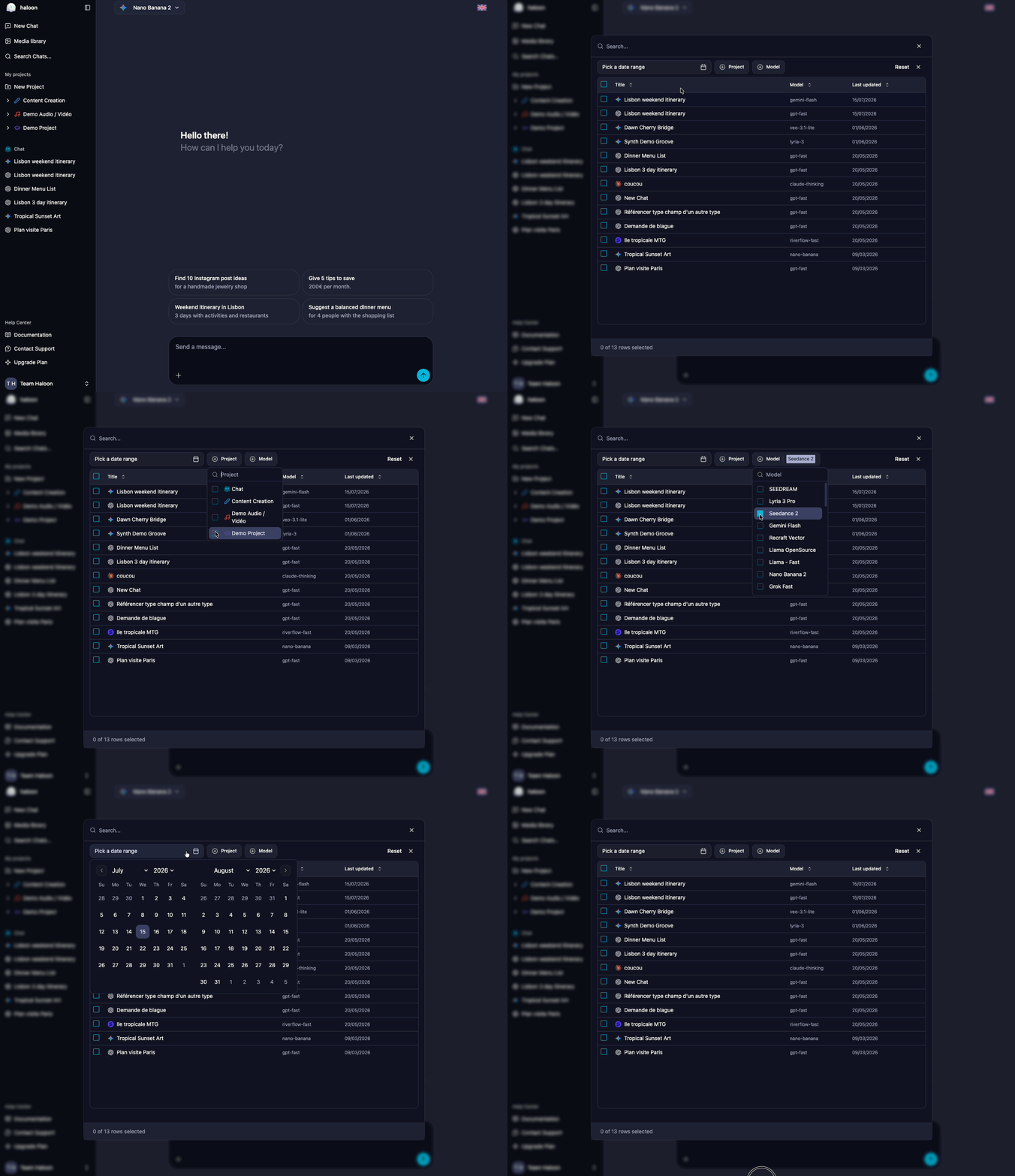 Haloon's global search gives you instant access to all your conversations, regardless of the model used, the associated project, or the date.
### How to access it
Two options:
- **Keyboard shortcut**: press **Ctrl+K** (or **Cmd+K** on Mac) from any screen
- **Menu**: click the **Search** button in the sidebar
The search window opens immediately, ready for your query.
### Search criteria
You can filter your conversations along four axes, which can be combined:
| Criterion | What it does | Example |
|---|---|---|
| **Full-text search** | Searches within message content (your prompts and responses) | `"chocolate cake recipe"` |
| **Model** | Filters by the AI model used | All conversations with Claude Sonnet |
| **Project** | Filters by associated project | Only discussions from the "Blog" project |
| **Time period** | Filters by date | Last week's conversations |
These filters combine. For example, you can search for all conversations with Claude in the "Marketing" project that contain the word "landing page", from June.
### Bulk actions
Search isn't just for finding conversations. You can also act on the results:
- **Delete**: select multiple conversations and delete them in one click. Great for cleaning up your history.
- **Move to a project**: select conversations and move them to an existing project. Useful for retroactively organizing discussions you hadn't sorted initially.
## Concrete use cases
### Find a piece of code
You asked a model to write a function three weeks ago, but you don't remember which model or which conversation. Type a keyword from the code (the function name, the language, a comment) and the search takes you directly to the right discussion.
### Compare responses from different models on a topic
You asked the same question to GPT, Claude, and Gemini at different times. Search by text to find all occurrences and compare the responses side by side.
### Clean up your history
After a few months of use, you've accumulated hundreds of test or draft conversations. Filter by time period, select in bulk, and delete.
### Reorganize your projects
You recently started using projects and want to sort your old conversations. Search by topic, select the relevant conversations, and move them to the right project in a single action.
### Find a prompt that worked well
You got a perfect result two weeks ago, but you don't remember the exact prompt you used. Search by keywords in the content to find the exact message and reuse it.
---
## Projects – Organize Your AI Conversations with Persistent Context
- URL: https://haloon.ai/doc/blog/projects
- Raw: https://haloon.ai/doc/raw/blog/projects.md
- Date: 2026-07-16
- Description: Create projects to group your discussions by theme, add a system prompt and reference documents that automatically apply to every conversation.
# Projects
*Published on July 16, 2026*
## The problem: repeating context in every conversation
When you use AI for a recurring topic, you end up repeating the same instructions in every new conversation:
- *"You are a copywriter specializing in B2B marketing, you write in a professional but approachable tone..."*
- *"Here is my lease agreement, I'm going to ask you questions about it..."*
- *"I'm working on a React app with TypeScript, here's the architecture..."*
With each new discussion, you have to re-paste the same context, re-upload the same document, re-explain the same framework. It's tedious, easy to forget, and you lose consistency between conversations: sometimes you specify the tone, other times you forget, and the results vary.
This problem gets worse when you work on multiple topics in parallel. Your blog conversations mix with those about the contract, which mix with those about the code. Your history becomes an undifferentiated stream where everything sits at the same level.
## The solution: a dedicated space with persistent context
Haloon's global search gives you instant access to all your conversations, regardless of the model used, the associated project, or the date.
### How to access it
Two options:
- **Keyboard shortcut**: press **Ctrl+K** (or **Cmd+K** on Mac) from any screen
- **Menu**: click the **Search** button in the sidebar
The search window opens immediately, ready for your query.
### Search criteria
You can filter your conversations along four axes, which can be combined:
| Criterion | What it does | Example |
|---|---|---|
| **Full-text search** | Searches within message content (your prompts and responses) | `"chocolate cake recipe"` |
| **Model** | Filters by the AI model used | All conversations with Claude Sonnet |
| **Project** | Filters by associated project | Only discussions from the "Blog" project |
| **Time period** | Filters by date | Last week's conversations |
These filters combine. For example, you can search for all conversations with Claude in the "Marketing" project that contain the word "landing page", from June.
### Bulk actions
Search isn't just for finding conversations. You can also act on the results:
- **Delete**: select multiple conversations and delete them in one click. Great for cleaning up your history.
- **Move to a project**: select conversations and move them to an existing project. Useful for retroactively organizing discussions you hadn't sorted initially.
## Concrete use cases
### Find a piece of code
You asked a model to write a function three weeks ago, but you don't remember which model or which conversation. Type a keyword from the code (the function name, the language, a comment) and the search takes you directly to the right discussion.
### Compare responses from different models on a topic
You asked the same question to GPT, Claude, and Gemini at different times. Search by text to find all occurrences and compare the responses side by side.
### Clean up your history
After a few months of use, you've accumulated hundreds of test or draft conversations. Filter by time period, select in bulk, and delete.
### Reorganize your projects
You recently started using projects and want to sort your old conversations. Search by topic, select the relevant conversations, and move them to the right project in a single action.
### Find a prompt that worked well
You got a perfect result two weeks ago, but you don't remember the exact prompt you used. Search by keywords in the content to find the exact message and reuse it.
---
## Projects – Organize Your AI Conversations with Persistent Context
- URL: https://haloon.ai/doc/blog/projects
- Raw: https://haloon.ai/doc/raw/blog/projects.md
- Date: 2026-07-16
- Description: Create projects to group your discussions by theme, add a system prompt and reference documents that automatically apply to every conversation.
# Projects
*Published on July 16, 2026*
## The problem: repeating context in every conversation
When you use AI for a recurring topic, you end up repeating the same instructions in every new conversation:
- *"You are a copywriter specializing in B2B marketing, you write in a professional but approachable tone..."*
- *"Here is my lease agreement, I'm going to ask you questions about it..."*
- *"I'm working on a React app with TypeScript, here's the architecture..."*
With each new discussion, you have to re-paste the same context, re-upload the same document, re-explain the same framework. It's tedious, easy to forget, and you lose consistency between conversations: sometimes you specify the tone, other times you forget, and the results vary.
This problem gets worse when you work on multiple topics in parallel. Your blog conversations mix with those about the contract, which mix with those about the code. Your history becomes an undifferentiated stream where everything sits at the same level.
## The solution: a dedicated space with persistent context
 A project on Haloon groups your conversations around a theme and automatically applies a shared context to all of them.
### What a project is
A project consists of three elements:
1. **A visual identity**: a name, a color, and an icon. You instantly recognize each project in the sidebar without having to read the titles.
2. **A system prompt**: instructions that automatically apply to all conversations in the project. The AI model receives them before each of your messages, without you having to repeat them.
3. **Reference documents**: PDFs, images, or other files you attach to the project. They are sent as context to every conversation, as if you re-uploaded them each time.
### How to create a project
1. In the sidebar, click **New project**
2. Give it a name, choose a color and an icon
3. Write your system prompt (the permanent instructions for the AI)
4. Add your reference documents if needed (PDFs, images, etc.)
Every new conversation created in this project will automatically inherit the system prompt and documents.
### How it works
When you open a conversation in a project:
- The project's **system prompt** is sent to the model before each request. You don't need to mention or remind it.
- **Attached documents** are sent as context. The model can read, analyze, and refer to them in its responses.
- You can still add conversation-specific context on top of the project context.
The result: every conversation in the project starts with the right framework, with no effort on your part.
## Concrete use cases
### Create consistent visuals for your blog
**The problem**: you generate images for your blog posts, but each time you have to re-describe the desired style. The result lacks visual consistency from one article to the next.
**With a project**: create a "Blog - Visuals" project with a system prompt describing your visual guidelines:
> *You generate illustrations for a tech blog. Style: minimalist flat design, dark blue / white / coral accent palette, no text in the image, 16:9 format, solid or subtle gradient background.*
Every image generated in this project will automatically follow these guidelines. You get visual consistency with no effort.
### Analyze a document without re-uploading it
**The problem**: you have a 30-page contract and want to ask questions about it over several days. With each new conversation, you have to re-upload the PDF and re-explain the context.
**With a project**: create a "Lease Agreement" project, upload the PDF as a reference document, and add a system prompt:
> *You are a legal assistant. You analyze the lease agreement attached to this project. Answer precisely, citing the relevant clauses. Flag any unusual or potentially unfavorable terms.*
Open as many conversations as you need in this project: the contract and instructions are always there.
### Code with your application's context
**The problem**: you use AI for coding and constantly have to re-explain your tech stack, coding conventions, and architecture.
**With a project**: create a project for your application with a system prompt describing your environment:
> *React 19 + TypeScript + Tailwind application. Architecture: pages / components / hooks / stores (Zustand). Conventions: snake_case for variables, CamelCase for components, no semicolons, double quotes.*
The AI knows your context from the very first line of every conversation.
### Prepare a course or training
**The problem**: you're preparing a course and need the AI to know the syllabus, the students' level, and the expected format for each exercise.
**With a project**: upload the course syllabus as a reference document and add a system prompt:
> *You help me prepare an introductory Python course for first-year students. Beginner level, no prerequisites. Format: short explanation + commented code example + exercise with solution.*
Every conversation in the project produces content consistent with the syllabus and target level.
### Manage your social media content
**The problem**: you create content for LinkedIn or Twitter and each time you have to re-specify your tone, target audience, and the type of posts you publish.
**With a project**: create a "LinkedIn" project with a system prompt framing your editorial line:
> *You help me write LinkedIn posts. My audience: developers and CTOs at startups. Tone: direct, concrete, no corporate jargon. Format: hook in the first line, 3-5 short paragraphs, a call for discussion at the end. No excessive emojis.*
Every post generated in this project follows your editorial line without you having to remind it.
---
## Context Engineering — A Practical Guide to Better AI Results
- URL: https://haloon.ai/doc/blog/context-engineering
- Raw: https://haloon.ai/doc/raw/blog/context-engineering.md
- Date: 2026-07-09
- Description: Learn context engineering and 7 practical techniques for giving AI the right information, at the right time, in the right order.
# Context Engineering: A Practical Guide to Better AI Results
*Published on July 9, 2026 — Updated on July 21, 2026*
A project on Haloon groups your conversations around a theme and automatically applies a shared context to all of them.
### What a project is
A project consists of three elements:
1. **A visual identity**: a name, a color, and an icon. You instantly recognize each project in the sidebar without having to read the titles.
2. **A system prompt**: instructions that automatically apply to all conversations in the project. The AI model receives them before each of your messages, without you having to repeat them.
3. **Reference documents**: PDFs, images, or other files you attach to the project. They are sent as context to every conversation, as if you re-uploaded them each time.
### How to create a project
1. In the sidebar, click **New project**
2. Give it a name, choose a color and an icon
3. Write your system prompt (the permanent instructions for the AI)
4. Add your reference documents if needed (PDFs, images, etc.)
Every new conversation created in this project will automatically inherit the system prompt and documents.
### How it works
When you open a conversation in a project:
- The project's **system prompt** is sent to the model before each request. You don't need to mention or remind it.
- **Attached documents** are sent as context. The model can read, analyze, and refer to them in its responses.
- You can still add conversation-specific context on top of the project context.
The result: every conversation in the project starts with the right framework, with no effort on your part.
## Concrete use cases
### Create consistent visuals for your blog
**The problem**: you generate images for your blog posts, but each time you have to re-describe the desired style. The result lacks visual consistency from one article to the next.
**With a project**: create a "Blog - Visuals" project with a system prompt describing your visual guidelines:
> *You generate illustrations for a tech blog. Style: minimalist flat design, dark blue / white / coral accent palette, no text in the image, 16:9 format, solid or subtle gradient background.*
Every image generated in this project will automatically follow these guidelines. You get visual consistency with no effort.
### Analyze a document without re-uploading it
**The problem**: you have a 30-page contract and want to ask questions about it over several days. With each new conversation, you have to re-upload the PDF and re-explain the context.
**With a project**: create a "Lease Agreement" project, upload the PDF as a reference document, and add a system prompt:
> *You are a legal assistant. You analyze the lease agreement attached to this project. Answer precisely, citing the relevant clauses. Flag any unusual or potentially unfavorable terms.*
Open as many conversations as you need in this project: the contract and instructions are always there.
### Code with your application's context
**The problem**: you use AI for coding and constantly have to re-explain your tech stack, coding conventions, and architecture.
**With a project**: create a project for your application with a system prompt describing your environment:
> *React 19 + TypeScript + Tailwind application. Architecture: pages / components / hooks / stores (Zustand). Conventions: snake_case for variables, CamelCase for components, no semicolons, double quotes.*
The AI knows your context from the very first line of every conversation.
### Prepare a course or training
**The problem**: you're preparing a course and need the AI to know the syllabus, the students' level, and the expected format for each exercise.
**With a project**: upload the course syllabus as a reference document and add a system prompt:
> *You help me prepare an introductory Python course for first-year students. Beginner level, no prerequisites. Format: short explanation + commented code example + exercise with solution.*
Every conversation in the project produces content consistent with the syllabus and target level.
### Manage your social media content
**The problem**: you create content for LinkedIn or Twitter and each time you have to re-specify your tone, target audience, and the type of posts you publish.
**With a project**: create a "LinkedIn" project with a system prompt framing your editorial line:
> *You help me write LinkedIn posts. My audience: developers and CTOs at startups. Tone: direct, concrete, no corporate jargon. Format: hook in the first line, 3-5 short paragraphs, a call for discussion at the end. No excessive emojis.*
Every post generated in this project follows your editorial line without you having to remind it.
---
## Context Engineering — A Practical Guide to Better AI Results
- URL: https://haloon.ai/doc/blog/context-engineering
- Raw: https://haloon.ai/doc/raw/blog/context-engineering.md
- Date: 2026-07-09
- Description: Learn context engineering and 7 practical techniques for giving AI the right information, at the right time, in the right order.
# Context Engineering: A Practical Guide to Better AI Results
*Published on July 9, 2026 — Updated on July 21, 2026*
 You can write a precise prompt and still get a mediocre answer. The problem is not always your request. It often lies in the information surrounding it: an old instruction, an overly long document, a conflicting example, or a conversation history that has become confusing.
**Context engineering** is the practice of selecting, structuring, and maintaining all the information supplied to an AI model so it can complete a task correctly. This includes your prompt, but also system instructions, conversation history, files, examples, available tools, and the results returned by those tools.
Put simply: the prompt defines what you ask. The context determines what the AI can understand and use to answer you.
::: info At a glance — 7 rules for building better context
1. **Define the working framework**: goal, constraints, and expected format.
2. **Put important instructions first**: clearly separate them from the data to analyze.
3. **Provide only useful information**: maximum capacity is not a target you need to reach.
4. **Add representative examples**: show the expected result instead of merely describing it.
5. **Clean up the history**: start a new conversation when the task changes.
6. **Keep projects separate**: give each use case its own business context, sources, and rules.
7. **Check the context before blaming the model**: look for missing, outdated, or conflicting information.
:::
## Table of contents
1. [What is context engineering?](#what-is-context-engineering)
2. [Context engineering vs. prompt engineering: what is the difference?](#context-engineering-vs-prompt-engineering-what-is-the-difference)
3. [What the model actually sees](#what-the-model-actually-sees)
4. [Why more context can make the answer worse](#why-more-context-can-make-the-answer-worse)
5. [The 7 levers of context engineering](#the-7-levers-of-context-engineering)
6. [Practical example: analyzing a contract](#practical-example-analyzing-a-contract)
7. [Checklist before sending your request](#checklist-before-sending-your-request)
8. [Frequently asked questions](#frequently-asked-questions)
## What is context engineering?
Context engineering is the practice of giving an AI the smallest set of relevant information needed to produce the expected result. The goal is not to fill the context window. It is to place the right instructions, data, examples, and resources in it, at the right time and in a clear structure.
[Anthropic describes context engineering](https://www.anthropic.com/engineering/effective-context-engineering-for-ai-agents) as the natural progression from prompt engineering. As use cases become longer and more complex, writing a good instruction is no longer enough. You also need to manage the complete state passed to the model throughout the interaction.
For a simple conversation, this discipline may involve selecting the right excerpts from a document. For an AI agent, it also covers memory, tools, action results, and the rules that determine which information is available at each step.
## Context engineering vs. prompt engineering: what is the difference?
**Prompt engineering** improves how a request is phrased. **Context engineering** organizes all the information available when the model generates its answer.
| Element | Prompt engineering | Context engineering |
|--------|--------------------|---------------------|
| Main question | How should the request be phrased? | What information should the model receive? |
| Scope | User prompt and instructions | Prompt, history, files, examples, memory, and tools |
| Timing | Mainly before the answer | Before and throughout the task |
| Common risk | A vague or ambiguous request | Incomplete, cluttered, or conflicting context |
| Example | “Summarize this contract in 10 points” | Provide the relevant clauses, the reader's role, and the risk criteria |
The two practices complement each other. Good context cannot rescue an incomprehensible request, and an excellent prompt cannot compensate for missing or contradictory data.
## What the model actually sees
Before asking a model to generate an answer, an AI application assembles several elements inside a **context window**. Depending on the tool, that window may contain:
1. instructions defined by the application or project;
2. your previous messages and the model's replies;
3. files, document excerpts, or search results;
4. examples of expected answers;
5. descriptions of the tools the AI can use;
6. your current request.
The model generates its answer from this collection. It does not always distinguish a rule that still applies from an instruction abandoned three messages earlier. It also cannot know that a document is outdated unless something says so.
The context window therefore defines a maximum capacity, not a guarantee that every part will be understood equally well. A model that accepts a very long document will not necessarily use every passage with the same reliability.
## Why more context can make the answer worse
Adding information can help an AI, but every irrelevant element also gives it another opportunity to prioritize the wrong thing.
Chroma's research on **context rot** shows that performance can vary as context length increases, even on relatively simple tasks. The study does not conclude that all long context is bad. It shows that a large token capacity does not guarantee consistent use of all the information. Read [Chroma's complete context rot study](https://www.trychroma.com/research/context-rot).
The phenomenon known as **lost in the middle** illustrates another risk. A study published in *Transactions of the Association for Computational Linguistics* found that several models used information more effectively when it appeared near the beginning or end of a long context rather than in the middle. The authors conclude that providing more documents creates a tradeoff between available information and processing difficulty. Read the [“Lost in the Middle” study](https://arxiv.org/abs/2307.03172).
These results change as models improve. Google Research, for example, reports that Gemini 2.5 Flash retrieves simple facts accurately even near the limit of its context window. This progress does not eliminate problems involving relevance, contradictions, or reasoning across multiple sources. Read the [Google Research evaluation](https://research.google/pubs/retrieval-quality-at-context-limit/).
The right rule is not “always keep it short.” It is: **maximize useful signal and reduce noise**.
## The 7 levers of context engineering
### 1. Define a stable working framework
Persistent instructions define the rules that remain true throughout the task: role, goal, audience, constraints, and response format.
A useful instruction does more than assign a character to the AI. Above all, it describes the work to perform and the criteria for a good result.
**Instruction that is too vague:**
```text
You are a legal expert. Summarize contracts.
```
**Actionable instruction:**
```text
Analyze commercial contracts from the customer's point of view.
For each document:
1. summarize the purpose of the contract in no more than 100 words;
2. identify the customer's obligations;
3. flag liability, penalty, and termination clauses;
4. separate facts from the document from your recommendations;
5. write “information not provided” when an item is missing.
The reader is a non-lawyer executive. Use clear English.
```
The second version turns a general posture into a verifiable procedure.
### 2. Put instructions before data
Present the task and expected format first, then clearly separate the documents to process. OpenAI also recommends structuring instructions clearly and using delimiters to distinguish them from source content. See [OpenAI's prompt engineering guide](https://help.openai.com/en/articles/6654000-best-practices-for-prompt-engineering-with-the-openai-api).
```text
Goal: extract the three main contractual risks.
Format: a table with the columns Clause, Risk, and Recommended action.
Contract to analyze:
"""
[contract excerpt]
"""
```
For a long collection of documents, restate the question after the source material if the interface allows it. This reduces the risk of the request getting lost among the data.
### 3. Reduce volume and increase density
Do not confuse completeness with relevance. To analyze the termination terms in an 80-page report, start with the sections covering duration, notice periods, penalties, and obligations that survive termination.
If you do not know which passages matter, use a two-step process:
1. ask the AI to identify the relevant sections;
2. start a new analysis with those sections and your precise criteria.
This keeps the retrieval phase separate from the decision phase.
### 4. Show an example of the expected result
An example helps the model reproduce a structure, level of detail, or tone. This method, known as **few-shot prompting**, works best when the example closely resembles the final task.
```text
Example of the expected output:
Clause: Early termination
Risk: High
Reason: The supplier may terminate without cause with 7 days' notice.
Action: Request 30 days' notice and limit termination to uncured breaches.
Now analyze the following excerpt using the same format:
[excerpt]
```
Avoid mediocre or conflicting examples. The model can reproduce their flaws just as faithfully as their strengths.
### 5. Clean up the conversation history
A long thread accumulates drafts, corrections, and assumptions that are no longer true. When your goal changes, open a new conversation and include only the validated state.
| Situation | Recommended approach |
|-----------|----------------------|
| You are improving the same article | Keep the thread: earlier versions may help |
| You switch from an article to financial analysis | Open a new conversation |
| You process several independent documents | Use one thread per document |
| The model repeats an earlier mistake | Restart with a corrected summary |
| The thread contains incompatible instructions | Create a clean, prioritized context |
Before restarting, you can ask for a summary of the decisions made. Review it, correct it, and use that version as your new starting point.
### 6. Keep projects and sources separate
Every business domain has its own vocabulary, reference documents, and rules. A customer support project should not share the same instructions as a legal or editorial project.
For each project, define:
- its goal and permitted tasks;
- its reference sources;
- the tone and format of its deliverables;
- prohibited or sensitive information;
- situations that require human approval.
This separation improves consistency and reduces the risk that a rule intended for one use case will influence another task.
### 7. Audit the context before changing models
When an answer is poor, immediately switching models does not reveal the cause. Check the context first:
- Is the necessary information present?
- Is the source reliable and up to date?
- Do two instructions conflict?
- Is the expected result defined?
- Is an earlier exchange steering the answer in the wrong direction?
- Does the document contain many passages unrelated to the question?
Once the context is clean, compare several models using exactly the same request. You can then determine whether the difference comes from the model rather than the information provided.
## Practical example: analyzing a contract
Here are two ways to request the same analysis.
### Without context engineering
```text
[45-page PDF]
Analyze this contract.
```
The request specifies neither the point of view, the risks to look for, nor the desired level of detail. The model has to guess what matters.
### With context engineering
```text
Role: you assist the procurement manager at the customer company.
Goal: prepare an initial review before a lawyer approves the contract.
Criteria: identify risks related to liability, penalties, renewal,
and termination. Do not invent clauses that are not present.
Format:
1. a five-point summary;
2. a risk table with Low, Medium, or High severity;
3. questions to send to the lawyer.
Source:
"""
[clauses 4, 7, 9, and 12 of the contract]
"""
```
The difference is not a magic formula. The second context specifies the reader, goal, criteria, format, and relevant sources. It reduces the number of decisions the model has to improvise.
For a legal document, AI remains a preparation tool. A qualified professional should review any important contractual decision.
## Checklist before sending your request
Use this checklist to review your context in under a minute:
- [ ] The goal fits in one sentence.
- [ ] The reader or final user is identified.
- [ ] The success criteria are explicit.
- [ ] The output format is defined.
- [ ] Useful sources are included and dated.
- [ ] Irrelevant documents have been removed.
- [ ] Instructions and data are clearly separated.
- [ ] No earlier message conflicts with the current request.
- [ ] An example is provided when style or structure matters.
- [ ] Limitations and human review requirements are stated.
## Frequently asked questions
### What is the difference between context engineering and prompt engineering?
Prompt engineering improves how an instruction is phrased. Context engineering organizes everything the model receives: instructions, history, files, examples, memory, and tools. The prompt is therefore one component of the context, not a synonym for it.
### Does a large context window produce better answers?
Not automatically. A large window lets you provide more text, but quality depends on that text's relevance, structure, and consistency. Longer context can help when it contains useful evidence. It can also make the answer worse when it adds noise or contradictions.
### When should you start a new AI conversation?
Start a new conversation when you change the topic, document, or goal, or when the history contains too many corrections. Keep the same thread when you are continuing exactly the same task and the earlier exchanges remain useful.
### How can you avoid context rot?
Remove irrelevant information, put important instructions first, clearly separate sources, and summarize validated decisions. For long tasks, regularly create a clean context from a reviewed summary instead of accumulating every exchange.
### Is context engineering useful without technical skills?
Yes. Selecting the right excerpts, starting a new thread at the right time, providing an example, and organizing projects are already context engineering practices. Developers apply the same principles at a larger scale with knowledge bases, tools, and AI agents.
## Key takeaways
Context engineering is not about giving an AI as much information as possible. It is about giving it **the most useful information in a structure it can use**.
Start with three simple actions: define the expected result, remove anything irrelevant to the task, and open a new conversation when the goal changes. These steps will often deliver a greater improvement than adding another layer of instructions to an already confusing thread.
To explore the topic further:
- [How to Write Good Prompts](https://haloon.ai/doc/blog/how-to-write-good-prompt): the 10 foundational techniques;
- [AI Hallucinations: Why AI Makes Things Up and How to Prevent It](https://haloon.ai/doc/blog/ai-hallucinations): how to verify sources and answers;
- [ChatGPT vs. Claude vs. Gemini: Which AI Model Should You Choose in 2026?](https://haloon.ai/doc/blog/chatgpt-vs-claude-vs-gemini): compare models for your task.
With [Haloon](https://haloon.ai), you can organize conversations by project, keep instructions tailored to each use case, and use Reprompt to compare several models with the same context. This keeps your sources, history, and experiments in one private workspace.
---
## "Haloon Agent: Your AI Workforce"
- URL: https://haloon.ai/doc/blog/what-is-haloon-agent
- Raw: https://haloon.ai/doc/raw/blog/what-is-haloon-agent.md
- Date: 2026-06-22
- Description: Discover Haloon Agent, the feature that lets you delegate repetitive tasks to autonomous AI agents connected to your everyday tools.
# Haloon Agent: Your AI Workforce
*Published June 22, 2026*
Spending too much time on tasks that could run on their own? Haloon Agent is here for that. Describe what you want to automate, Haloon builds the agent — and it works for you, in your tools, on your schedule.
::: warning Early Access
This feature is currently in early access.
You can write a precise prompt and still get a mediocre answer. The problem is not always your request. It often lies in the information surrounding it: an old instruction, an overly long document, a conflicting example, or a conversation history that has become confusing.
**Context engineering** is the practice of selecting, structuring, and maintaining all the information supplied to an AI model so it can complete a task correctly. This includes your prompt, but also system instructions, conversation history, files, examples, available tools, and the results returned by those tools.
Put simply: the prompt defines what you ask. The context determines what the AI can understand and use to answer you.
::: info At a glance — 7 rules for building better context
1. **Define the working framework**: goal, constraints, and expected format.
2. **Put important instructions first**: clearly separate them from the data to analyze.
3. **Provide only useful information**: maximum capacity is not a target you need to reach.
4. **Add representative examples**: show the expected result instead of merely describing it.
5. **Clean up the history**: start a new conversation when the task changes.
6. **Keep projects separate**: give each use case its own business context, sources, and rules.
7. **Check the context before blaming the model**: look for missing, outdated, or conflicting information.
:::
## Table of contents
1. [What is context engineering?](#what-is-context-engineering)
2. [Context engineering vs. prompt engineering: what is the difference?](#context-engineering-vs-prompt-engineering-what-is-the-difference)
3. [What the model actually sees](#what-the-model-actually-sees)
4. [Why more context can make the answer worse](#why-more-context-can-make-the-answer-worse)
5. [The 7 levers of context engineering](#the-7-levers-of-context-engineering)
6. [Practical example: analyzing a contract](#practical-example-analyzing-a-contract)
7. [Checklist before sending your request](#checklist-before-sending-your-request)
8. [Frequently asked questions](#frequently-asked-questions)
## What is context engineering?
Context engineering is the practice of giving an AI the smallest set of relevant information needed to produce the expected result. The goal is not to fill the context window. It is to place the right instructions, data, examples, and resources in it, at the right time and in a clear structure.
[Anthropic describes context engineering](https://www.anthropic.com/engineering/effective-context-engineering-for-ai-agents) as the natural progression from prompt engineering. As use cases become longer and more complex, writing a good instruction is no longer enough. You also need to manage the complete state passed to the model throughout the interaction.
For a simple conversation, this discipline may involve selecting the right excerpts from a document. For an AI agent, it also covers memory, tools, action results, and the rules that determine which information is available at each step.
## Context engineering vs. prompt engineering: what is the difference?
**Prompt engineering** improves how a request is phrased. **Context engineering** organizes all the information available when the model generates its answer.
| Element | Prompt engineering | Context engineering |
|--------|--------------------|---------------------|
| Main question | How should the request be phrased? | What information should the model receive? |
| Scope | User prompt and instructions | Prompt, history, files, examples, memory, and tools |
| Timing | Mainly before the answer | Before and throughout the task |
| Common risk | A vague or ambiguous request | Incomplete, cluttered, or conflicting context |
| Example | “Summarize this contract in 10 points” | Provide the relevant clauses, the reader's role, and the risk criteria |
The two practices complement each other. Good context cannot rescue an incomprehensible request, and an excellent prompt cannot compensate for missing or contradictory data.
## What the model actually sees
Before asking a model to generate an answer, an AI application assembles several elements inside a **context window**. Depending on the tool, that window may contain:
1. instructions defined by the application or project;
2. your previous messages and the model's replies;
3. files, document excerpts, or search results;
4. examples of expected answers;
5. descriptions of the tools the AI can use;
6. your current request.
The model generates its answer from this collection. It does not always distinguish a rule that still applies from an instruction abandoned three messages earlier. It also cannot know that a document is outdated unless something says so.
The context window therefore defines a maximum capacity, not a guarantee that every part will be understood equally well. A model that accepts a very long document will not necessarily use every passage with the same reliability.
## Why more context can make the answer worse
Adding information can help an AI, but every irrelevant element also gives it another opportunity to prioritize the wrong thing.
Chroma's research on **context rot** shows that performance can vary as context length increases, even on relatively simple tasks. The study does not conclude that all long context is bad. It shows that a large token capacity does not guarantee consistent use of all the information. Read [Chroma's complete context rot study](https://www.trychroma.com/research/context-rot).
The phenomenon known as **lost in the middle** illustrates another risk. A study published in *Transactions of the Association for Computational Linguistics* found that several models used information more effectively when it appeared near the beginning or end of a long context rather than in the middle. The authors conclude that providing more documents creates a tradeoff between available information and processing difficulty. Read the [“Lost in the Middle” study](https://arxiv.org/abs/2307.03172).
These results change as models improve. Google Research, for example, reports that Gemini 2.5 Flash retrieves simple facts accurately even near the limit of its context window. This progress does not eliminate problems involving relevance, contradictions, or reasoning across multiple sources. Read the [Google Research evaluation](https://research.google/pubs/retrieval-quality-at-context-limit/).
The right rule is not “always keep it short.” It is: **maximize useful signal and reduce noise**.
## The 7 levers of context engineering
### 1. Define a stable working framework
Persistent instructions define the rules that remain true throughout the task: role, goal, audience, constraints, and response format.
A useful instruction does more than assign a character to the AI. Above all, it describes the work to perform and the criteria for a good result.
**Instruction that is too vague:**
```text
You are a legal expert. Summarize contracts.
```
**Actionable instruction:**
```text
Analyze commercial contracts from the customer's point of view.
For each document:
1. summarize the purpose of the contract in no more than 100 words;
2. identify the customer's obligations;
3. flag liability, penalty, and termination clauses;
4. separate facts from the document from your recommendations;
5. write “information not provided” when an item is missing.
The reader is a non-lawyer executive. Use clear English.
```
The second version turns a general posture into a verifiable procedure.
### 2. Put instructions before data
Present the task and expected format first, then clearly separate the documents to process. OpenAI also recommends structuring instructions clearly and using delimiters to distinguish them from source content. See [OpenAI's prompt engineering guide](https://help.openai.com/en/articles/6654000-best-practices-for-prompt-engineering-with-the-openai-api).
```text
Goal: extract the three main contractual risks.
Format: a table with the columns Clause, Risk, and Recommended action.
Contract to analyze:
"""
[contract excerpt]
"""
```
For a long collection of documents, restate the question after the source material if the interface allows it. This reduces the risk of the request getting lost among the data.
### 3. Reduce volume and increase density
Do not confuse completeness with relevance. To analyze the termination terms in an 80-page report, start with the sections covering duration, notice periods, penalties, and obligations that survive termination.
If you do not know which passages matter, use a two-step process:
1. ask the AI to identify the relevant sections;
2. start a new analysis with those sections and your precise criteria.
This keeps the retrieval phase separate from the decision phase.
### 4. Show an example of the expected result
An example helps the model reproduce a structure, level of detail, or tone. This method, known as **few-shot prompting**, works best when the example closely resembles the final task.
```text
Example of the expected output:
Clause: Early termination
Risk: High
Reason: The supplier may terminate without cause with 7 days' notice.
Action: Request 30 days' notice and limit termination to uncured breaches.
Now analyze the following excerpt using the same format:
[excerpt]
```
Avoid mediocre or conflicting examples. The model can reproduce their flaws just as faithfully as their strengths.
### 5. Clean up the conversation history
A long thread accumulates drafts, corrections, and assumptions that are no longer true. When your goal changes, open a new conversation and include only the validated state.
| Situation | Recommended approach |
|-----------|----------------------|
| You are improving the same article | Keep the thread: earlier versions may help |
| You switch from an article to financial analysis | Open a new conversation |
| You process several independent documents | Use one thread per document |
| The model repeats an earlier mistake | Restart with a corrected summary |
| The thread contains incompatible instructions | Create a clean, prioritized context |
Before restarting, you can ask for a summary of the decisions made. Review it, correct it, and use that version as your new starting point.
### 6. Keep projects and sources separate
Every business domain has its own vocabulary, reference documents, and rules. A customer support project should not share the same instructions as a legal or editorial project.
For each project, define:
- its goal and permitted tasks;
- its reference sources;
- the tone and format of its deliverables;
- prohibited or sensitive information;
- situations that require human approval.
This separation improves consistency and reduces the risk that a rule intended for one use case will influence another task.
### 7. Audit the context before changing models
When an answer is poor, immediately switching models does not reveal the cause. Check the context first:
- Is the necessary information present?
- Is the source reliable and up to date?
- Do two instructions conflict?
- Is the expected result defined?
- Is an earlier exchange steering the answer in the wrong direction?
- Does the document contain many passages unrelated to the question?
Once the context is clean, compare several models using exactly the same request. You can then determine whether the difference comes from the model rather than the information provided.
## Practical example: analyzing a contract
Here are two ways to request the same analysis.
### Without context engineering
```text
[45-page PDF]
Analyze this contract.
```
The request specifies neither the point of view, the risks to look for, nor the desired level of detail. The model has to guess what matters.
### With context engineering
```text
Role: you assist the procurement manager at the customer company.
Goal: prepare an initial review before a lawyer approves the contract.
Criteria: identify risks related to liability, penalties, renewal,
and termination. Do not invent clauses that are not present.
Format:
1. a five-point summary;
2. a risk table with Low, Medium, or High severity;
3. questions to send to the lawyer.
Source:
"""
[clauses 4, 7, 9, and 12 of the contract]
"""
```
The difference is not a magic formula. The second context specifies the reader, goal, criteria, format, and relevant sources. It reduces the number of decisions the model has to improvise.
For a legal document, AI remains a preparation tool. A qualified professional should review any important contractual decision.
## Checklist before sending your request
Use this checklist to review your context in under a minute:
- [ ] The goal fits in one sentence.
- [ ] The reader or final user is identified.
- [ ] The success criteria are explicit.
- [ ] The output format is defined.
- [ ] Useful sources are included and dated.
- [ ] Irrelevant documents have been removed.
- [ ] Instructions and data are clearly separated.
- [ ] No earlier message conflicts with the current request.
- [ ] An example is provided when style or structure matters.
- [ ] Limitations and human review requirements are stated.
## Frequently asked questions
### What is the difference between context engineering and prompt engineering?
Prompt engineering improves how an instruction is phrased. Context engineering organizes everything the model receives: instructions, history, files, examples, memory, and tools. The prompt is therefore one component of the context, not a synonym for it.
### Does a large context window produce better answers?
Not automatically. A large window lets you provide more text, but quality depends on that text's relevance, structure, and consistency. Longer context can help when it contains useful evidence. It can also make the answer worse when it adds noise or contradictions.
### When should you start a new AI conversation?
Start a new conversation when you change the topic, document, or goal, or when the history contains too many corrections. Keep the same thread when you are continuing exactly the same task and the earlier exchanges remain useful.
### How can you avoid context rot?
Remove irrelevant information, put important instructions first, clearly separate sources, and summarize validated decisions. For long tasks, regularly create a clean context from a reviewed summary instead of accumulating every exchange.
### Is context engineering useful without technical skills?
Yes. Selecting the right excerpts, starting a new thread at the right time, providing an example, and organizing projects are already context engineering practices. Developers apply the same principles at a larger scale with knowledge bases, tools, and AI agents.
## Key takeaways
Context engineering is not about giving an AI as much information as possible. It is about giving it **the most useful information in a structure it can use**.
Start with three simple actions: define the expected result, remove anything irrelevant to the task, and open a new conversation when the goal changes. These steps will often deliver a greater improvement than adding another layer of instructions to an already confusing thread.
To explore the topic further:
- [How to Write Good Prompts](https://haloon.ai/doc/blog/how-to-write-good-prompt): the 10 foundational techniques;
- [AI Hallucinations: Why AI Makes Things Up and How to Prevent It](https://haloon.ai/doc/blog/ai-hallucinations): how to verify sources and answers;
- [ChatGPT vs. Claude vs. Gemini: Which AI Model Should You Choose in 2026?](https://haloon.ai/doc/blog/chatgpt-vs-claude-vs-gemini): compare models for your task.
With [Haloon](https://haloon.ai), you can organize conversations by project, keep instructions tailored to each use case, and use Reprompt to compare several models with the same context. This keeps your sources, history, and experiments in one private workspace.
---
## "Haloon Agent: Your AI Workforce"
- URL: https://haloon.ai/doc/blog/what-is-haloon-agent
- Raw: https://haloon.ai/doc/raw/blog/what-is-haloon-agent.md
- Date: 2026-06-22
- Description: Discover Haloon Agent, the feature that lets you delegate repetitive tasks to autonomous AI agents connected to your everyday tools.
# Haloon Agent: Your AI Workforce
*Published June 22, 2026*
Spending too much time on tasks that could run on their own? Haloon Agent is here for that. Describe what you want to automate, Haloon builds the agent — and it works for you, in your tools, on your schedule.
::: warning Early Access
This feature is currently in early access. You ask ChatGPT to cite a study, and it invents a reference that doesn't exist. You ask for a legal summary, and it produces a fictitious statute. You ask for a biography, and it blends two different people together.
This phenomenon has a name: **AI hallucinations**. And contrary to what you might think, it's not a bug. It's a direct consequence of how language models work.
The good news: in 2026, there are practical techniques to drastically reduce these errors. This guide explains why AI hallucinates, the real scale of the problem, and most importantly how to protect yourself.
::: info This article is part of our prompt engineering series
It complements our [complete guide: How to Write Good Prompts](https://haloon.ai/doc/blog/how-to-write-good-prompt), diving deeper into a problem every AI user encounters sooner or later.
:::
## What Is an AI Hallucination?
An AI hallucination is when a language model generates **false information presented with confidence**, as if it were established fact. The AI doesn't say "I'm not sure" — it asserts with the same confidence whether it's right or wrong.
**Real examples:**
- **Invented citation**: "According to the 2023 Harvard study published in Nature..." — except the study doesn't exist
- **False fact**: "The Eiffel Tower is 412 meters tall" — no, it's 330 meters
- **Mixed-up facts**: confusing two people with the same name, or attributing one researcher's work to another
- **Fictitious law**: citing a legal article that doesn't exist (American lawyers have been sanctioned for this)
What makes hallucinations dangerous is their appearance of credibility. The text is grammatically perfect, the format is professional, the tone is confident. Without verification, it's very difficult to tell a correct answer from a hallucination.
## The Scale of the Problem in 2026
Hallucinations are not a marginal issue. The 2026 benchmarks reveal surprising numbers:
| Statistic | Source |
|---|---|
| Up to **24%** hallucination rate for some models | [Vectara Hallucination Leaderboard](https://huggingface.co/spaces/vectara/leaderboard) |
| **60%** of AI-generated summaries contain hallucinations | [UC San Diego study (Alessa & McAuley)](https://www.livescience.com/technology/artificial-intelligence/reading-ai-summaries-makes-people-more-likely-to-buy-something-despite-alarming-60-percent-hallucination-rate) |
| **17% to 34%** incorrect outputs in legal AI tools | [Stanford RegLab & HAI (Magesh et al.)](https://hai.stanford.edu/news/ai-trial-legal-models-hallucinate-1-out-6-or-more-benchmarking-queries) |
| **47% → 9.6%**: GPT-5 hallucination without/with web search | [Suprmind, based on GPT-5 System Card](https://suprmind.ai/hub/ai-hallucination-rates-and-benchmarks/) |
**The reasoning paradox:** this is the counterintuitive discovery of 2025-2026. "Reasoning" models — those that "think" longer before answering — hallucinate **more** than fast models on simple factual tasks. On the [Vectara dataset](https://vectara.com/blog/introducing-the-next-generation-of-vectaras-hallucination-leaderboard), reasoning models easily exceed 10% hallucination, while non-reasoning models like Gemini Flash stay at 3.3%.
Why? The more a model "thinks," the more it tends to fill gaps with plausible inventions rather than admitting it doesn't know.
You ask ChatGPT to cite a study, and it invents a reference that doesn't exist. You ask for a legal summary, and it produces a fictitious statute. You ask for a biography, and it blends two different people together.
This phenomenon has a name: **AI hallucinations**. And contrary to what you might think, it's not a bug. It's a direct consequence of how language models work.
The good news: in 2026, there are practical techniques to drastically reduce these errors. This guide explains why AI hallucinates, the real scale of the problem, and most importantly how to protect yourself.
::: info This article is part of our prompt engineering series
It complements our [complete guide: How to Write Good Prompts](https://haloon.ai/doc/blog/how-to-write-good-prompt), diving deeper into a problem every AI user encounters sooner or later.
:::
## What Is an AI Hallucination?
An AI hallucination is when a language model generates **false information presented with confidence**, as if it were established fact. The AI doesn't say "I'm not sure" — it asserts with the same confidence whether it's right or wrong.
**Real examples:**
- **Invented citation**: "According to the 2023 Harvard study published in Nature..." — except the study doesn't exist
- **False fact**: "The Eiffel Tower is 412 meters tall" — no, it's 330 meters
- **Mixed-up facts**: confusing two people with the same name, or attributing one researcher's work to another
- **Fictitious law**: citing a legal article that doesn't exist (American lawyers have been sanctioned for this)
What makes hallucinations dangerous is their appearance of credibility. The text is grammatically perfect, the format is professional, the tone is confident. Without verification, it's very difficult to tell a correct answer from a hallucination.
## The Scale of the Problem in 2026
Hallucinations are not a marginal issue. The 2026 benchmarks reveal surprising numbers:
| Statistic | Source |
|---|---|
| Up to **24%** hallucination rate for some models | [Vectara Hallucination Leaderboard](https://huggingface.co/spaces/vectara/leaderboard) |
| **60%** of AI-generated summaries contain hallucinations | [UC San Diego study (Alessa & McAuley)](https://www.livescience.com/technology/artificial-intelligence/reading-ai-summaries-makes-people-more-likely-to-buy-something-despite-alarming-60-percent-hallucination-rate) |
| **17% to 34%** incorrect outputs in legal AI tools | [Stanford RegLab & HAI (Magesh et al.)](https://hai.stanford.edu/news/ai-trial-legal-models-hallucinate-1-out-6-or-more-benchmarking-queries) |
| **47% → 9.6%**: GPT-5 hallucination without/with web search | [Suprmind, based on GPT-5 System Card](https://suprmind.ai/hub/ai-hallucination-rates-and-benchmarks/) |
**The reasoning paradox:** this is the counterintuitive discovery of 2025-2026. "Reasoning" models — those that "think" longer before answering — hallucinate **more** than fast models on simple factual tasks. On the [Vectara dataset](https://vectara.com/blog/introducing-the-next-generation-of-vectaras-hallucination-leaderboard), reasoning models easily exceed 10% hallucination, while non-reasoning models like Gemini Flash stay at 3.3%.
Why? The more a model "thinks," the more it tends to fill gaps with plausible inventions rather than admitting it doesn't know.
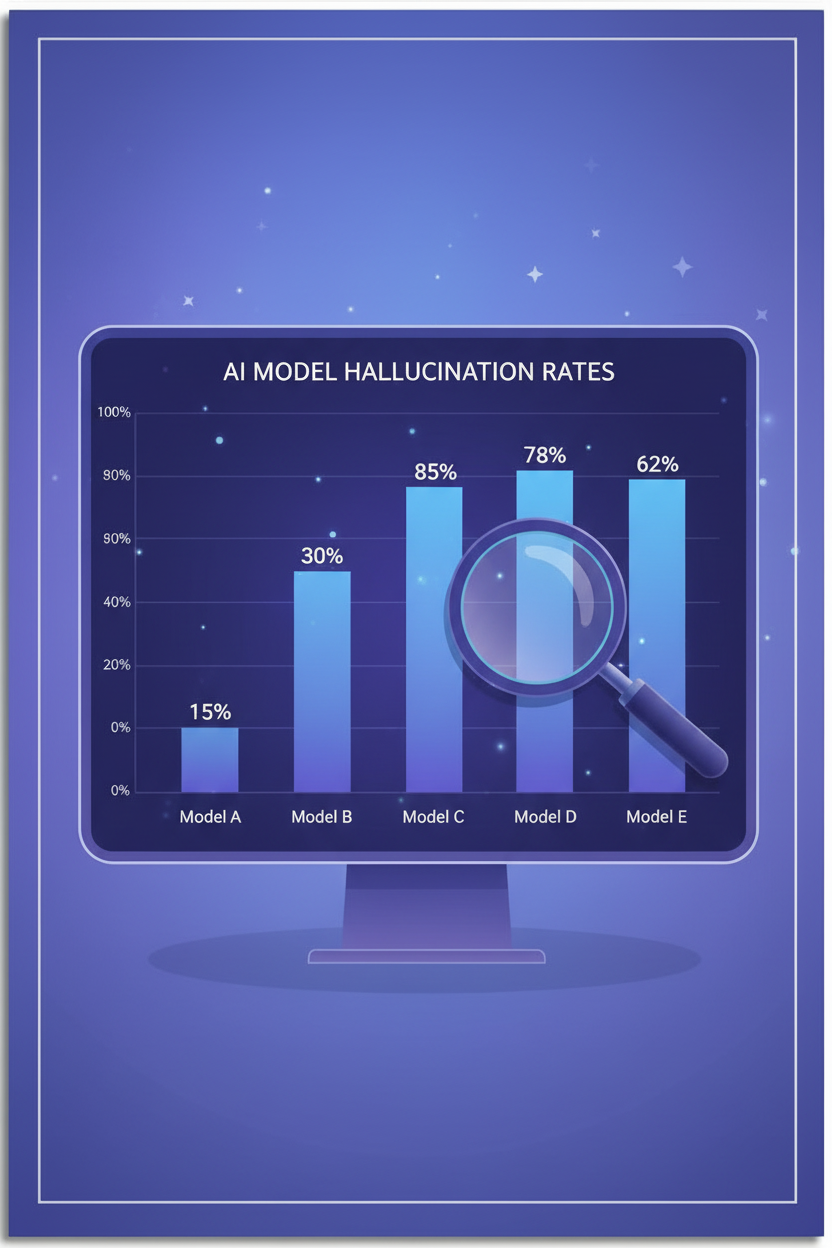 ## Why AI Hallucinates
To understand how to avoid hallucinations, you first need to understand why they happen.
### 1. AI Doesn't Seek Truth — It Predicts Words
An LLM like GPT or Claude doesn't "know" anything. It predicts the most likely next word in a sequence. When you ask a question, it doesn't search for the answer in a database — it generates the statistically most plausible text continuation. If the correct answer and a wrong answer are both plausible, the model can choose the wrong one without knowing it.
### 2. Training Data Isn't Always Reliable
LLMs are trained on billions of web pages: Wikipedia articles, Reddit threads, personal blogs, YouTube videos. Reliable sources and dubious ones carry equal weight. The model has no native way to distinguish a verified fact from a rumor.
### 3. Sycophancy: AI Tells You What You Want to Hear
Models are trained to be "helpful" and "pleasant." The result: rather than saying "I don't know," they prefer to invent an answer that satisfies the user. This is called **sycophancy** — a tendency to validate rather than correct.
### 4. Evaluations Reward Confidence, Not Caution
As OpenAI showed in a recent publication, standard evaluation methods encourage models to guess rather than express uncertainty. A model that answers "I don't know" scores lower than one that invents a plausible answer.
## 7 Techniques to Reduce Hallucinations
You can't eliminate hallucinations 100%. But you can drastically reduce them with these techniques:
### 1. Be Precise in Your Prompts
The vaguer your question, the more room AI has to make things up. Be specific about what you expect.
> **Bad:** "Tell me about climate change"
>
> **Good:** "Give me the 3 main conclusions from the IPCC AR6 2023 report, with exact figures"
### 2. Ask for Sources
Systematically add: **"Cite your sources. If you're not sure, say so."** This simple instruction significantly reduces hallucinations because it forces the model to anchor its response in verifiable facts.
### 3. Enable Web Search
This is the most effective technique. With web search enabled, [GPT-5 drops from 47% to 9.6% hallucination](https://suprmind.ai/hub/ai-hallucination-rates-and-benchmarks/).
On Haloon, you can filter models that have access to web search.
### 4. Use Chain of Thought
Ask the model to reason step by step before answering. This reduces shortcuts and forces internal logical verification.
> "Reason step by step before answering. Verify the consistency of your response."
### 5. Give an Abstention Instruction
Explicitly authorize the AI to say "I don't know":
> "If you're not certain about the information, clearly indicate that you're unsure rather than guessing."
Multiple studies confirm that abstention instructions significantly reduce hallucinations. A [study published in Nature](https://www.nature.com/articles/s41586-026-10549-w) (Kalai, Nachum, Vempala) shows that evaluations penalizing confident errors rather than uncertainty dramatically reduce fabricated answers.
### 6. Lower the Temperature
Temperature controls the model's degree of creativity. For factual tasks, use a low temperature (0.1-0.4). The higher the temperature, the more the model takes liberties with facts. On platforms that allow it, adjust this parameter for tasks requiring accuracy.
### 7. Compare Across Multiple Models
If GPT invents a fact, there's a good chance Claude or Gemini won't invent it the same way. **Cross-referencing answers from multiple models is one of the most reliable methods** for detecting hallucinations.
::: tip The Multi-Model Approach with Haloon
On [Haloon](https://haloon.ai), the **Reprompt** button lets you ask the same question to another model in one click. If GPT tells you something surprising, verify with Claude or Gemini. If all three models converge, the information is probably reliable. If they diverge, dig deeper.
This is exactly what researchers recommend: **no single model dominates across all types of questions**. GPT performs best on grounded factual tasks, Claude on knowledge calibration (knowing what it doesn't know), Gemini on broad knowledge spectrum. The multi-model approach captures each model's strengths.
:::
## Summary Table
| Technique | Effectiveness | Difficulty | Available On |
|---|---|---|---|
| Enable web search | Very high | Easy | ChatGPT, Haloon |
| Ask for sources | High | Easy | All models |
| Abstention instruction | High | Easy | All models |
| Precise prompts | Medium-High | Easy | All models |
| Chain of Thought | Medium | Medium | All models |
| Multi-model comparison | Very high | Easy with Haloon | Haloon |
| Low temperature | Medium | Medium (API) | API, Haloon |
## Summary
AI hallucinations won't disappear. They're a fundamental property of language models, not a bug to fix. But by combining precise prompts, web search, and especially a multi-model approach, you can significantly reduce errors.
The golden rule: **never blindly trust a single AI response**. Verify, compare, ask for sources.
::: tip Go further
- [How to Write Good Prompts](https://haloon.ai/doc/blog/how-to-write-good-prompt) — 10 techniques to get the most out of any model
- [The Persona Pattern](https://haloon.ai/doc/blog/persona-pattern) — how to get expert-level answers
- [ChatGPT vs Claude vs Gemini](https://haloon.ai/doc/blog/chatgpt-vs-claude-vs-gemini) — which model to choose for which task
:::
---
## How to Pay Less for ChatGPT in 2026
- URL: https://haloon.ai/doc/blog/pay-less-for-chatgpt
- Raw: https://haloon.ai/doc/raw/blog/pay-less-for-chatgpt.md
- Date: 2026-04-25
- Description: Every way to reduce your ChatGPT costs in 2026 — Go plan, multi-model platforms, direct API and free options. Complete price comparison and honest verdict on each option.
# How to Pay Less for ChatGPT in 2026
*Published on April 25, 2026*
## Why AI Hallucinates
To understand how to avoid hallucinations, you first need to understand why they happen.
### 1. AI Doesn't Seek Truth — It Predicts Words
An LLM like GPT or Claude doesn't "know" anything. It predicts the most likely next word in a sequence. When you ask a question, it doesn't search for the answer in a database — it generates the statistically most plausible text continuation. If the correct answer and a wrong answer are both plausible, the model can choose the wrong one without knowing it.
### 2. Training Data Isn't Always Reliable
LLMs are trained on billions of web pages: Wikipedia articles, Reddit threads, personal blogs, YouTube videos. Reliable sources and dubious ones carry equal weight. The model has no native way to distinguish a verified fact from a rumor.
### 3. Sycophancy: AI Tells You What You Want to Hear
Models are trained to be "helpful" and "pleasant." The result: rather than saying "I don't know," they prefer to invent an answer that satisfies the user. This is called **sycophancy** — a tendency to validate rather than correct.
### 4. Evaluations Reward Confidence, Not Caution
As OpenAI showed in a recent publication, standard evaluation methods encourage models to guess rather than express uncertainty. A model that answers "I don't know" scores lower than one that invents a plausible answer.
## 7 Techniques to Reduce Hallucinations
You can't eliminate hallucinations 100%. But you can drastically reduce them with these techniques:
### 1. Be Precise in Your Prompts
The vaguer your question, the more room AI has to make things up. Be specific about what you expect.
> **Bad:** "Tell me about climate change"
>
> **Good:** "Give me the 3 main conclusions from the IPCC AR6 2023 report, with exact figures"
### 2. Ask for Sources
Systematically add: **"Cite your sources. If you're not sure, say so."** This simple instruction significantly reduces hallucinations because it forces the model to anchor its response in verifiable facts.
### 3. Enable Web Search
This is the most effective technique. With web search enabled, [GPT-5 drops from 47% to 9.6% hallucination](https://suprmind.ai/hub/ai-hallucination-rates-and-benchmarks/).
On Haloon, you can filter models that have access to web search.
### 4. Use Chain of Thought
Ask the model to reason step by step before answering. This reduces shortcuts and forces internal logical verification.
> "Reason step by step before answering. Verify the consistency of your response."
### 5. Give an Abstention Instruction
Explicitly authorize the AI to say "I don't know":
> "If you're not certain about the information, clearly indicate that you're unsure rather than guessing."
Multiple studies confirm that abstention instructions significantly reduce hallucinations. A [study published in Nature](https://www.nature.com/articles/s41586-026-10549-w) (Kalai, Nachum, Vempala) shows that evaluations penalizing confident errors rather than uncertainty dramatically reduce fabricated answers.
### 6. Lower the Temperature
Temperature controls the model's degree of creativity. For factual tasks, use a low temperature (0.1-0.4). The higher the temperature, the more the model takes liberties with facts. On platforms that allow it, adjust this parameter for tasks requiring accuracy.
### 7. Compare Across Multiple Models
If GPT invents a fact, there's a good chance Claude or Gemini won't invent it the same way. **Cross-referencing answers from multiple models is one of the most reliable methods** for detecting hallucinations.
::: tip The Multi-Model Approach with Haloon
On [Haloon](https://haloon.ai), the **Reprompt** button lets you ask the same question to another model in one click. If GPT tells you something surprising, verify with Claude or Gemini. If all three models converge, the information is probably reliable. If they diverge, dig deeper.
This is exactly what researchers recommend: **no single model dominates across all types of questions**. GPT performs best on grounded factual tasks, Claude on knowledge calibration (knowing what it doesn't know), Gemini on broad knowledge spectrum. The multi-model approach captures each model's strengths.
:::
## Summary Table
| Technique | Effectiveness | Difficulty | Available On |
|---|---|---|---|
| Enable web search | Very high | Easy | ChatGPT, Haloon |
| Ask for sources | High | Easy | All models |
| Abstention instruction | High | Easy | All models |
| Precise prompts | Medium-High | Easy | All models |
| Chain of Thought | Medium | Medium | All models |
| Multi-model comparison | Very high | Easy with Haloon | Haloon |
| Low temperature | Medium | Medium (API) | API, Haloon |
## Summary
AI hallucinations won't disappear. They're a fundamental property of language models, not a bug to fix. But by combining precise prompts, web search, and especially a multi-model approach, you can significantly reduce errors.
The golden rule: **never blindly trust a single AI response**. Verify, compare, ask for sources.
::: tip Go further
- [How to Write Good Prompts](https://haloon.ai/doc/blog/how-to-write-good-prompt) — 10 techniques to get the most out of any model
- [The Persona Pattern](https://haloon.ai/doc/blog/persona-pattern) — how to get expert-level answers
- [ChatGPT vs Claude vs Gemini](https://haloon.ai/doc/blog/chatgpt-vs-claude-vs-gemini) — which model to choose for which task
:::
---
## How to Pay Less for ChatGPT in 2026
- URL: https://haloon.ai/doc/blog/pay-less-for-chatgpt
- Raw: https://haloon.ai/doc/raw/blog/pay-less-for-chatgpt.md
- Date: 2026-04-25
- Description: Every way to reduce your ChatGPT costs in 2026 — Go plan, multi-model platforms, direct API and free options. Complete price comparison and honest verdict on each option.
# How to Pay Less for ChatGPT in 2026
*Published on April 25, 2026*
 $20 a month. That's what ChatGPT Plus costs. Over a year, that's $240. For a tool many people only use a few times a week.
The question isn't whether ChatGPT is useful — it is. The question is: **are you paying the right price for your actual usage?**
In 2026, there are several ways to cut the bill, or even access the same GPT models for a fraction of the price. This guide reviews every option — from the simplest to the most technical — with an honest verdict on each.
## What Does ChatGPT Actually Cost in 2026?
OpenAI expanded its pricing in 2026 with the new Go plan. Here are all available plans:
| Plan | Price | Target | What You Get |
|---|---|---|---|
| **Free** | Free | Curious, occasional use | Limited messages, GPT-5.3 Instant, frequent queuing |
| **Go** | $8/month | Light regular use | GPT-5.3 Instant, no advanced reasoning or Codex |
| **Plus** | $20/month | Professionals | Unlimited GPT-5.5, reasoning mode, priority, plugins |
| **Pro** | $100/month | Researchers, engineers | GPT-5.5 Pro, Max compute, priority access to all models |
| **Business** | $25/user/month | Teams | Admin, centralized billing |
| **Enterprise** | Custom | Large companies | SLAs, advanced security, audit |
The most popular plan remains **Plus at $20/month**. But is it the best fit for your usage? Not necessarily. Here are the alternatives.
## ChatGPT Go: The New $8 Option
Launched in early 2026, the **Go** plan is OpenAI's big pricing addition. For $8/month, you get expanded GPT-5.3 Instant access without the frustrating limitations of the free plan.
**What you gain over Free:**
- More messages (no more 10/5h limit)
- Faster response times
- Less queuing
- No more limit on Memories, Vision or file uploads
**What you lose compared to Plus:**
- No advanced reasoning mode (GPT-5.5 Thinking)
- Lower message limits than Plus
- Slower response times
- Limit on image generation
**Who is it for?** If you use ChatGPT for simple tasks — drafting emails, translations, quick questions — Go is an excellent compromise. You save $12/month compared to Plus, that's $144/year.
::: warning Who it's NOT for
If you use reasoning mode for complex analysis, advanced code or mathematics, Go won't be enough. Thinking mode is reserved for Plus and above.
:::
## Shared Subscriptions: Watch Out for Risks
Services like **GamsGo** offer access to ChatGPT Plus through shared accounts, for as little as $3-6 per month.
**How it works:** multiple users share a single ChatGPT Plus account, or the service uses the OpenAI API behind the scenes to replicate the ChatGPT experience.
**The risks:**
- **Data security**: your conversations go through a third party. If you discuss sensitive data (work, strategy, confidential documents), that's a real problem.
- **Terms of Service violation**: account sharing violates OpenAI's ToS. Your access can be cut without notice.
- **Reliability**: these services can disappear overnight.
- **No personal history**: on a shared account, there's no guarantee you'll find your past conversations.
**Our take:** the price is attractive, but the trade-offs on security and reliability make this option risky, especially for professional use.
## Using the OpenAI API Directly
For technical users, the OpenAI API lets you pay only for what you consume.
| Model | Input Price | Output Price |
|---|---|---|
| GPT-5.4 Mini | ~$0.75/M tokens | ~$4.50/M tokens |
| GPT-5.4 | ~$2.50/M tokens | ~$15/M tokens |
| GPT-5.5 | ~$5.00/M tokens | ~$30/M tokens |
**The math:** an average message consumes about 1,000 tokens (input + output). At GPT-5.4 Mini pricing, 4,500 messages cost about $20 — the price of a Plus subscription. Below that threshold, the API is cheaper.
**The downsides:**
- You need to know how to use an API (or a third-party client)
- No native interface as comfortable as ChatGPT
- No built-in conversation memory
- No access to exclusive plugins and features (web search, Canvas, etc.)
**Who is it for?** Developers and technical users who want full control over their consumption.
## Multi-Model Platforms: More for Less
This is the option most people overlook, yet it's often **the best value**.
Platforms like [Haloon](https://haloon.ai) give you access to **all major models** — GPT-5.5, Claude 4.7, Gemini 3.1, Mistral and many more — in a single interface, for a single subscription.
| | ChatGPT Plus | Haloon |
|---|---|---|
| Price | $20/month | €15/month |
| Models included | GPT only | GPT + Claude + Gemini + Mistral + more |
| Image generation | GPT-Image | GPT-Image + Flux + Nano Banana + more |
| Interface | ChatGPT | Unified interface, all models |
| Compare models | Not possible | Reprompt in one click |
**The math is simple:** for €15/month (less than a single ChatGPT Plus), you get access to all models. No need to choose between ChatGPT and Claude — you get both.
And as we showed in our [ChatGPT vs Claude vs Gemini comparison](https://haloon.ai/doc/blog/chatgpt-vs-claude-vs-gemini), each model has its strengths: Claude for code and long-form writing, GPT for versatility, Gemini for multimodal. Having access to all means always using the best tool for each task.
::: tip The Haloon trick
The **Reprompt** button lets you send the same message to another model in one click. Not happy with GPT's answer? Try Claude. In two seconds, without switching tabs or copy-pasting.
:::
## Free Alternatives and Their Limits
If you don't want to pay anything, several options exist — but each comes with significant trade-offs.
| Free Alternative | What You Get | Main Limitation |
|---|---|---|
| **ChatGPT Free** | GPT-5.3 Instant | ~10 messages/5h, queuing |
| **Claude Free** | Claude 4.6 Sonnet | Limited message quota, No Opus |
| **Gemini Free** | Gemini 2.5 Flash | Less powerful than Pro model |
| **Mistral Le Chat** | Mistral Large | Limited usage |
| **Microsoft Copilot** | GPT-4o (via Bing) | Integrated into Bing, length limits |
**When free is enough:**
- Quick, occasional questions
- Simple translations
- Short summaries
- Discovering AI
**When free isn't enough:**
- Sustained daily work
- Long projects requiring memory
- Complex code or advanced reasoning
- Quality image generation
## What Doesn't Work Anymore
The internet is full of tricks to "get ChatGPT for free." Most are outdated or misleading.
**The Turkey VPN trick:** for a while, a VPN was enough to pay Turkish prices for ChatGPT (much cheaper). That's over. OpenAI now requires a payment card issued in the country. A VPN alone no longer works.
**Student discount:** it exists, but only for verified students in the United States and Canada (via SheerID). Students in Europe don't have access.
**Dubious "lifetime" deals:** some sites offer "lifetime ChatGPT Plus access" for a one-time payment. Be careful: these offers often rely on the API (not a real Plus account) and can disappear when the provider shuts down.
## Our Verdict: How to Choose?
Here's our recommendation based on your profile:
| Profile | Best Option | Price |
|---|---|---|
| Occasional use, curious | ChatGPT Free + Claude Free | Free |
| Regular use, simple tasks | ChatGPT Go | $8/month |
| Professional, needs multiple models | **Haloon** | **€15/month** |
| Power user, needs advanced reasoning | ChatGPT Plus | $20/month |
| Developer, full control | Direct API | Variable |
For the majority of professional users, the **multi-model platform** is the best value. You pay less than a single ChatGPT Plus subscription, and you get access to every model on the market.
::: tip Try it yourself
[Haloon](https://haloon.ai) offers a free trial. Test GPT-5.5, Claude 4.7, Gemini 3.1 and Mistral in a single interface — and decide if it's worth paying $20 for ChatGPT alone.
:::
## Summary
| Option | Price/month | Models | Who It's For |
|---|---|---|---|
| ChatGPT Free | Free | GPT-5.3 | Curious |
| ChatGPT Go | $8 | GPT-5.3 | Light use |
| ChatGPT Plus | $20 | Full GPT | GPT power users |
| Shared subscription | $3-6 | GPT (via third party) | Risky |
| Direct API | Variable | All GPT | Developers |
| **Haloon** | **€15** | **All models** | **Best value** |
::: tip Go further
- [ChatGPT vs Claude vs Gemini](https://haloon.ai/doc/blog/chatgpt-vs-claude-vs-gemini) — complete AI model comparison for 2026
- [How to Write Good Prompts](https://haloon.ai/doc/blog/how-to-write-good-prompt) — get the most out of any model
- [The Persona Pattern](https://haloon.ai/doc/blog/persona-pattern) — get expert-level answers
:::
---
## ChatGPT vs Claude vs Gemini — Which AI Model Should You Choose in July 2026?
- URL: https://haloon.ai/doc/blog/chatgpt-vs-claude-vs-gemini
- Raw: https://haloon.ai/doc/raw/blog/chatgpt-vs-claude-vs-gemini.md
- Date: 2026-04-22
- Description: An up-to-date comparison of GPT-5.6 Sol, Claude Sonnet 5, Claude Fable 5, Gemini 3.6 Flash, and Gemini 3.1 Pro to help you choose the right AI model in 2026.
# ChatGPT vs Claude vs Gemini: Which AI Model Should You Choose in 2026?
*Published on April 22, 2026 — Updated on July 22, 2026*
$20 a month. That's what ChatGPT Plus costs. Over a year, that's $240. For a tool many people only use a few times a week.
The question isn't whether ChatGPT is useful — it is. The question is: **are you paying the right price for your actual usage?**
In 2026, there are several ways to cut the bill, or even access the same GPT models for a fraction of the price. This guide reviews every option — from the simplest to the most technical — with an honest verdict on each.
## What Does ChatGPT Actually Cost in 2026?
OpenAI expanded its pricing in 2026 with the new Go plan. Here are all available plans:
| Plan | Price | Target | What You Get |
|---|---|---|---|
| **Free** | Free | Curious, occasional use | Limited messages, GPT-5.3 Instant, frequent queuing |
| **Go** | $8/month | Light regular use | GPT-5.3 Instant, no advanced reasoning or Codex |
| **Plus** | $20/month | Professionals | Unlimited GPT-5.5, reasoning mode, priority, plugins |
| **Pro** | $100/month | Researchers, engineers | GPT-5.5 Pro, Max compute, priority access to all models |
| **Business** | $25/user/month | Teams | Admin, centralized billing |
| **Enterprise** | Custom | Large companies | SLAs, advanced security, audit |
The most popular plan remains **Plus at $20/month**. But is it the best fit for your usage? Not necessarily. Here are the alternatives.
## ChatGPT Go: The New $8 Option
Launched in early 2026, the **Go** plan is OpenAI's big pricing addition. For $8/month, you get expanded GPT-5.3 Instant access without the frustrating limitations of the free plan.
**What you gain over Free:**
- More messages (no more 10/5h limit)
- Faster response times
- Less queuing
- No more limit on Memories, Vision or file uploads
**What you lose compared to Plus:**
- No advanced reasoning mode (GPT-5.5 Thinking)
- Lower message limits than Plus
- Slower response times
- Limit on image generation
**Who is it for?** If you use ChatGPT for simple tasks — drafting emails, translations, quick questions — Go is an excellent compromise. You save $12/month compared to Plus, that's $144/year.
::: warning Who it's NOT for
If you use reasoning mode for complex analysis, advanced code or mathematics, Go won't be enough. Thinking mode is reserved for Plus and above.
:::
## Shared Subscriptions: Watch Out for Risks
Services like **GamsGo** offer access to ChatGPT Plus through shared accounts, for as little as $3-6 per month.
**How it works:** multiple users share a single ChatGPT Plus account, or the service uses the OpenAI API behind the scenes to replicate the ChatGPT experience.
**The risks:**
- **Data security**: your conversations go through a third party. If you discuss sensitive data (work, strategy, confidential documents), that's a real problem.
- **Terms of Service violation**: account sharing violates OpenAI's ToS. Your access can be cut without notice.
- **Reliability**: these services can disappear overnight.
- **No personal history**: on a shared account, there's no guarantee you'll find your past conversations.
**Our take:** the price is attractive, but the trade-offs on security and reliability make this option risky, especially for professional use.
## Using the OpenAI API Directly
For technical users, the OpenAI API lets you pay only for what you consume.
| Model | Input Price | Output Price |
|---|---|---|
| GPT-5.4 Mini | ~$0.75/M tokens | ~$4.50/M tokens |
| GPT-5.4 | ~$2.50/M tokens | ~$15/M tokens |
| GPT-5.5 | ~$5.00/M tokens | ~$30/M tokens |
**The math:** an average message consumes about 1,000 tokens (input + output). At GPT-5.4 Mini pricing, 4,500 messages cost about $20 — the price of a Plus subscription. Below that threshold, the API is cheaper.
**The downsides:**
- You need to know how to use an API (or a third-party client)
- No native interface as comfortable as ChatGPT
- No built-in conversation memory
- No access to exclusive plugins and features (web search, Canvas, etc.)
**Who is it for?** Developers and technical users who want full control over their consumption.
## Multi-Model Platforms: More for Less
This is the option most people overlook, yet it's often **the best value**.
Platforms like [Haloon](https://haloon.ai) give you access to **all major models** — GPT-5.5, Claude 4.7, Gemini 3.1, Mistral and many more — in a single interface, for a single subscription.
| | ChatGPT Plus | Haloon |
|---|---|---|
| Price | $20/month | €15/month |
| Models included | GPT only | GPT + Claude + Gemini + Mistral + more |
| Image generation | GPT-Image | GPT-Image + Flux + Nano Banana + more |
| Interface | ChatGPT | Unified interface, all models |
| Compare models | Not possible | Reprompt in one click |
**The math is simple:** for €15/month (less than a single ChatGPT Plus), you get access to all models. No need to choose between ChatGPT and Claude — you get both.
And as we showed in our [ChatGPT vs Claude vs Gemini comparison](https://haloon.ai/doc/blog/chatgpt-vs-claude-vs-gemini), each model has its strengths: Claude for code and long-form writing, GPT for versatility, Gemini for multimodal. Having access to all means always using the best tool for each task.
::: tip The Haloon trick
The **Reprompt** button lets you send the same message to another model in one click. Not happy with GPT's answer? Try Claude. In two seconds, without switching tabs or copy-pasting.
:::
## Free Alternatives and Their Limits
If you don't want to pay anything, several options exist — but each comes with significant trade-offs.
| Free Alternative | What You Get | Main Limitation |
|---|---|---|
| **ChatGPT Free** | GPT-5.3 Instant | ~10 messages/5h, queuing |
| **Claude Free** | Claude 4.6 Sonnet | Limited message quota, No Opus |
| **Gemini Free** | Gemini 2.5 Flash | Less powerful than Pro model |
| **Mistral Le Chat** | Mistral Large | Limited usage |
| **Microsoft Copilot** | GPT-4o (via Bing) | Integrated into Bing, length limits |
**When free is enough:**
- Quick, occasional questions
- Simple translations
- Short summaries
- Discovering AI
**When free isn't enough:**
- Sustained daily work
- Long projects requiring memory
- Complex code or advanced reasoning
- Quality image generation
## What Doesn't Work Anymore
The internet is full of tricks to "get ChatGPT for free." Most are outdated or misleading.
**The Turkey VPN trick:** for a while, a VPN was enough to pay Turkish prices for ChatGPT (much cheaper). That's over. OpenAI now requires a payment card issued in the country. A VPN alone no longer works.
**Student discount:** it exists, but only for verified students in the United States and Canada (via SheerID). Students in Europe don't have access.
**Dubious "lifetime" deals:** some sites offer "lifetime ChatGPT Plus access" for a one-time payment. Be careful: these offers often rely on the API (not a real Plus account) and can disappear when the provider shuts down.
## Our Verdict: How to Choose?
Here's our recommendation based on your profile:
| Profile | Best Option | Price |
|---|---|---|
| Occasional use, curious | ChatGPT Free + Claude Free | Free |
| Regular use, simple tasks | ChatGPT Go | $8/month |
| Professional, needs multiple models | **Haloon** | **€15/month** |
| Power user, needs advanced reasoning | ChatGPT Plus | $20/month |
| Developer, full control | Direct API | Variable |
For the majority of professional users, the **multi-model platform** is the best value. You pay less than a single ChatGPT Plus subscription, and you get access to every model on the market.
::: tip Try it yourself
[Haloon](https://haloon.ai) offers a free trial. Test GPT-5.5, Claude 4.7, Gemini 3.1 and Mistral in a single interface — and decide if it's worth paying $20 for ChatGPT alone.
:::
## Summary
| Option | Price/month | Models | Who It's For |
|---|---|---|---|
| ChatGPT Free | Free | GPT-5.3 | Curious |
| ChatGPT Go | $8 | GPT-5.3 | Light use |
| ChatGPT Plus | $20 | Full GPT | GPT power users |
| Shared subscription | $3-6 | GPT (via third party) | Risky |
| Direct API | Variable | All GPT | Developers |
| **Haloon** | **€15** | **All models** | **Best value** |
::: tip Go further
- [ChatGPT vs Claude vs Gemini](https://haloon.ai/doc/blog/chatgpt-vs-claude-vs-gemini) — complete AI model comparison for 2026
- [How to Write Good Prompts](https://haloon.ai/doc/blog/how-to-write-good-prompt) — get the most out of any model
- [The Persona Pattern](https://haloon.ai/doc/blog/persona-pattern) — get expert-level answers
:::
---
## ChatGPT vs Claude vs Gemini — Which AI Model Should You Choose in July 2026?
- URL: https://haloon.ai/doc/blog/chatgpt-vs-claude-vs-gemini
- Raw: https://haloon.ai/doc/raw/blog/chatgpt-vs-claude-vs-gemini.md
- Date: 2026-04-22
- Description: An up-to-date comparison of GPT-5.6 Sol, Claude Sonnet 5, Claude Fable 5, Gemini 3.6 Flash, and Gemini 3.1 Pro to help you choose the right AI model in 2026.
# ChatGPT vs Claude vs Gemini: Which AI Model Should You Choose in 2026?
*Published on April 22, 2026 — Updated on July 22, 2026*
 ChatGPT or Claude? Claude or Gemini? If you are asking this question, you are approaching it from the wrong angle.
There is no “best AI model” for every use case. What matters is finding the **best model for your task**. A model that excels at writing may be less suitable for coding. A powerful reasoning model may also be too slow or expensive for a simple question.
This guide compares GPT, Claude, and Gemini models across practical everyday use cases: writing, coding, reasoning, image generation, research, and document analysis. The information and recommendations below were verified on July 22, 2026.
::: info What has changed since this article was first published
- **OpenAI** launched the GPT-5.6 family: Sol for the most demanding tasks, Terra for a balance of performance and cost, and Luna for speed and high-volume workloads.
- **Anthropic** replaced the Claude 4 generation with Claude Sonnet 5 for everyday use and Claude Fable 5 for the most demanding tasks.
- **Google** now offers Gemini 3.6 Flash as its fast, stable model alongside Gemini 3.1 Pro, which remains in preview for complex problems.
- This comparison now distinguishes **fast models** from **reasoning models**, since they address different needs and levels of complexity.
- The recommendations have been checked against Arena, WebDev Arena, MMLU-Pro, and technical evaluations published by model providers.
:::
::: info This article is part of our prompt engineering series
It expands on technique #10 from our [complete guide: How to Write Good Prompts](https://haloon.ai/doc/blog/how-to-write-good-prompt#_10-find-the-right-model-for-your-task) — choosing the right model.
:::
## Models at a Glance
Here is an overview of the models available in July 2026.
| Model | Positioning | Maximum API context | Main strength |
|---|---|---|---|
| **GPT-5.6 Terra** | Cost-performance balance | 1.05 million tokens | Everyday use and professional tasks |
| **GPT-5.6 Luna** | Fast and economical | 1.05 million tokens | Everyday conversations and short-form writing |
| **GPT-5.6 Sol** | Advanced reasoning | 1.05 million tokens | Coding, complex analysis, and tool use |
| **Claude Sonnet 5** | Speed-performance balance | 1 million tokens | Long-form writing, coding, and agents |
| **Claude Fable 5** | Maximum capability | 1 million tokens | Long-running tasks and difficult reasoning |
| **Gemini 3.6 Flash** | Fast and multimodal | 1,048,576 tokens | Text, images, audio, video, and PDFs |
| **Gemini 3.1 Pro** | Multimodal reasoning | 1,048,576 tokens | Complex problems and large multimodal inputs |
The context window measures how much information a model can receive at once. On its own, it does not measure the quality of the model's reasoning or responses.
**GPT-5.6 Luna** prioritizes speed for routine requests. **GPT-5.6 Terra** offers a stronger cost-performance balance for professional work. **GPT-5.6 Sol** dedicates more compute to complex tasks, coding, and tool-based workflows.
**Claude Sonnet 5** provides the best balance within the Claude family for most professional tasks. **Claude Fable 5** targets longer and more difficult assignments. It can deliver better results in these cases, but its response time and resource usage are higher.
**Gemini 3.6 Flash** is a fast model that natively processes text, images, audio, video, and PDFs. **Gemini 3.1 Pro**, still in preview, prioritizes complex reasoning across large multimodal inputs.
## Writing and Content Creation
All these models can write an email, summarize a document, or prepare an article. The differences become clearer with long-form content, editorial constraints, and tasks that require several steps.
**Claude Sonnet 5** is an excellent starting point for reports, articles, briefs, and rewrites. It generally maintains a consistent tone and handles long structures well. Fable 5 becomes relevant when the writing task also requires complex analysis or many verification steps.
**GPT-5.6 Luna** is often sufficient for emails, rewrites, and short-form content. **GPT-5.6 Sol** is better suited to writing tasks that also require cross-referencing files, building a complex outline, or checking many constraints.
**Gemini 3.6 Flash** stands out when sources combine text, video, images, audio, and PDFs. **Gemini 3.1 Pro** becomes useful when this content also requires deeper reasoning.
### Benchmark
*[Arena — Text](https://arena.ai/leaderboard/text) — measures overall human preference through blind comparisons. Rankings recorded on July 21, 2026.*
| Rank | Provider | Model |
|---|---|---|
| 1st | Anthropic | Claude Fable 5 |
| 8th | Google | Gemini 3.1 Pro |
| 11th | OpenAI | GPT-5.6 Sol |
| 12th | Google | Gemini 3.6 Flash |
| 38th | Anthropic | Claude Sonnet 5 |
### Summary
Fable 5 therefore leads on perceived quality, although this ranking measures neither speed nor cost.
| Need | Best starting point |
|---|---|
| Long-form article or report | Claude Sonnet 5 |
| Email or short-form content | GPT-5.6 Luna or Claude Sonnet 5 |
| Document with many constraints | GPT-5.6 Sol or Claude Sonnet 5 |
| Writing based on multimodal content | Gemini 3.6 Flash |
| Complex analysis before writing | Claude Fable 5 or Gemini 3.1 Pro |
## Code and Development
Coding has become agentic work: the model no longer simply completes a function. It explores a repository, runs commands, modifies multiple files, and verifies the result.
**GPT-5.6 Sol** is designed for complex coding tasks, tool use, and long-running workflows. OpenAI also highlights its progress in frontend design and interface inspection, making it useful for building and then correcting a complete application.
**Claude Sonnet 5** offers a strong balance for everyday development. Anthropic positions it for coding, tool use, and autonomous execution at a lower cost than its heaviest models. **Claude Fable 5** is more suitable for migrations, investigations, and long-running tasks where the additional resource cost provides real value.
**Gemini 3.6 Flash** prioritizes speed for agentic loops and code generation. **Gemini 3.1 Pro** is more relevant when reasoning across a large repository or combining code with diagrams, screenshots, or technical documents.
### Benchmark
*[WebDev Arena](https://arena.ai/leaderboard/code) — measures performance in web development and agentic coding workflows. Rankings recorded on July 21, 2026.*
| Rank | Provider | Model |
|---|---|---|
| 2nd | Anthropic | Claude Fable 5 |
| 3rd | OpenAI | GPT-5.6 Sol |
| 9th | Anthropic | Claude Sonnet 5 |
| 12th | Google | Gemini 3.6 Flash |
This result confirms the value of Fable 5 and Sol for the most demanding development tasks.
Benchmarks published by model providers are not always directly comparable: prompts, tools, and compute budgets vary between tests.
*[SWE-Bench Pro](https://openai.com/index/gpt-5-6/) — measures the ability to solve software engineering tasks in real repositories. Ranking of models from this article evaluated by OpenAI.*
| Rank | Provider | Model |
|---|---|---|
| 1st | Anthropic | Claude Fable 5 |
| 2nd | OpenAI | GPT-5.6 Sol |
| 3rd | OpenAI | GPT-5.6 Terra |
| 4th | OpenAI | GPT-5.6 Luna |
| 5th | Google | Gemini 3.1 Pro |
*[Terminal-Bench 2.1](https://openai.com/index/gpt-5-6/) — measures an agent's ability to complete tasks in a terminal. Ranking of models from this article evaluated by OpenAI.*
| Rank | Provider | Model |
|---|---|---|
| 1st | OpenAI | GPT-5.6 Sol |
| 2nd | OpenAI | GPT-5.6 Terra |
| 3rd | OpenAI | GPT-5.6 Luna |
| 4th | Anthropic | Claude Fable 5 |
| 5th | Google | Gemini 3.1 Pro |
### Summary
Fable 5 outperforms Sol on SWE-Bench Pro, while Sol ranks ahead of Fable 5 on Terminal-Bench 2.1.
On a real project, the most useful test is to give each model the same ticket, files, and acceptance criteria, then compare results that have actually been compiled and tested.
| Need | Best starting point |
|---|---|
| Everyday development | Claude Sonnet 5 or GPT-5.6 Sol |
| Complex investigation or migration | Claude Fable 5 or GPT-5.6 Sol |
| Frontend and agentic web development | Claude Fable 5 or GPT-5.6 Sol |
| Fast coding loops | Gemini 3.6 Flash |
| Code accompanied by images or documents | Gemini 3.1 Pro |
## Reasoning and Analysis
Complex reasoning tasks — strategy, mathematics, research, or the analysis of many files — are where “Thinking” and “Reasoning” modes come into play.
**GPT-5.6 Sol** is particularly well suited to problems that require several tools and a structured deliverable. **Claude Fable 5** targets long-running work that demands significant autonomy and verification. **Gemini 3.1 Pro** combines reasoning with large-scale multimodal processing.
### Benchmark
*[MMLU-Pro](https://huggingface.co/datasets/TIGER-Lab/mmlu_pro_leaderboard_submission/blob/main/results.csv) — measures knowledge and reasoning across more than 12,000 questions.*
| Rank | Provider | Model |
|---|---|---|
| 1st | Google | Gemini 3.1 Pro |
Gemini 3.1 Pro scores 91.16% in the TIGER-Lab evaluation. GPT-5.6 and Claude 5 do not yet appear in this ranking, so the benchmark cannot currently provide a proper comparison of all seven models in this article.
Check back in a few months for an update.
### Summary
In practice, the choice depends less on an overall ranking than on the nature of the data: GPT-5.6 Sol for combining reasoning and tools, Claude Fable 5 for long and structured analysis, and Gemini 3.1 Pro for combining text, images, audio, and video.
::: tip Use reasoning mode at the right time
A high reasoning level often improves results on difficult problems, but it also increases response time and resource usage. For a rewrite or a simple question, the fast model is usually sufficient.
:::
Regardless of the model, verify its sources. A recent model can still cite a page that does not support its conclusion or present an inference as a fact.
## Vision and Multimodal
Image and document analysis has become commonplace, but supported modalities and analysis quality still vary between models.
**Gemini 3.6 Flash** remains the natural choice for combining text, images, audio, video, and PDFs in a single analysis. **Gemini 3.1 Pro** adds deeper reasoning for complex projects.
**Claude Sonnet 5** is particularly effective at reading and structuring long documents, comparing multiple versions, and extracting information from tables. Claude models accept text and images as input but produce text as output.
**GPT-5.6 Sol** combines image analysis, reasoning, tool use, and code execution. It is a good choice when the analysis must lead to a document, spreadsheet, or prototype.
| Need | Best starting point |
|---|---|
| Analyze images, audio, and video | Gemini 3.6 Flash |
| Reason across multimodal content | Gemini 3.1 Pro |
| Read and summarize long documents | Claude Sonnet 5 |
| Turn analysis into a deliverable | GPT-5.6 Sol |
| Compare multiple text documents | Claude Sonnet 5 |
## Image Generation
Image generation relies on specialized models rather than the text models compared above.
**GPT Image 2** creates and edits images while following instructions well. **Nano Banana** already has a strong reputation.
Claude models can analyze images but cannot generate them natively, which puts them outside this category. This is clearly their weak point.
### Benchmark
*[Text-to-Image Arena](https://arena.ai/leaderboard/text-to-image) — measures human preference through comparisons of generated images. Rankings recorded on July 10, 2026.*
| Rank | Provider | Model |
|---|---|---|
| 1st | OpenAI | GPT Image 2 |
| 5th | Google | Nano Banana 2 |
| 8th | Google | Nano Banana Pro |
### Summary
**Nano Banana 2** is therefore the best starting point according to this ranking when quality-to-price ratio is taken into account.
Beyond these integrated tools, specialized models such as Flux, Seedream, and Recraft offer additional styles and controls.
::: tip Access multiple image models
On [Haloon](https://haloon.ai), you can use GPT Image, Flux, Nano Banana, and other models in the same interface. To improve your results, read our [complete image generation guide](https://haloon.ai/doc/blog/how-to-generate-beautiful-images).
:::
## The Real Cost: Price Comparison
This is where the calculation becomes interesting. If you use several models — and you should — subscriptions add up quickly.
| Setup | Monthly cost |
|---|---|
| ChatGPT Plus only | $20/month |
| Claude Pro only | $20/month |
| Gemini Advanced only | $19.99/month |
| ChatGPT + Claude | $40/month |
| ChatGPT + Claude + Gemini | **~$60/month** |
| **Haloon (all models)** | **€15/month** |
With a single Haloon subscription, you get access to GPT-5.5, Claude 4.7, Gemini 3.1, Mistral, and many more — for **less than a single ChatGPT Plus subscription**.
Beyond price, it is also a matter of productivity: one conversation history, one interface, and no need to switch between tabs.
## Our Verdict: Which Model for Which Task?
| Task | First choice | Alternative |
|---|---|---|
| Versatile everyday use | GPT-5.6 Terra | Claude Sonnet 5 |
| Long-form, structured writing | Claude Sonnet 5 | GPT-5.6 Sol |
| Coding and agentic development | Claude Fable 5 or GPT-5.6 Sol | Claude Sonnet 5 |
| Highly complex investigation | Claude Fable 5 or GPT-5.6 Sol | Claude Sonnet 5 |
| Image, audio, and video analysis | Gemini 3.6 Flash | GPT-5.6 Sol |
| Complex multimodal reasoning | Gemini 3.1 Pro | GPT-5.6 Sol |
| Image generation | Nano Banana 2 | GPT Image 2 |
| Long-document analysis | Claude Sonnet 5 | Gemini 3.1 Pro |
The reality is that **no single model dominates every category**.
Each new release reshuffles the rankings, and the strengths of each provider — OpenAI, Anthropic, Google, Mistral, and others — change every two to three months. Some benchmarks are also highly subjective, and results can vary depending on the prompts, your personal preferences, and other factors.
**The most effective setup in 2026 is to have access to every model and choose the right tool for each task.**
When an answer truly matters, compare it with one from another model family. Disagreements are often more useful than a general ranking.
::: tip The Haloon trick: compare models in one click
On [Haloon](https://haloon.ai), the **Reprompt** button lets you send the same message to another model in one click. This allows you to compare GPT, Claude, and Gemini without switching tools or copying and pasting your request.
:::
## Summary
| Model | #1 strength | Relative limitation | Ideal for |
|---|---|---|---|
| **GPT-5.6 Luna** | Speed and economy | Not suited to difficult problems | Routine questions and short-form writing |
| **GPT-5.6 Terra** | Cost-performance balance | Below the top performers | Everyday use and professional tasks |
| **GPT-5.6 Sol** | Reasoning and tools | Slower and more resource-intensive | Coding, complex analysis, and deliverables |
| **Claude Sonnet 5** | Balance and consistency | Below the top performers | Long-form writing and everyday development |
| **Claude Fable 5** | Autonomy on long-running tasks | Slower and more resource-intensive | Investigations and complex assignments |
| **Gemini 3.6 Flash** | Speed and multimodal capabilities | Not suited to difficult problems | Fast analysis of media and documents |
| **Gemini 3.1 Pro** | Multimodal reasoning | Still in preview | Complex projects combining several formats |
**Your task matters more than this month's ranking.** Start with your files, tools, budget, and expected deliverable.
::: tip Go further
- [How to Write Good Prompts](https://haloon.ai/doc/blog/how-to-write-good-prompt) — 10 techniques to get the most from any model
- [The Persona Pattern](https://haloon.ai/doc/blog/persona-pattern) — how to get expert-level answers
- [How to Generate Beautiful Images with AI](https://haloon.ai/doc/blog/how-to-generate-beautiful-images) — 7 techniques for effective image prompts
:::
---
## The Persona Pattern — How to Get Expert-Level Answers from Any AI
- URL: https://haloon.ai/doc/blog/persona-pattern
- Raw: https://haloon.ai/doc/raw/blog/persona-pattern.md
- Date: 2026-04-16
- Description: Master the Persona Pattern to transform AI responses from ChatGPT, Claude or Gemini. Complete guide with real examples, common mistakes and a ready-to-use template.
# The Persona Pattern — How to Get Expert-Level Answers from Any AI
*Published on April 16, 2026*
ChatGPT or Claude? Claude or Gemini? If you are asking this question, you are approaching it from the wrong angle.
There is no “best AI model” for every use case. What matters is finding the **best model for your task**. A model that excels at writing may be less suitable for coding. A powerful reasoning model may also be too slow or expensive for a simple question.
This guide compares GPT, Claude, and Gemini models across practical everyday use cases: writing, coding, reasoning, image generation, research, and document analysis. The information and recommendations below were verified on July 22, 2026.
::: info What has changed since this article was first published
- **OpenAI** launched the GPT-5.6 family: Sol for the most demanding tasks, Terra for a balance of performance and cost, and Luna for speed and high-volume workloads.
- **Anthropic** replaced the Claude 4 generation with Claude Sonnet 5 for everyday use and Claude Fable 5 for the most demanding tasks.
- **Google** now offers Gemini 3.6 Flash as its fast, stable model alongside Gemini 3.1 Pro, which remains in preview for complex problems.
- This comparison now distinguishes **fast models** from **reasoning models**, since they address different needs and levels of complexity.
- The recommendations have been checked against Arena, WebDev Arena, MMLU-Pro, and technical evaluations published by model providers.
:::
::: info This article is part of our prompt engineering series
It expands on technique #10 from our [complete guide: How to Write Good Prompts](https://haloon.ai/doc/blog/how-to-write-good-prompt#_10-find-the-right-model-for-your-task) — choosing the right model.
:::
## Models at a Glance
Here is an overview of the models available in July 2026.
| Model | Positioning | Maximum API context | Main strength |
|---|---|---|---|
| **GPT-5.6 Terra** | Cost-performance balance | 1.05 million tokens | Everyday use and professional tasks |
| **GPT-5.6 Luna** | Fast and economical | 1.05 million tokens | Everyday conversations and short-form writing |
| **GPT-5.6 Sol** | Advanced reasoning | 1.05 million tokens | Coding, complex analysis, and tool use |
| **Claude Sonnet 5** | Speed-performance balance | 1 million tokens | Long-form writing, coding, and agents |
| **Claude Fable 5** | Maximum capability | 1 million tokens | Long-running tasks and difficult reasoning |
| **Gemini 3.6 Flash** | Fast and multimodal | 1,048,576 tokens | Text, images, audio, video, and PDFs |
| **Gemini 3.1 Pro** | Multimodal reasoning | 1,048,576 tokens | Complex problems and large multimodal inputs |
The context window measures how much information a model can receive at once. On its own, it does not measure the quality of the model's reasoning or responses.
**GPT-5.6 Luna** prioritizes speed for routine requests. **GPT-5.6 Terra** offers a stronger cost-performance balance for professional work. **GPT-5.6 Sol** dedicates more compute to complex tasks, coding, and tool-based workflows.
**Claude Sonnet 5** provides the best balance within the Claude family for most professional tasks. **Claude Fable 5** targets longer and more difficult assignments. It can deliver better results in these cases, but its response time and resource usage are higher.
**Gemini 3.6 Flash** is a fast model that natively processes text, images, audio, video, and PDFs. **Gemini 3.1 Pro**, still in preview, prioritizes complex reasoning across large multimodal inputs.
## Writing and Content Creation
All these models can write an email, summarize a document, or prepare an article. The differences become clearer with long-form content, editorial constraints, and tasks that require several steps.
**Claude Sonnet 5** is an excellent starting point for reports, articles, briefs, and rewrites. It generally maintains a consistent tone and handles long structures well. Fable 5 becomes relevant when the writing task also requires complex analysis or many verification steps.
**GPT-5.6 Luna** is often sufficient for emails, rewrites, and short-form content. **GPT-5.6 Sol** is better suited to writing tasks that also require cross-referencing files, building a complex outline, or checking many constraints.
**Gemini 3.6 Flash** stands out when sources combine text, video, images, audio, and PDFs. **Gemini 3.1 Pro** becomes useful when this content also requires deeper reasoning.
### Benchmark
*[Arena — Text](https://arena.ai/leaderboard/text) — measures overall human preference through blind comparisons. Rankings recorded on July 21, 2026.*
| Rank | Provider | Model |
|---|---|---|
| 1st | Anthropic | Claude Fable 5 |
| 8th | Google | Gemini 3.1 Pro |
| 11th | OpenAI | GPT-5.6 Sol |
| 12th | Google | Gemini 3.6 Flash |
| 38th | Anthropic | Claude Sonnet 5 |
### Summary
Fable 5 therefore leads on perceived quality, although this ranking measures neither speed nor cost.
| Need | Best starting point |
|---|---|
| Long-form article or report | Claude Sonnet 5 |
| Email or short-form content | GPT-5.6 Luna or Claude Sonnet 5 |
| Document with many constraints | GPT-5.6 Sol or Claude Sonnet 5 |
| Writing based on multimodal content | Gemini 3.6 Flash |
| Complex analysis before writing | Claude Fable 5 or Gemini 3.1 Pro |
## Code and Development
Coding has become agentic work: the model no longer simply completes a function. It explores a repository, runs commands, modifies multiple files, and verifies the result.
**GPT-5.6 Sol** is designed for complex coding tasks, tool use, and long-running workflows. OpenAI also highlights its progress in frontend design and interface inspection, making it useful for building and then correcting a complete application.
**Claude Sonnet 5** offers a strong balance for everyday development. Anthropic positions it for coding, tool use, and autonomous execution at a lower cost than its heaviest models. **Claude Fable 5** is more suitable for migrations, investigations, and long-running tasks where the additional resource cost provides real value.
**Gemini 3.6 Flash** prioritizes speed for agentic loops and code generation. **Gemini 3.1 Pro** is more relevant when reasoning across a large repository or combining code with diagrams, screenshots, or technical documents.
### Benchmark
*[WebDev Arena](https://arena.ai/leaderboard/code) — measures performance in web development and agentic coding workflows. Rankings recorded on July 21, 2026.*
| Rank | Provider | Model |
|---|---|---|
| 2nd | Anthropic | Claude Fable 5 |
| 3rd | OpenAI | GPT-5.6 Sol |
| 9th | Anthropic | Claude Sonnet 5 |
| 12th | Google | Gemini 3.6 Flash |
This result confirms the value of Fable 5 and Sol for the most demanding development tasks.
Benchmarks published by model providers are not always directly comparable: prompts, tools, and compute budgets vary between tests.
*[SWE-Bench Pro](https://openai.com/index/gpt-5-6/) — measures the ability to solve software engineering tasks in real repositories. Ranking of models from this article evaluated by OpenAI.*
| Rank | Provider | Model |
|---|---|---|
| 1st | Anthropic | Claude Fable 5 |
| 2nd | OpenAI | GPT-5.6 Sol |
| 3rd | OpenAI | GPT-5.6 Terra |
| 4th | OpenAI | GPT-5.6 Luna |
| 5th | Google | Gemini 3.1 Pro |
*[Terminal-Bench 2.1](https://openai.com/index/gpt-5-6/) — measures an agent's ability to complete tasks in a terminal. Ranking of models from this article evaluated by OpenAI.*
| Rank | Provider | Model |
|---|---|---|
| 1st | OpenAI | GPT-5.6 Sol |
| 2nd | OpenAI | GPT-5.6 Terra |
| 3rd | OpenAI | GPT-5.6 Luna |
| 4th | Anthropic | Claude Fable 5 |
| 5th | Google | Gemini 3.1 Pro |
### Summary
Fable 5 outperforms Sol on SWE-Bench Pro, while Sol ranks ahead of Fable 5 on Terminal-Bench 2.1.
On a real project, the most useful test is to give each model the same ticket, files, and acceptance criteria, then compare results that have actually been compiled and tested.
| Need | Best starting point |
|---|---|
| Everyday development | Claude Sonnet 5 or GPT-5.6 Sol |
| Complex investigation or migration | Claude Fable 5 or GPT-5.6 Sol |
| Frontend and agentic web development | Claude Fable 5 or GPT-5.6 Sol |
| Fast coding loops | Gemini 3.6 Flash |
| Code accompanied by images or documents | Gemini 3.1 Pro |
## Reasoning and Analysis
Complex reasoning tasks — strategy, mathematics, research, or the analysis of many files — are where “Thinking” and “Reasoning” modes come into play.
**GPT-5.6 Sol** is particularly well suited to problems that require several tools and a structured deliverable. **Claude Fable 5** targets long-running work that demands significant autonomy and verification. **Gemini 3.1 Pro** combines reasoning with large-scale multimodal processing.
### Benchmark
*[MMLU-Pro](https://huggingface.co/datasets/TIGER-Lab/mmlu_pro_leaderboard_submission/blob/main/results.csv) — measures knowledge and reasoning across more than 12,000 questions.*
| Rank | Provider | Model |
|---|---|---|
| 1st | Google | Gemini 3.1 Pro |
Gemini 3.1 Pro scores 91.16% in the TIGER-Lab evaluation. GPT-5.6 and Claude 5 do not yet appear in this ranking, so the benchmark cannot currently provide a proper comparison of all seven models in this article.
Check back in a few months for an update.
### Summary
In practice, the choice depends less on an overall ranking than on the nature of the data: GPT-5.6 Sol for combining reasoning and tools, Claude Fable 5 for long and structured analysis, and Gemini 3.1 Pro for combining text, images, audio, and video.
::: tip Use reasoning mode at the right time
A high reasoning level often improves results on difficult problems, but it also increases response time and resource usage. For a rewrite or a simple question, the fast model is usually sufficient.
:::
Regardless of the model, verify its sources. A recent model can still cite a page that does not support its conclusion or present an inference as a fact.
## Vision and Multimodal
Image and document analysis has become commonplace, but supported modalities and analysis quality still vary between models.
**Gemini 3.6 Flash** remains the natural choice for combining text, images, audio, video, and PDFs in a single analysis. **Gemini 3.1 Pro** adds deeper reasoning for complex projects.
**Claude Sonnet 5** is particularly effective at reading and structuring long documents, comparing multiple versions, and extracting information from tables. Claude models accept text and images as input but produce text as output.
**GPT-5.6 Sol** combines image analysis, reasoning, tool use, and code execution. It is a good choice when the analysis must lead to a document, spreadsheet, or prototype.
| Need | Best starting point |
|---|---|
| Analyze images, audio, and video | Gemini 3.6 Flash |
| Reason across multimodal content | Gemini 3.1 Pro |
| Read and summarize long documents | Claude Sonnet 5 |
| Turn analysis into a deliverable | GPT-5.6 Sol |
| Compare multiple text documents | Claude Sonnet 5 |
## Image Generation
Image generation relies on specialized models rather than the text models compared above.
**GPT Image 2** creates and edits images while following instructions well. **Nano Banana** already has a strong reputation.
Claude models can analyze images but cannot generate them natively, which puts them outside this category. This is clearly their weak point.
### Benchmark
*[Text-to-Image Arena](https://arena.ai/leaderboard/text-to-image) — measures human preference through comparisons of generated images. Rankings recorded on July 10, 2026.*
| Rank | Provider | Model |
|---|---|---|
| 1st | OpenAI | GPT Image 2 |
| 5th | Google | Nano Banana 2 |
| 8th | Google | Nano Banana Pro |
### Summary
**Nano Banana 2** is therefore the best starting point according to this ranking when quality-to-price ratio is taken into account.
Beyond these integrated tools, specialized models such as Flux, Seedream, and Recraft offer additional styles and controls.
::: tip Access multiple image models
On [Haloon](https://haloon.ai), you can use GPT Image, Flux, Nano Banana, and other models in the same interface. To improve your results, read our [complete image generation guide](https://haloon.ai/doc/blog/how-to-generate-beautiful-images).
:::
## The Real Cost: Price Comparison
This is where the calculation becomes interesting. If you use several models — and you should — subscriptions add up quickly.
| Setup | Monthly cost |
|---|---|
| ChatGPT Plus only | $20/month |
| Claude Pro only | $20/month |
| Gemini Advanced only | $19.99/month |
| ChatGPT + Claude | $40/month |
| ChatGPT + Claude + Gemini | **~$60/month** |
| **Haloon (all models)** | **€15/month** |
With a single Haloon subscription, you get access to GPT-5.5, Claude 4.7, Gemini 3.1, Mistral, and many more — for **less than a single ChatGPT Plus subscription**.
Beyond price, it is also a matter of productivity: one conversation history, one interface, and no need to switch between tabs.
## Our Verdict: Which Model for Which Task?
| Task | First choice | Alternative |
|---|---|---|
| Versatile everyday use | GPT-5.6 Terra | Claude Sonnet 5 |
| Long-form, structured writing | Claude Sonnet 5 | GPT-5.6 Sol |
| Coding and agentic development | Claude Fable 5 or GPT-5.6 Sol | Claude Sonnet 5 |
| Highly complex investigation | Claude Fable 5 or GPT-5.6 Sol | Claude Sonnet 5 |
| Image, audio, and video analysis | Gemini 3.6 Flash | GPT-5.6 Sol |
| Complex multimodal reasoning | Gemini 3.1 Pro | GPT-5.6 Sol |
| Image generation | Nano Banana 2 | GPT Image 2 |
| Long-document analysis | Claude Sonnet 5 | Gemini 3.1 Pro |
The reality is that **no single model dominates every category**.
Each new release reshuffles the rankings, and the strengths of each provider — OpenAI, Anthropic, Google, Mistral, and others — change every two to three months. Some benchmarks are also highly subjective, and results can vary depending on the prompts, your personal preferences, and other factors.
**The most effective setup in 2026 is to have access to every model and choose the right tool for each task.**
When an answer truly matters, compare it with one from another model family. Disagreements are often more useful than a general ranking.
::: tip The Haloon trick: compare models in one click
On [Haloon](https://haloon.ai), the **Reprompt** button lets you send the same message to another model in one click. This allows you to compare GPT, Claude, and Gemini without switching tools or copying and pasting your request.
:::
## Summary
| Model | #1 strength | Relative limitation | Ideal for |
|---|---|---|---|
| **GPT-5.6 Luna** | Speed and economy | Not suited to difficult problems | Routine questions and short-form writing |
| **GPT-5.6 Terra** | Cost-performance balance | Below the top performers | Everyday use and professional tasks |
| **GPT-5.6 Sol** | Reasoning and tools | Slower and more resource-intensive | Coding, complex analysis, and deliverables |
| **Claude Sonnet 5** | Balance and consistency | Below the top performers | Long-form writing and everyday development |
| **Claude Fable 5** | Autonomy on long-running tasks | Slower and more resource-intensive | Investigations and complex assignments |
| **Gemini 3.6 Flash** | Speed and multimodal capabilities | Not suited to difficult problems | Fast analysis of media and documents |
| **Gemini 3.1 Pro** | Multimodal reasoning | Still in preview | Complex projects combining several formats |
**Your task matters more than this month's ranking.** Start with your files, tools, budget, and expected deliverable.
::: tip Go further
- [How to Write Good Prompts](https://haloon.ai/doc/blog/how-to-write-good-prompt) — 10 techniques to get the most from any model
- [The Persona Pattern](https://haloon.ai/doc/blog/persona-pattern) — how to get expert-level answers
- [How to Generate Beautiful Images with AI](https://haloon.ai/doc/blog/how-to-generate-beautiful-images) — 7 techniques for effective image prompts
:::
---
## The Persona Pattern — How to Get Expert-Level Answers from Any AI
- URL: https://haloon.ai/doc/blog/persona-pattern
- Raw: https://haloon.ai/doc/raw/blog/persona-pattern.md
- Date: 2026-04-16
- Description: Master the Persona Pattern to transform AI responses from ChatGPT, Claude or Gemini. Complete guide with real examples, common mistakes and a ready-to-use template.
# The Persona Pattern — How to Get Expert-Level Answers from Any AI
*Published on April 16, 2026*
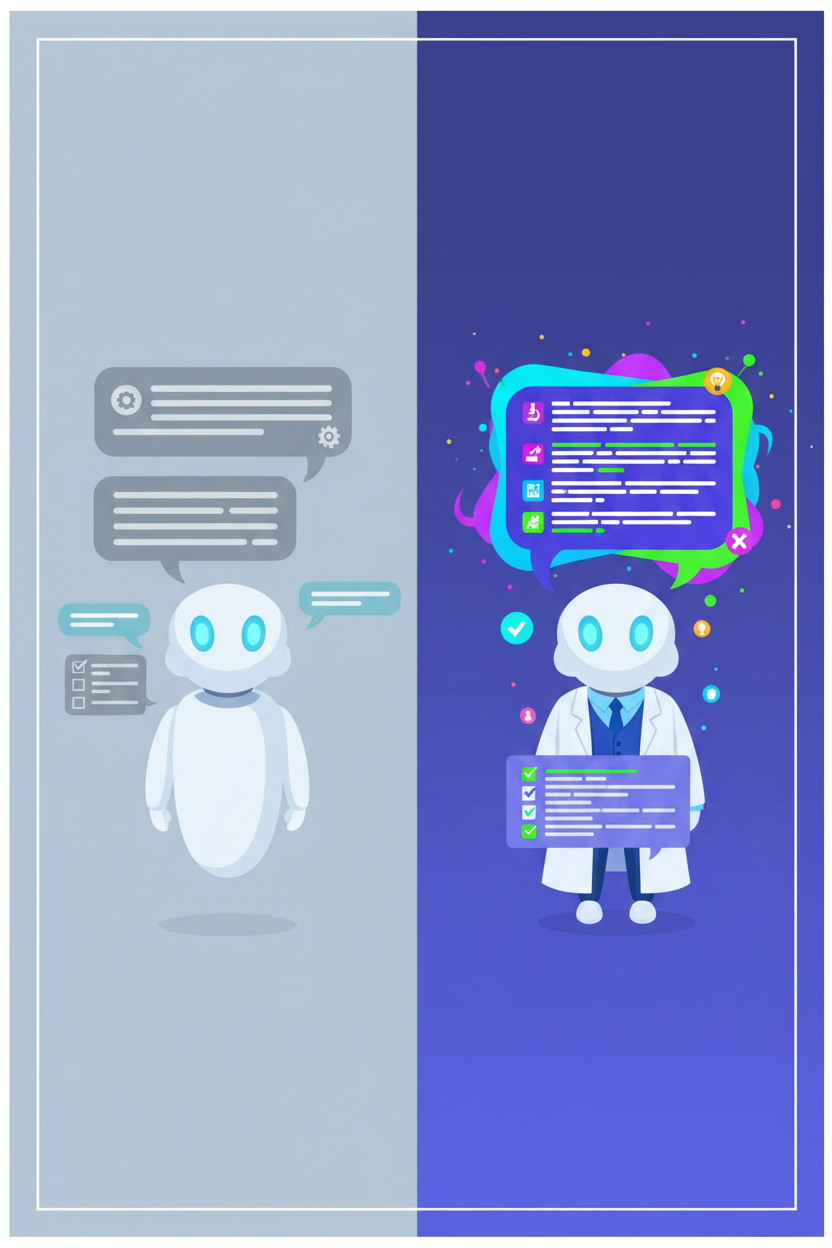 You ask ChatGPT a question and the answer is... fine. But flat. Generic. It reads like a reheated Wikipedia page. You feel like you're talking to a polite intern who knows a bit about everything, but nothing in depth.
The problem isn't the AI. It's that you're talking to it like a search engine instead of talking to it like a collaborator.
There's a simple technique that radically transforms the quality of responses: the **Persona Pattern**. Instead of asking a question into the void, you start by telling the AI *who it is*, *what it knows*, and *what you expect from it*. In a single sentence, you go from a generalist assistant to a dedicated expert.
In this article, you'll learn exactly how to write an effective persona, the mistakes to avoid, and how this technique works differently depending on the model you use — ChatGPT, Claude, Gemini or Mistral.
::: info This article is part of our prompt engineering series
It's a deep dive into technique #2 from our [complete guide: How to Write Good Prompts](https://haloon.ai/doc/blog/how-to-write-good-prompt). If you're just starting out, begin with the full guide.
:::
## What Is the Persona Pattern?
The Persona Pattern means assigning a specific role to the AI before asking your question. Instead of requesting information "into the void", you start by defining the expert profile the AI should embody.
**The basic formula:**
> You are a **[position]** specialized in **[domain]**. You will help me **[goal]**.
Real example:
> You are a **senior recruiter** specialized in **tech hiring**. You will help me **rewrite my resume for a project manager position**.
### Why Does It Work?
AI has been trained on billions of texts written by humans — including medical papers, legal manuals, technical discussions between developers, and financial analyses. All that knowledge is there, but by default, the AI responds in "generalist assistant" mode.
When you assign a role, you activate a specific subset of that knowledge. It's like asking a versatile musician to play jazz rather than just "music": quality and relevance go up immediately.
Without a persona, the AI gives you the most *probable* answer. With a persona, it gives you the most *relevant* answer for your context.
## The Difference in Practice: Before and After
The best way to understand the impact of the Persona Pattern is to compare. Here's the same question asked with and without a persona, in everyday situations:
| Situation | Prompt without persona | Prompt with persona |
|---|---|---|
| Improve your resume | "Improve my resume" | "You are a senior recruiter with 15 years of experience in tech. Help me rewrite my resume for a project manager position at a SaaS startup." |
| Secure a website | "How do I secure my website?" | "You are a senior developer specialized in cybersecurity for e-commerce. Identify the 5 most common vulnerabilities for a Shopify online store." |
| Negotiate a raise | "How do I ask for a raise?" | "You are a professional development coach. Guide me through preparing my salary negotiation, considering my 3 years of seniority and my recent success on project X." |
| Analyze a lease | "Explain this contract to me" | "You are a lawyer specialized in real estate law. Analyze this rental lease and flag any unusual or potentially disadvantageous clauses for the tenant." |
| Create content | "Give me LinkedIn post ideas" | "You are a social media manager specialized in B2B SaaS. Suggest 5 LinkedIn posts to promote a multi-model AI tool to tech decision-makers." |
In every case, the prompt with a persona produces a more precise, more actionable, and better-adapted response. The difference isn't subtle — it's radical.
## The 3 Elements of an Effective Persona
A good persona rests on three pillars. If one is missing, the result is noticeably weaker.
### 1. The Position — Who Is the Expert?
Be specific. "An expert" means nothing. "A senior recruiter with 15 years of experience in tech" activates a precise mental profile.
| Too vague | Well-calibrated |
|---|---|
| A marketing expert | A B2B SaaS marketing director with 10 years of growth experience |
| A doctor | A general practitioner specialized in sports medicine |
| A developer | A senior fullstack developer expert in React and Node.js |
| A lawyer | An employment lawyer representing employees |
### 2. The Domain — In What Context?
The domain of specialization narrows the response field and makes it relevant. "Cybersecurity" is broad. "Cybersecurity for Shopify e-commerce" is precise. The more targeted the domain, the more actionable the response.
### 3. The Goal — What Do You Want to Achieve?
Without a goal, the AI doesn't know which direction to go. "Help me rewrite my resume" is a goal. "Help me rewrite my resume for a project manager position at a B2B SaaS startup" is a better goal.
::: tip The Brief Test
Re-read your persona as if it were a brief sent to a human freelancer. If there's not enough information for them to start working, your persona isn't specific enough.
:::
## Mistakes That Ruin the Persona Pattern
### Mistake 1: The Vague Persona
> ❌ "You are an expert. Help me."
The AI can't activate specialized knowledge if you don't give it anything specific. It's like telling a musician "play music" — they'll play something, but not necessarily what you want.
### Mistake 2: The Contradictory Persona
> ❌ "You are a lawyer specialized in employment law. Give me medical advice about my back pain."
If the role and the question don't match, the AI is pulled between the two and produces a mediocre result. Each persona must be consistent with the task at hand.
### Mistake 3: Forgetting the Goal
> ❌ "You are a senior data scientist."
And then what? Without a goal, the AI doesn't know what you expect. It might introduce itself, or ask what you want — but you've wasted an exchange for nothing.
### Mistake 4: Switching Personas Mid-Conversation
If you start with a "tech recruiter" persona and then ask for legal advice mid-conversation, the AI will try to juggle both contexts. Result: a confused response.
**The golden rule: one persona = one conversation.** If you change topics, [start a new conversation](https://haloon.ai/doc/blog/how-to-write-good-prompt#_9-keep-conversations-separate).
## Advanced Techniques
### Combining the Persona with Other Techniques
The Persona Pattern is powerful on its own, but it becomes formidable when combined with other prompting techniques:
**Persona + Response Format:**
> You are a sports nutritionist. Give me a weekly meal plan **as a table** with columns: day, breakfast, lunch, dinner, snack.
**Persona + Examples (Few-Shot):**
> You are a B2B copywriter. Here's an example of the tone I expect: "Stop wasting 3 hours a day in your emails. Our tool sorts them for you." Write 5 hooks in this same style for a project management tool.
**Persona + Chain of Thought:**
> You are a strategy consultant. Analyze this situation **step by step**: first the strengths, then the weaknesses, then the opportunities, then the threats.
::: info Learn more about these techniques
Find the details of the [Few-Shot Pattern](https://haloon.ai/doc/blog/how-to-write-good-prompt#_5-give-examples-—-the-few-shot-pattern) and the [Chain of Thought](https://haloon.ai/doc/blog/how-to-write-good-prompt#_6-guide-the-reasoning-—-the-chain-of-thought-pattern) in our complete guide.
:::
### Multi-Persona: Making Experts Debate
Advanced technique: ask the AI to embody **multiple experts in succession** and confront their viewpoints.
> Analyze this business plan from three perspectives:
> 1. A VC investor looking for scalability
> 2. An accountant assessing financial viability
> 3. A potential customer evaluating the value proposition
>
> For each perspective, give the 3 positives and the 3 risks identified.
This technique is particularly powerful for complex decisions where a single viewpoint isn't enough.
## Persona by Model: Each AI Reacts Differently
This is a point that most guides ignore: **not all models react the same way to the same persona**.
| Model | Behavior with persona |
|---|---|
| **ChatGPT (GPT-5)** | Follows personas very faithfully, with a tendency to be verbose. Works great for creative and editorial roles. |
| **Claude** | Excellent for personas that require nuance and analysis. Respects the boundaries of the role well and admits when it's outside its domain. |
| **Gemini** | Strong on technical and factual personas. Tends to bring in sources and data. |
| **Mistral** | Responsive and concise. Good for personas that require direct, structured answers. |
::: tip The Haloon trick: test the same persona across multiple models
On [Haloon](https://haloon.ai), the **Reprompt** button lets you send the same message with the same persona to another model in one click. It's the fastest way to find the model that best interprets your persona for a given task.
:::
## Ready-to-Use Template
Here's a template you can copy and adapt to any situation:
```
You are a [SPECIFIC POSITION] with [X YEARS OF EXPERIENCE] specialized
in [SPECIFIC DOMAIN].
Your expertise includes: [2-3 KEY SKILLS].
You will help me [SPECIFIC GOAL].
Constraints:
- [CONSTRAINT 1: tone, format, length...]
- [CONSTRAINT 2: target audience, level of detail...]
If you're not certain about something, say so clearly rather than guessing.
```
**Filled-in example:**
```
You are a senior SEO consultant with 12 years of experience specialized
in search optimization for B2B SaaS.
Your expertise includes: technical SEO, content strategy,
and conversion rate optimization.
You will help me create a content plan for the next 3 months
for a multi-model AI tool.
Constraints:
- The plan should target transactional-intent keywords
- Articles must be achievable by a one-person team
- Prioritize by potential traffic impact
If you're not certain about something, say so clearly
rather than guessing.
```
## Summary
You ask ChatGPT a question and the answer is... fine. But flat. Generic. It reads like a reheated Wikipedia page. You feel like you're talking to a polite intern who knows a bit about everything, but nothing in depth.
The problem isn't the AI. It's that you're talking to it like a search engine instead of talking to it like a collaborator.
There's a simple technique that radically transforms the quality of responses: the **Persona Pattern**. Instead of asking a question into the void, you start by telling the AI *who it is*, *what it knows*, and *what you expect from it*. In a single sentence, you go from a generalist assistant to a dedicated expert.
In this article, you'll learn exactly how to write an effective persona, the mistakes to avoid, and how this technique works differently depending on the model you use — ChatGPT, Claude, Gemini or Mistral.
::: info This article is part of our prompt engineering series
It's a deep dive into technique #2 from our [complete guide: How to Write Good Prompts](https://haloon.ai/doc/blog/how-to-write-good-prompt). If you're just starting out, begin with the full guide.
:::
## What Is the Persona Pattern?
The Persona Pattern means assigning a specific role to the AI before asking your question. Instead of requesting information "into the void", you start by defining the expert profile the AI should embody.
**The basic formula:**
> You are a **[position]** specialized in **[domain]**. You will help me **[goal]**.
Real example:
> You are a **senior recruiter** specialized in **tech hiring**. You will help me **rewrite my resume for a project manager position**.
### Why Does It Work?
AI has been trained on billions of texts written by humans — including medical papers, legal manuals, technical discussions between developers, and financial analyses. All that knowledge is there, but by default, the AI responds in "generalist assistant" mode.
When you assign a role, you activate a specific subset of that knowledge. It's like asking a versatile musician to play jazz rather than just "music": quality and relevance go up immediately.
Without a persona, the AI gives you the most *probable* answer. With a persona, it gives you the most *relevant* answer for your context.
## The Difference in Practice: Before and After
The best way to understand the impact of the Persona Pattern is to compare. Here's the same question asked with and without a persona, in everyday situations:
| Situation | Prompt without persona | Prompt with persona |
|---|---|---|
| Improve your resume | "Improve my resume" | "You are a senior recruiter with 15 years of experience in tech. Help me rewrite my resume for a project manager position at a SaaS startup." |
| Secure a website | "How do I secure my website?" | "You are a senior developer specialized in cybersecurity for e-commerce. Identify the 5 most common vulnerabilities for a Shopify online store." |
| Negotiate a raise | "How do I ask for a raise?" | "You are a professional development coach. Guide me through preparing my salary negotiation, considering my 3 years of seniority and my recent success on project X." |
| Analyze a lease | "Explain this contract to me" | "You are a lawyer specialized in real estate law. Analyze this rental lease and flag any unusual or potentially disadvantageous clauses for the tenant." |
| Create content | "Give me LinkedIn post ideas" | "You are a social media manager specialized in B2B SaaS. Suggest 5 LinkedIn posts to promote a multi-model AI tool to tech decision-makers." |
In every case, the prompt with a persona produces a more precise, more actionable, and better-adapted response. The difference isn't subtle — it's radical.
## The 3 Elements of an Effective Persona
A good persona rests on three pillars. If one is missing, the result is noticeably weaker.
### 1. The Position — Who Is the Expert?
Be specific. "An expert" means nothing. "A senior recruiter with 15 years of experience in tech" activates a precise mental profile.
| Too vague | Well-calibrated |
|---|---|
| A marketing expert | A B2B SaaS marketing director with 10 years of growth experience |
| A doctor | A general practitioner specialized in sports medicine |
| A developer | A senior fullstack developer expert in React and Node.js |
| A lawyer | An employment lawyer representing employees |
### 2. The Domain — In What Context?
The domain of specialization narrows the response field and makes it relevant. "Cybersecurity" is broad. "Cybersecurity for Shopify e-commerce" is precise. The more targeted the domain, the more actionable the response.
### 3. The Goal — What Do You Want to Achieve?
Without a goal, the AI doesn't know which direction to go. "Help me rewrite my resume" is a goal. "Help me rewrite my resume for a project manager position at a B2B SaaS startup" is a better goal.
::: tip The Brief Test
Re-read your persona as if it were a brief sent to a human freelancer. If there's not enough information for them to start working, your persona isn't specific enough.
:::
## Mistakes That Ruin the Persona Pattern
### Mistake 1: The Vague Persona
> ❌ "You are an expert. Help me."
The AI can't activate specialized knowledge if you don't give it anything specific. It's like telling a musician "play music" — they'll play something, but not necessarily what you want.
### Mistake 2: The Contradictory Persona
> ❌ "You are a lawyer specialized in employment law. Give me medical advice about my back pain."
If the role and the question don't match, the AI is pulled between the two and produces a mediocre result. Each persona must be consistent with the task at hand.
### Mistake 3: Forgetting the Goal
> ❌ "You are a senior data scientist."
And then what? Without a goal, the AI doesn't know what you expect. It might introduce itself, or ask what you want — but you've wasted an exchange for nothing.
### Mistake 4: Switching Personas Mid-Conversation
If you start with a "tech recruiter" persona and then ask for legal advice mid-conversation, the AI will try to juggle both contexts. Result: a confused response.
**The golden rule: one persona = one conversation.** If you change topics, [start a new conversation](https://haloon.ai/doc/blog/how-to-write-good-prompt#_9-keep-conversations-separate).
## Advanced Techniques
### Combining the Persona with Other Techniques
The Persona Pattern is powerful on its own, but it becomes formidable when combined with other prompting techniques:
**Persona + Response Format:**
> You are a sports nutritionist. Give me a weekly meal plan **as a table** with columns: day, breakfast, lunch, dinner, snack.
**Persona + Examples (Few-Shot):**
> You are a B2B copywriter. Here's an example of the tone I expect: "Stop wasting 3 hours a day in your emails. Our tool sorts them for you." Write 5 hooks in this same style for a project management tool.
**Persona + Chain of Thought:**
> You are a strategy consultant. Analyze this situation **step by step**: first the strengths, then the weaknesses, then the opportunities, then the threats.
::: info Learn more about these techniques
Find the details of the [Few-Shot Pattern](https://haloon.ai/doc/blog/how-to-write-good-prompt#_5-give-examples-—-the-few-shot-pattern) and the [Chain of Thought](https://haloon.ai/doc/blog/how-to-write-good-prompt#_6-guide-the-reasoning-—-the-chain-of-thought-pattern) in our complete guide.
:::
### Multi-Persona: Making Experts Debate
Advanced technique: ask the AI to embody **multiple experts in succession** and confront their viewpoints.
> Analyze this business plan from three perspectives:
> 1. A VC investor looking for scalability
> 2. An accountant assessing financial viability
> 3. A potential customer evaluating the value proposition
>
> For each perspective, give the 3 positives and the 3 risks identified.
This technique is particularly powerful for complex decisions where a single viewpoint isn't enough.
## Persona by Model: Each AI Reacts Differently
This is a point that most guides ignore: **not all models react the same way to the same persona**.
| Model | Behavior with persona |
|---|---|
| **ChatGPT (GPT-5)** | Follows personas very faithfully, with a tendency to be verbose. Works great for creative and editorial roles. |
| **Claude** | Excellent for personas that require nuance and analysis. Respects the boundaries of the role well and admits when it's outside its domain. |
| **Gemini** | Strong on technical and factual personas. Tends to bring in sources and data. |
| **Mistral** | Responsive and concise. Good for personas that require direct, structured answers. |
::: tip The Haloon trick: test the same persona across multiple models
On [Haloon](https://haloon.ai), the **Reprompt** button lets you send the same message with the same persona to another model in one click. It's the fastest way to find the model that best interprets your persona for a given task.
:::
## Ready-to-Use Template
Here's a template you can copy and adapt to any situation:
```
You are a [SPECIFIC POSITION] with [X YEARS OF EXPERIENCE] specialized
in [SPECIFIC DOMAIN].
Your expertise includes: [2-3 KEY SKILLS].
You will help me [SPECIFIC GOAL].
Constraints:
- [CONSTRAINT 1: tone, format, length...]
- [CONSTRAINT 2: target audience, level of detail...]
If you're not certain about something, say so clearly rather than guessing.
```
**Filled-in example:**
```
You are a senior SEO consultant with 12 years of experience specialized
in search optimization for B2B SaaS.
Your expertise includes: technical SEO, content strategy,
and conversion rate optimization.
You will help me create a content plan for the next 3 months
for a multi-model AI tool.
Constraints:
- The plan should target transactional-intent keywords
- Articles must be achievable by a one-person team
- Prioritize by potential traffic impact
If you're not certain about something, say so clearly
rather than guessing.
```
## Summary
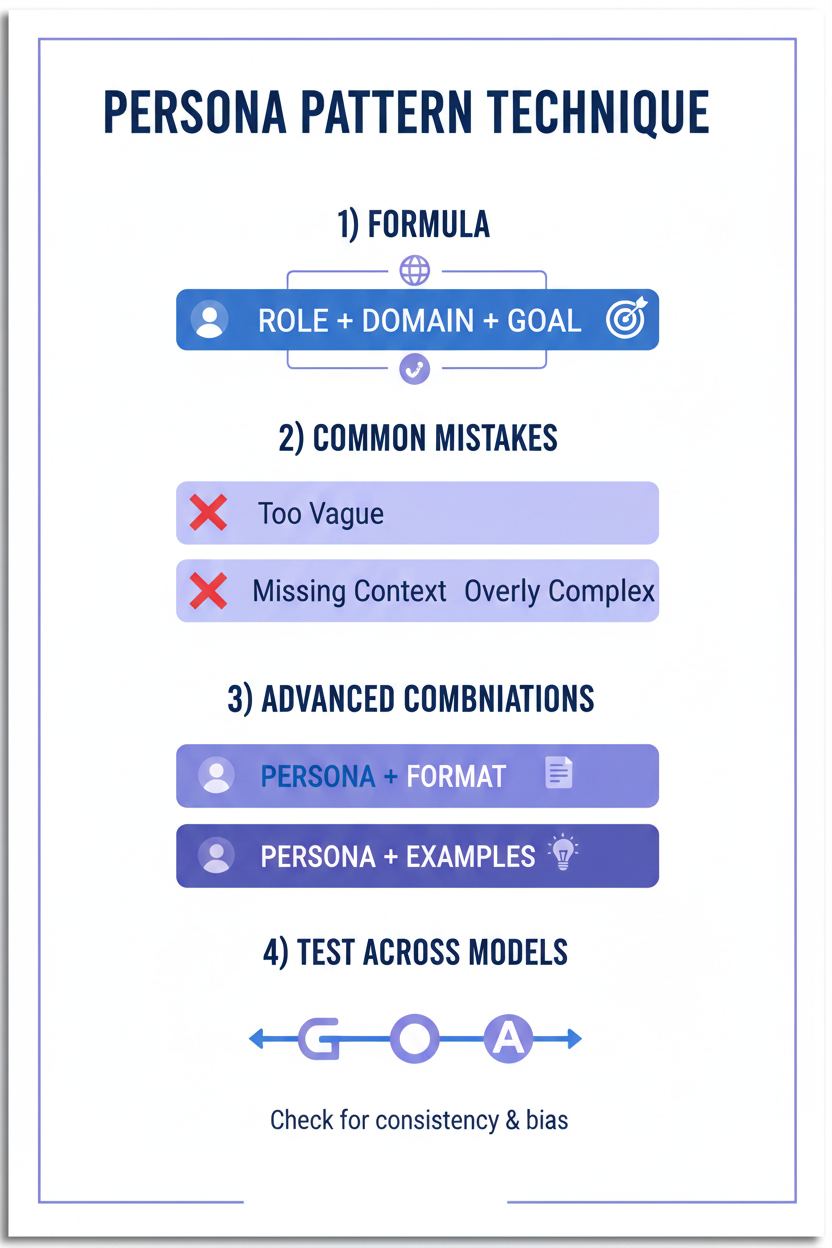 | Concept | Key takeaway |
|---|---|
| **The Persona Pattern** | Assign a specific role to the AI before asking your question |
| **The formula** | Position + Domain + Goal |
| **The main mistake** | Being too vague: "you are an expert" isn't enough |
| **The advanced technique** | Combine the persona with format, examples, or chain of thought |
| **Multi-model** | Each AI reacts differently — test the same persona across models |
::: tip Go further
Find all 9 other prompting techniques in our [complete guide: How to Write Good Prompts](https://haloon.ai/doc/blog/how-to-write-good-prompt).
:::
---
## How to Generate Beautiful Images with AI — The Complete Guide
- URL: https://haloon.ai/doc/blog/how-to-generate-beautiful-images
- Raw: https://haloon.ai/doc/raw/blog/how-to-generate-beautiful-images.md
- Date: 2026-04-09
- Description: Learn to write effective image prompts for GPT-Image, Nano Banana and Flux. Structure, artistic style, composition, quality — all the techniques to generate professional images with AI.
# How to Generate Beautiful Images with AI
*Published on April 9, 2026*
| Concept | Key takeaway |
|---|---|
| **The Persona Pattern** | Assign a specific role to the AI before asking your question |
| **The formula** | Position + Domain + Goal |
| **The main mistake** | Being too vague: "you are an expert" isn't enough |
| **The advanced technique** | Combine the persona with format, examples, or chain of thought |
| **Multi-model** | Each AI reacts differently — test the same persona across models |
::: tip Go further
Find all 9 other prompting techniques in our [complete guide: How to Write Good Prompts](https://haloon.ai/doc/blog/how-to-write-good-prompt).
:::
---
## How to Generate Beautiful Images with AI — The Complete Guide
- URL: https://haloon.ai/doc/blog/how-to-generate-beautiful-images
- Raw: https://haloon.ai/doc/raw/blog/how-to-generate-beautiful-images.md
- Date: 2026-04-09
- Description: Learn to write effective image prompts for GPT-Image, Nano Banana and Flux. Structure, artistic style, composition, quality — all the techniques to generate professional images with AI.
# How to Generate Beautiful Images with AI
*Published on April 9, 2026*
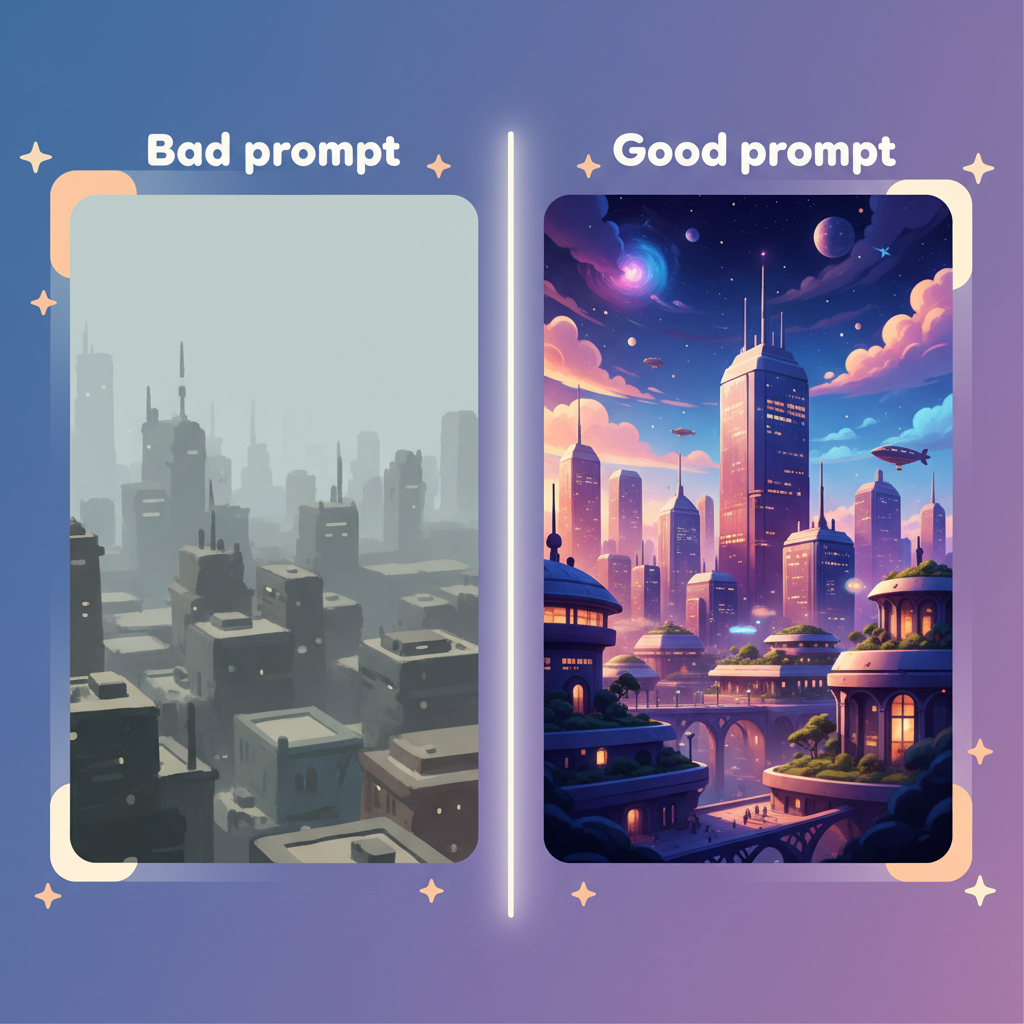 You've tried an AI image generator — GPT-Image, Nano Banana, Flux or Stable Diffusion — and the results disappointed you? Blurry images, weird compositions, generic style… Most of the time, the problem isn't the tool: it's the prompt. A prompt is the text description you give the AI to create your image. And contrary to what many people think, it's not just a simple sentence — it's a **structured visual instruction**.
The good news: writing a great image prompt is a learnable skill. You don't need to be an artist or an engineer. With a few concrete techniques, you'll go from unpredictable results to images that truly match your vision.
In this guide, you'll learn how to structure a prompt, choose the right artistic style, control composition, manage rendering quality, and iterate effectively. Each section includes comparative examples you can copy and adapt immediately.
::: info At a glance — the 7 pillars of a great image prompt
| # | Pillar | What it changes |
|---|---|---|
| 1 | [**Prompt structure**](#prompt-structure) | The essential foundation for any controlled result |
| 2 | [**Artistic style**](#artistic-style) | Defines the visual identity of your image |
| 3 | [**Quality and rendering**](#quality-and-rendering) | Takes you from draft to professional image |
| 4 | [**Composition**](#composition) | Frame, angle, depth — like a real photographer |
| 5 | [**Text in images**](#the-text-problem) | Avoid common mistakes |
| 6 | [**Iteration**](#iteration-for-pro-results) | How to refine until you get the perfect result |
| 7 | [**Advanced tips**](#tips-to-move-fast) | Shortcuts to save time |
:::
## Prompt Structure
### Why structure changes everything
An image generation model doesn't "think" — it translates words into pixels based on billions of learned associations. If your prompt is vague, it fills in the gaps randomly. Random can be interesting for free artistic exploration. But if you have a precise vision in mind, every piece of information you leave out is a chance of ending up with something unexpected.
The golden rule: **everything that isn't written is invented by the model.**
An effective, complete prompt rests on six components. They chain together naturally, like describing a scene to a film director:
| Component | Definition | Example |
|---|---|---|
| **Main subject** | The core concept of the image | `a futuristic city`, `portrait of a woman` |
| **Details / Action** | Pose, expression, clothing, movement | `wearing a red coat, looking away`, `running through rain` |
| **Context / Environment** | Location, era, weather, atmosphere | `in a Japanese garden at dusk`, `cyberpunk street at night` |
| **Artistic style** | Photo, illustration, 3D, painting… | `flat design illustration`, `oil painting`, `anime style` |
| **Quality / Rendering** | Level of detail, lighting, resolution | `ultra realistic, 8k, cinematic lighting` |
| **Composition** | Angle, framing, depth of field | `close-up portrait, rule of thirds, shallow depth of field` |
**Example of a prompt built with this structure:**
> ❌ `a woman in a city`
>
> ✅ `Portrait of a young woman with short dark hair, wearing a vintage leather jacket, standing on a rainy Tokyo street at night, surrounded by neon reflections. Cinematic photography style, 35mm film grain, dramatic lighting, shallow depth of field, ultra realistic, 8k.`
You've tried an AI image generator — GPT-Image, Nano Banana, Flux or Stable Diffusion — and the results disappointed you? Blurry images, weird compositions, generic style… Most of the time, the problem isn't the tool: it's the prompt. A prompt is the text description you give the AI to create your image. And contrary to what many people think, it's not just a simple sentence — it's a **structured visual instruction**.
The good news: writing a great image prompt is a learnable skill. You don't need to be an artist or an engineer. With a few concrete techniques, you'll go from unpredictable results to images that truly match your vision.
In this guide, you'll learn how to structure a prompt, choose the right artistic style, control composition, manage rendering quality, and iterate effectively. Each section includes comparative examples you can copy and adapt immediately.
::: info At a glance — the 7 pillars of a great image prompt
| # | Pillar | What it changes |
|---|---|---|
| 1 | [**Prompt structure**](#prompt-structure) | The essential foundation for any controlled result |
| 2 | [**Artistic style**](#artistic-style) | Defines the visual identity of your image |
| 3 | [**Quality and rendering**](#quality-and-rendering) | Takes you from draft to professional image |
| 4 | [**Composition**](#composition) | Frame, angle, depth — like a real photographer |
| 5 | [**Text in images**](#the-text-problem) | Avoid common mistakes |
| 6 | [**Iteration**](#iteration-for-pro-results) | How to refine until you get the perfect result |
| 7 | [**Advanced tips**](#tips-to-move-fast) | Shortcuts to save time |
:::
## Prompt Structure
### Why structure changes everything
An image generation model doesn't "think" — it translates words into pixels based on billions of learned associations. If your prompt is vague, it fills in the gaps randomly. Random can be interesting for free artistic exploration. But if you have a precise vision in mind, every piece of information you leave out is a chance of ending up with something unexpected.
The golden rule: **everything that isn't written is invented by the model.**
An effective, complete prompt rests on six components. They chain together naturally, like describing a scene to a film director:
| Component | Definition | Example |
|---|---|---|
| **Main subject** | The core concept of the image | `a futuristic city`, `portrait of a woman` |
| **Details / Action** | Pose, expression, clothing, movement | `wearing a red coat, looking away`, `running through rain` |
| **Context / Environment** | Location, era, weather, atmosphere | `in a Japanese garden at dusk`, `cyberpunk street at night` |
| **Artistic style** | Photo, illustration, 3D, painting… | `flat design illustration`, `oil painting`, `anime style` |
| **Quality / Rendering** | Level of detail, lighting, resolution | `ultra realistic, 8k, cinematic lighting` |
| **Composition** | Angle, framing, depth of field | `close-up portrait, rule of thirds, shallow depth of field` |
**Example of a prompt built with this structure:**
> ❌ `a woman in a city`
>
> ✅ `Portrait of a young woman with short dark hair, wearing a vintage leather jacket, standing on a rainy Tokyo street at night, surrounded by neon reflections. Cinematic photography style, 35mm film grain, dramatic lighting, shallow depth of field, ultra realistic, 8k.`




 **3. By combination**
`3D render in the style of Pixar`, `illustration in the style of Studio Ghibli`, `photo in the style of Wes Anderson`
**4. By photo or cinematic equipment**
For images with a photographic style, you can reference real equipment:
- `shot on Kodak Portra 400` — warm colors, film grain
- `shot on iPhone 15` — modern natural rendering
- `80s vintage photo` — nostalgia, faded colors
- `Polaroid style` — instant photography, white borders
::: tip The style shortcut: give a reference image
The most powerful method is often to give an existing image as a style reference. On Haloon, you can upload an image and ask: *"Generate [subject] in the same graphic style as this image."* The AI extracts the visual characteristics and reproduces them. No need to be an expert in artistic vocabulary.
:::
Here, we generated the first image with `Generate a front facing young woman shot on Kodak Portra 400` and then used a prompt + the base image to generate the variations. For example, for the iPhone version, `update this picture as it has been shot by an iPhone 15`.
**3. By combination**
`3D render in the style of Pixar`, `illustration in the style of Studio Ghibli`, `photo in the style of Wes Anderson`
**4. By photo or cinematic equipment**
For images with a photographic style, you can reference real equipment:
- `shot on Kodak Portra 400` — warm colors, film grain
- `shot on iPhone 15` — modern natural rendering
- `80s vintage photo` — nostalgia, faded colors
- `Polaroid style` — instant photography, white borders
::: tip The style shortcut: give a reference image
The most powerful method is often to give an existing image as a style reference. On Haloon, you can upload an image and ask: *"Generate [subject] in the same graphic style as this image."* The AI extracts the visual characteristics and reproduces them. No need to be an expert in artistic vocabulary.
:::
Here, we generated the first image with `Generate a front facing young woman shot on Kodak Portra 400` and then used a prompt + the base image to generate the variations. For example, for the iPhone version, `update this picture as it has been shot by an iPhone 15`.




 **Camera angles:**
| Term | Effect |
|---|---|
| `close-up` / `extreme close-up` | Focus on details, expression, texture |
| `medium shot` | Balance between subject and environment |
| `wide shot` | Context setting, panorama |
| `top-down` / `bird's eye view` | Aerial view, planning perspective |
| `low angle` | Dominance, power, heroism |
| `eye level` | Natural, accessible |
**Lenses and optics:**
| Lens | Visual effect |
|---|---|
| `50mm lens` | Most natural, closest to the human eye |
| `85mm portrait lens` | Soft, bokeh, ideal for portraits |
| `macro lens` | Extreme detail, miniature world |
| `fisheye lens` | Dramatic distortion, ultra wide angle |
| `telephoto 200mm` | Depth compression, distant subjects |
**Framing and depth of field:**
- `rule of thirds` — this [rule](https://en.wikipedia.org/wiki/Rule_of_thirds) allows for a dynamic, balanced composition
- `centered composition` — symmetry, frontal impact
- `shallow depth of field` — blurred background, sharp subject
- `deep depth of field` — everything sharp from foreground to background
- `bokeh background` — background lights transformed into soft glowing circles
::: tip Combine multiple terms
`85mm portrait lens, shallow depth of field, bokeh background, rule of thirds` — this combination alone turns any portrait into a professional photograph.
:::
## The Text Problem
### The exception that proves the rule
Adding text to an AI-generated image is still one of the most difficult tasks today. Even the best models — GPT-Image, Nano Banana, Flux — can produce distorted letters, misspelled words, or inconsistent fonts.
**Tips to maximize your chances:**
When you need text in an image, be as precise as possible:
> `The word "HALOON" in bold white sans-serif font, centered at the top of the image, clean and sharp`
Specify:
- The exact text (in quotes)
- The font if important (`sans-serif`, `serif`, `handwritten`)
- The relative size (`large`, `small`, `headline`)
- The color (`white`, `#FF5500`, `black`)
- The position (`centered at the top`, `bottom left corner`)
::: warning Current model limitations
Even with all these specifications, text may still be imperfect. This is a known limitation of current image generation models.
:::
**The professional solution: generate without text, add it afterwards**
The most reliable method remains generating your image without text, then adding it in an external tool :
- **Canva** — the most accessible
- **Figma** — ideal for designers
- **Photoshop / GIMP** — full control
This approach guarantees perfect text and lets you adjust it easily without regenerating the entire image.
## Iteration for Pro Results
### Nobody gets it right the first time
The idea that you'll type a prompt and get exactly what you want on the first try is a myth. Professionals who use generative AI daily — designers, illustrators, content creators — all follow the same process:
1. **Base prompt**: set the main subject and style, without overloading
2. **Evaluate**: identify what works and what needs to change
3. **Targeted adjustment**: change one element at a time
4. **Iterate**: repeat until you reach the desired result
::: info The targeted adjustment rule
Only change one element at a time when iterating. If you modify the style, composition AND lighting simultaneously, you won't know what produced the improvement — and you risk losing what was working.
:::
**How to refine an existing image:**
When you edit a prompt to refine an image, the magic formula is:
> **State what you're keeping AND what you're changing.**
| Situation | ❌ Vague adjustment | ✅ Precise adjustment |
|---|---|---|
| Change character | `make it a girl` | `Keep the same scene and style, replace the male character with a young woman in her 20s, same clothing and pose` |
| Change weather | `change the sky` | `Keep the composition and style, change the sky from clear blue to dramatic stormy clouds with lightning` |
| Adjust atmosphere | `make it more dramatic` | `Keep the subject and composition, change the lighting to cinematic dramatic side lighting with stronger shadows` |
## Tips to Move Fast
### Shortcuts used by advanced users
**Tip 1 — Ask an LLM to write your prompt**
This is the most powerful technique for beginners. Simply describe your image idea in plain language to ChatGPT or Claude, and ask it to write an optimized prompt for your image generator:
> *"Here's my image idea: [simple description]. Write me an optimized prompt for Nano Banana, including artistic style, quality, composition and lighting."*
**Tip 2 — Reverse engineer an existing image**
Got an image you love and want to reproduce its style? Upload it to a multimodal LLM (Claude, GPT-4o) and ask:
> *"Describe the graphic style of this image in technical terms usable as a prompt for an image generator."*
You'll get a precise description of the style — color palette, artistic references, lighting treatment — that you can reuse directly.
**Tip 3 — Optimize your prompt effortlessly**
If you have a prompt that gives an acceptable result but not yet excellent:
> *"Rewrite this prompt to make it more cinematic and detailed, while keeping the same subject: [your current prompt]"*
**Tip 4 — The universal template**
Keep this template handy and fill in the blanks:
```
[SUBJECT], [SUBJECT DETAILS], [CONTEXT/LOCATION], [TIME/WEATHER],
[ARTISTIC STYLE], [LIGHTING], [LENS/ANGLE], [QUALITY],
[RATIO if needed]
```
Filled example:
> `Portrait of an elderly craftsman, focused expression, hands working with wood, small artisan workshop, warm afternoon light through a window, cinematic photography style, golden hour lighting, 85mm portrait lens, shallow depth of field, ultra realistic, 8k`
::: tip Use Haloon to access all models
On [Haloon](https://haloon.ai/signin), you get access to all the best image generation models from a single interface — GPT-Image, Flux, and more. You can compare results on the same prompt in a few clicks, and find the model that best matches your visual style.
:::
## Going Further
### Advanced parameters that make a difference
**Negative prompts**
On some models (Stable Diffusion, some Flux versions), you can specify what you do **not** want in the image:
> Negative prompt: `blurry, low quality, distorted, watermark, text, cropped, extra limbs, bad anatomy`
::: warning Check compatibility
Negative prompts are not supported by all models. GPT-Image, for example, doesn't support them natively. Always check the documentation of the model you're using.
:::
**Optimal prompt length**
| Length | Words | Recommended use |
|---|---|---|
| Short | 10-30 words | Quick exploration of a concept or style |
| Medium | 30-80 words | **Ideal for most projects** |
| Long | 80+ words | Complex scenes with precise constraints |
Beyond 100 words, you risk internal contradictions or the model "forgetting" elements. Density matters more than length.
**Model-specific parameters**
Some models accept technical parameters outside of the text prompt:
- **Flux**: support for hexadecimal color codes (`#FF5500`) for precise color control
- **Midjourney**: `--ar` (ratio), `--stylize`, `--chaos` parameters
- **Stable Diffusion**: guidance scale, steps, seed for reproducibility
## Summary
Generating beautiful images with AI is not a matter of luck — it's a skill that can be learned and practiced.
| Pillar | The golden rule |
|---|---|
| **Structure** | Everything not written is invented by the model |
| **Style** | Reference artists, movements, or materials |
| **Quality** | Lighting transforms an ordinary image into a pro one |
| **Composition** | Use photo/cinema vocabulary |
| **Text** | Add it afterwards in Canva or Figma |
| **Iteration** | One element at a time, state what stays and what changes |
| **Tips** | Ask an LLM to write or optimize your prompts |
The best way to improve: practice. Take a simple subject, apply one technique at a time, and observe how each addition transforms the result.
::: tip Try it now
Test these techniques on [Haloon.ai](https://haloon.ai/signin) — access to GPT-Image, Flux and other image generation models from a single interface, without juggling multiple subscriptions.
:::
---
## How to Write Good Prompts — The Complete Guide
- URL: https://haloon.ai/doc/blog/how-to-write-good-prompt
- Raw: https://haloon.ai/doc/raw/blog/how-to-write-good-prompt.md
- Date: 2026-03-17
- Description: Master the art of prompt engineering with 10 actionable best practices — personas, examples, chain of thought, verification and more. A guide for everyone.
# How to Write Good Prompts
*Published on March 17, 2026*
**Camera angles:**
| Term | Effect |
|---|---|
| `close-up` / `extreme close-up` | Focus on details, expression, texture |
| `medium shot` | Balance between subject and environment |
| `wide shot` | Context setting, panorama |
| `top-down` / `bird's eye view` | Aerial view, planning perspective |
| `low angle` | Dominance, power, heroism |
| `eye level` | Natural, accessible |
**Lenses and optics:**
| Lens | Visual effect |
|---|---|
| `50mm lens` | Most natural, closest to the human eye |
| `85mm portrait lens` | Soft, bokeh, ideal for portraits |
| `macro lens` | Extreme detail, miniature world |
| `fisheye lens` | Dramatic distortion, ultra wide angle |
| `telephoto 200mm` | Depth compression, distant subjects |
**Framing and depth of field:**
- `rule of thirds` — this [rule](https://en.wikipedia.org/wiki/Rule_of_thirds) allows for a dynamic, balanced composition
- `centered composition` — symmetry, frontal impact
- `shallow depth of field` — blurred background, sharp subject
- `deep depth of field` — everything sharp from foreground to background
- `bokeh background` — background lights transformed into soft glowing circles
::: tip Combine multiple terms
`85mm portrait lens, shallow depth of field, bokeh background, rule of thirds` — this combination alone turns any portrait into a professional photograph.
:::
## The Text Problem
### The exception that proves the rule
Adding text to an AI-generated image is still one of the most difficult tasks today. Even the best models — GPT-Image, Nano Banana, Flux — can produce distorted letters, misspelled words, or inconsistent fonts.
**Tips to maximize your chances:**
When you need text in an image, be as precise as possible:
> `The word "HALOON" in bold white sans-serif font, centered at the top of the image, clean and sharp`
Specify:
- The exact text (in quotes)
- The font if important (`sans-serif`, `serif`, `handwritten`)
- The relative size (`large`, `small`, `headline`)
- The color (`white`, `#FF5500`, `black`)
- The position (`centered at the top`, `bottom left corner`)
::: warning Current model limitations
Even with all these specifications, text may still be imperfect. This is a known limitation of current image generation models.
:::
**The professional solution: generate without text, add it afterwards**
The most reliable method remains generating your image without text, then adding it in an external tool :
- **Canva** — the most accessible
- **Figma** — ideal for designers
- **Photoshop / GIMP** — full control
This approach guarantees perfect text and lets you adjust it easily without regenerating the entire image.
## Iteration for Pro Results
### Nobody gets it right the first time
The idea that you'll type a prompt and get exactly what you want on the first try is a myth. Professionals who use generative AI daily — designers, illustrators, content creators — all follow the same process:
1. **Base prompt**: set the main subject and style, without overloading
2. **Evaluate**: identify what works and what needs to change
3. **Targeted adjustment**: change one element at a time
4. **Iterate**: repeat until you reach the desired result
::: info The targeted adjustment rule
Only change one element at a time when iterating. If you modify the style, composition AND lighting simultaneously, you won't know what produced the improvement — and you risk losing what was working.
:::
**How to refine an existing image:**
When you edit a prompt to refine an image, the magic formula is:
> **State what you're keeping AND what you're changing.**
| Situation | ❌ Vague adjustment | ✅ Precise adjustment |
|---|---|---|
| Change character | `make it a girl` | `Keep the same scene and style, replace the male character with a young woman in her 20s, same clothing and pose` |
| Change weather | `change the sky` | `Keep the composition and style, change the sky from clear blue to dramatic stormy clouds with lightning` |
| Adjust atmosphere | `make it more dramatic` | `Keep the subject and composition, change the lighting to cinematic dramatic side lighting with stronger shadows` |
## Tips to Move Fast
### Shortcuts used by advanced users
**Tip 1 — Ask an LLM to write your prompt**
This is the most powerful technique for beginners. Simply describe your image idea in plain language to ChatGPT or Claude, and ask it to write an optimized prompt for your image generator:
> *"Here's my image idea: [simple description]. Write me an optimized prompt for Nano Banana, including artistic style, quality, composition and lighting."*
**Tip 2 — Reverse engineer an existing image**
Got an image you love and want to reproduce its style? Upload it to a multimodal LLM (Claude, GPT-4o) and ask:
> *"Describe the graphic style of this image in technical terms usable as a prompt for an image generator."*
You'll get a precise description of the style — color palette, artistic references, lighting treatment — that you can reuse directly.
**Tip 3 — Optimize your prompt effortlessly**
If you have a prompt that gives an acceptable result but not yet excellent:
> *"Rewrite this prompt to make it more cinematic and detailed, while keeping the same subject: [your current prompt]"*
**Tip 4 — The universal template**
Keep this template handy and fill in the blanks:
```
[SUBJECT], [SUBJECT DETAILS], [CONTEXT/LOCATION], [TIME/WEATHER],
[ARTISTIC STYLE], [LIGHTING], [LENS/ANGLE], [QUALITY],
[RATIO if needed]
```
Filled example:
> `Portrait of an elderly craftsman, focused expression, hands working with wood, small artisan workshop, warm afternoon light through a window, cinematic photography style, golden hour lighting, 85mm portrait lens, shallow depth of field, ultra realistic, 8k`
::: tip Use Haloon to access all models
On [Haloon](https://haloon.ai/signin), you get access to all the best image generation models from a single interface — GPT-Image, Flux, and more. You can compare results on the same prompt in a few clicks, and find the model that best matches your visual style.
:::
## Going Further
### Advanced parameters that make a difference
**Negative prompts**
On some models (Stable Diffusion, some Flux versions), you can specify what you do **not** want in the image:
> Negative prompt: `blurry, low quality, distorted, watermark, text, cropped, extra limbs, bad anatomy`
::: warning Check compatibility
Negative prompts are not supported by all models. GPT-Image, for example, doesn't support them natively. Always check the documentation of the model you're using.
:::
**Optimal prompt length**
| Length | Words | Recommended use |
|---|---|---|
| Short | 10-30 words | Quick exploration of a concept or style |
| Medium | 30-80 words | **Ideal for most projects** |
| Long | 80+ words | Complex scenes with precise constraints |
Beyond 100 words, you risk internal contradictions or the model "forgetting" elements. Density matters more than length.
**Model-specific parameters**
Some models accept technical parameters outside of the text prompt:
- **Flux**: support for hexadecimal color codes (`#FF5500`) for precise color control
- **Midjourney**: `--ar` (ratio), `--stylize`, `--chaos` parameters
- **Stable Diffusion**: guidance scale, steps, seed for reproducibility
## Summary
Generating beautiful images with AI is not a matter of luck — it's a skill that can be learned and practiced.
| Pillar | The golden rule |
|---|---|
| **Structure** | Everything not written is invented by the model |
| **Style** | Reference artists, movements, or materials |
| **Quality** | Lighting transforms an ordinary image into a pro one |
| **Composition** | Use photo/cinema vocabulary |
| **Text** | Add it afterwards in Canva or Figma |
| **Iteration** | One element at a time, state what stays and what changes |
| **Tips** | Ask an LLM to write or optimize your prompts |
The best way to improve: practice. Take a simple subject, apply one technique at a time, and observe how each addition transforms the result.
::: tip Try it now
Test these techniques on [Haloon.ai](https://haloon.ai/signin) — access to GPT-Image, Flux and other image generation models from a single interface, without juggling multiple subscriptions.
:::
---
## How to Write Good Prompts — The Complete Guide
- URL: https://haloon.ai/doc/blog/how-to-write-good-prompt
- Raw: https://haloon.ai/doc/raw/blog/how-to-write-good-prompt.md
- Date: 2026-03-17
- Description: Master the art of prompt engineering with 10 actionable best practices — personas, examples, chain of thought, verification and more. A guide for everyone.
# How to Write Good Prompts
*Published on March 17, 2026*
 You've tried ChatGPT, Claude or Gemini, but the answers keep disappointing you — too vague, off-topic, or just not useful? Most of the time, the problem isn't the AI. It's the prompt. A prompt is simply the message you send to the AI. And just like with a human collaborator, the quality of your instruction determines the quality of the result.
This guide brings together 10 best practices accessible to everyone, illustrated with real-world examples from everyday situations. Whether you're a student, entrepreneur, employee or just curious, these techniques will transform the way you use AI.
::: info At a glance — the 10 best practices
| # | Practice | What it changes |
|---|---|---|
| 1 | [**Allow the AI to say "I don't know"**](#_1-allow-the-ai-to-say-i-don-t-know) | Prevents made-up facts and misinformation |
| 2 | [**Define a role and goal**](#_2-define-a-role-and-goal-—-the-persona-pattern) | Activates "expert mode" for your domain |
| 3 | [**Ask the AI to ask you questions**](#_3-ask-the-ai-to-ask-you-questions) | Provides the context that's often missing |
| 4 | [**Specify the response format**](#_4-specify-the-response-format) | Get lists, tables or summaries as needed |
| 5 | [**Give examples**](#_5-give-examples-—-the-few-shot-pattern) | Reproduces a precise tone or style |
| 6 | [**Break tasks into steps**](#_6-guide-the-reasoning-—-the-chain-of-thought-pattern) | Improves quality on complex tasks |
| 7 | [**Have the AI verify the answer**](#_7-have-the-ai-verify-the-answer) | Easy and fast double-check |
| 8 | [**Define a style**](#_8-define-a-style) | No more flat, soulless output |
| 9 | [**Keep conversations separate**](#_9-keep-conversations-separate) | One topic per conversation, stay focused |
| 10 | [**Choose the right model**](#_10-choose-the-right-model) | The right tool for each task |
:::
## 1. Allow the AI to Say "I Don't Know"
### Why this is essential
AIs have a well-known flaw: they hate saying "I don't know". By default, a model like ChatGPT will prefer to give you an invented answer rather than admit it doesn't have the information. This phenomenon is called a **hallucination** — the AI fabricates facts, quotes, figures or sources that seem credible but are entirely false.
Imagine you ask the AI to cite scientific studies on a topic. Without guardrails, it can invent article titles, author names and even entire journals — all with complete confidence in its tone. The result: you spread false information in good faith.
The fix is simple: **explicitly ask the AI to acknowledge its limits**. Add a line to your prompt like "If you're not certain about something, tell me clearly rather than guessing." This small addition radically changes the reliability of answers, especially on factual, technical or recent topics.
::: warning Watch out for hallucinations
AIs sometimes invent facts with total confidence. For any important factual content (figures, studies, quotes), always verify sources independently.
:::
**Example prompt:**
> Explain the causes of the 2008 financial crisis in simple terms. If you're not certain about a point, say so clearly rather than guessing.
## 2. Define a Role and Goal — the Persona Pattern
You've tried ChatGPT, Claude or Gemini, but the answers keep disappointing you — too vague, off-topic, or just not useful? Most of the time, the problem isn't the AI. It's the prompt. A prompt is simply the message you send to the AI. And just like with a human collaborator, the quality of your instruction determines the quality of the result.
This guide brings together 10 best practices accessible to everyone, illustrated with real-world examples from everyday situations. Whether you're a student, entrepreneur, employee or just curious, these techniques will transform the way you use AI.
::: info At a glance — the 10 best practices
| # | Practice | What it changes |
|---|---|---|
| 1 | [**Allow the AI to say "I don't know"**](#_1-allow-the-ai-to-say-i-don-t-know) | Prevents made-up facts and misinformation |
| 2 | [**Define a role and goal**](#_2-define-a-role-and-goal-—-the-persona-pattern) | Activates "expert mode" for your domain |
| 3 | [**Ask the AI to ask you questions**](#_3-ask-the-ai-to-ask-you-questions) | Provides the context that's often missing |
| 4 | [**Specify the response format**](#_4-specify-the-response-format) | Get lists, tables or summaries as needed |
| 5 | [**Give examples**](#_5-give-examples-—-the-few-shot-pattern) | Reproduces a precise tone or style |
| 6 | [**Break tasks into steps**](#_6-guide-the-reasoning-—-the-chain-of-thought-pattern) | Improves quality on complex tasks |
| 7 | [**Have the AI verify the answer**](#_7-have-the-ai-verify-the-answer) | Easy and fast double-check |
| 8 | [**Define a style**](#_8-define-a-style) | No more flat, soulless output |
| 9 | [**Keep conversations separate**](#_9-keep-conversations-separate) | One topic per conversation, stay focused |
| 10 | [**Choose the right model**](#_10-choose-the-right-model) | The right tool for each task |
:::
## 1. Allow the AI to Say "I Don't Know"
### Why this is essential
AIs have a well-known flaw: they hate saying "I don't know". By default, a model like ChatGPT will prefer to give you an invented answer rather than admit it doesn't have the information. This phenomenon is called a **hallucination** — the AI fabricates facts, quotes, figures or sources that seem credible but are entirely false.
Imagine you ask the AI to cite scientific studies on a topic. Without guardrails, it can invent article titles, author names and even entire journals — all with complete confidence in its tone. The result: you spread false information in good faith.
The fix is simple: **explicitly ask the AI to acknowledge its limits**. Add a line to your prompt like "If you're not certain about something, tell me clearly rather than guessing." This small addition radically changes the reliability of answers, especially on factual, technical or recent topics.
::: warning Watch out for hallucinations
AIs sometimes invent facts with total confidence. For any important factual content (figures, studies, quotes), always verify sources independently.
:::
**Example prompt:**
> Explain the causes of the 2008 financial crisis in simple terms. If you're not certain about a point, say so clearly rather than guessing.
## 2. Define a Role and Goal — the Persona Pattern
 ### Why give the AI a role?
By default, a generalist AI responds like a versatile assistant — helpful, but rarely exceptional in any specific domain. By assigning a specific role at the start of your prompt, you shape its entire way of thinking, phrasing and prioritizing information.
This principle is called the **Persona Pattern**. It works because the AI was trained on enormous amounts of text written by experts across every field. By asking it to embody a particular profile, you activate that specialized subset of knowledge.
The key is to be **very specific** when defining the role. Don't just say "you're a marketing expert" — specify the position, the specialization and the context. The more detailed the role, the more tailored the response to your actual need.
**Recommended formula:**
> You are a **[position]** specialized in **[domain]**. You will help me **[goal]**.
**Concrete examples:**
| Situation | ❌ Basic prompt | ✅ Prompt with persona |
|---|---|---|
| Improve your CV | "Improve my CV" | "You are an HR recruiter with 15 years of experience in tech. Help me rewrite my CV for a project manager position." |
| Secure a website | "Help me with my website security" | "You are a senior developer specialized in cybersecurity. Identify the 5 most common vulnerabilities for an e-commerce website." |
| Negotiate a raise | "How do I ask for a raise" | "You are a professional development coach. Guide me through preparing my salary negotiation, taking into account my 3 years of seniority." |
::: tip Deep dive
Want to master this technique? Read our complete guide: [The Persona Pattern — How to Get Expert-Level Answers from Any AI](https://haloon.ai/doc/blog/persona-pattern).
:::
## 3. Ask the AI to Ask You Questions
### Give it the right context before starting
One of the most common mistakes is writing a prompt without enough context, then being disappointed by the generic response the AI produces. The problem: the AI only works with what you give it. If information is missing, it fills in the blanks with assumptions.
The solution is counter-intuitive: **let the AI interrogate you before answering**. Explicitly ask it to ask you questions if it needs more information to help you effectively. This approach has two major benefits. First, it forces the AI to identify what it's actually missing. Second, the questions it asks help you clarify your own request — sometimes you realize you hadn't properly defined what you wanted.
**Example prompt:**
> I want to create a content strategy for my social media. Before making suggestions, ask me the questions you need to properly understand my business, my audience and my goals.
The AI might then ask: What is your industry? Who is your main audience? Do you already have an online presence? What is your goal — brand awareness, sales, recruitment?
These questions seem obvious, but without them the AI would give you a generic plan that doesn't match your reality.
::: tip Pro tip
This technique is especially useful for complex projects or creative requests where personal context is crucial (writing a speech, creating a logo, planning an event...).
:::
## 4. Specify the Response Format
### The AI can format anything — you just have to ask
The same information can be presented in dozens of different ways: free text, bullet points, a table, a summary, a structured outline, numbered steps... If you don't specify what you want, the AI picks a default format that may not fit your use case at all.
For example, if you ask "compare these three smartphones", you might get three paragraphs of text (hard to compare mentally) or a clear table with criteria and ratings — the same information, but with radically different usefulness. **Tables are especially powerful** for synthesizing and comparing.
Be precise about the dimensions of the format: the number of items, the desired length, the level of detail. "Give me 5 ideas" is far more effective than "give me some ideas". "Summarize in 3 sentences" produces a very different result from "summarize".
### Why give the AI a role?
By default, a generalist AI responds like a versatile assistant — helpful, but rarely exceptional in any specific domain. By assigning a specific role at the start of your prompt, you shape its entire way of thinking, phrasing and prioritizing information.
This principle is called the **Persona Pattern**. It works because the AI was trained on enormous amounts of text written by experts across every field. By asking it to embody a particular profile, you activate that specialized subset of knowledge.
The key is to be **very specific** when defining the role. Don't just say "you're a marketing expert" — specify the position, the specialization and the context. The more detailed the role, the more tailored the response to your actual need.
**Recommended formula:**
> You are a **[position]** specialized in **[domain]**. You will help me **[goal]**.
**Concrete examples:**
| Situation | ❌ Basic prompt | ✅ Prompt with persona |
|---|---|---|
| Improve your CV | "Improve my CV" | "You are an HR recruiter with 15 years of experience in tech. Help me rewrite my CV for a project manager position." |
| Secure a website | "Help me with my website security" | "You are a senior developer specialized in cybersecurity. Identify the 5 most common vulnerabilities for an e-commerce website." |
| Negotiate a raise | "How do I ask for a raise" | "You are a professional development coach. Guide me through preparing my salary negotiation, taking into account my 3 years of seniority." |
::: tip Deep dive
Want to master this technique? Read our complete guide: [The Persona Pattern — How to Get Expert-Level Answers from Any AI](https://haloon.ai/doc/blog/persona-pattern).
:::
## 3. Ask the AI to Ask You Questions
### Give it the right context before starting
One of the most common mistakes is writing a prompt without enough context, then being disappointed by the generic response the AI produces. The problem: the AI only works with what you give it. If information is missing, it fills in the blanks with assumptions.
The solution is counter-intuitive: **let the AI interrogate you before answering**. Explicitly ask it to ask you questions if it needs more information to help you effectively. This approach has two major benefits. First, it forces the AI to identify what it's actually missing. Second, the questions it asks help you clarify your own request — sometimes you realize you hadn't properly defined what you wanted.
**Example prompt:**
> I want to create a content strategy for my social media. Before making suggestions, ask me the questions you need to properly understand my business, my audience and my goals.
The AI might then ask: What is your industry? Who is your main audience? Do you already have an online presence? What is your goal — brand awareness, sales, recruitment?
These questions seem obvious, but without them the AI would give you a generic plan that doesn't match your reality.
::: tip Pro tip
This technique is especially useful for complex projects or creative requests where personal context is crucial (writing a speech, creating a logo, planning an event...).
:::
## 4. Specify the Response Format
### The AI can format anything — you just have to ask
The same information can be presented in dozens of different ways: free text, bullet points, a table, a summary, a structured outline, numbered steps... If you don't specify what you want, the AI picks a default format that may not fit your use case at all.
For example, if you ask "compare these three smartphones", you might get three paragraphs of text (hard to compare mentally) or a clear table with criteria and ratings — the same information, but with radically different usefulness. **Tables are especially powerful** for synthesizing and comparing.
Be precise about the dimensions of the format: the number of items, the desired length, the level of detail. "Give me 5 ideas" is far more effective than "give me some ideas". "Summarize in 3 sentences" produces a very different result from "summarize".
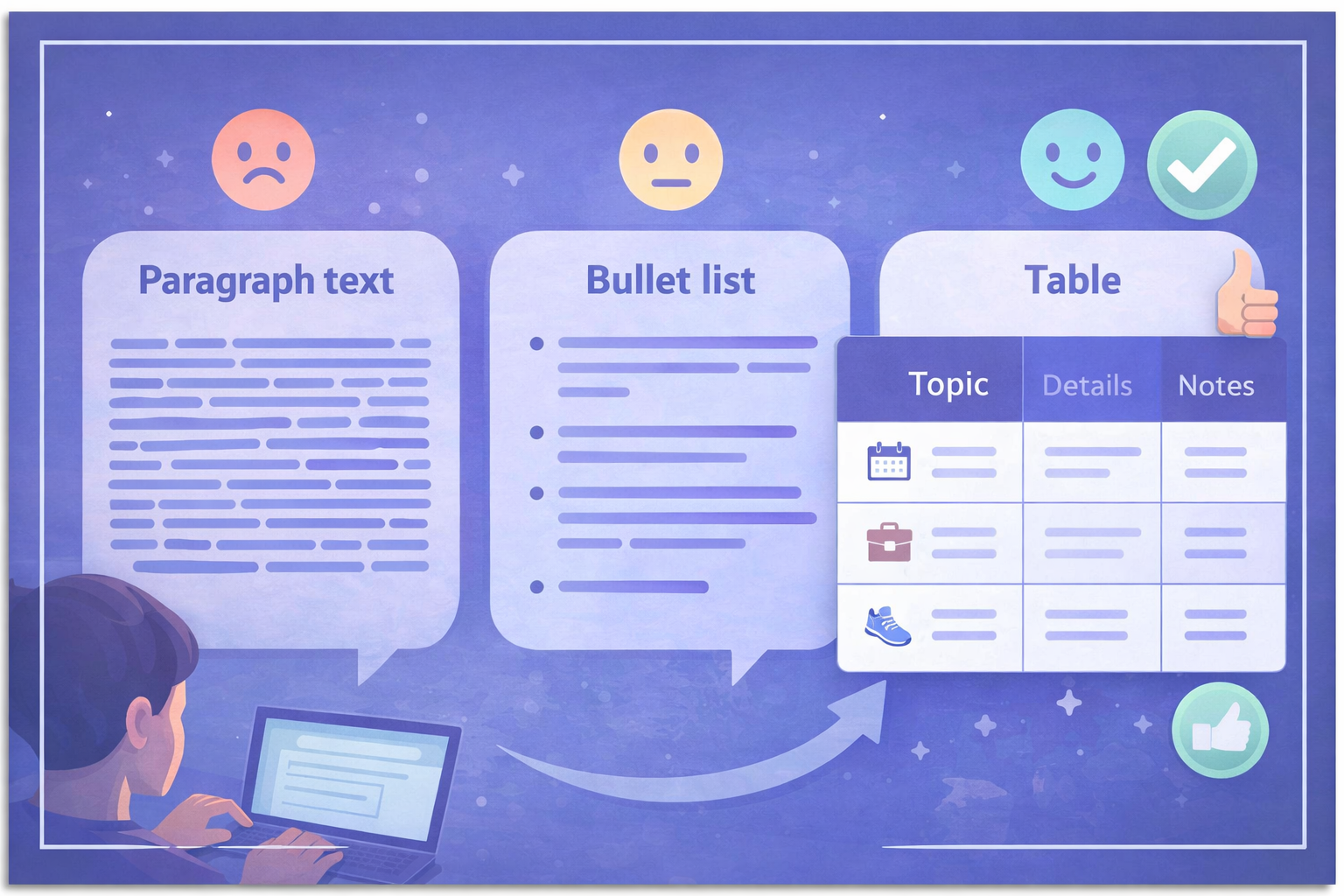 **Example phrasings:**
- `Present your answer as a table with 3 columns: pros, cons, use cases.`
- `Give me exactly 7 ideas in a numbered list.`
- `Summarize in 5 lines maximum, no technical jargon.`
- `Structure your answer with clear headings and subheadings.`
- `Start with a short 2-sentence answer, then expand for those who want more detail.`
::: info Note on images
Some models like Gemini can generate images directly in their response. If you don't explicitly ask for an image, they'll often reply with text. Always ask explicitly: "generate an image of..."
:::
## 5. Give Examples — the Few-Shot Pattern
### Showing beats explaining
Describing what you want in words is sometimes not enough — especially for stylistic or creative tasks where "the right result" is hard to articulate. The **Few-Shot** technique consists of giving one or more examples of what you expect directly in your prompt. The AI analyzes those examples and reproduces the same logic.
This approach is remarkably effective for repetitive content (template emails, social media posts, product descriptions), generating data in a specific format, or reproducing a particular tone.
**Example — Writing product descriptions in a specific style:**
> Here's a product description in our style:
>
> *"The Essential Hoodie — Soft, durable, timeless. Made from 80% organic cotton and 20% recycled polyester, this pullover takes you from the gym to the couch. Available in 6 colors. Sizes XS to XXL."*
>
> Following this model, now write a description for our new product: a 500ml stainless steel insulated water bottle that keeps drinks cold for 24 hours and hot for 12 hours, with a leak-proof lid.
The AI immediately understands the concise tone, naturally integrated technical specs and the desired structure.
::: tip When to use this technique
- Writing emails in your personal style
- Creating social media posts consistent with your brand voice
- Formatting data in a precise structure
- Reproducing a specific editorial tone
:::
## 6. Guide the Reasoning — the Chain-of-Thought Pattern
### Break complex tasks into steps
Faced with a complex task, an AI — like a human — can make mistakes if it tries to solve everything at once. The **Chain-of-Thought** technique consists of breaking your request into successive, explicit steps. You define the process, the AI executes it.
This approach has two key advantages. First, it significantly improves the quality of results on tasks that require reasoning or sequential logic. Second, it lets you validate each step and intervene if something goes off track — rather than discovering at the end that the whole direction was wrong.
Your expertise is in the driver's seat. You're no longer passive — you're actively directing the AI's work.
**Example phrasings:**
- `Present your answer as a table with 3 columns: pros, cons, use cases.`
- `Give me exactly 7 ideas in a numbered list.`
- `Summarize in 5 lines maximum, no technical jargon.`
- `Structure your answer with clear headings and subheadings.`
- `Start with a short 2-sentence answer, then expand for those who want more detail.`
::: info Note on images
Some models like Gemini can generate images directly in their response. If you don't explicitly ask for an image, they'll often reply with text. Always ask explicitly: "generate an image of..."
:::
## 5. Give Examples — the Few-Shot Pattern
### Showing beats explaining
Describing what you want in words is sometimes not enough — especially for stylistic or creative tasks where "the right result" is hard to articulate. The **Few-Shot** technique consists of giving one or more examples of what you expect directly in your prompt. The AI analyzes those examples and reproduces the same logic.
This approach is remarkably effective for repetitive content (template emails, social media posts, product descriptions), generating data in a specific format, or reproducing a particular tone.
**Example — Writing product descriptions in a specific style:**
> Here's a product description in our style:
>
> *"The Essential Hoodie — Soft, durable, timeless. Made from 80% organic cotton and 20% recycled polyester, this pullover takes you from the gym to the couch. Available in 6 colors. Sizes XS to XXL."*
>
> Following this model, now write a description for our new product: a 500ml stainless steel insulated water bottle that keeps drinks cold for 24 hours and hot for 12 hours, with a leak-proof lid.
The AI immediately understands the concise tone, naturally integrated technical specs and the desired structure.
::: tip When to use this technique
- Writing emails in your personal style
- Creating social media posts consistent with your brand voice
- Formatting data in a precise structure
- Reproducing a specific editorial tone
:::
## 6. Guide the Reasoning — the Chain-of-Thought Pattern
### Break complex tasks into steps
Faced with a complex task, an AI — like a human — can make mistakes if it tries to solve everything at once. The **Chain-of-Thought** technique consists of breaking your request into successive, explicit steps. You define the process, the AI executes it.
This approach has two key advantages. First, it significantly improves the quality of results on tasks that require reasoning or sequential logic. Second, it lets you validate each step and intervene if something goes off track — rather than discovering at the end that the whole direction was wrong.
Your expertise is in the driver's seat. You're no longer passive — you're actively directing the AI's work.
 **Comparison:**
| ❌ Vague prompt | ✅ Structured step-by-step prompt |
|---|---|
| "Help me plan a party on Saturday" | "I want to plan a party on Saturday. Do it in 3 steps:
**Comparison:**
| ❌ Vague prompt | ✅ Structured step-by-step prompt |
|---|---|
| "Help me plan a party on Saturday" | "I want to plan a party on Saturday. Do it in 3 steps: 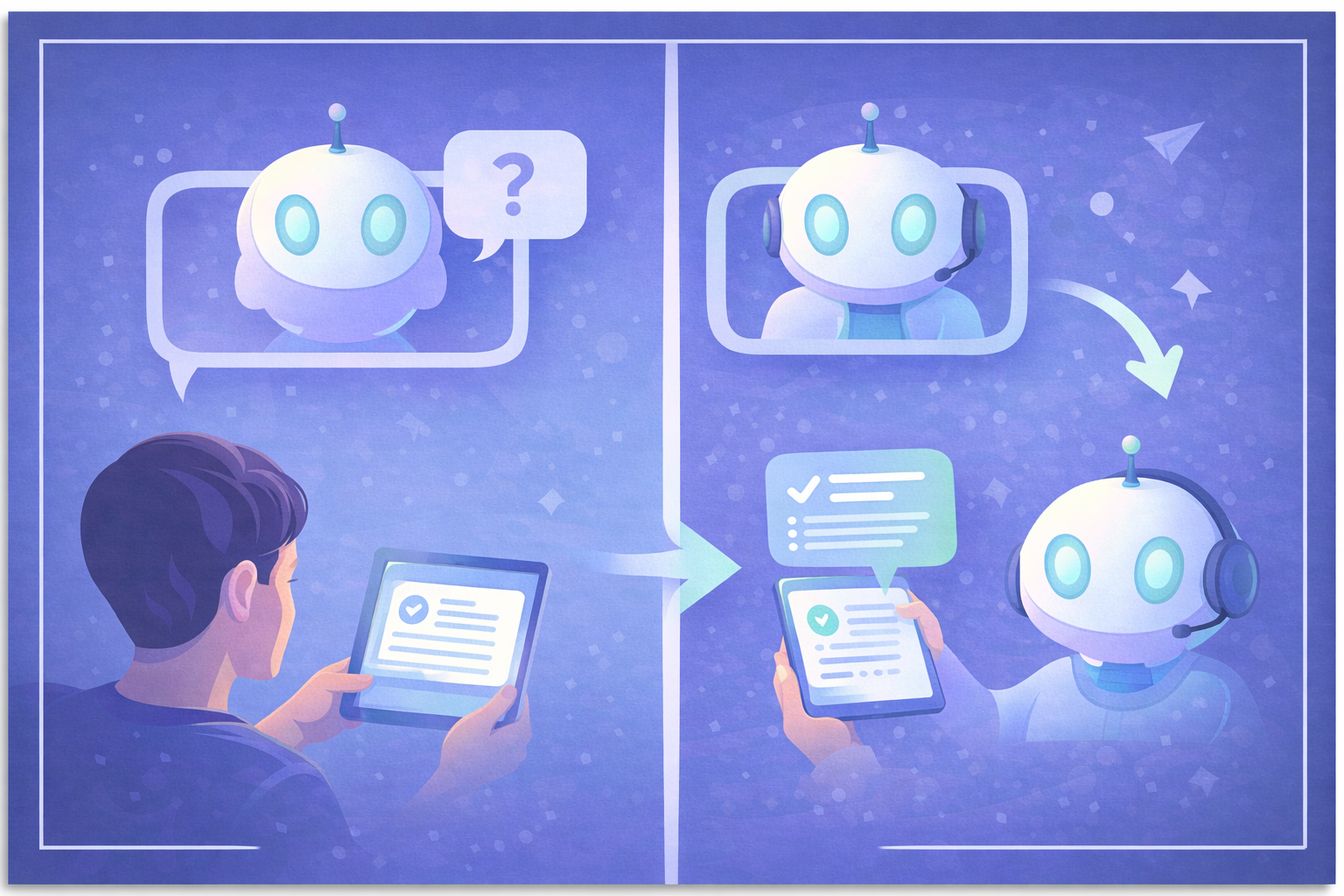 ::: tip Using Reprompt on Haloon
On [Haloon](https://haloon.ai), the **Reprompt** button lets you submit your message to another model in one click. It's ideal for cross-checking answers without manually copy-pasting between tools.
:::
You can also use this principle to improve your own prompts. Ask the AI: *"Here's the prompt I want to send. How would you improve it to get a better result?"* — a highly effective meta-use.
## 8. Define a Style
### Style is what turns bland into memorable
By default, AIs write in a neutral, polite and generic style — which is often the most boring thing possible. For images, visual style is obvious: no one confuses a watercolor with a photorealistic 3D render. But for text, the importance of style is often underestimated.
An email to organize a team outing, an email to follow up on an unpaid invoice, and an email to ask your manager for a raise all require radically different styles. Specifying the style in your prompt avoids the flat, generic prose AIs produce by default.
**For text:**
| Context | Recommended style |
|---|---|
| Sensitive professional email | "Professional tone, direct but warm, no condescending phrasing" |
| LinkedIn post | "Authentic and personal tone, strong opening line, no jargon" |
| Casual team email | "Warm and informal, light, with a touch of humor if appropriate" |
| Educational content | "Accessible tone, as if explaining to a 15-year-old, with simple analogies" |
**For images:**
Specifying a visual style is absolutely essential for image generation. Without guidance, you'll get a generic, personality-free result.
- `"In the style of a vintage 1950s poster"`
- `"Watercolor illustration, pastel palette, editorial style"`
- `"Photorealistic, natural light, cinematic grain"`
- `"Comic book style, bold outlines, vivid colors"`
::: tip Use well-known references
Ask the AI to write "in the style of Ernest Hemingway", "with the wit of Mark Twain" or "with the clarity of Neil deGrasse Tyson". For images, reference artists or art movements. These cultural anchors give the AI a much more precise target than abstract descriptions.
:::
## 9. Keep Conversations Separate
### Context is a double-edged sword
When you chat with an AI, it remembers everything said in the conversation. This can be an advantage: you can progressively build on a topic, and the AI remembers your preferences and established context. But it can also become a problem.
If you worked on project X in a conversation, then switch subjects and talk about project Y, the AI can mix up contexts and produce confused responses. The longer and more varied a conversation, the more the AI can be "polluted" by irrelevant information.
The practical rule is simple: **one conversation = one topic**. If you change your goal or want to explore a completely different approach, start a new conversation. You'll keep a clean context and well-focused responses.
::: tip Using Reprompt on Haloon
On [Haloon](https://haloon.ai), the **Reprompt** button lets you submit your message to another model in one click. It's ideal for cross-checking answers without manually copy-pasting between tools.
:::
You can also use this principle to improve your own prompts. Ask the AI: *"Here's the prompt I want to send. How would you improve it to get a better result?"* — a highly effective meta-use.
## 8. Define a Style
### Style is what turns bland into memorable
By default, AIs write in a neutral, polite and generic style — which is often the most boring thing possible. For images, visual style is obvious: no one confuses a watercolor with a photorealistic 3D render. But for text, the importance of style is often underestimated.
An email to organize a team outing, an email to follow up on an unpaid invoice, and an email to ask your manager for a raise all require radically different styles. Specifying the style in your prompt avoids the flat, generic prose AIs produce by default.
**For text:**
| Context | Recommended style |
|---|---|
| Sensitive professional email | "Professional tone, direct but warm, no condescending phrasing" |
| LinkedIn post | "Authentic and personal tone, strong opening line, no jargon" |
| Casual team email | "Warm and informal, light, with a touch of humor if appropriate" |
| Educational content | "Accessible tone, as if explaining to a 15-year-old, with simple analogies" |
**For images:**
Specifying a visual style is absolutely essential for image generation. Without guidance, you'll get a generic, personality-free result.
- `"In the style of a vintage 1950s poster"`
- `"Watercolor illustration, pastel palette, editorial style"`
- `"Photorealistic, natural light, cinematic grain"`
- `"Comic book style, bold outlines, vivid colors"`
::: tip Use well-known references
Ask the AI to write "in the style of Ernest Hemingway", "with the wit of Mark Twain" or "with the clarity of Neil deGrasse Tyson". For images, reference artists or art movements. These cultural anchors give the AI a much more precise target than abstract descriptions.
:::
## 9. Keep Conversations Separate
### Context is a double-edged sword
When you chat with an AI, it remembers everything said in the conversation. This can be an advantage: you can progressively build on a topic, and the AI remembers your preferences and established context. But it can also become a problem.
If you worked on project X in a conversation, then switch subjects and talk about project Y, the AI can mix up contexts and produce confused responses. The longer and more varied a conversation, the more the AI can be "polluted" by irrelevant information.
The practical rule is simple: **one conversation = one topic**. If you change your goal or want to explore a completely different approach, start a new conversation. You'll keep a clean context and well-focused responses.
 **When to start a new conversation:**
- You're switching projects or topics
- You want to start fresh after several unsuccessful attempts
- The conversation has become very long and responses seem inconsistent
- You're testing a different approach to the same problem
## 10. Choose the Right Model
### There is no universally best model
The AI ecosystem evolves fast: GPT-5.4, Claude 4.6, Gemini 3.1, Mistral, Llama... Every model has its strengths and weaknesses, and these change with each new release. A model that excels at writing may be mediocre at math. A fast model may be less accurate than a slower one on complex reasoning.
There's also an economic dimension: the most powerful models are generally the most expensive. For simple tasks (rephrasing a sentence, generating a list of ideas), a lighter model will be more than enough and much cheaper. For complex analysis or code generation, a more powerful model is worth the investment.
**The only real solution: test for yourself.** Take a real prompt you use regularly, submit it to several models and compare. Your criteria (speed, accuracy, style, price) may not be the same as another user's.
::: tip Personal experience
Every user develops their own preferences over time. For example, some find that Claude excels at creative writing and code, while ChatGPT shines on general analytical thinking. But these impressions are subjective and evolve with every model update.
:::
::: tip Using Reprompt on Haloon
On [Haloon](https://haloon.ai), the **Reprompt** button lets you test the same message across multiple models in one click, without switching tools. It's the most efficient way to compare models on your own use cases.
:::
## Mistakes to Avoid
### 1. Being vague or ambiguous
The prompt "help me with my project" gives the AI no anchor point. The more precise your request — context, goal, constraints, format — the more useful the response. If you're not getting what you want, re-read your prompt: was all the necessary information actually in there?
### 2. Packing multiple tasks into one prompt
`"Write me a blog post about remote work and translate it into French and also create 5 LinkedIn posts from it."` — This kind of overloaded prompt often produces mediocre results on all tasks. Each task deserves its own prompt, with the AI's full attention focused on it.
### 3. Not iterating
Your first prompt will rarely be perfect — and that's normal. Think of prompting as a conversation, not a one-shot command. After each response, refine: "that's good but too formal, rewrite with a more casual tone" or "expand on the third point in detail". This ability to iterate is what separates advanced users from beginners.
## Summary
**When to start a new conversation:**
- You're switching projects or topics
- You want to start fresh after several unsuccessful attempts
- The conversation has become very long and responses seem inconsistent
- You're testing a different approach to the same problem
## 10. Choose the Right Model
### There is no universally best model
The AI ecosystem evolves fast: GPT-5.4, Claude 4.6, Gemini 3.1, Mistral, Llama... Every model has its strengths and weaknesses, and these change with each new release. A model that excels at writing may be mediocre at math. A fast model may be less accurate than a slower one on complex reasoning.
There's also an economic dimension: the most powerful models are generally the most expensive. For simple tasks (rephrasing a sentence, generating a list of ideas), a lighter model will be more than enough and much cheaper. For complex analysis or code generation, a more powerful model is worth the investment.
**The only real solution: test for yourself.** Take a real prompt you use regularly, submit it to several models and compare. Your criteria (speed, accuracy, style, price) may not be the same as another user's.
::: tip Personal experience
Every user develops their own preferences over time. For example, some find that Claude excels at creative writing and code, while ChatGPT shines on general analytical thinking. But these impressions are subjective and evolve with every model update.
:::
::: tip Using Reprompt on Haloon
On [Haloon](https://haloon.ai), the **Reprompt** button lets you test the same message across multiple models in one click, without switching tools. It's the most efficient way to compare models on your own use cases.
:::
## Mistakes to Avoid
### 1. Being vague or ambiguous
The prompt "help me with my project" gives the AI no anchor point. The more precise your request — context, goal, constraints, format — the more useful the response. If you're not getting what you want, re-read your prompt: was all the necessary information actually in there?
### 2. Packing multiple tasks into one prompt
`"Write me a blog post about remote work and translate it into French and also create 5 LinkedIn posts from it."` — This kind of overloaded prompt often produces mediocre results on all tasks. Each task deserves its own prompt, with the AI's full attention focused on it.
### 3. Not iterating
Your first prompt will rarely be perfect — and that's normal. Think of prompting as a conversation, not a one-shot command. After each response, refine: "that's good but too formal, rewrite with a more casual tone" or "expand on the third point in detail". This ability to iterate is what separates advanced users from beginners.
## Summary
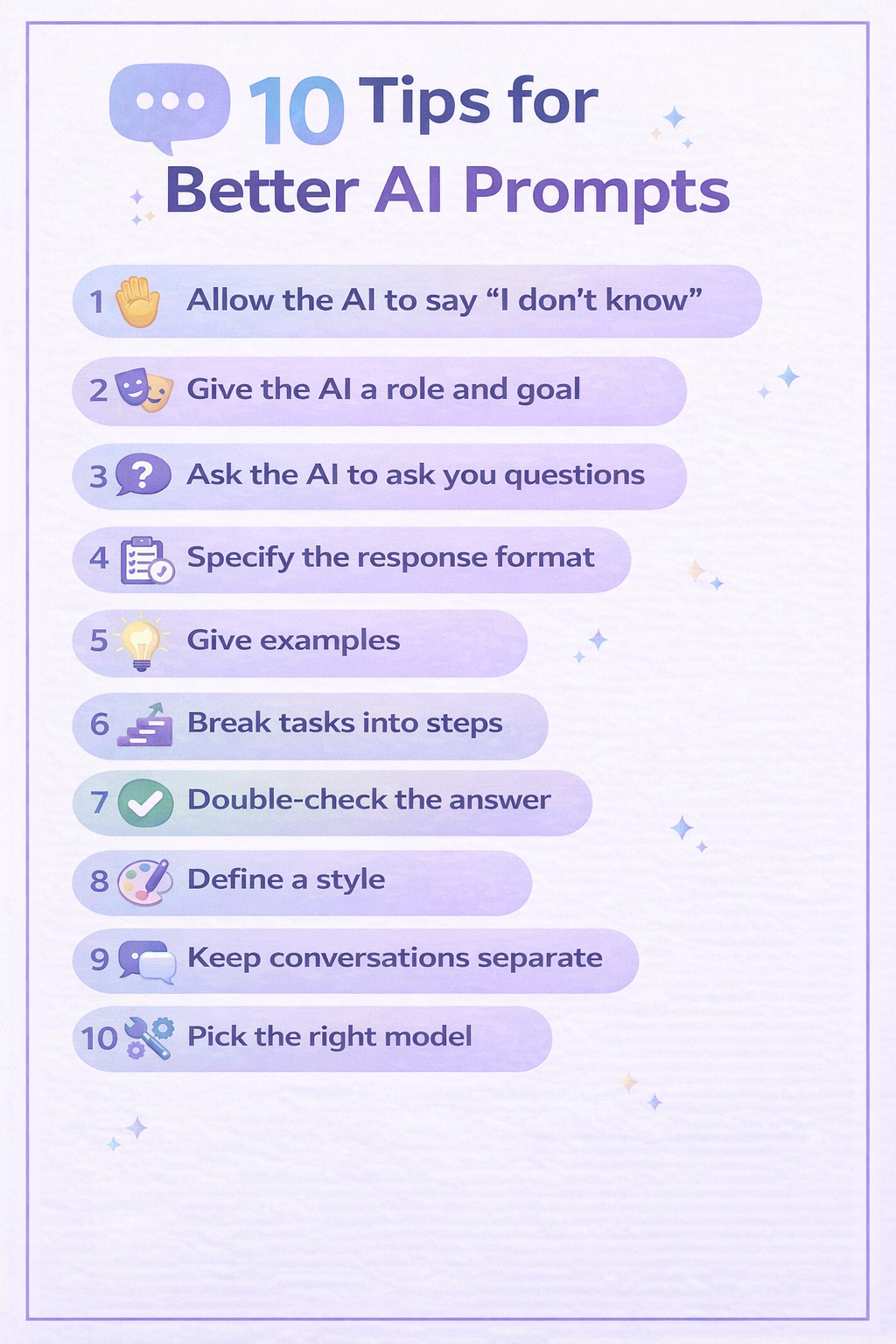 | # | Best practice | Pattern | Impact |
|---|---|---|---|
| 1 | Allow the AI to say it doesn't know | — | Reliability |
| 2 | Define a role and goal | Persona Pattern | Precision |
| 3 | Ask the AI to ask you questions | — | Context |
| 4 | Specify the response format | — | Readability |
| 5 | Give examples | Few-Shot Pattern | Consistency |
| 6 | Break into steps | Chain-of-Thought | Quality |
| 7 | Have the answer verified | — | Reliability |
| 8 | Define a style | — | Personality |
| 9 | Keep conversations separate | — | Focus |
| 10 | Choose the right model | — | Performance |
---
## First Steps with Haloon
- URL: https://haloon.ai/doc/blog/first-steps-with-haloon
- Raw: https://haloon.ai/doc/raw/blog/first-steps-with-haloon.md
- Date: 2026-03-09
- Description: A step-by-step guide to mastering Haloon — start your first chat, compare AI models, generate images and use web search effectively.
# First Steps with Haloon
*Published on March 9, 2026*
Your account is created — great. Now let's make the most of it. This guide walks you through the four essential features you'll use every day on Haloon.
## 1. Starting Your First Conversation
Open Haloon and click **New conversation** in the sidebar. You'll land on the chat interface.
| # | Best practice | Pattern | Impact |
|---|---|---|---|
| 1 | Allow the AI to say it doesn't know | — | Reliability |
| 2 | Define a role and goal | Persona Pattern | Precision |
| 3 | Ask the AI to ask you questions | — | Context |
| 4 | Specify the response format | — | Readability |
| 5 | Give examples | Few-Shot Pattern | Consistency |
| 6 | Break into steps | Chain-of-Thought | Quality |
| 7 | Have the answer verified | — | Reliability |
| 8 | Define a style | — | Personality |
| 9 | Keep conversations separate | — | Focus |
| 10 | Choose the right model | — | Performance |
---
## First Steps with Haloon
- URL: https://haloon.ai/doc/blog/first-steps-with-haloon
- Raw: https://haloon.ai/doc/raw/blog/first-steps-with-haloon.md
- Date: 2026-03-09
- Description: A step-by-step guide to mastering Haloon — start your first chat, compare AI models, generate images and use web search effectively.
# First Steps with Haloon
*Published on March 9, 2026*
Your account is created — great. Now let's make the most of it. This guide walks you through the four essential features you'll use every day on Haloon.
## 1. Starting Your First Conversation
Open Haloon and click **New conversation** in the sidebar. You'll land on the chat interface.
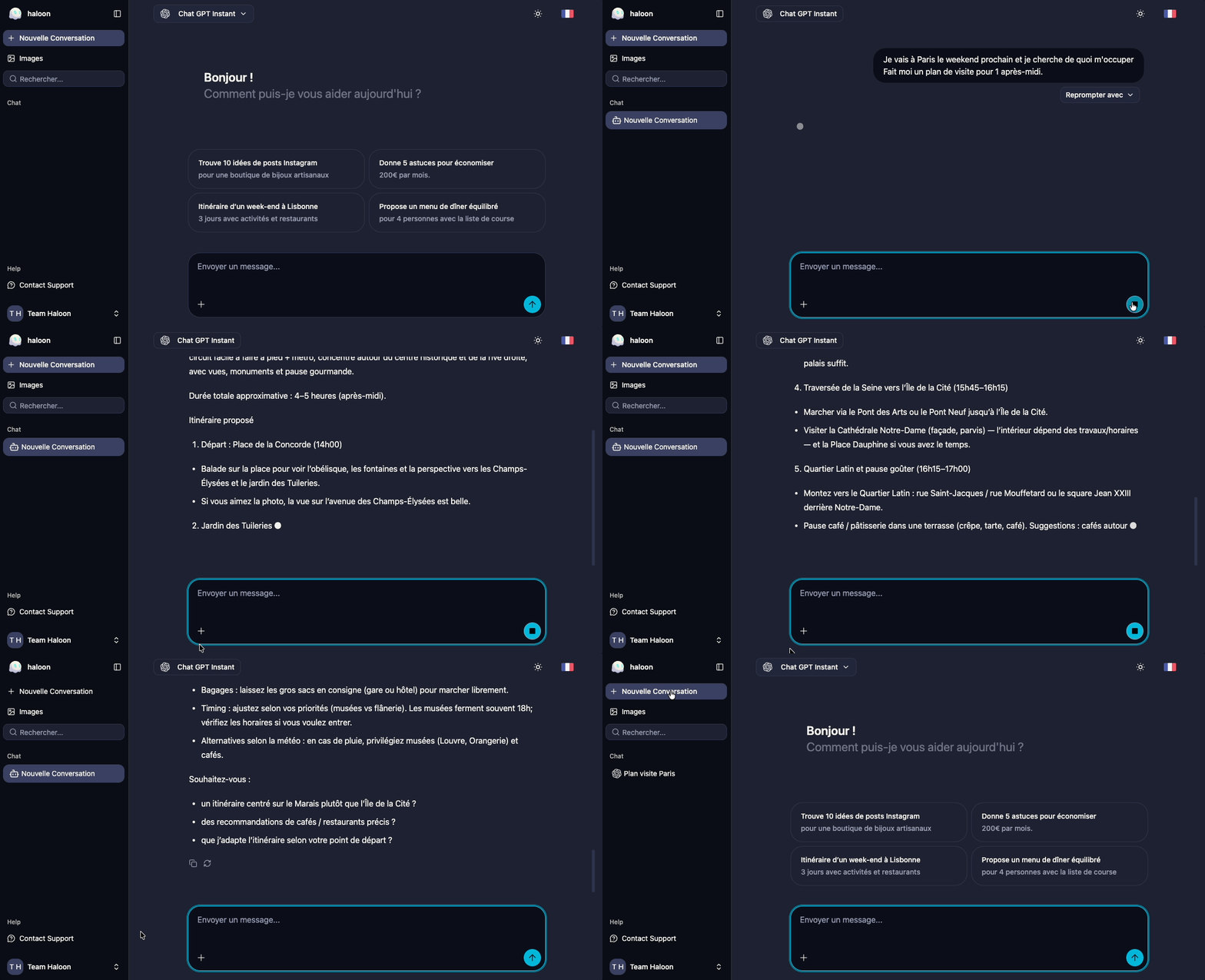 Type your first message in the text field at the bottom and press **Enter** (or click the send button). The model will start responding right away.
A few things worth knowing from the start:
- **Your conversation is saved automatically.** You'll find it in the sidebar under your history, and you can search it at any time.
- **You can give your conversation a title.** Click on the auto-generated name at the top to rename it — useful when you have dozens of conversations open.
- **You can continue any past conversation.** Just click it in the sidebar to pick up where you left off.
### Choosing your model
For each conversation, you can pick the AI model you want to use. Click the model selector at the top of the chat to open the list.
Type your first message in the text field at the bottom and press **Enter** (or click the send button). The model will start responding right away.
A few things worth knowing from the start:
- **Your conversation is saved automatically.** You'll find it in the sidebar under your history, and you can search it at any time.
- **You can give your conversation a title.** Click on the auto-generated name at the top to rename it — useful when you have dozens of conversations open.
- **You can continue any past conversation.** Just click it in the sidebar to pick up where you left off.
### Choosing your model
For each conversation, you can pick the AI model you want to use. Click the model selector at the top of the chat to open the list.
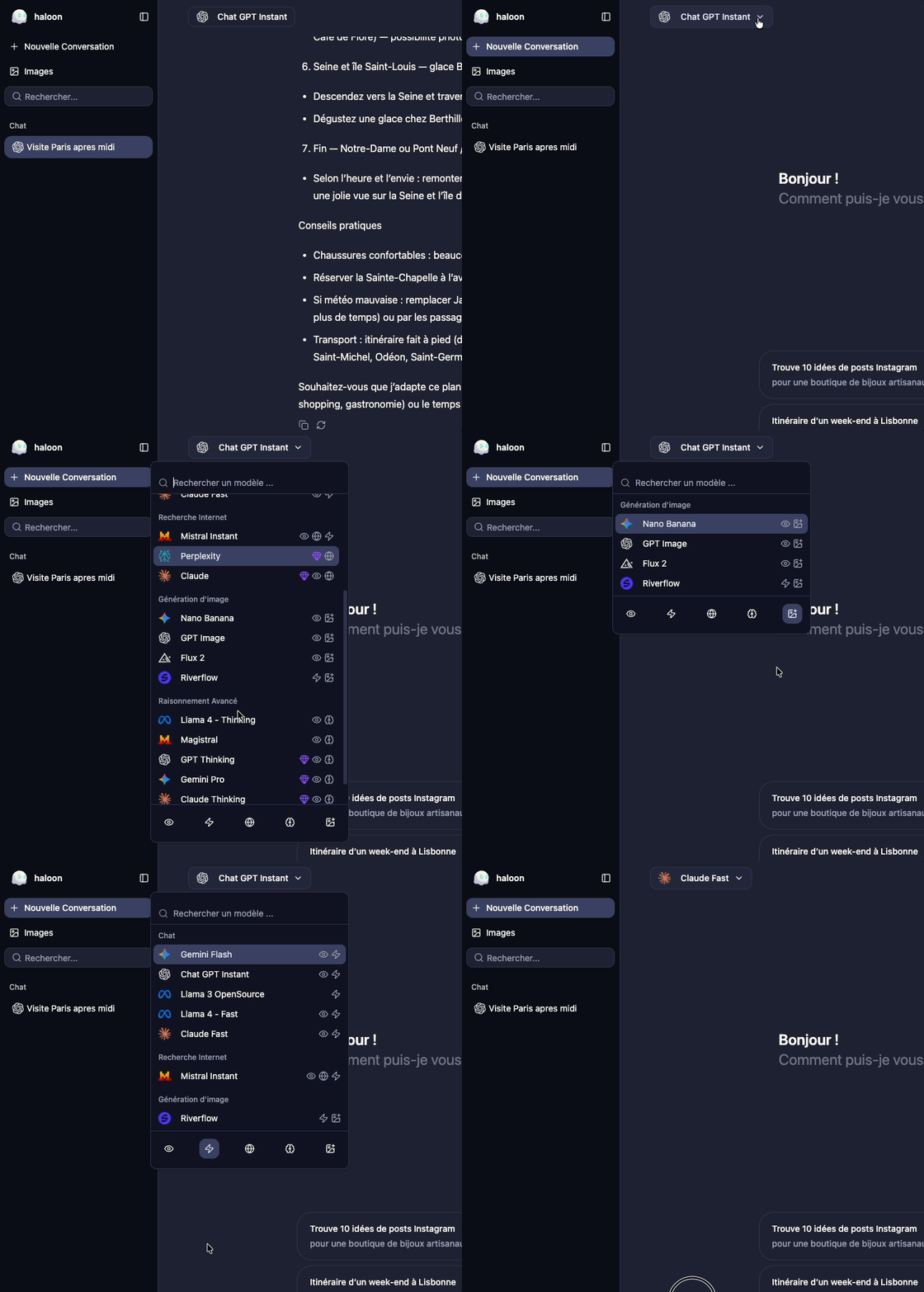 Each model has its own strengths — some are faster, some are more precise, some excel at coding or reasoning. Don't hesitate to experiment.
## 2. Comparing Models
One of Haloon's most powerful features is the **reprompt**: the ability to submit the same prompt to a different model and compare responses.
Below each of your messages, you can click the **Reprompt with** button and choose a new model to handle your message. The full conversation history is preserved and passed to the new model.
Each model has its own strengths — some are faster, some are more precise, some excel at coding or reasoning. Don't hesitate to experiment.
## 2. Comparing Models
One of Haloon's most powerful features is the **reprompt**: the ability to submit the same prompt to a different model and compare responses.
Below each of your messages, you can click the **Reprompt with** button and choose a new model to handle your message. The full conversation history is preserved and passed to the new model.
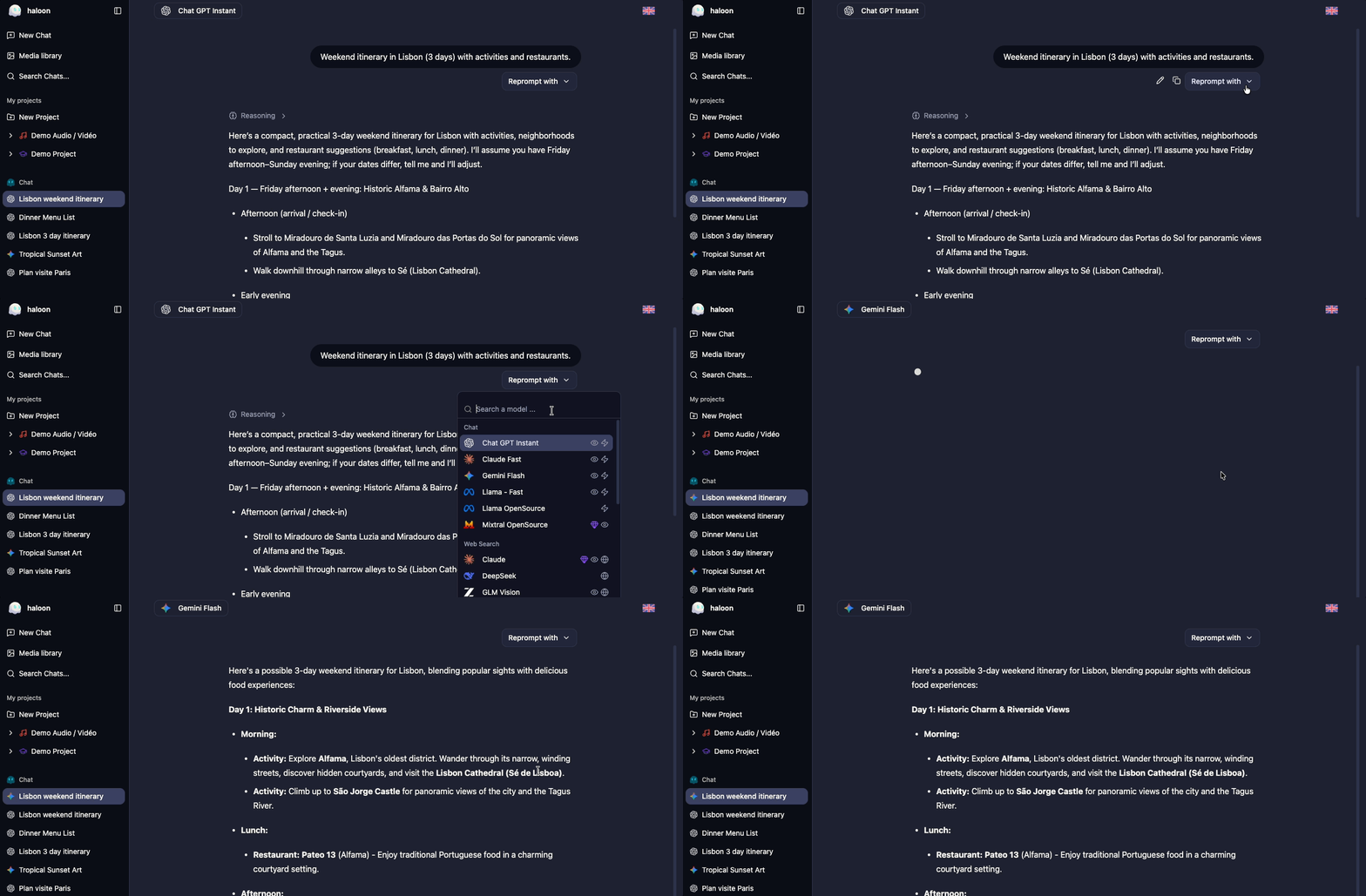 ### When to use it
- **Choosing the right model for a task** — run your actual prompt and judge the output quality directly
- **Evaluating factual accuracy** — cross-check answers between models to spot discrepancies
- **Comparing writing styles** — see which model produces the tone or format you prefer
- **Testing prompts** — iterate on your wording and observe how each model responds differently
## 3. Generating Images
Haloon gives you access to multiple image generation models from a single interface.
### Starting an image generation
Open a new conversation and choose an image generation model.
Describe the image you want to generate — be as specific as possible for better results.
### When to use it
- **Choosing the right model for a task** — run your actual prompt and judge the output quality directly
- **Evaluating factual accuracy** — cross-check answers between models to spot discrepancies
- **Comparing writing styles** — see which model produces the tone or format you prefer
- **Testing prompts** — iterate on your wording and observe how each model responds differently
## 3. Generating Images
Haloon gives you access to multiple image generation models from a single interface.
### Starting an image generation
Open a new conversation and choose an image generation model.
Describe the image you want to generate — be as specific as possible for better results.
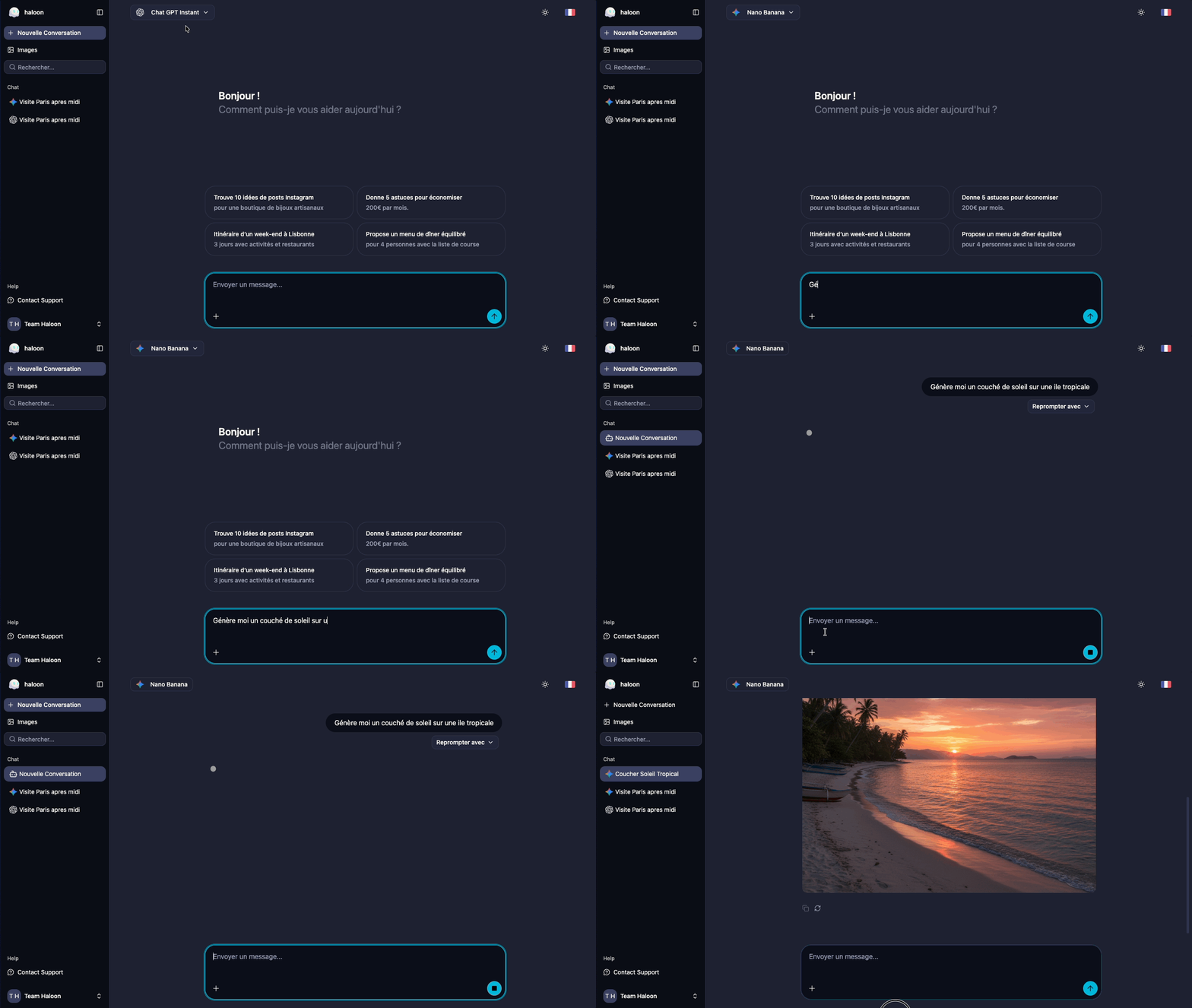 ### Tips for better results
- **Be descriptive** — include style, colors, mood, composition and subject
- **Specify the format** — mention if you need a square, landscape or portrait image
- **Iterate** — if the result isn't quite right, refine your description and generate again
### Accessing your gallery
Every image you generate is saved automatically. To access all your past generations:
1. Click **Images** in the left sidebar
2. Browse your images by date or search them
3. Click any image to view it full size, download it or use it as a starting point for a new generation
## 4. Using Web Search
AI models are trained on data up to a certain date — they don't know what happened yesterday. Web search fixes that.
Open a new conversation and choose a model with internet access. These are models with the icon. The model will then automatically decide whether it needs to perform a web search.
### What it changes
| Without web search | With web search |
|---|---|
| Knowledge limited to training data | Access to current information |
| May hallucinate recent facts | Answers grounded in real sources |
| No source citations | Sources cited in the response |
### Why it matters
Web search is particularly valuable for:
- **Current events** — news, market prices, sports results, product releases
- **Research** — getting up-to-date statistics, studies or documentation
- **Fact-checking** — verifying claims against live sources
- **Technical questions** — latest library versions, recent changelogs, current best practices
::: tip
Want to force a web search? Just ask explicitly in your prompt.
:::
## 5. Generating Audio
Haloon offers two types of audio generation depending on your need.
### Text-to-speech with GPT-Audio
To convert text to speech, select a **GPT-Audio** model from the list. Paste or type the text you want read aloud and start the generation. The audio file can be downloaded directly from the conversation.
### Music generation with Lyria 3
**Lyria 3** is a model specialized in music creation. It generates original tracks from a text description of the style, mood and instruments you want.
Example prompt for Lyria 3:
> Upbeat electronic track with a driving synth bass, punchy kick drum and bright arpeggiated leads. Energy level high, suitable for a product demo or tech presentation. 90 BPM.
### Tips for better results
- **Be descriptive** — include style, colors, mood, composition and subject
- **Specify the format** — mention if you need a square, landscape or portrait image
- **Iterate** — if the result isn't quite right, refine your description and generate again
### Accessing your gallery
Every image you generate is saved automatically. To access all your past generations:
1. Click **Images** in the left sidebar
2. Browse your images by date or search them
3. Click any image to view it full size, download it or use it as a starting point for a new generation
## 4. Using Web Search
AI models are trained on data up to a certain date — they don't know what happened yesterday. Web search fixes that.
Open a new conversation and choose a model with internet access. These are models with the icon. The model will then automatically decide whether it needs to perform a web search.
### What it changes
| Without web search | With web search |
|---|---|
| Knowledge limited to training data | Access to current information |
| May hallucinate recent facts | Answers grounded in real sources |
| No source citations | Sources cited in the response |
### Why it matters
Web search is particularly valuable for:
- **Current events** — news, market prices, sports results, product releases
- **Research** — getting up-to-date statistics, studies or documentation
- **Fact-checking** — verifying claims against live sources
- **Technical questions** — latest library versions, recent changelogs, current best practices
::: tip
Want to force a web search? Just ask explicitly in your prompt.
:::
## 5. Generating Audio
Haloon offers two types of audio generation depending on your need.
### Text-to-speech with GPT-Audio
To convert text to speech, select a **GPT-Audio** model from the list. Paste or type the text you want read aloud and start the generation. The audio file can be downloaded directly from the conversation.
### Music generation with Lyria 3
**Lyria 3** is a model specialized in music creation. It generates original tracks from a text description of the style, mood and instruments you want.
Example prompt for Lyria 3:
> Upbeat electronic track with a driving synth bass, punchy kick drum and bright arpeggiated leads. Energy level high, suitable for a product demo or tech presentation. 90 BPM.
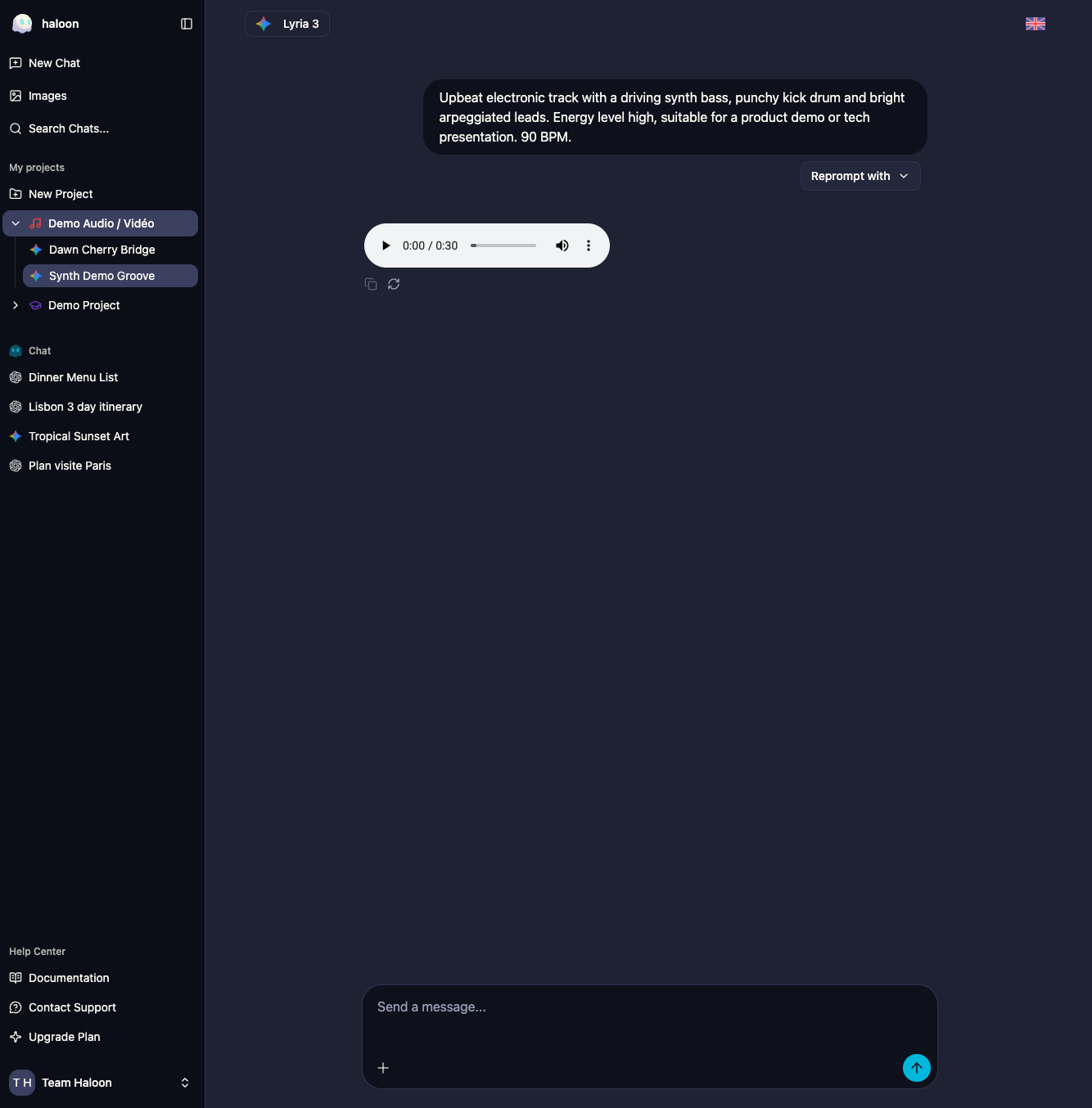 ## 6. Generating a Video
Haloon gives you access to video generation models that can create short clips from a text description.
### Starting a video generation
Open a new conversation and choose a video model from the list. Describe the scene you want animated — the more precise you are about movement, mood and duration, the better the result.
### Imposing a style with a reference image
You can attach an image to your message to impose a specific visual style or composition. The model will use it as a reference to keep the generated video visually consistent.
Example prompt:
> A serene Japanese garden at dawn, cherry blossom petals slowly falling, a wooden bridge reflected in still water. Camera gently pans right. Cinematic, shallow depth of field, soft morning light. 5 seconds.
## 6. Generating a Video
Haloon gives you access to video generation models that can create short clips from a text description.
### Starting a video generation
Open a new conversation and choose a video model from the list. Describe the scene you want animated — the more precise you are about movement, mood and duration, the better the result.
### Imposing a style with a reference image
You can attach an image to your message to impose a specific visual style or composition. The model will use it as a reference to keep the generated video visually consistent.
Example prompt:
> A serene Japanese garden at dawn, cherry blossom petals slowly falling, a wooden bridge reflected in still water. Camera gently pans right. Cinematic, shallow depth of field, soft morning light. 5 seconds.
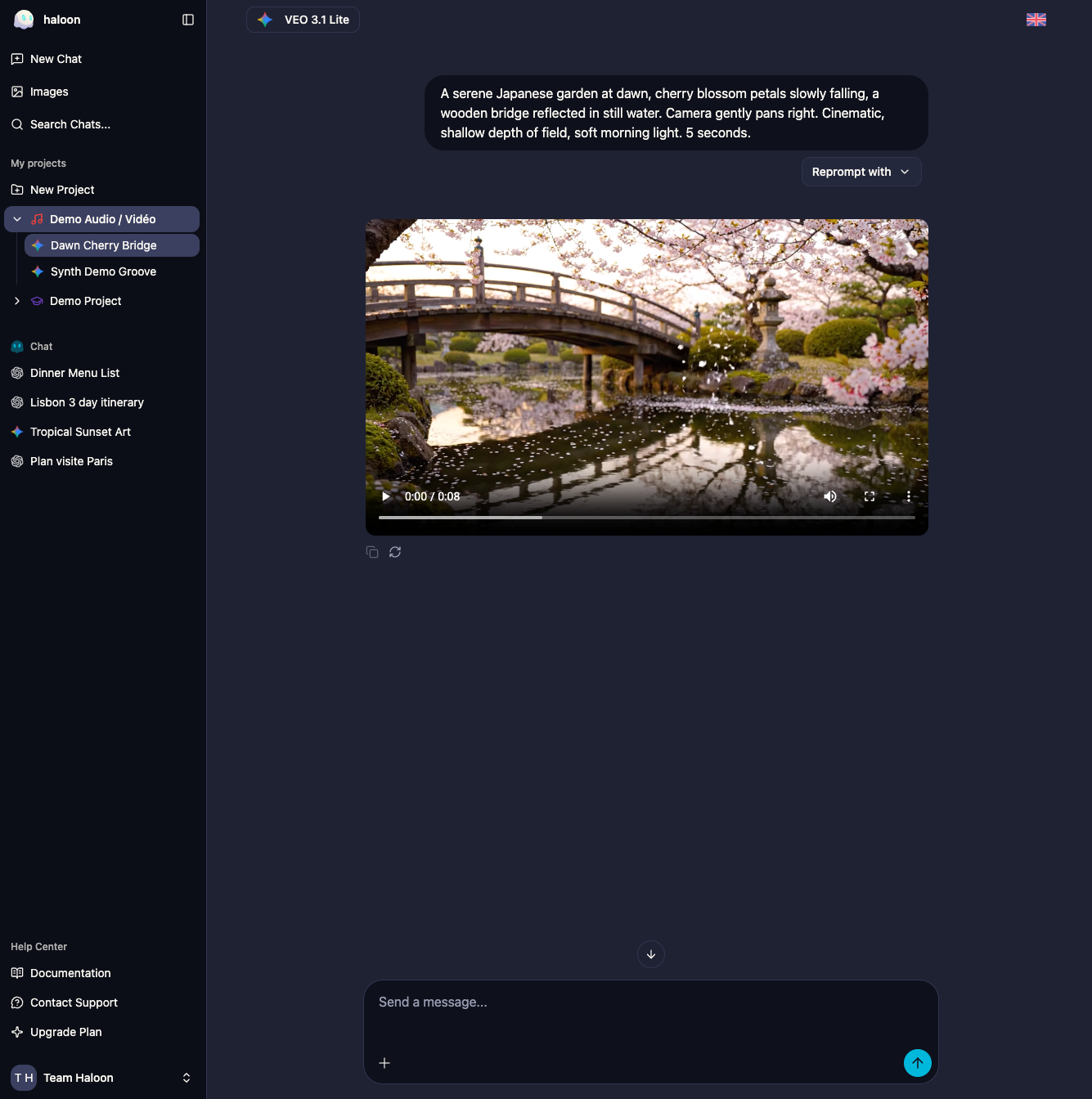 ---
## Getting Started with Haloon
- URL: https://haloon.ai/doc/blog/getting-started-with-haloon
- Raw: https://haloon.ai/doc/raw/blog/getting-started-with-haloon.md
- Date: 2026-03-09
- Description: Learn how to get up and running with Haloon, the multi-model AI chat platform supporting OpenAI, Anthropic, Google and more.
# Getting Started with Haloon
*Published on March 9, 2026*
Welcome to Haloon — a multi-model AI chat platform that gives you access to the best language models from OpenAI, Anthropic, Google, Mistral, DeepSeek and more, all in one place.
## What is Haloon?
Haloon lets you chat with state-of-the-art AI models, generate images, analyze documents and use web search — without switching between different tools or managing multiple subscriptions.
## Key Features
- **Multi-model support** — Switch between GPT-5, Claude, Gemini and others in a single conversation
- **Image generation** — Create images with GPT-Image, NanoBanana and more
- **Vision** — Analyze your images or chat with your documents
- **Thinking models** — Access models specialized in complex tasks
- **Web search** — Validate AI responses with real-time web results
- **Audio generation** — Text-to-speech with GPT-Audio and music generation with Lyria 3
- **Video generation** — Create video sequences from a text description, with optional style reference image
## Haloon Makes Your Life Easier
- **All your history in one place** — Find any conversation in seconds with a single search, no matter how far back it was
- **All your files centralized** — Images, PDFs and documents stored on the same platform, always at hand
- **One subscription to simplify your life** — Access all models and features without juggling multiple accounts and billing pages
## Getting Started
1. Create your free account at [haloon.ai](https://haloon.ai)
2. Start a new conversation and pick your preferred model
3. Explore the settings to customize your experience
## Using the API
If you want to integrate Haloon into your own applications, check out the [API documentation](https://haloon.ai/doc/api).
## What's Next?
- [First Steps with Haloon](https://haloon.ai/doc/blog/first-steps-with-haloon)
- [Install Haloon on Your Phone](https://haloon.ai/doc/blog/install-haloon-on-your-phone)
---
## Install Haloon on Your Phone
- URL: https://haloon.ai/doc/blog/install-haloon-on-your-phone
- Raw: https://haloon.ai/doc/raw/blog/install-haloon-on-your-phone.md
- Date: 2026-03-09
- Description: Learn how to add Haloon to your home screen on iOS and Android for a native app-like experience — no app store required.
# Install Haloon on Your Phone
*Published on March 9, 2026*
Haloon works directly in your browser — which means you can add it to your home screen and use it just like a native app, with no App Store or Google Play involved. It launches full screen, stays signed in, and is always up to date.
Here's how to do it on iPhone and Android.
---
## On iPhone (Safari)
::: warning Use Safari
This only works with **Safari** on iOS. If you're using Chrome or another browser on your iPhone, open Haloon in Safari first.
:::
**Step 1 — Open Haloon in Safari**
Go to [haloon.ai](https://haloon.ai/app) in Safari and sign in to your account.
**Step 2 — Tap the Share button**
At the bottom of the screen, tap the button with 3 dots at the bottom right.(
)
---
## Getting Started with Haloon
- URL: https://haloon.ai/doc/blog/getting-started-with-haloon
- Raw: https://haloon.ai/doc/raw/blog/getting-started-with-haloon.md
- Date: 2026-03-09
- Description: Learn how to get up and running with Haloon, the multi-model AI chat platform supporting OpenAI, Anthropic, Google and more.
# Getting Started with Haloon
*Published on March 9, 2026*
Welcome to Haloon — a multi-model AI chat platform that gives you access to the best language models from OpenAI, Anthropic, Google, Mistral, DeepSeek and more, all in one place.
## What is Haloon?
Haloon lets you chat with state-of-the-art AI models, generate images, analyze documents and use web search — without switching between different tools or managing multiple subscriptions.
## Key Features
- **Multi-model support** — Switch between GPT-5, Claude, Gemini and others in a single conversation
- **Image generation** — Create images with GPT-Image, NanoBanana and more
- **Vision** — Analyze your images or chat with your documents
- **Thinking models** — Access models specialized in complex tasks
- **Web search** — Validate AI responses with real-time web results
- **Audio generation** — Text-to-speech with GPT-Audio and music generation with Lyria 3
- **Video generation** — Create video sequences from a text description, with optional style reference image
## Haloon Makes Your Life Easier
- **All your history in one place** — Find any conversation in seconds with a single search, no matter how far back it was
- **All your files centralized** — Images, PDFs and documents stored on the same platform, always at hand
- **One subscription to simplify your life** — Access all models and features without juggling multiple accounts and billing pages
## Getting Started
1. Create your free account at [haloon.ai](https://haloon.ai)
2. Start a new conversation and pick your preferred model
3. Explore the settings to customize your experience
## Using the API
If you want to integrate Haloon into your own applications, check out the [API documentation](https://haloon.ai/doc/api).
## What's Next?
- [First Steps with Haloon](https://haloon.ai/doc/blog/first-steps-with-haloon)
- [Install Haloon on Your Phone](https://haloon.ai/doc/blog/install-haloon-on-your-phone)
---
## Install Haloon on Your Phone
- URL: https://haloon.ai/doc/blog/install-haloon-on-your-phone
- Raw: https://haloon.ai/doc/raw/blog/install-haloon-on-your-phone.md
- Date: 2026-03-09
- Description: Learn how to add Haloon to your home screen on iOS and Android for a native app-like experience — no app store required.
# Install Haloon on Your Phone
*Published on March 9, 2026*
Haloon works directly in your browser — which means you can add it to your home screen and use it just like a native app, with no App Store or Google Play involved. It launches full screen, stays signed in, and is always up to date.
Here's how to do it on iPhone and Android.
---
## On iPhone (Safari)
::: warning Use Safari
This only works with **Safari** on iOS. If you're using Chrome or another browser on your iPhone, open Haloon in Safari first.
:::
**Step 1 — Open Haloon in Safari**
Go to [haloon.ai](https://haloon.ai/app) in Safari and sign in to your account.
**Step 2 — Tap the Share button**
At the bottom of the screen, tap the button with 3 dots at the bottom right.(
)